
BridgeHelper
A 1.8.9 Forge mod that gives you live feedback while you're fast-bridging.
截图
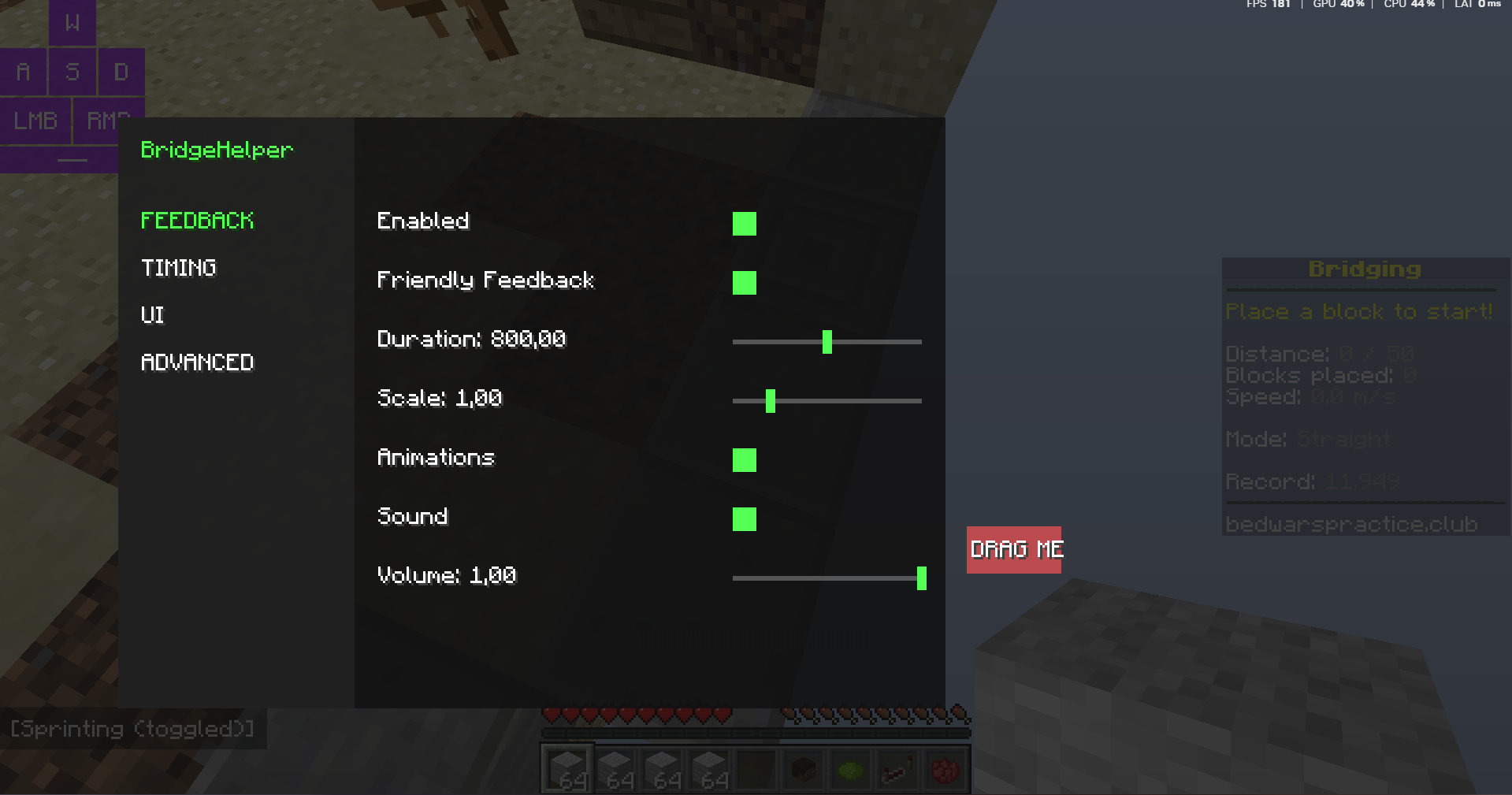
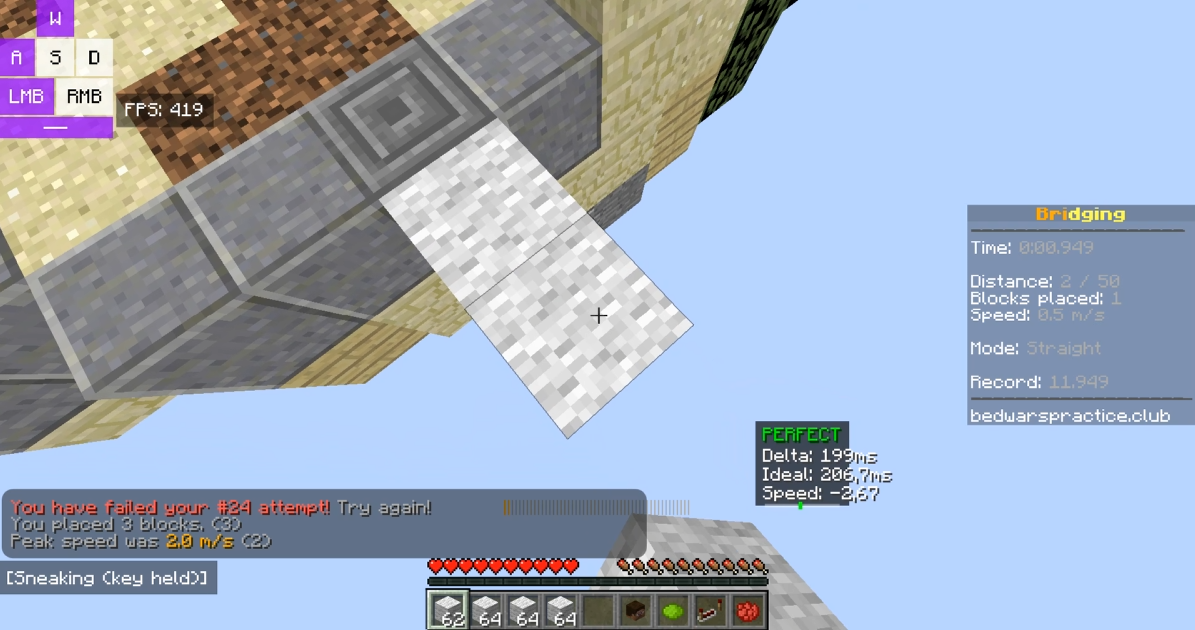
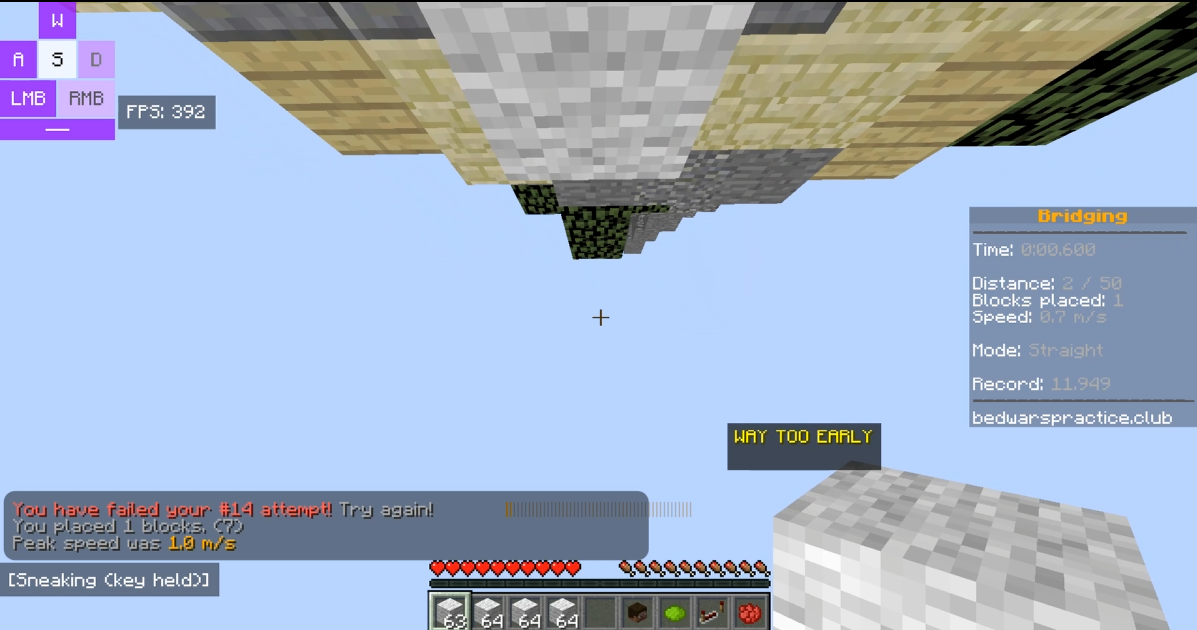
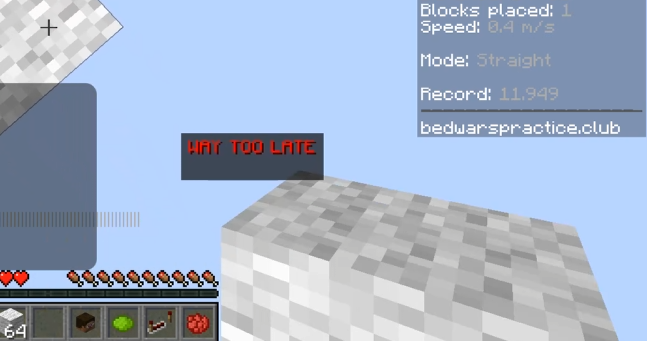
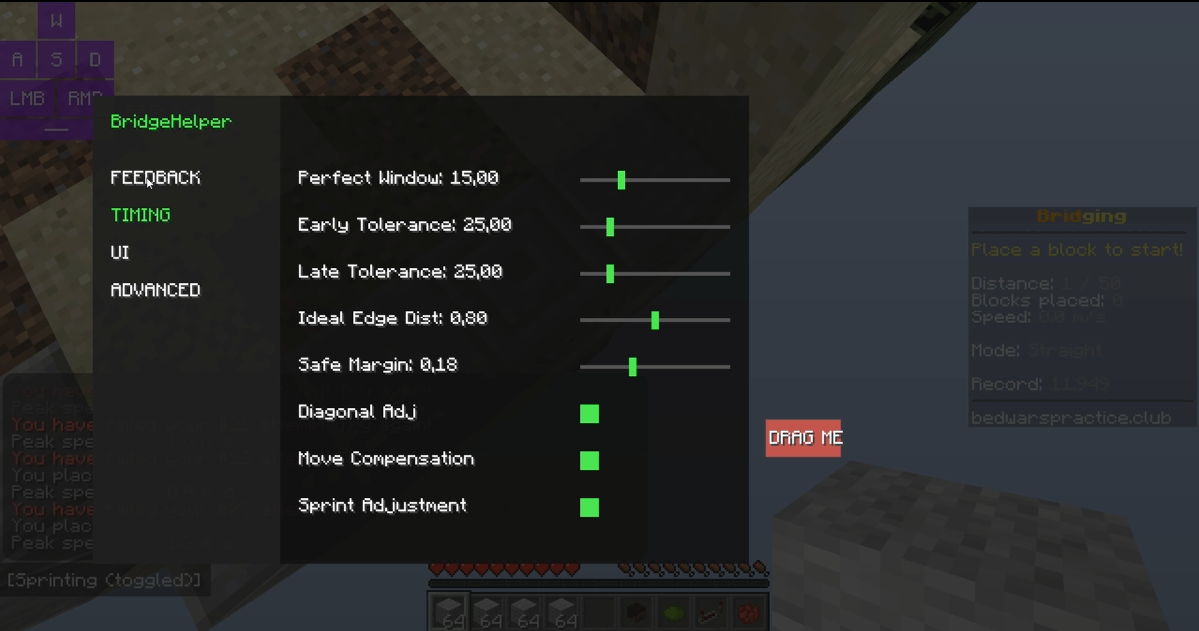
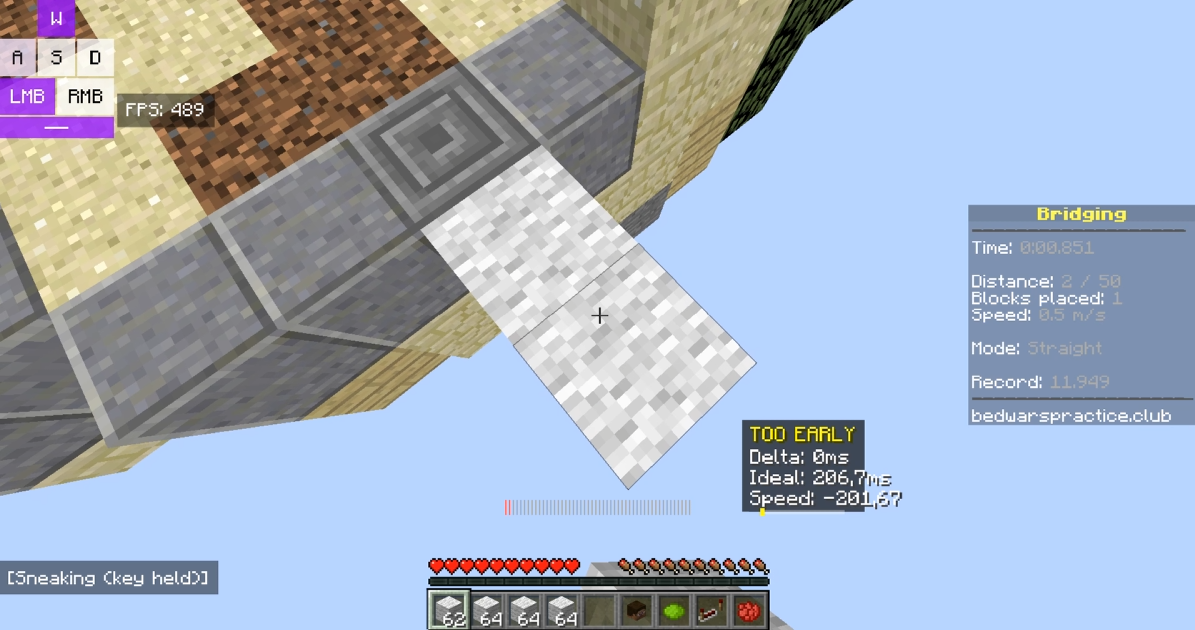
介绍
BridgeHelper is a Forge 1.8.9 mod that shows you your speed-bridging timing in real time — while you’re actually bridging, not after you’ve already fallen.

Configuration GUI Keybind: _M_
It reads your raw keyboard input to calculate exactly when you’re hitting your placement window, with sub-tick accuracy.
That means the feedback you see is based on your real movement, not just what the game has processed yet. You can view the raw millisecond data or switch to simple plain-English messages depending on what you prefer.
If your bridging feels inconsistent but you can’t figure out why, this mod is what you’re missing. Silent trial-and-error is a slow way to build muscle memory – instant feedback isn’t.
A few things to know before downloading:
Requires Minecraft Forge 1.8.9. Support for modern versions will be coming in the future.
Press M in-game to open settings and position your HUD
The mod only activates while you’re actively bridging, so it won’t clutter your screen otherwise
常见问题
BridgeHelper 支持哪些 Minecraft 版本?
BridgeHelper 支持 Minecraft Java 版 1.8.9,可用的加载器:Forge。下载时注意选择和你游戏版本一致的文件。
BridgeHelper 怎么安装?
先用 PCL2 或 HMCL 启动器安装对应版本的 Forge,再把下载的 .jar 文件放进游戏目录的 mods 文件夹,重新启动游戏即可。开启了版本隔离的,mods 文件夹在 versions/版本名 下面。运行环境:仅客户端。
评论
登录后评论和评分