
Bricklands
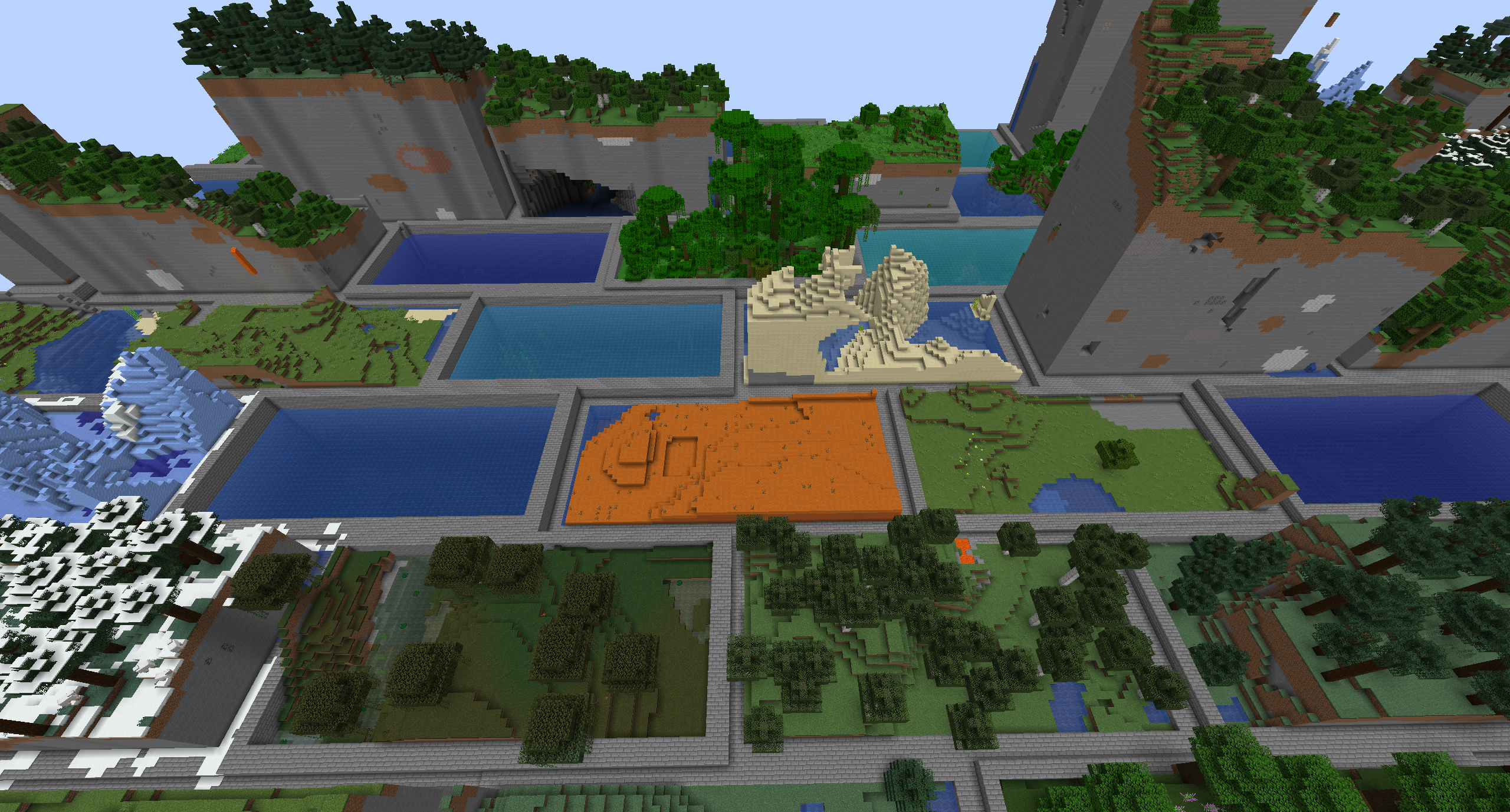
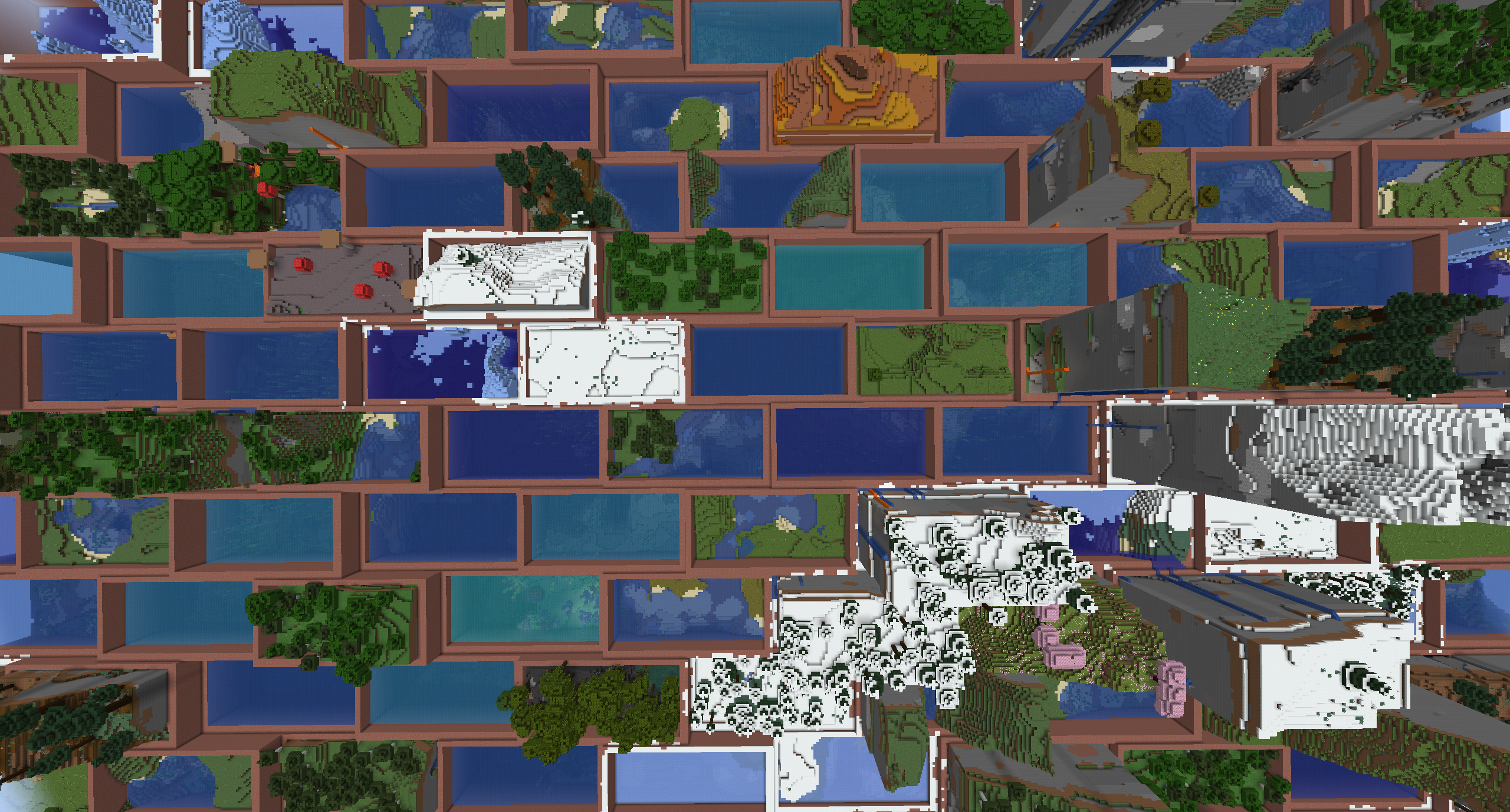
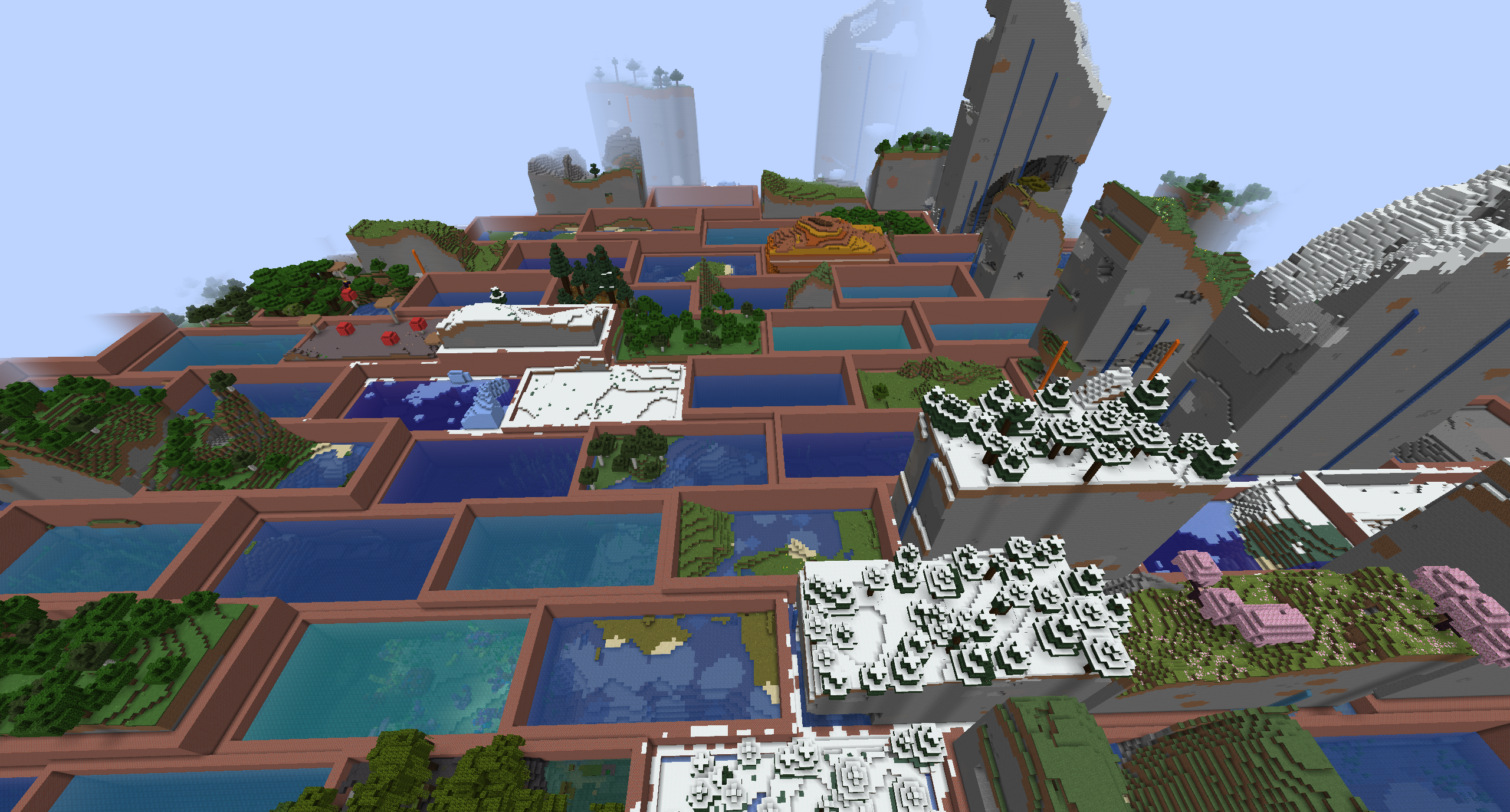
Turns your world generation into staggered bricks with different biomes! Inspired by the Hexlands mod
截图
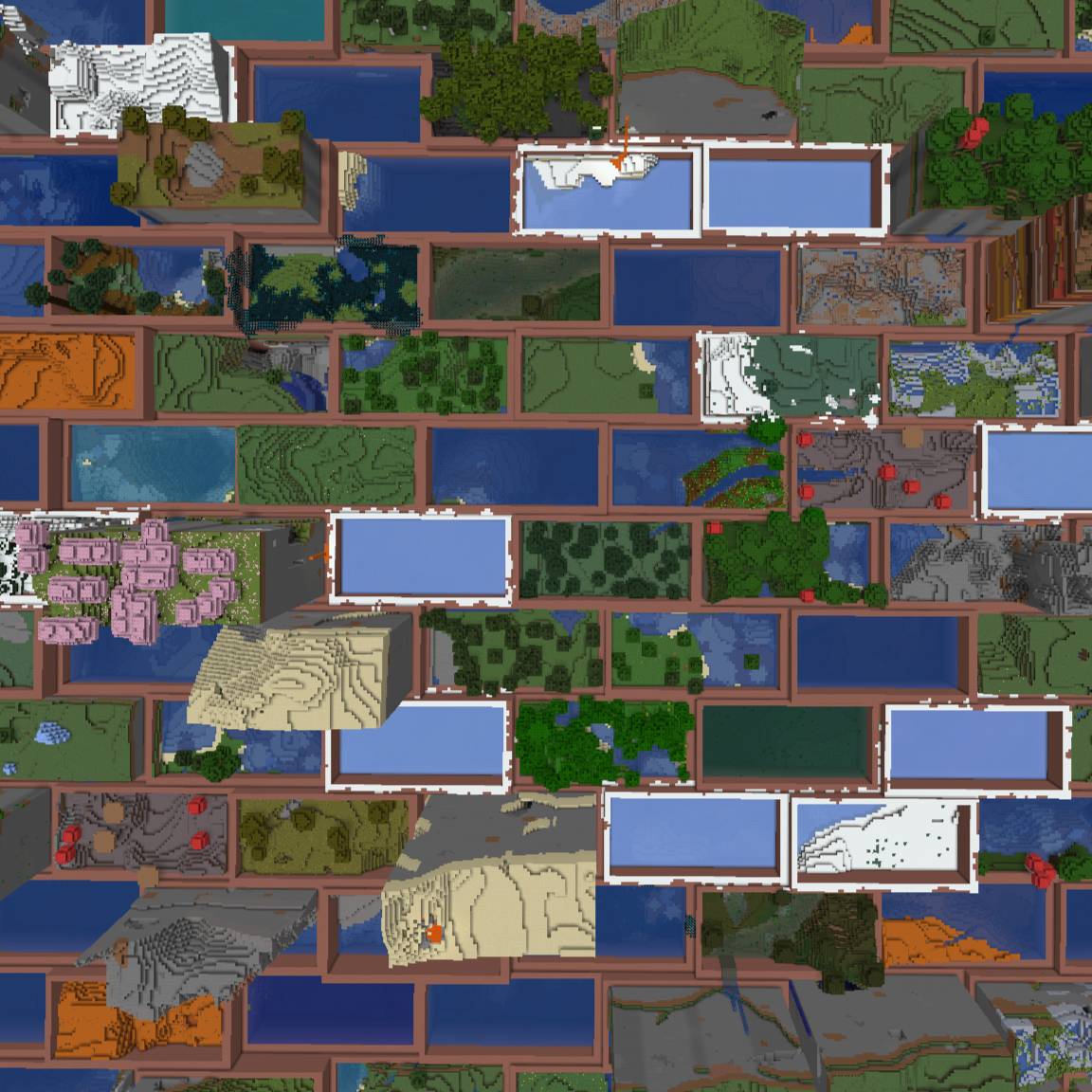
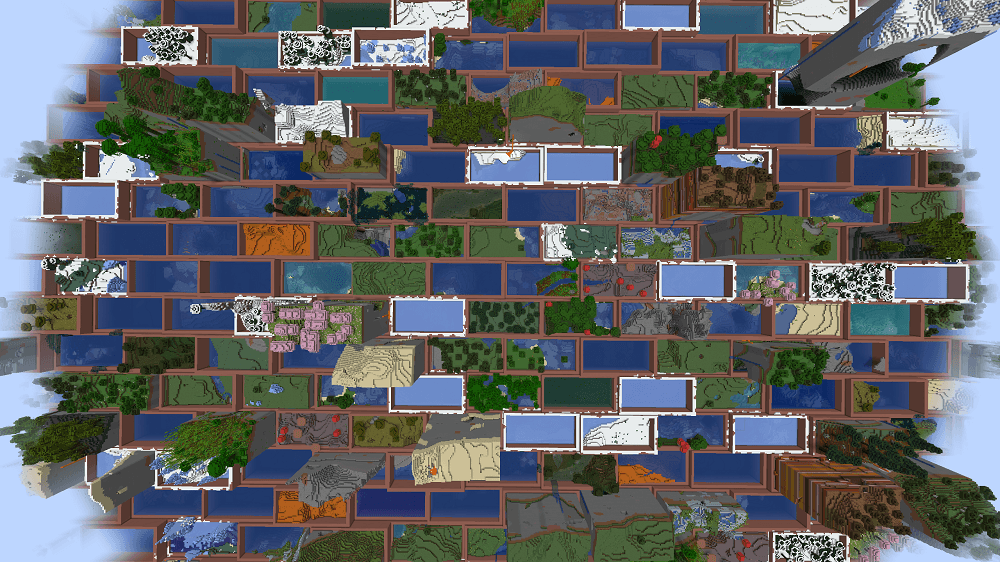
介绍
This mod is based on HexLands by AlcatrazEscapee (MIT), rewritten so biomes sit on a staggered brick grid instead of hexes. HexLands itself is based on the original Hex Lands (2019) by superfluke, anonlinux777, and TehNut.
Features
- Adds two world type presets: "Bricklands", and "Bricklands (Overworld)". The former enables brick terrain generation in the overworld and the nether; the latter only enables it in the overworld. The world create Customize button edits brick size, rims, merge-same-biome, and random biomes.
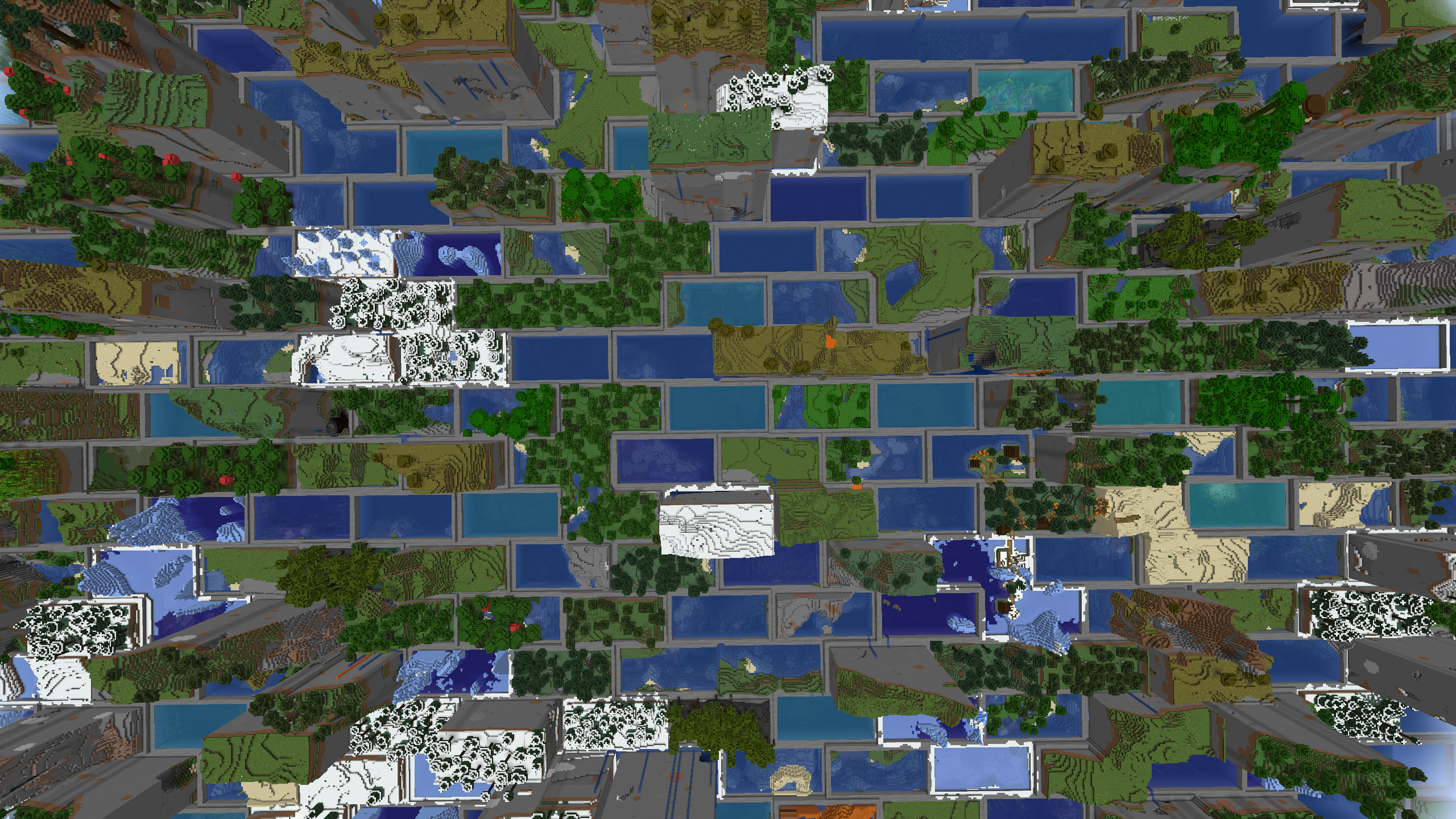
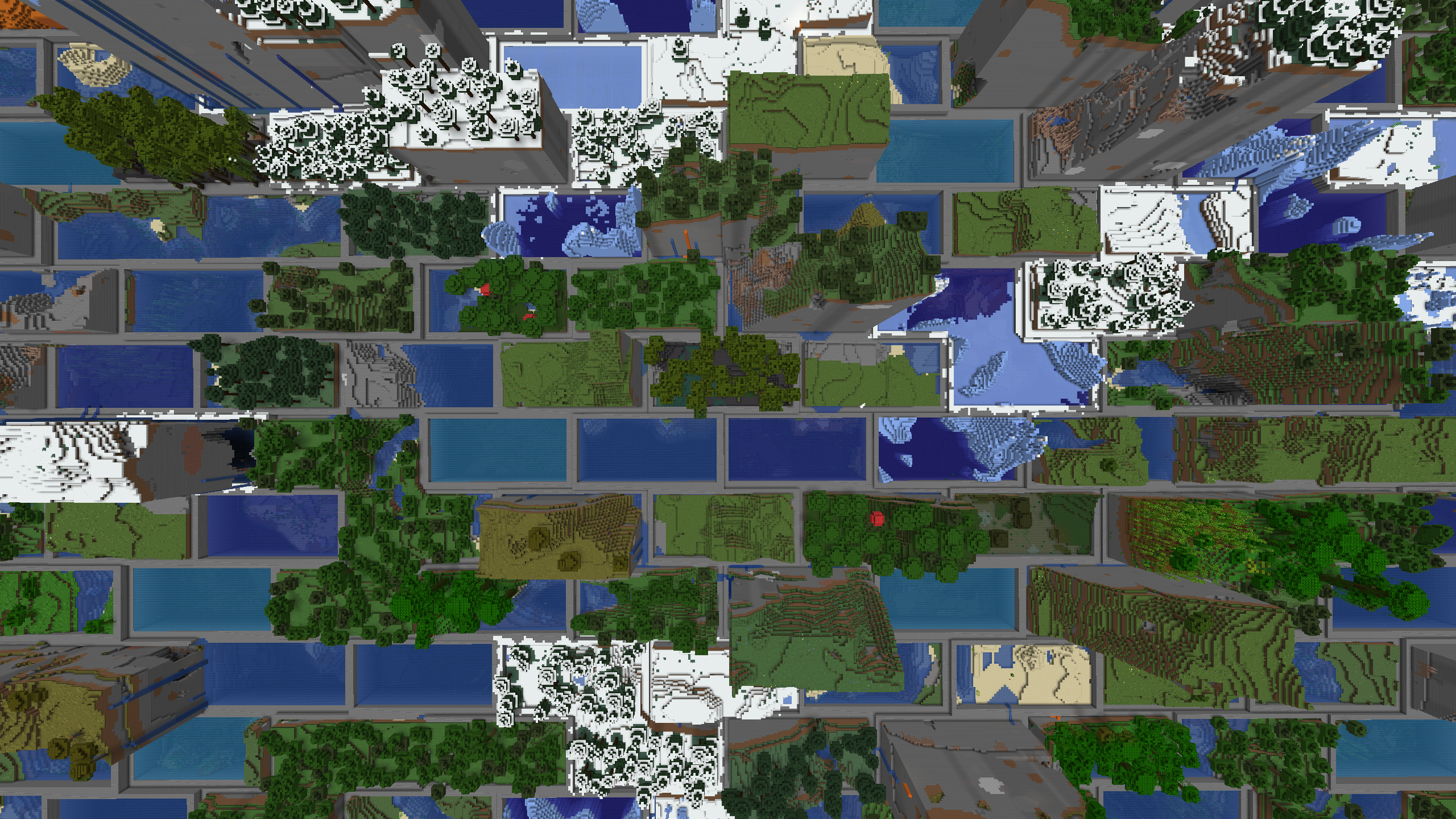
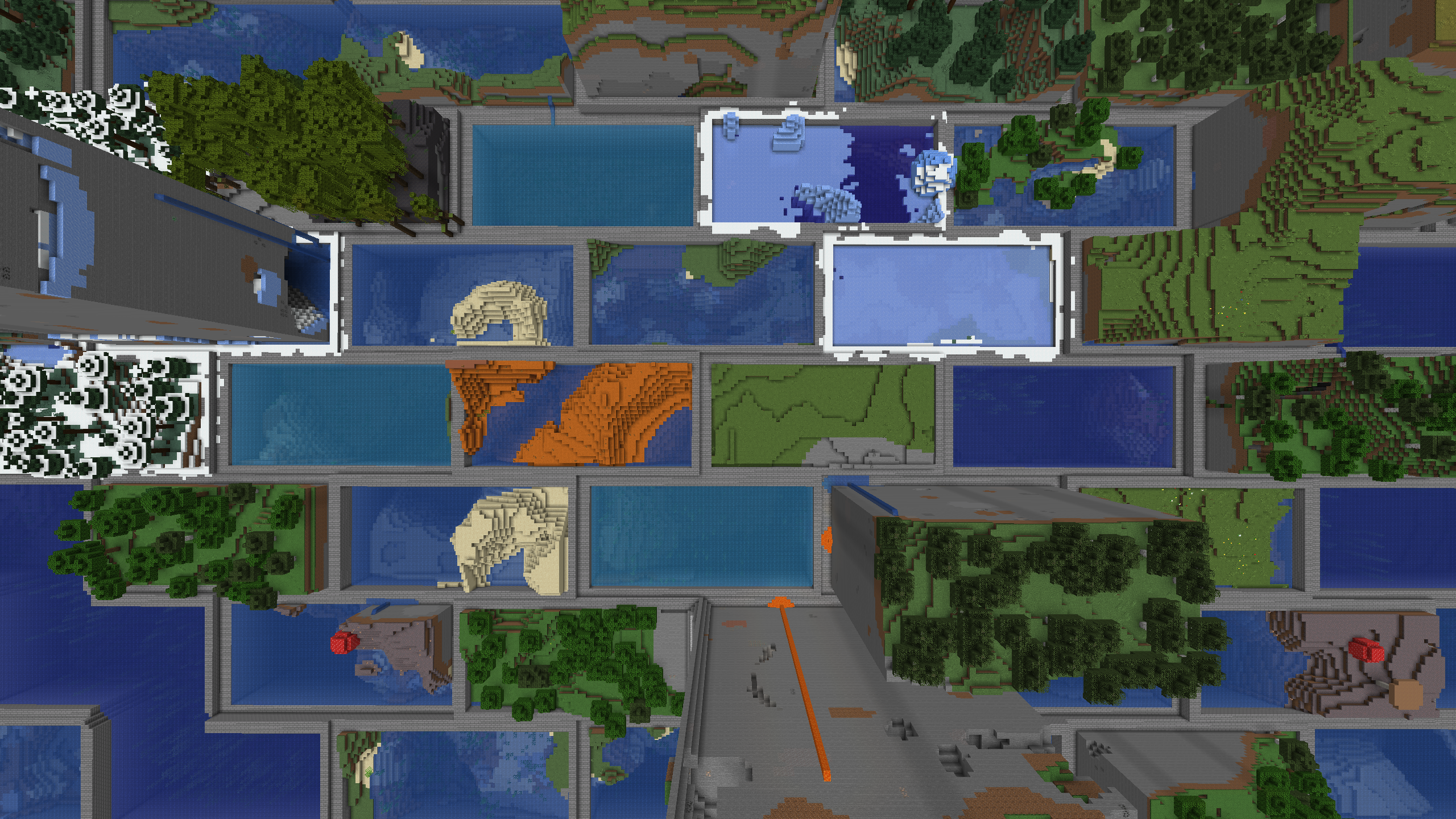
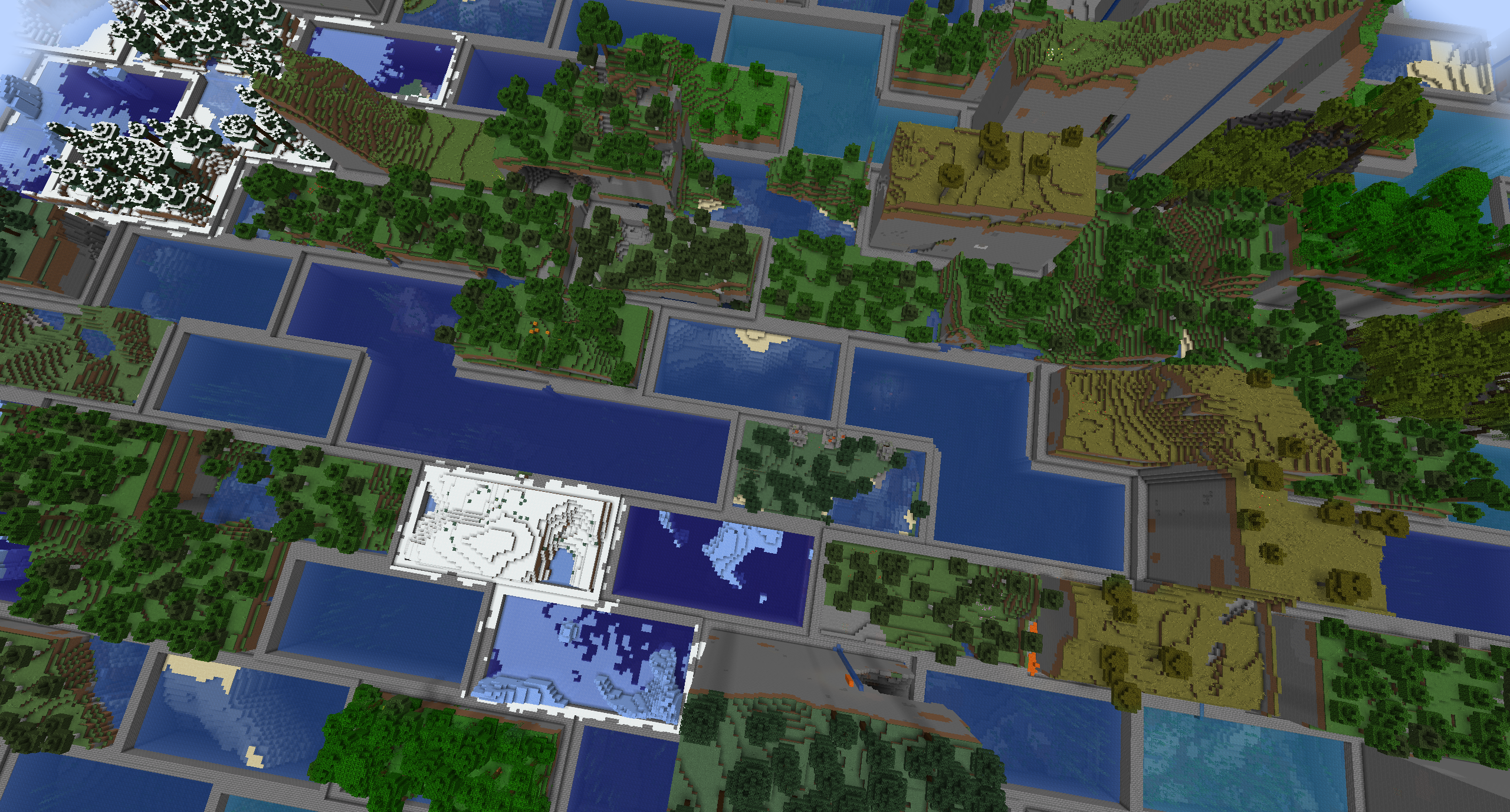
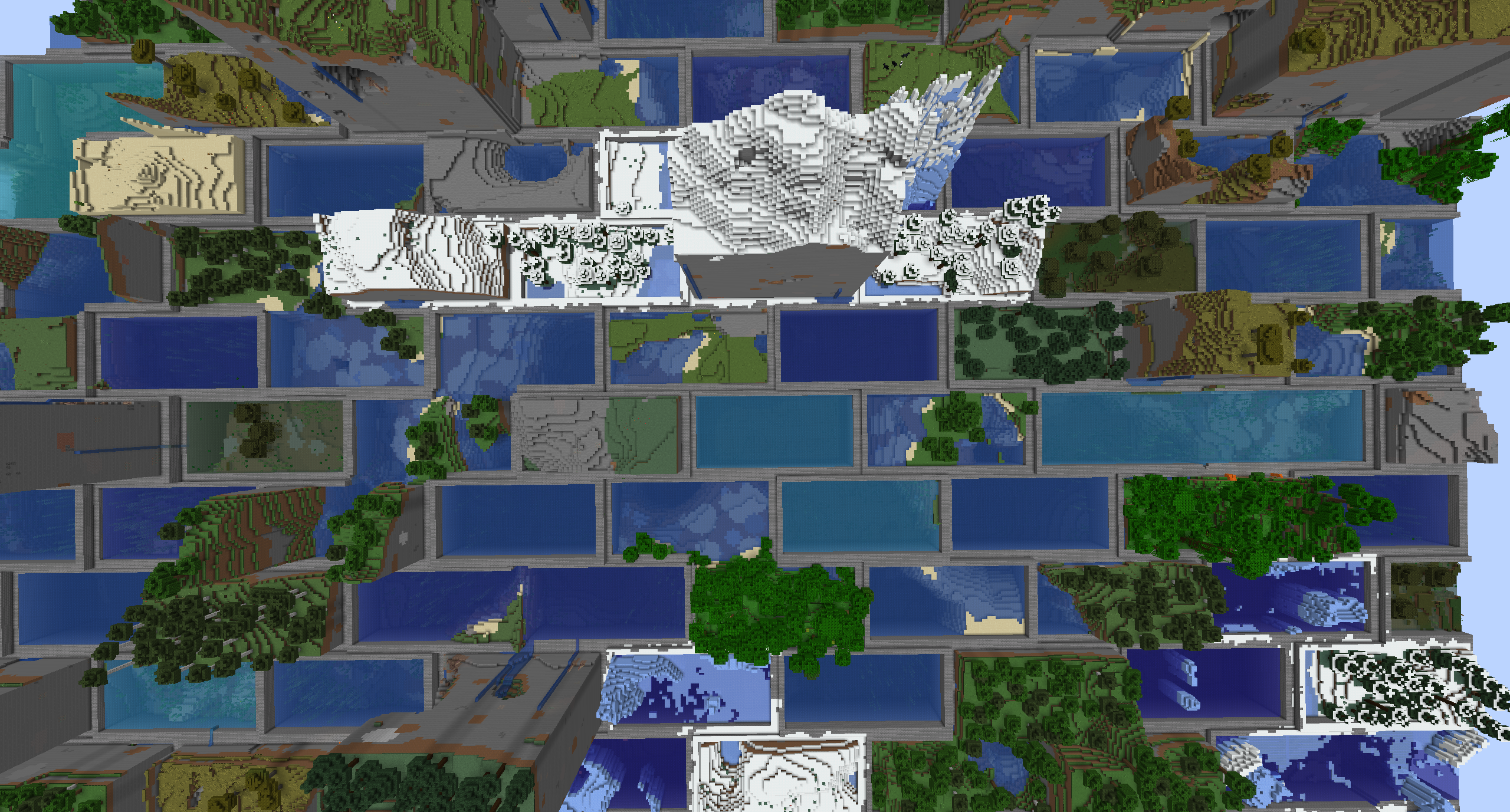
- Each brick is 4 chunks wide by 2 chunks tall, with odd rows shifted by half a brick. Each brick contains a single biome. Bricks of different types are bordered by walls.
- Automatic compatibility with mods that add biomes to the overworld or other world generation.
- Many options for world customization via data packs.
Configuration (Data Packs – 1.21)
Worlds are specified by World Presets. Bricklands can be customized by adding a new world preset, which uses the bricklands:bricklands chunk generator. The generator has the following fields:
typeis a string identifying what generator to use. It should bebricklands:bricklands. The olderbricklands:hexlandsid still works.settingsis a Noise Settings used by the dimension.biome_sourceis the biome source, as in vanilla. It can be a known preset, such as"minecraft:overworld", or"minecraft:nether", or it can be a JSON object following the vanilla biome source format.brick_settingsis an object with parameters defining how the brick grid works. It can either be a known preset, which must be one of"bricklands:overworld","bricklands:nether", or"bricklands:the_end", or it can be an object with the following fields:biome_scale(Default: 8) is the scale at which biomes are sampled to create bricks. Higher values create more random biome layouts.width_chunks(Default: 4) is the width of an individual brick, in chunks.height_chunks(Default: 2) is the height of an individual brick, in chunks. Odd rows are shifted by half this width.rim_size(Default: 2) is how many blocks thick the border is, measured inward from the brick edge.merge_same_biome(Default: false) when true, skips rims between neighboring bricks that share a biome so they merge. When false, every brick edge gets a rim.random_biomes(Default: false) when true, each brick picks a biome at random from that dimension’s biome list instead of sampling climate.top_borderandbottom_borderare both border settings which define how the top and bottom borders of the world are built. The borders between bricks consist of a bottom border, air, and a top border. If not present, this section of the border will consist entirely of air. If present, it must have the following fields:min_height: The minimum height of the border.max_height: The maximum height of the border.state: A block state to generate as the border state. It must be an object with the following fields:Name: The name of the blockProperties: An object with any block state properties, such as{"snowy": "false"}that you desire to set
Example
// Below is an example object which can be used in the `generator` field of a world preset.
{
    "type": "bricklands:bricklands",
    "settings": "minecraft:overworld",
    "biome_source": {
      "type": "minecraft:multi_noise",
      "preset": "minecraft:overworld"
    },
    "brick_settings": "bricklands:overworld"
}
Gallery
 |
 |
 |
 |
 |
 |
 |
 |
Attribution
常见问题
Bricklands 支持哪些 Minecraft 版本?
Bricklands 支持 Minecraft Java 版 1.21–26.3,共 17 个版本,可用的加载器:Fabric / NeoForge。下载时注意选择和你游戏版本一致的文件。
Bricklands 怎么安装?
先用 PCL2 或 HMCL 启动器安装对应版本的 Fabric / NeoForge,再把下载的 .jar 文件放进游戏目录的 mods 文件夹,重新启动游戏即可。开启了版本隔离的,mods 文件夹在 versions/版本名 下面。
derexXD 的其他作品
查看全部 →
Mace Port
原版友好的1.21重锤武器移植!终于同时支持Forge和Fabric了

No Nametag Render
禁用名称标签渲染

Earth Mobs Mod
下载量超过 30 万次!这个模组加入了丰富多彩的新生物等内容,等你来探索!这是我高中时为申请大学而做的项目。

Mekanism Rotten Flesh Crusher Conversion
让腐肉重新可以通过粉碎转化为生物燃料!
评论
登录后评论和评分