
Book and Quick Save
Saving your writing progress when you can't. Never discard your text without confirmation ever again!
截图

介绍
Book and Quick Save
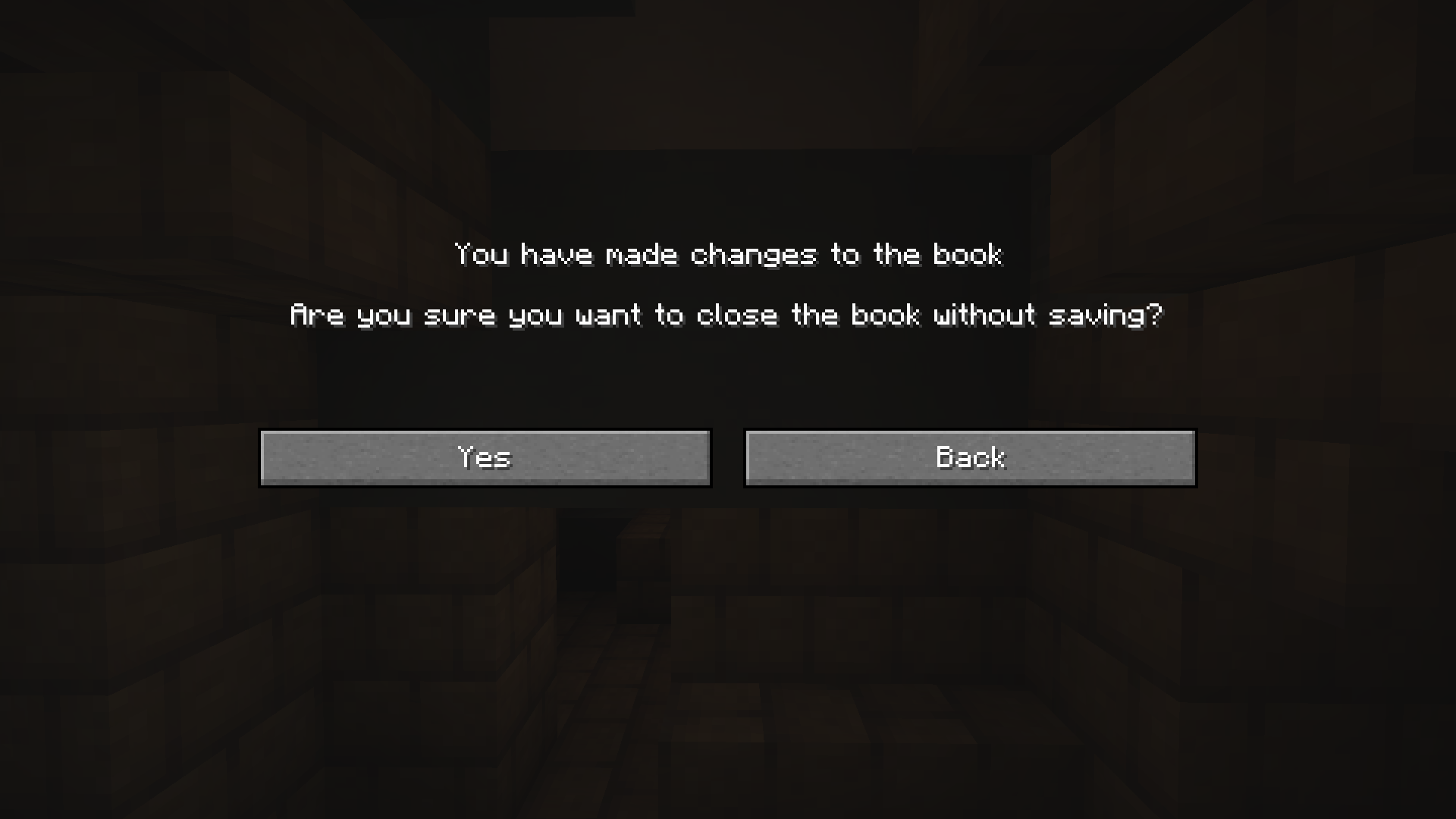
Experience peace of mind while writing your books in Minecraft. Your progress will never be lost without proper confirmation due to accidental actions, i.e. ESC-presses or disconnections. Rest easy knowing your hard work will be saved to the hardcover!
✅ Features
- Confirmation Screen will prompt you whether you meant to discard your changes when pressing ESC or E after editing your Book and Quill.
- Automatic Save when you’ve made changes and the GUI closes without confirmation, for instance when you get timed out, kicked or die.
- Client-side, so that only you need to have the mod, not the server
📷 Visuals
常见问题
Book and Quick Save 支持哪些 Minecraft 版本?
Book and Quick Save 支持 Minecraft Java 版 1.20.4–26.1.2,共 16 个版本,可用的加载器:Fabric。下载时注意选择和你游戏版本一致的文件。
Book and Quick Save 怎么安装?
先用 PCL2 或 HMCL 启动器安装对应版本的 Fabric,再把下载的 .jar 文件放进游戏目录的 mods 文件夹,重新启动游戏即可。开启了版本隔离的,mods 文件夹在 versions/版本名 下面。运行环境:仅客户端。
boyonk 的其他作品
查看全部 →
Music Sync
Sync music with everyone online!

Enchanted Bookshelves
Enchanted Books will glint when put in Chiseled Bookshelves! Give your enchanting room a cosmetic shine!

Persistent Parrots
Parrots have been 'trained' to remain perched on your shoulders!

REPO Heads
Client-sided voice chat integration for R.E.P.O.-styled eye & mouth animations.
评论
登录后评论和评分