
蓝色小肥鱼(blue fish)
This mod adds an entity called the Blue Little Fat Fish. You can press P to open the interface and enter an API key, allowing AI to control the Blue Little Fat Fish entity and play Minecraft with you!
截图
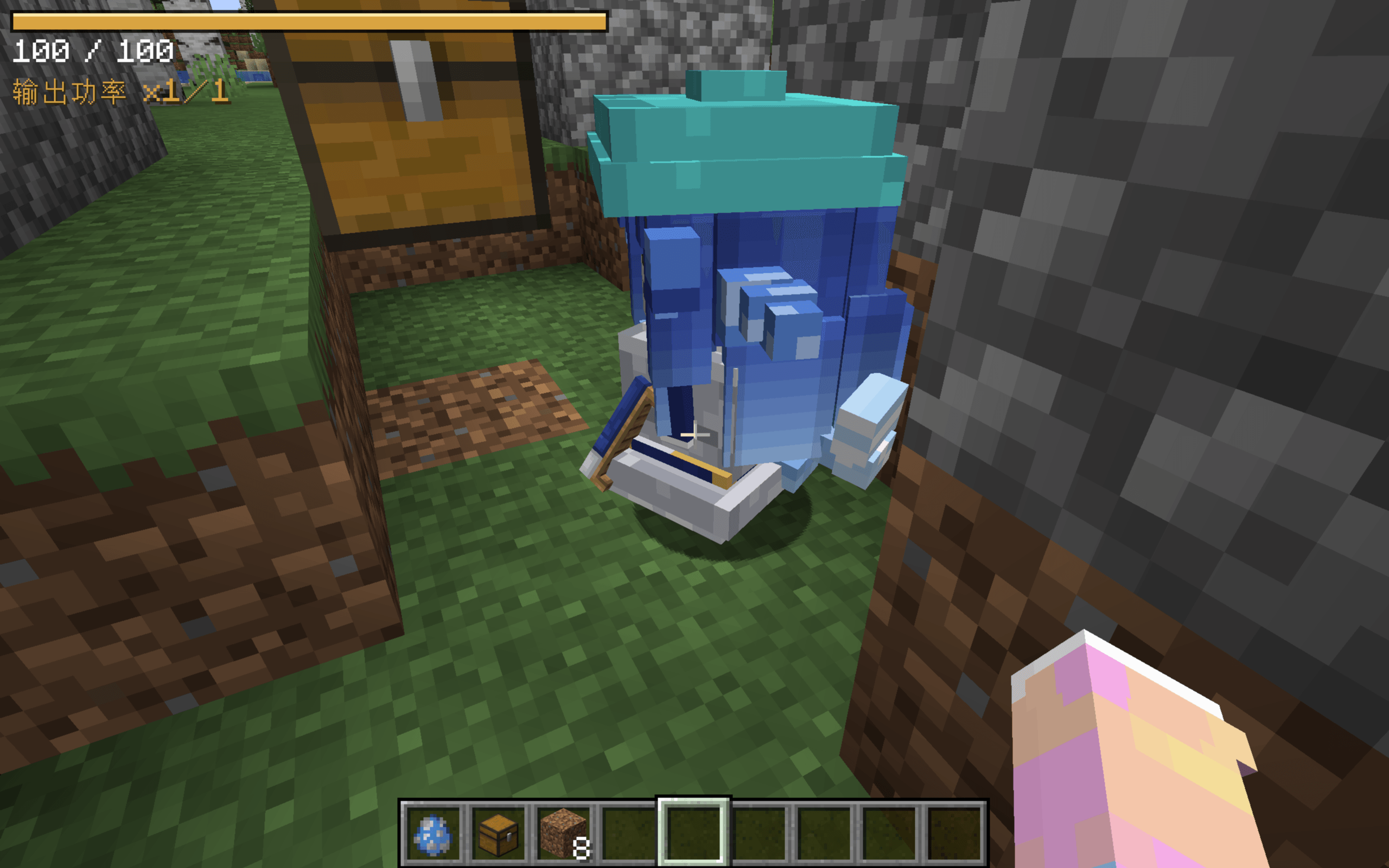
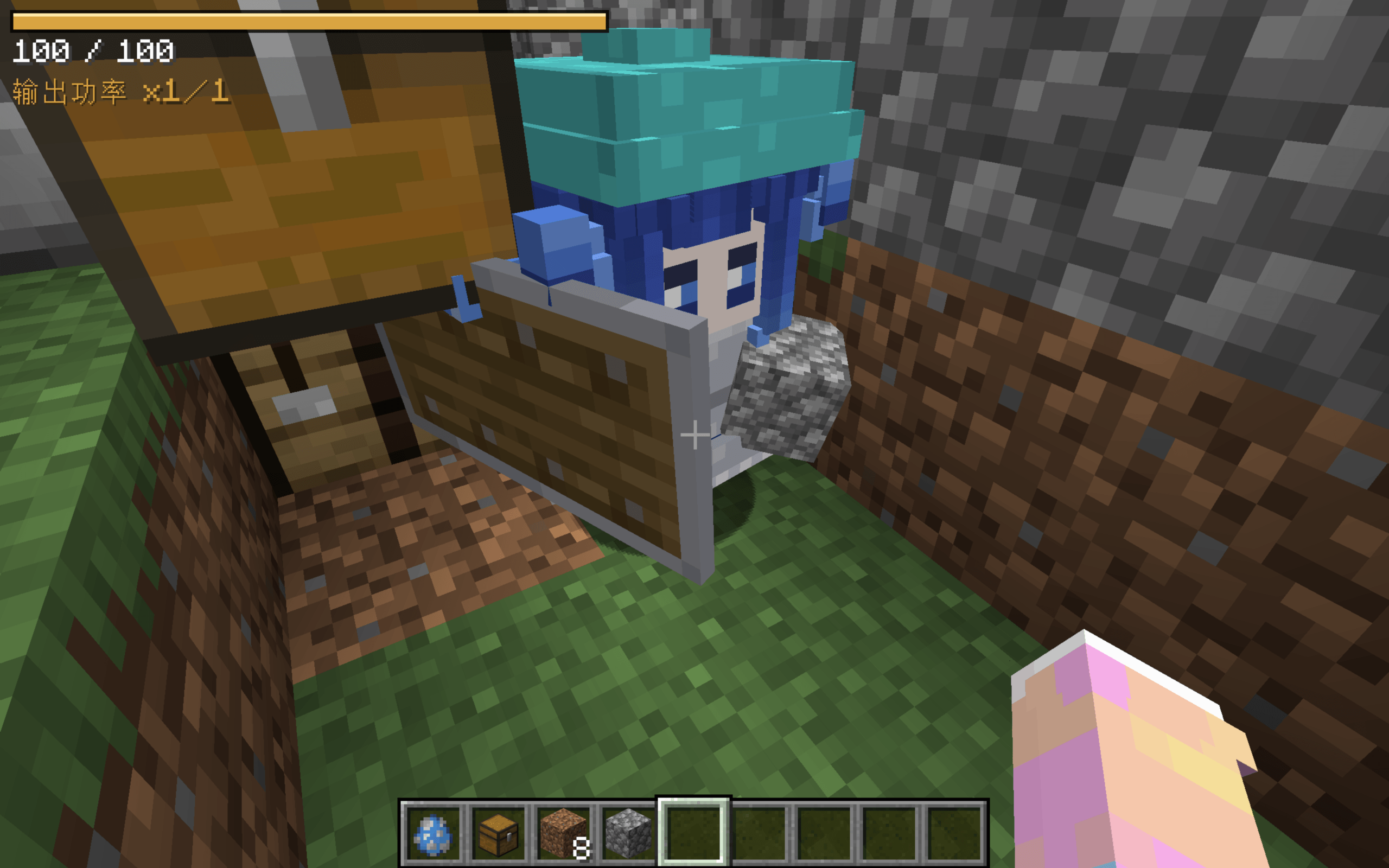
介绍
This mod was created entirely with the assistance of the Blue Big Fat Fish AI (DeepSeek)!This mod adds an entity called the Blue Little Fat Fish. You can press P to open the interface and enter an API key, allowing AI to control the Blue Little Fat Fish entity and play Minecraft with you!
You need to press P to open the API interface and enter the address and API key of the AI model you want to connect to. The system will then automatically determine the AI you are using (or you can manually enter the model name). You can choose from three tiers—low, medium, and high—to select a token consumption level that suits you. The higher the tier, the better the memory and performance, and the more tokens are consumed. You can also name your own exclusive AI character. A normal Blue Little Fat Fish will only wander around. After AI is connected, only one Blue Little Fat Fish entity will remain; if there is no Blue Little Fat Fish around you, a brand-new special Blue Little Fat Fish entity will be spawned. It will talk to you through the in-game chat dialog. It can autonomously gather resources, build simple structures, kill mobs, and perform other actions to accompany you in the game, just like a player. You can ask it to perform certain tasks or simply ask it to play with you. You can chat with it or give it commands directly in a colloquial way using the in-game chat box. Note that, limited by factors such as the performance of the model used, this AI that accompanies you in playing usually needs some help from you and cannot play as intelligently as a real person.
常见问题
蓝色小肥鱼(blue fish) 支持哪些 Minecraft 版本?
蓝色小肥鱼(blue fish) 支持 Minecraft Java 版 1.20.1,可用的加载器:Forge。下载时注意选择和你游戏版本一致的文件。
蓝色小肥鱼(blue fish) 怎么安装?
先用 PCL2 或 HMCL 启动器安装对应版本的 Forge,再把下载的 .jar 文件放进游戏目录的 mods 文件夹,重新启动游戏即可。开启了版本隔离的,mods 文件夹在 versions/版本名 下面。
user_kk1yq8rzcu5k88g9 的其他作品
查看全部 →
五行(wu xing)
This mod adds a new skill system that you can use for support or combat.

shiny hunting
This mod adds a brand-new mechanic: you can craft a corresponding metal ball from a metal ingot and an apple. Right-click to throw an empty metal ball, hit a creature, and capture it. Note that captured creatures have a chance to become shiny variants!
评论
登录后评论和评分