
BlockPrintr
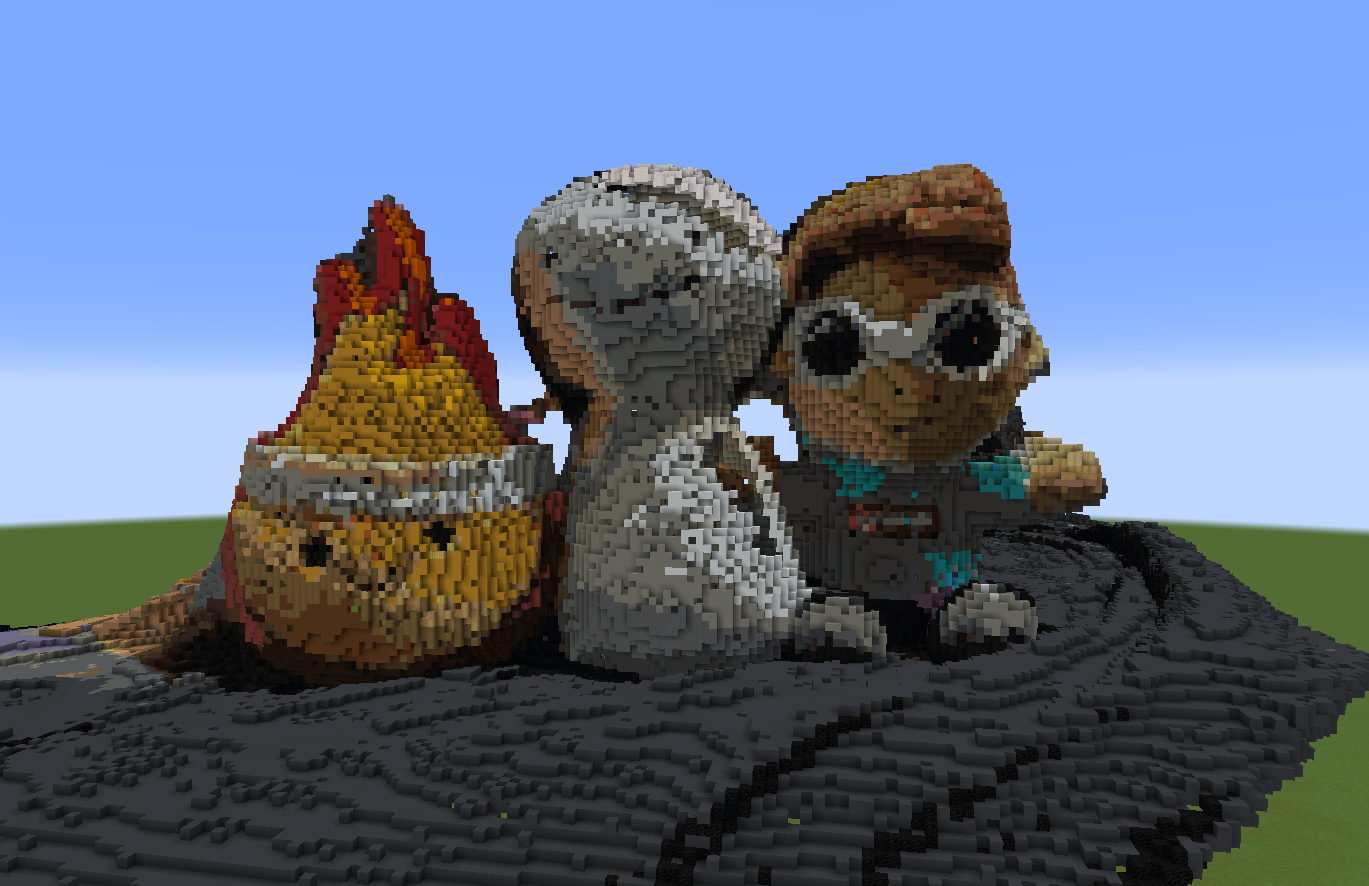
This mod converts scan files (.laz, .ply, and many more!) into block-based builds, printing 3D structures directly in your Minecraft world.
截图
介绍
#
BlockPrintr converts 3D scan files into your Minecraft world in a few simple clicks. It supports various file formats, allowing you to bring the real world into the game.
There’s other ways to put 3D objects into Minecraft, but our goal is to make it SIMPLE and FREE! We simplify the process by doing all the work for you, so without changing any settings you can already have a clean looking Minecraft representation.
Supported File Types:
- .glb
- .gltf
- .obj
- .laz
- .las
- .dxf
- .xyz
- .pts
- .ply
There’s lots of customization features so that you can easily change how your structure looks in game. From different block palettes, to more advanced settings like shading and brightness adjustments.
The default hotkey to open the menu is “ENTER“
Simply drag a compatible scan file into the inputs folder, and then either click “Quick Place” or the “Edit” button to change block and color settings.
常见问题
BlockPrintr 支持哪些 Minecraft 版本?
BlockPrintr 支持 Minecraft Java 版 1.21–1.21.4,共 5 个版本,可用的加载器:Fabric。下载时注意选择和你游戏版本一致的文件。
BlockPrintr 怎么安装?
先用 PCL2 或 HMCL 启动器安装对应版本的 Fabric,再把下载的 .jar 文件放进游戏目录的 mods 文件夹,重新启动游戏即可。开启了版本隔离的,mods 文件夹在 versions/版本名 下面。运行环境:仅客户端。
评论
登录后评论和评分