
BlockMarker v1.8.9
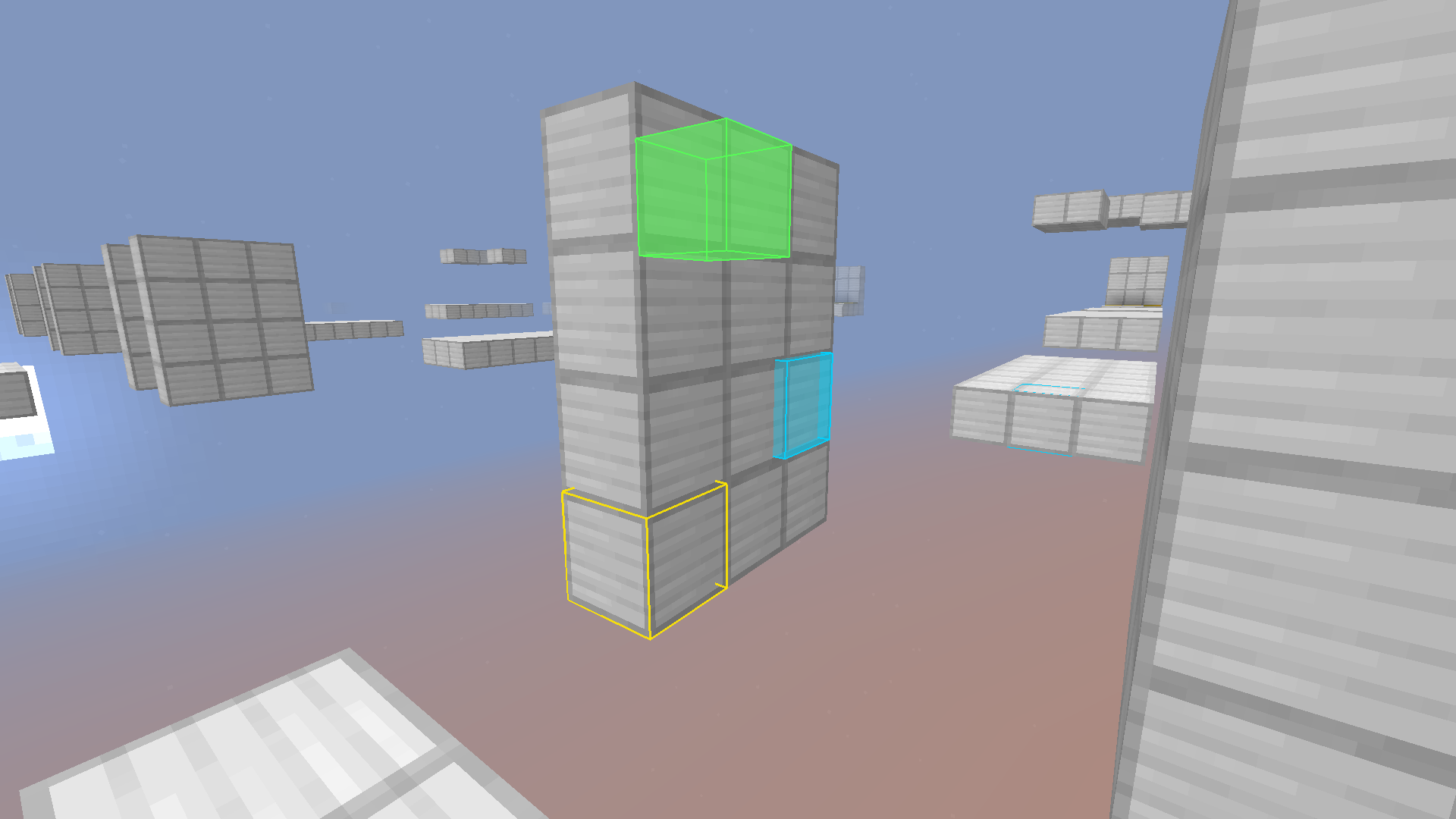
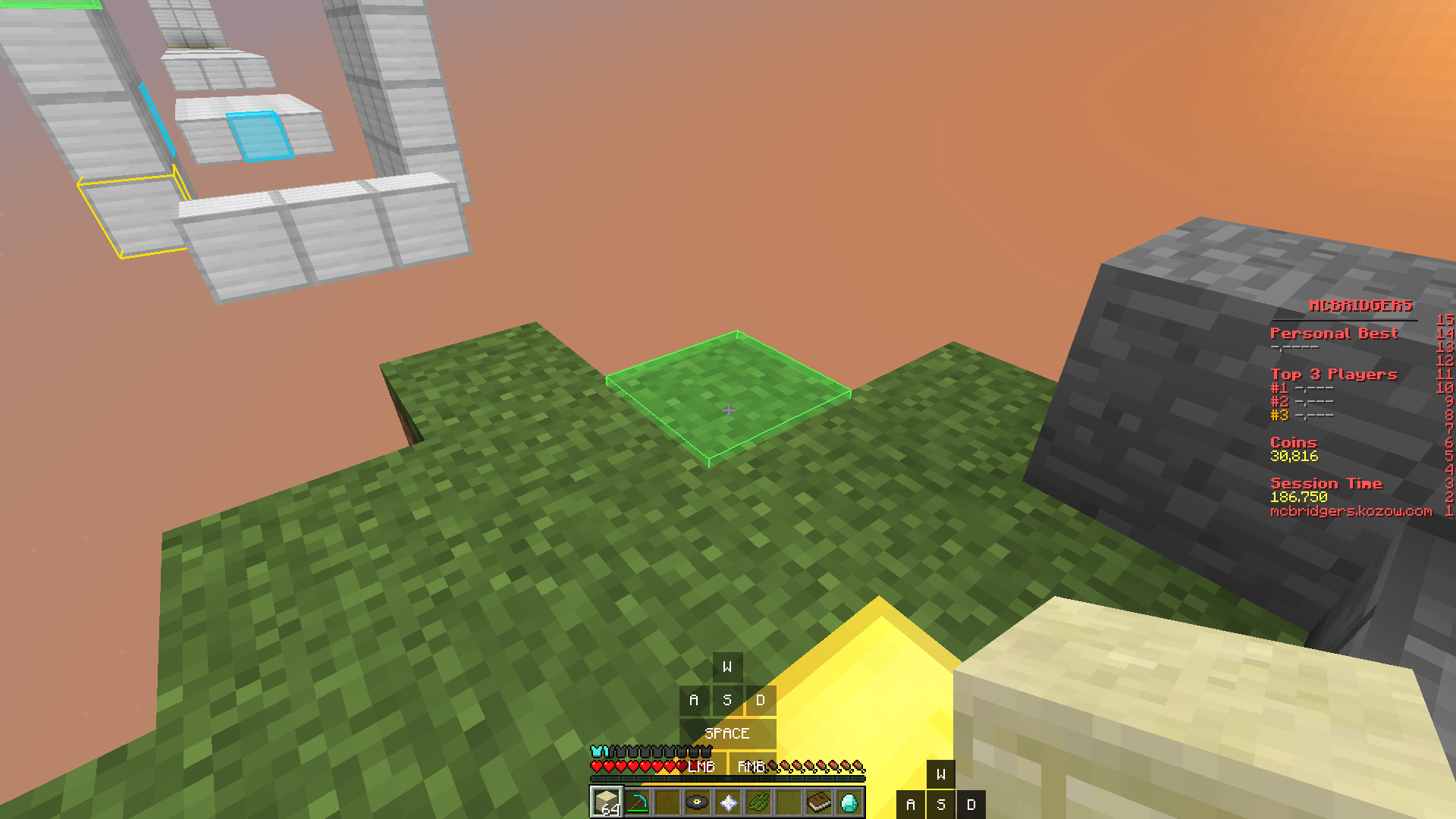
This mod is for forge 1.8.9 and lets you select blocks to highlight. This can greatly improve your aim, find traps or specific areas, or even as a visual aesthetic. More updates coming soon!
截图

介绍
BlockMarker is a useful mod for several different gameplay types. You can use it for Fastbuilder, Movement, Traps, SMPs, or anything else that marking specific blocks can help with.
— HOW TO USE —
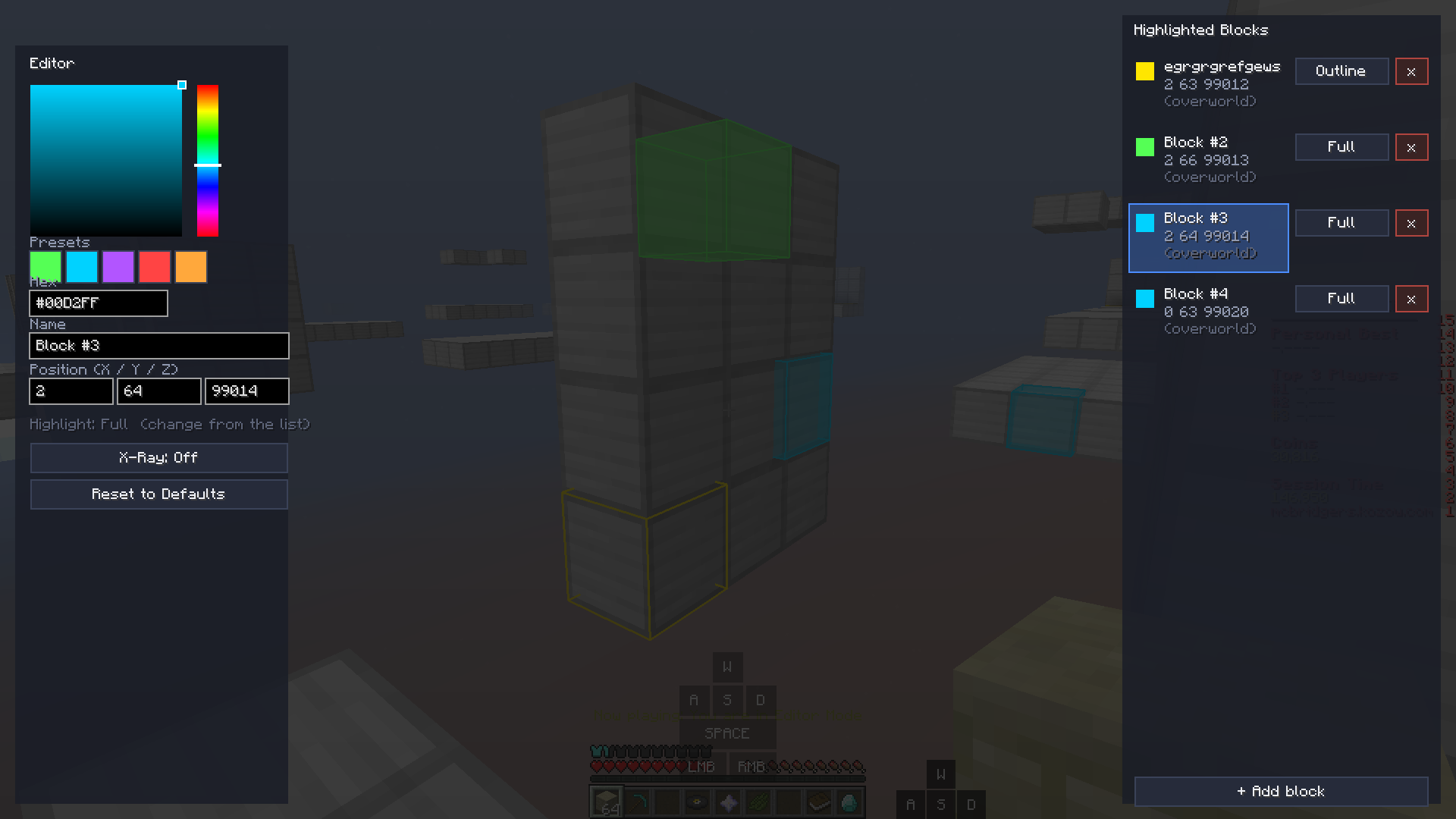
Press [G] in-game to toggle the Block Highlight Tool. Left click a block to highlight (mark) it, and left click it again to unmark it. Right click the block while using the Highlight Tool to enter the GUI, or press [B]. In the GUI, you can view a list of all of your marked blocks. You can change the name, color, outline type, and position. You can easily switch between highlighted blocks in the list, and marked blocks are independent via dimension.
I really hope you enjoy my mod and find it very useful! ❤️
常见问题
BlockMarker v1.8.9 支持哪些 Minecraft 版本?
BlockMarker v1.8.9 支持 Minecraft Java 版 1.8.9,可用的加载器:Forge。下载时注意选择和你游戏版本一致的文件。
BlockMarker v1.8.9 怎么安装?
先用 PCL2 或 HMCL 启动器安装对应版本的 Forge,再把下载的 .jar 文件放进游戏目录的 mods 文件夹,重新启动游戏即可。开启了版本隔离的,mods 文件夹在 versions/版本名 下面。运行环境:仅客户端。
评论
登录后评论和评分