
Blockgame Journal
A vendor recipe tracking mod for PirateSoftware's Blockgame. Store, track, and manage the recipes you learn.
截图
介绍
Blockgame Journal
A mod for Blockgame that adds a journal to help you keep track of recipes and other useful information.\
This mod uses the same Minecraft version required by the Blockgame server.
This is an unofficial mod for Blockgame and is not affiliated with the Blockgame team.
How to Use
Learning Recipes
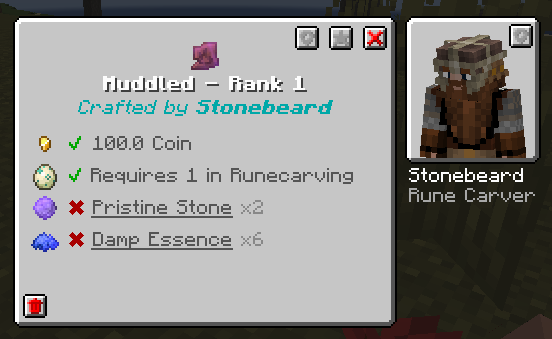
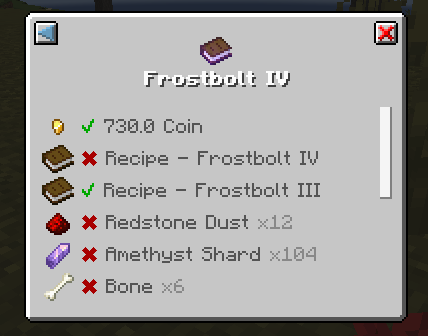
When you preview a recipe (right-click) at an vendor’s crafting station, the recipe will be added to your journal. Each time you view the recipe, it will be updated with the latest information.
- Items with a red background are items you have not yet learned the recipe for.
- Items with a yellow background are items you have learned the recipe for, but have since been updated.
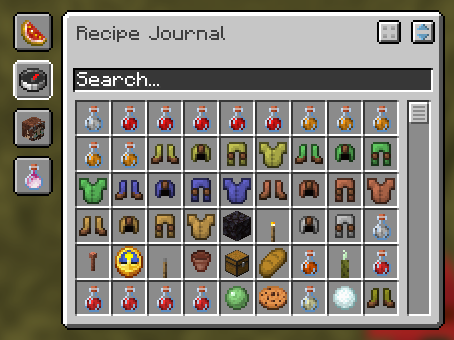
Viewing the Journal
To open the journal, press J by default, or run the command /journal.
The journal contains several tabs:
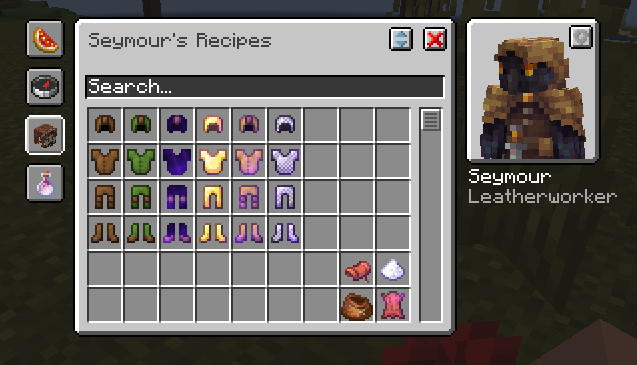
- Favorites: Save your favorite recipes for quick access.
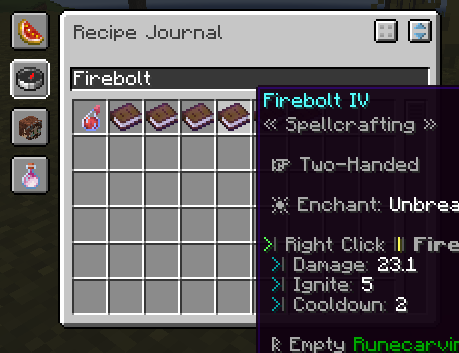
- Global Search: Search all known recipes.
- Vendor Search: Search for vendors and their respective recipes
- Ingredient Search: Search for recipes by their ingredients
Decomposing Items
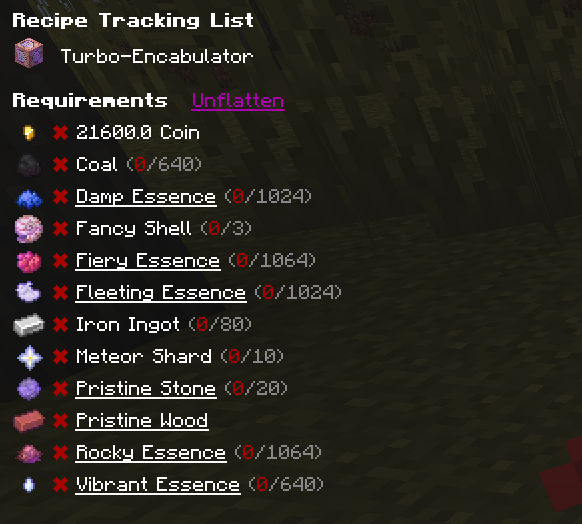
When you view an item in the journal, you can decompose it into its smallest required components. If a recipe is decomposable, there will be a button in the top right corner of the recipe page.
Requirements
The following are required to run this mod:
In addition, the following mods are recommended:
常见问题
Blockgame Journal 支持哪些 Minecraft 版本?
Blockgame Journal 支持 Minecraft Java 版 1.20.2–1.21.4,共 2 个版本,可用的加载器:Fabric。下载时注意选择和你游戏版本一致的文件。
Blockgame Journal 怎么安装?
先用 PCL2 或 HMCL 启动器安装对应版本的 Fabric,再把下载的 .jar 文件放进游戏目录的 mods 文件夹,重新启动游戏即可。开启了版本隔离的,mods 文件夹在 versions/版本名 下面。运行环境:仅客户端。

评论
登录后评论和评分