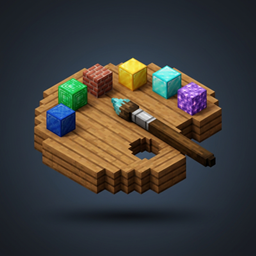
block pallet
Client-side block palettes: random block placement from customizable palettes.
介绍
# Block Palette
**Block Palette** is an essential client-side building utility mod designed to make creative and survival building faster, more expressive, and enjoyable. It introduces custom randomized block palettes directly into Minecraft!
### Key Features:
– **Custom Palettes:** Create and save multiple unique palettes with any blocks in the game.
– **Weighted Placement:** Assign different weights (chances) to individual blocks to achieve natural gradients and blending.
– **Client-Side Only:** Works completely on your client. You can safely use it on vanilla multiplayer servers, Realms, and modded servers.
– **In-Game Editor GUI:** Open the user-friendly palette editor directly in game by pressing the `;` (semicolon) key (customizable in Controls / Keybinds).
– **Gamemode Support:** Automatically swaps items from your hotbar in survival mode, or grabs infinite blocks in creative mode.
### How It Works:
1. Open the palette screen by pressing `;` (on English layout) or `Ж` (on Russian layout).
2. Choose an existing preset or create your own custom palette.
3. Add blocks by holding them in your hand and clicking “Add”.
4. Hold any block from your palette in your hand and right-click to place — the mod automatically randomizes the block according to your assigned weights!
### Multi-Loader Compatibility:
Supported loaders: **Fabric**, **Forge**, and **NeoForge** across versions **1.20.1 through 26.3**.
常见问题
block pallet 支持哪些 Minecraft 版本?
block pallet 支持 Minecraft Java 版 1.21–26.3,共 7 个版本,可用的加载器:Fabric / Forge / NeoForge。下载时注意选择和你游戏版本一致的文件。
block pallet 怎么安装?
先用 PCL2 或 HMCL 启动器安装对应版本的 Fabric / Forge / NeoForge,再把下载的 .jar 文件放进游戏目录的 mods 文件夹,重新启动游戏即可。开启了版本隔离的,mods 文件夹在 versions/版本名 下面。
评论
登录后评论和评分