Block Image Renderer
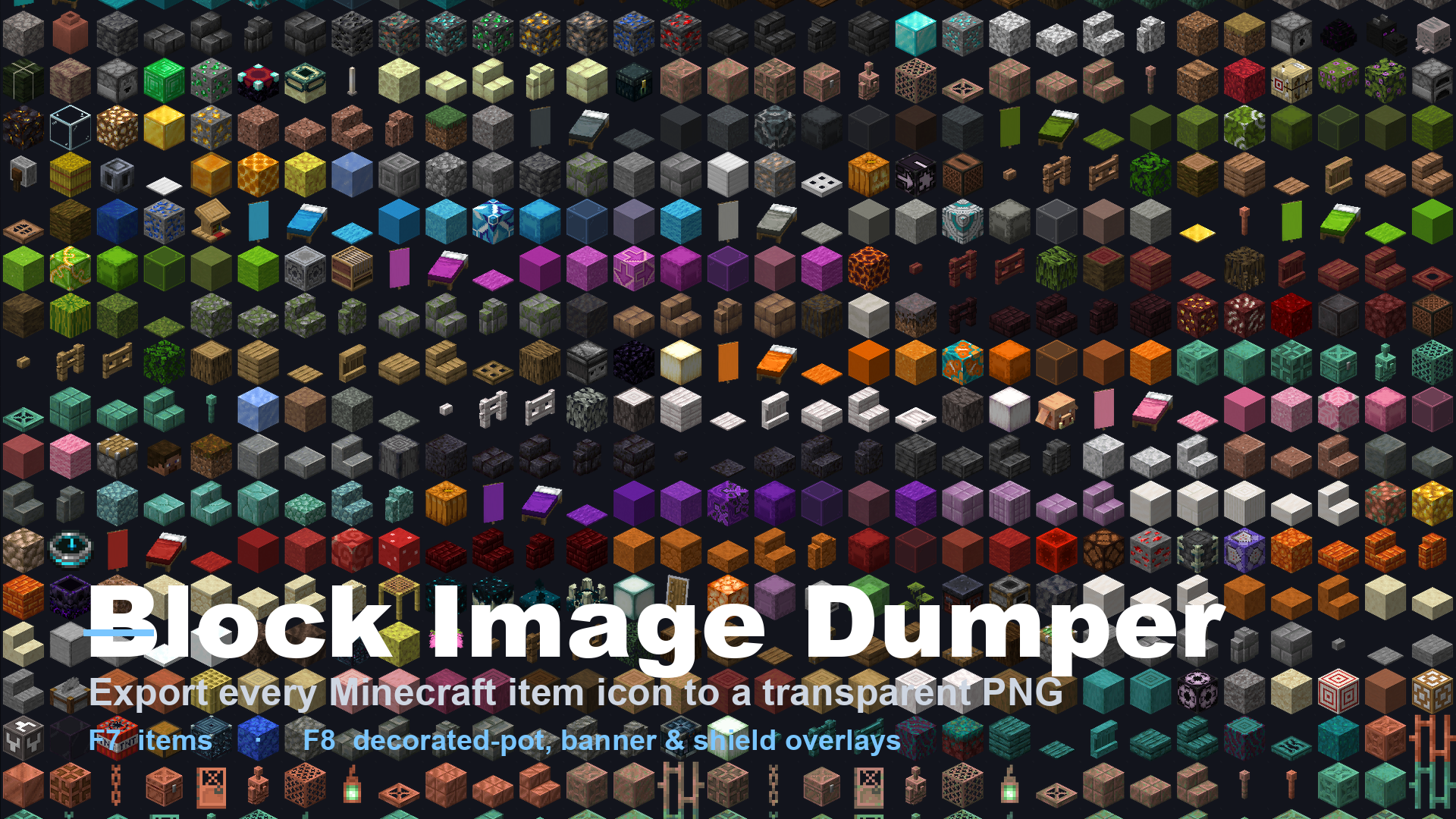
Fabric client mod that dumps item icons (F7) and decorated-pot/banner/shield pattern overlays (F8) to PNGs for the purpose of developing resource/data packs.
截图
介绍
Block Image Dumper
A Fabric client mod for Minecraft 26.1 that exports the game’s rendered icons straight to PNG files — no manual screenshotting, cropping, or transparency cleanup.
- F7 — items. Writes every registered item’s inventory icon as a clean, transparent 64×64 PNG (one file per item).
- F8 — decorations. Exports the overlays a flat icon can’t capture: per-face decorated-pot sherds and tintable banner & shield pattern masks.
Why would I want this?
Data packs and resource packs that preview container contents — like the shulker-preview data pack — need a pixel-accurate image of every item exactly as it appears in the inventory, including block-type items that have no flat sprite of their own. Producing ~1,600 of those by hand is impractical. This mod generates the entire set in seconds, with correct transparency and decoration overlays, ready to drop into a build pipeline.
It has no dependency on any particular pack, though — it just writes PNGs you can use for atlases, wikis, web tools, or anything else.
How it works
Minecraft 26.1’s screenshot path force-sets every pixel opaque, so transparency can’t be read back directly. The mod works around this by rendering two icons side by side in a single frame and combining the captures:
- Items are drawn over black and over white; comparing the two reconstructs exact per-pixel alpha.
- Pots compare a plain pot against a one-sherd pot to isolate the sherd motif.
- Banners & shields render the pattern in white dye over a black base, so the brightness difference becomes a tintable white mask.
Usage
- Install this mod alongside Fabric API.
- Load any world, then press F7 (items) or F8 (decorations).
- Find your PNGs in
<minecraft>/block-images/.
Client-side only · MIT licensed · Source & releases on GitHub
常见问题
Block Image Renderer 支持哪些 Minecraft 版本?
Block Image Renderer 支持 Minecraft Java 版 26.1–26.2,共 4 个版本,可用的加载器:Fabric。下载时注意选择和你游戏版本一致的文件。
Block Image Renderer 怎么安装?
先用 PCL2 或 HMCL 启动器安装对应版本的 Fabric,再把下载的 .jar 文件放进游戏目录的 mods 文件夹,重新启动游戏即可。开启了版本隔离的,mods 文件夹在 versions/版本名 下面。运行环境:仅客户端。
评论
登录后评论和评分