
截图
介绍
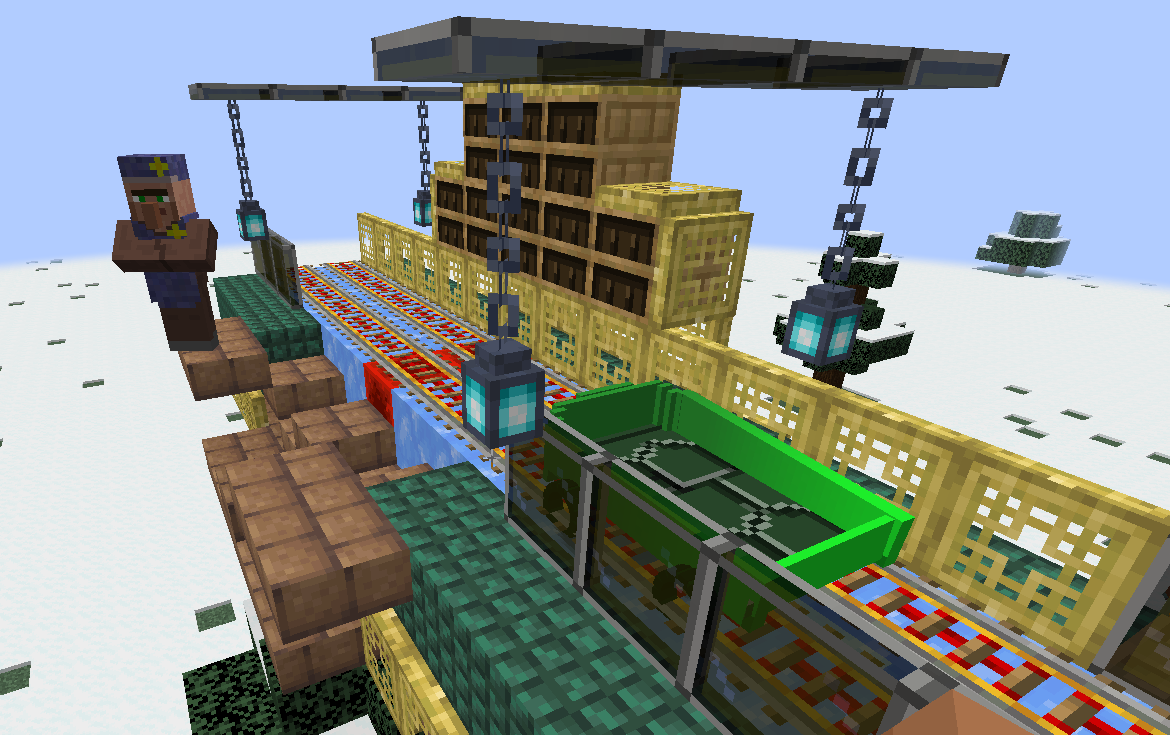
To create your station; first, craft the Station Builder block.
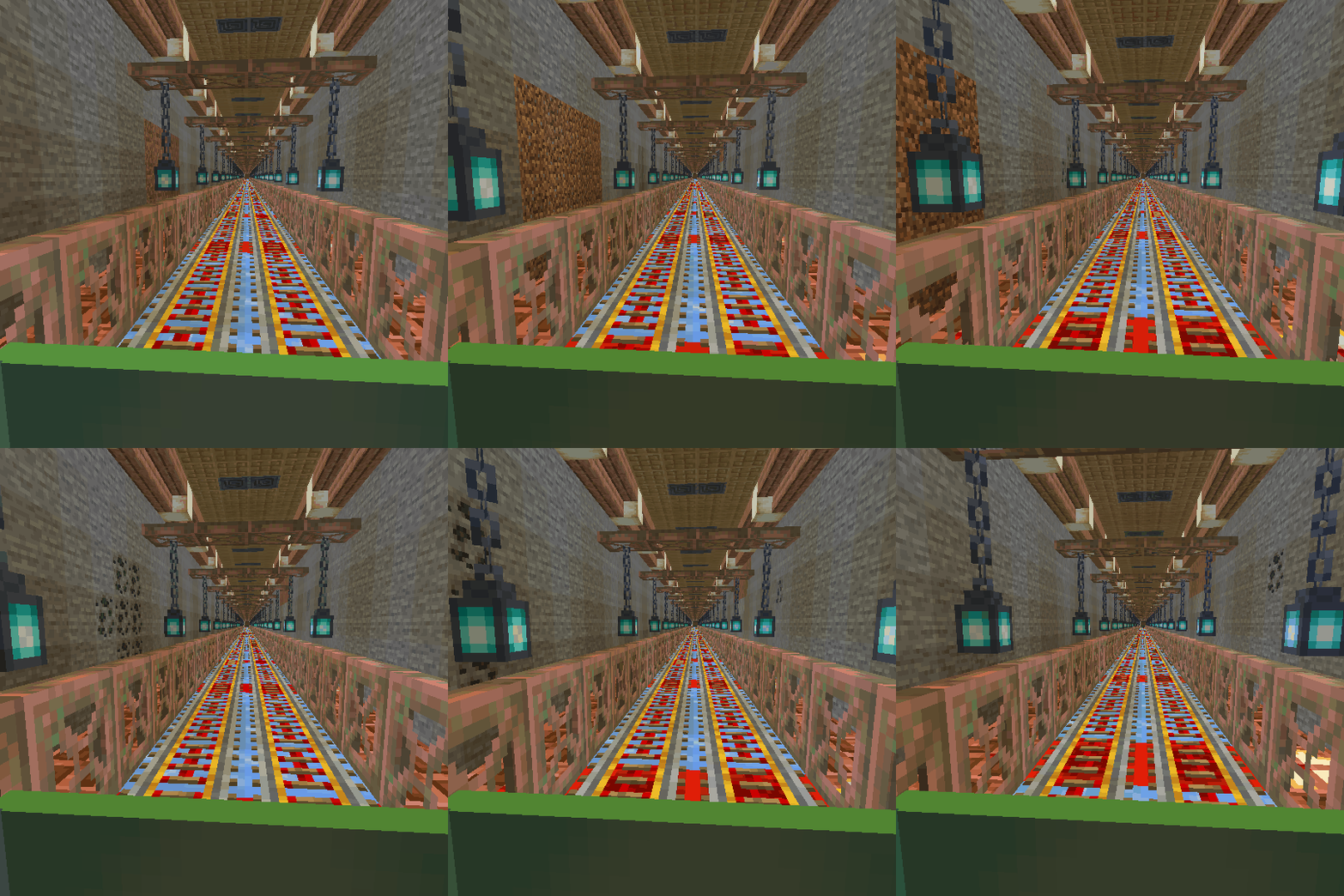
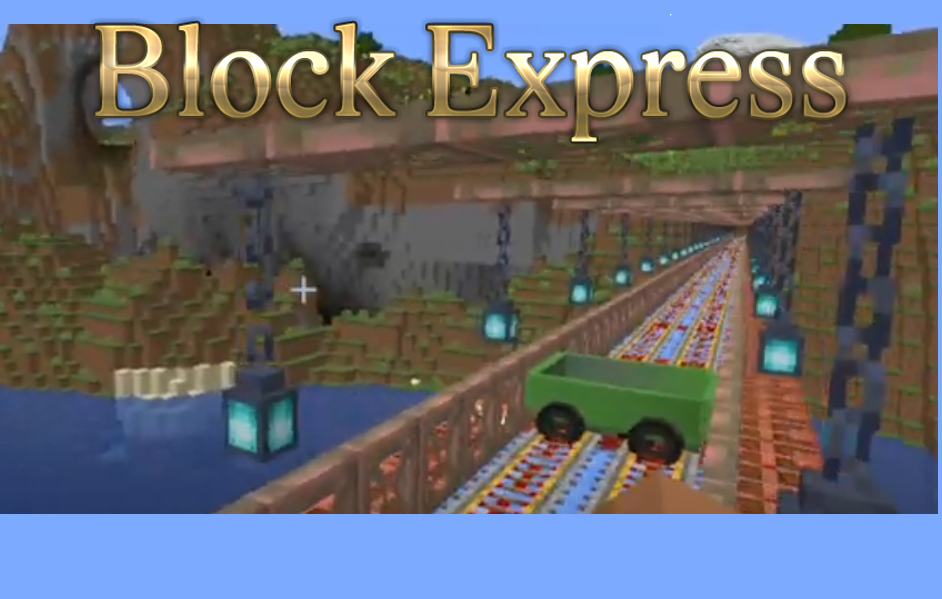
When you place this block, a station will be created at that location. If you place this block a second time, a railway will be established between the first and second stations, allowing for fast travel between your bases. You can also create connecting routes between more than two stations.
For the Station Builder block to connect to the previous station, it must be at the same Y-coordinate, and the X and Z coordinates must be at least 20 blocks apart. Depending on the direction of the connected stations, some old tracks may become damaged; you can manually repair these sections.
If you wish to disconnect from old stations and start a new station network from scratch, you will need to craft the Station Builder block again. Each time you craft a Station Builder, it resets your connection to the old station network. Therefore, ensure you craft enough Station Builder blocks before creating your initial station and starting your network.
When you craft a Station Builder block, your connection to the old station network is reset, allowing you to set up a station at your desired Y-coordinate to start a new network.
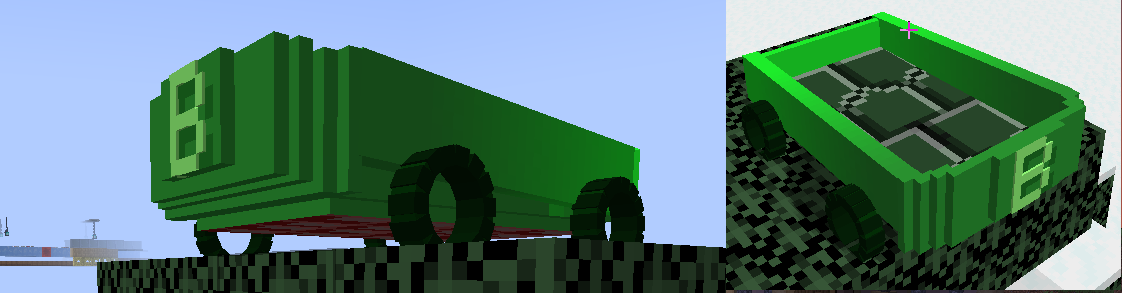
Conductor can spawn Blocktrain when you right click on him (cooldown 120 second)
I haven’t set a limit on the distance for creating railway. However, I recommend keeping this distance low depending on your computer’s power. When I tested with 8GB of RAM, a distance of about 4000 blocks caused issues and posed a crash risk, so be careful.
常见问题
Block Express 支持哪些 Minecraft 版本?
Block Express 支持 Minecraft Java 版 1.20.1–1.21.1,共 2 个版本,可用的加载器:Forge / NeoForge。下载时注意选择和你游戏版本一致的文件。
Block Express 怎么安装?
先用 PCL2 或 HMCL 启动器安装对应版本的 Forge / NeoForge,再把下载的 .jar 文件放进游戏目录的 mods 文件夹,重新启动游戏即可。开启了版本隔离的,mods 文件夹在 versions/版本名 下面。运行环境:客户端和服务端都要装。


评论
登录后评论和评分