
介绍
Works exactly like the Vanilla “Monochrome Logo” setting.
The “Monochrome Logo” setting in Minecraft’s settings menu becomes redundant.
When is this useful?
If your modpack ships with a defaultoptions.txt from KubeJS, the “Monochrome Logo” setting will not apply on the very first launch. This lightweight mod fixes that bug.
To make this mod work:
In:
YourMinecraftInstance\config\fml.toml
Change:
earlyWindowProvider = “fmlearlywindow”
To:
earlyWindowProvider = “blackearlywindow”
常见问题
Black Early Loading Screen 支持哪些 Minecraft 版本?
Black Early Loading Screen 支持 Minecraft Java 版 1.20.4–26.1.2,共 18 个版本,可用的加载器:NeoForge。下载时注意选择和你游戏版本一致的文件。
Black Early Loading Screen 怎么安装?
先用 PCL2 或 HMCL 启动器安装对应版本的 NeoForge,再把下载的 .jar 文件放进游戏目录的 mods 文件夹,重新启动游戏即可。开启了版本隔离的,mods 文件夹在 versions/版本名 下面。运行环境:仅客户端。
SlimeWithLime 的其他作品
查看全部 →
Ender Dragon Destroys End Island
The Ender Dragon now tears apart the End Island during battle, leaving massive destruction in its wake.

Auto Block
Automatically blocks damage while holding a shield
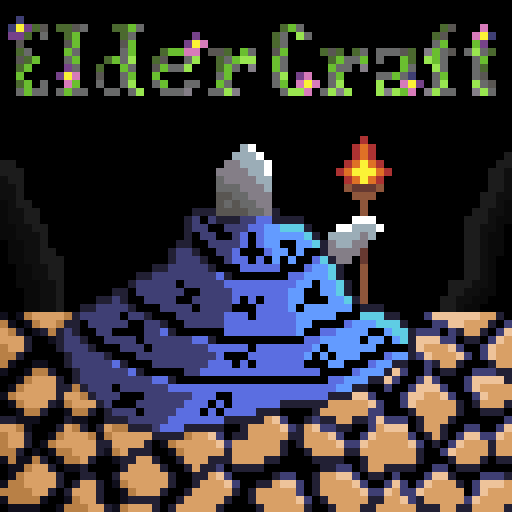
Elder Craft
Vanilla-like texture pack infused with a cute, ancient fantasy atmosphere.
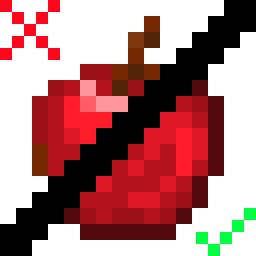
More Solid Apples
More solid vanilla-like textures for apples.
评论
登录后评论和评分