
截图

介绍
🖼️ BL World Icon Editor
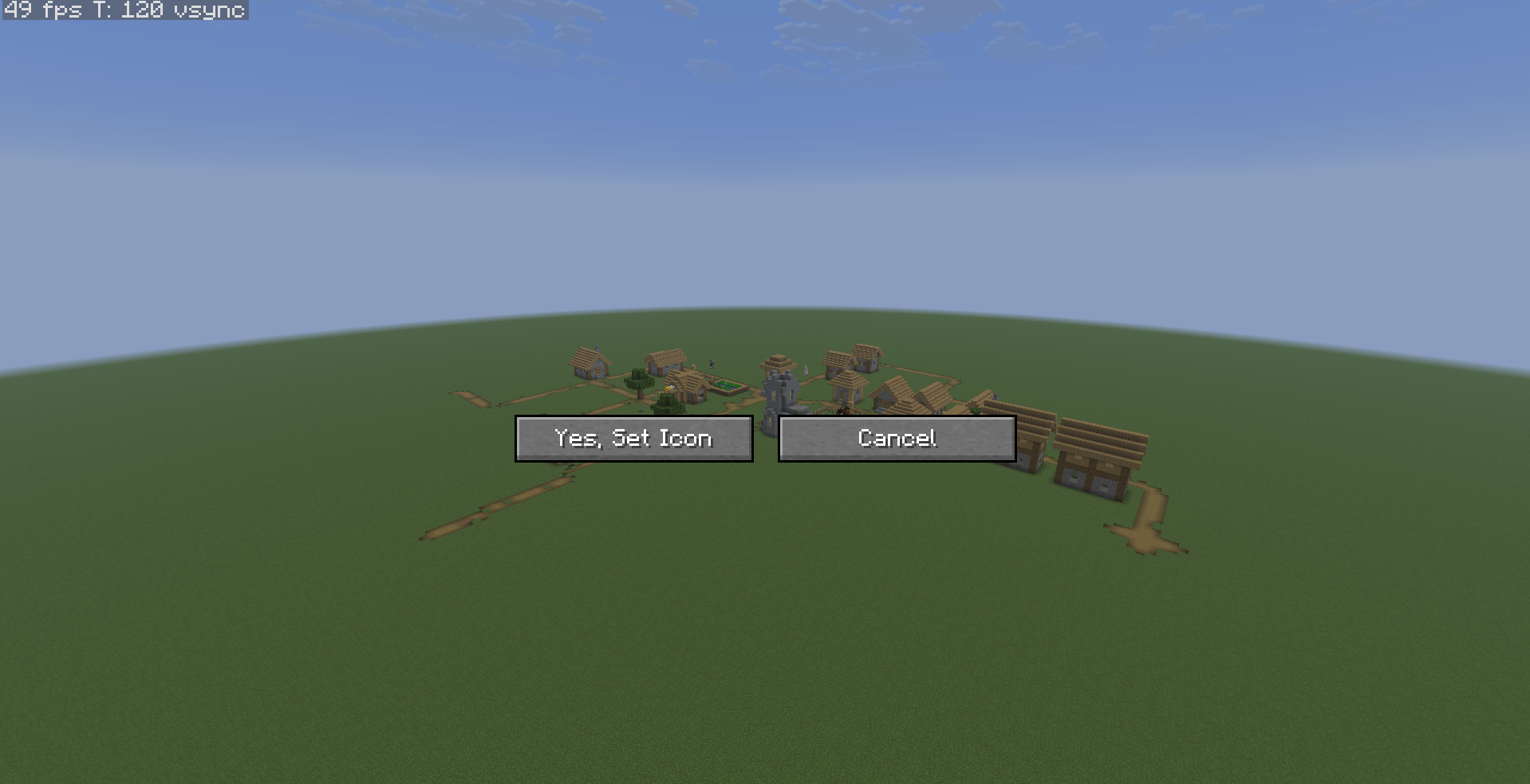
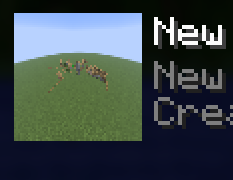
BL World Icon Editor lets you replace your Minecraft world’s icon using an in-game screenshot.
No external editors.
No manually resizing images.
Just load your world, line up the shot, and capture it instantly.
✨ Features
- Capture world icons directly in-game
- Automatically saves as the correct icon format
- Simple hotkey-based workflow
- Works with singleplayer worlds
- Lightweight and fast
📸 How To Use
- Open the world you want to change the icon for
- Position your camera where you want the thumbnail shot
- Press
F1to hide the HUD for a clean screenshot - Press the mod hotkey
- The world icon updates automatically
🎬 Recommended
For the best-looking thumbnails:
- Use
F1mode before capturing - Use shaders if desired
- Set weather/time with commands
- Try cinematic angles
⚠️ Notes
- The mod edits the world’s
icon.png - Existing world icons will be replaced
- Singleplayer only
👤 Creator
Made by BattryLeaf
常见问题
BL World Icon Editor 支持哪些 Minecraft 版本?
BL World Icon Editor 支持 Minecraft Java 版 1.21–1.21.11,共 12 个版本,可用的加载器:Fabric。下载时注意选择和你游戏版本一致的文件。
BL World Icon Editor 怎么安装?
先用 PCL2 或 HMCL 启动器安装对应版本的 Fabric,再把下载的 .jar 文件放进游戏目录的 mods 文件夹,重新启动游戏即可。开启了版本隔离的,mods 文件夹在 versions/版本名 下面。运行环境:仅客户端。
BattryLeaf 的其他作品
查看全部 →
Unstable SMP Death Sounds
Makes every death have the wither spawn sound [unstable SMP's death sound]

Unstable SMP Death Sounds by BL
Makes every death have the wither spawn sound [unstable SMP's death sound]

BL Improved Private Messages
A modern Discord-style private messaging GUI for Minecraft multiplayer. Intercepts whispers and organizes them into conversations with player avatars, tabs, friend lists, unread badges, and persistent per-server history — fully client-side, no plugins need

Floating Cushions
Makes it so that coushions do not require a supporting block and can float mid air!
评论
登录后评论和评分