
截图
介绍
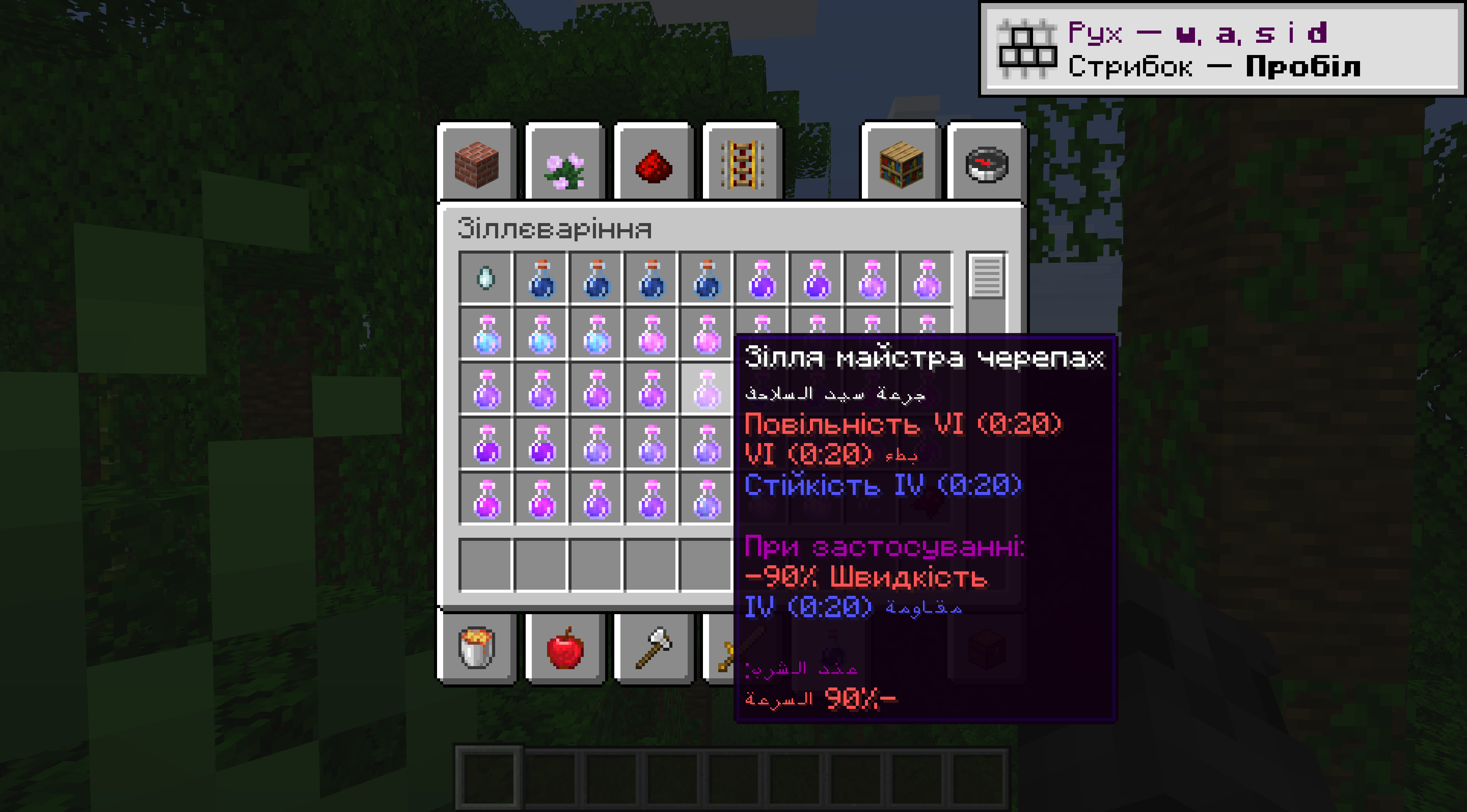
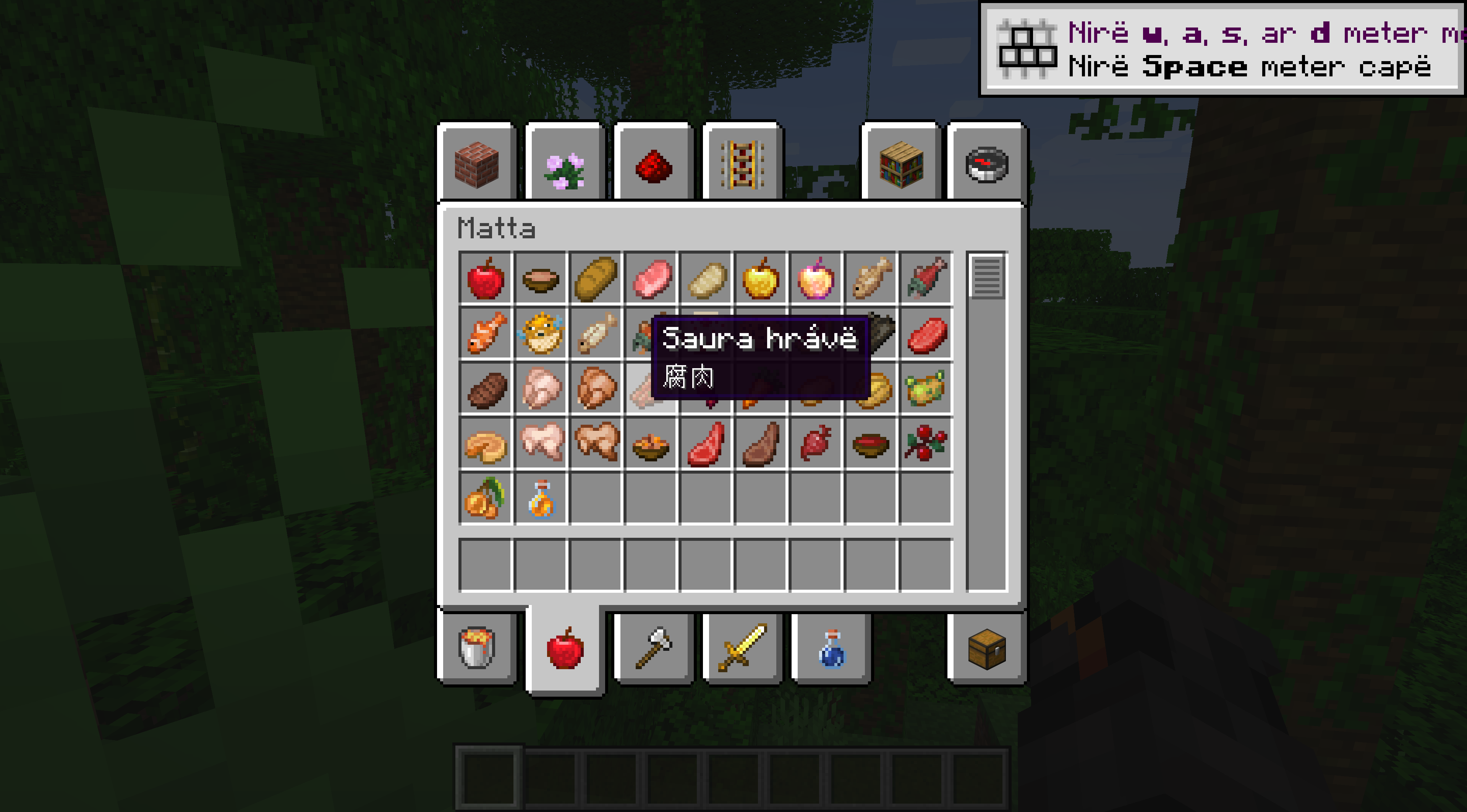
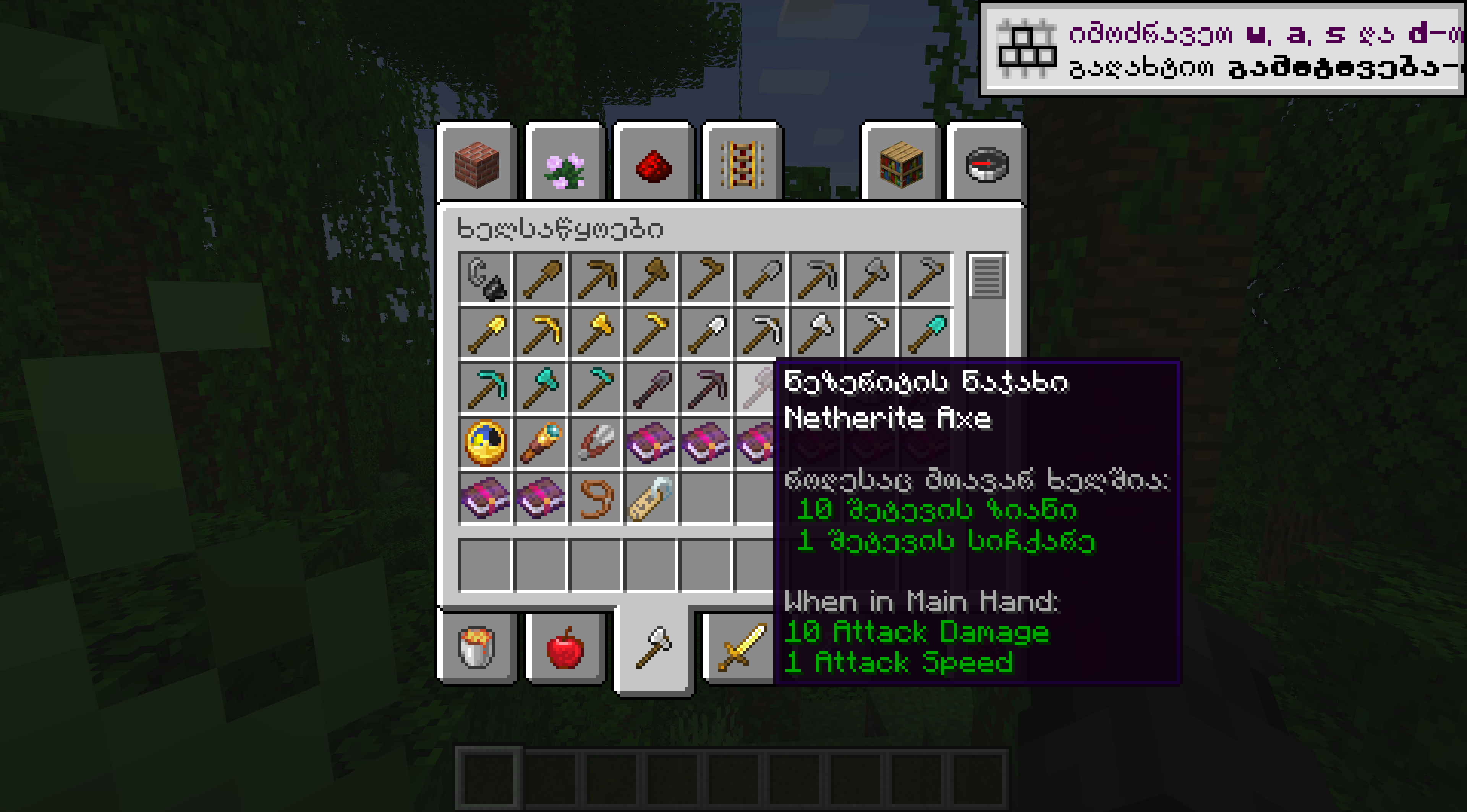
This mod allows you to configure a secondary language to be displayed in item tooltips. This mod does not display translations for any other elements of the UI – only item names and tooltips will be translated.
In order to change the secondary language, there is a configuration file called ‘bitems-client.toml’ in the config folder of your game directory – once you change the value for ‘secondary_language_key’ in this file, you will need to restart the game to see the changes applied. There is also an option here to disable the extra tooltips.
常见问题
Bitems – Bilingual Items 支持哪些 Minecraft 版本?
Bitems – Bilingual Items 支持 Minecraft Java 版 1.18.2–1.19,共 2 个版本,可用的加载器:Forge。下载时注意选择和你游戏版本一致的文件。
Bitems – Bilingual Items 怎么安装?
先用 PCL2 或 HMCL 启动器安装对应版本的 Forge,再把下载的 .jar 文件放进游戏目录的 mods 文件夹,重新启动游戏即可。开启了版本隔离的,mods 文件夹在 versions/版本名 下面。
exokem 的其他作品
查看全部 →
FindMeAnyDurability
Buuz135 的 FindMe 模组修改版,让搜索功能不受物品耐久度影响。

Chatcopyrite
将聊天消息复制到剪贴板。

Default Elements
A small expansion to the vanilla experience.

Inherent Enhancements
This mod adjusts some arbitrary limitations and adds a few new features.
评论
登录后评论和评分