
截图
介绍
Minecraft has over 60 different biomes, but the game itself doesn’t give you any tools to track your exploration progress. You never know how many biomes you’ve already seen, where you found them, or how many are still missing. Biome Journal solves exactly this problem – silently, automatically, without you having to do anything.
What the mod does
As soon as you enter a biome for the first time, the mod automatically detects this in the background. A small HUD overlay appears in the center of the screen for a few seconds, showing you the name of the new biome and how many biomes you’ve discovered in total. No pop-up, no menu, no interruption to the gameplay – just a short, elegant notification, and then you’re back to it.
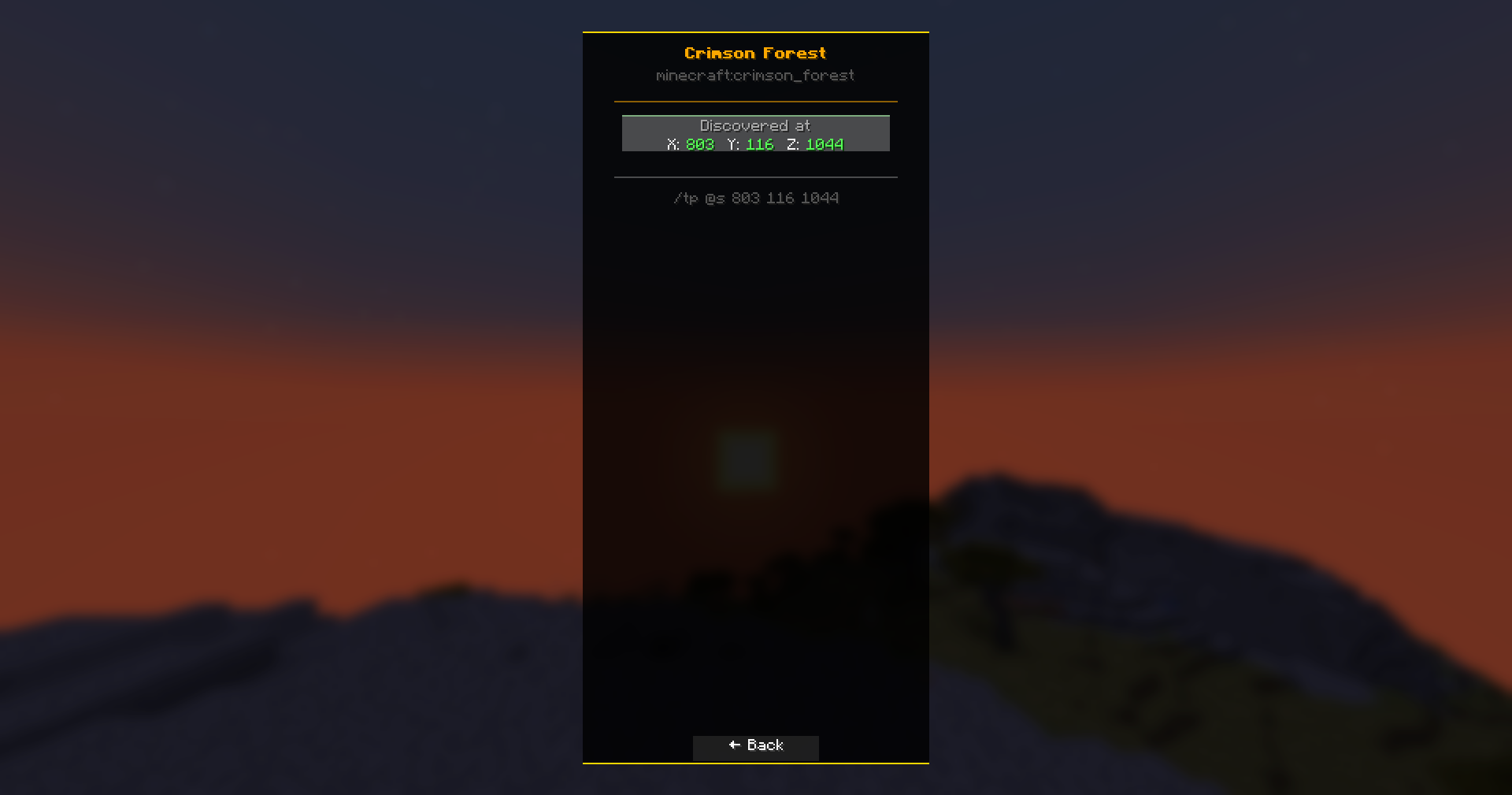
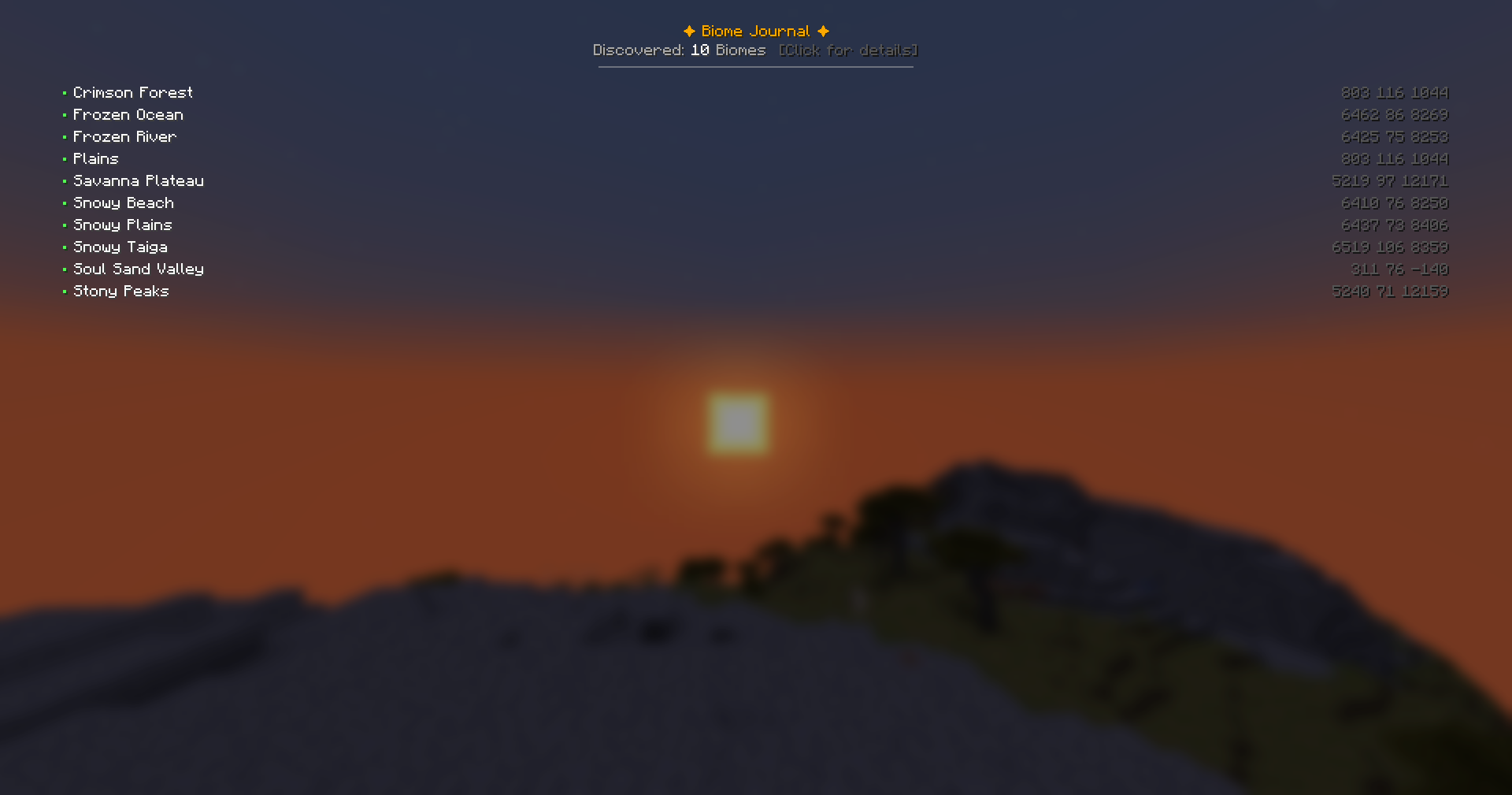
Pressing J at any time opens your personal biome journal. This contains a complete, alphabetically sorted list of all the biomes you’ve ever visited. Next to each entry are the exact coordinates where you first discovered the biome. Clicking on an entry opens a detailed view with the coordinates clearly displayed and a ready-made /tp command – allowing you to travel back to a previously discovered biome at any time without having to remember where it was.
常见问题
Biome Journal 支持哪些 Minecraft 版本?
Biome Journal 支持 Minecraft Java 版 1.21.5,可用的加载器:NeoForge。下载时注意选择和你游戏版本一致的文件。
Biome Journal 怎么安装?
先用 PCL2 或 HMCL 启动器安装对应版本的 NeoForge,再把下载的 .jar 文件放进游戏目录的 mods 文件夹,重新启动游戏即可。开启了版本隔离的,mods 文件夹在 versions/版本名 下面。运行环境:仅客户端。


评论
登录后评论和评分