介绍
中文介绍正在准备中,下面暂时显示原文。
Biome Brush
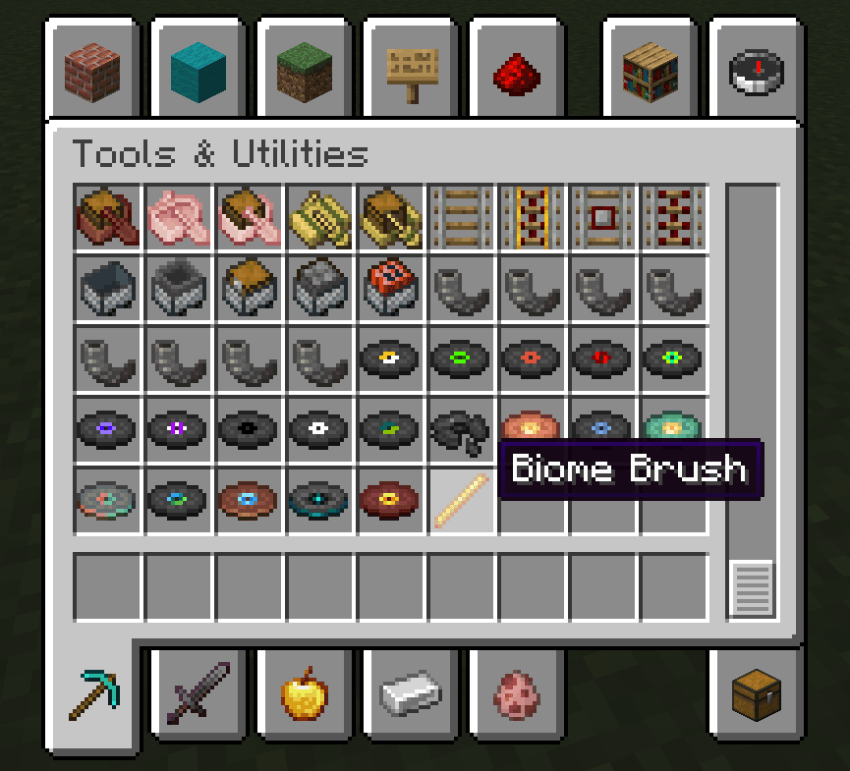
The mod adds a simple tool — the Biome Brush, allowing you to change biome types on the fly with precise control over the affected area.
Biome Visualization
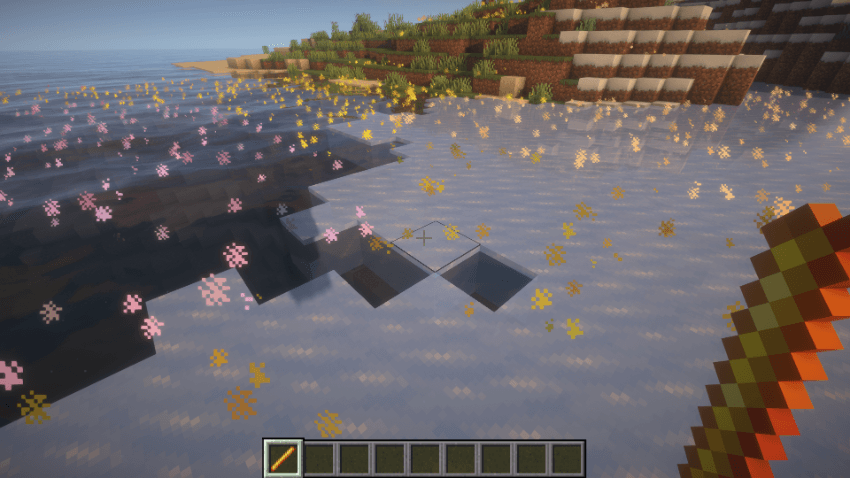
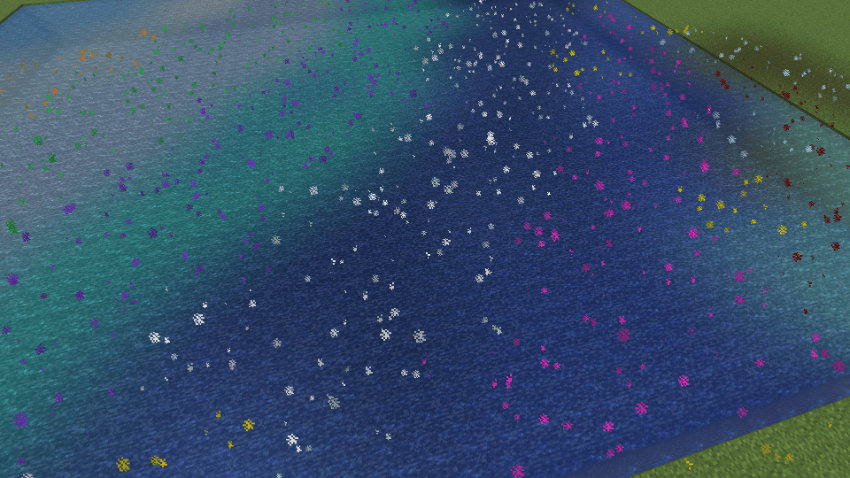
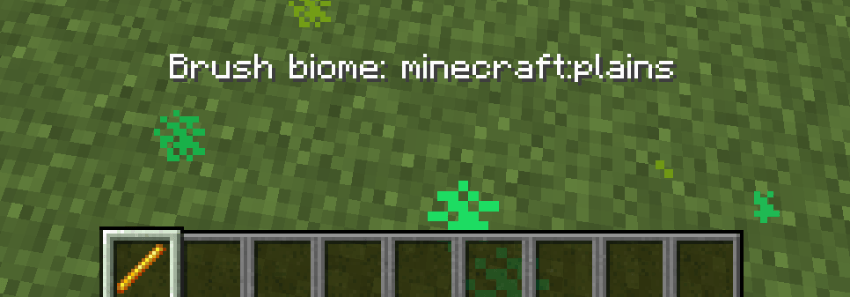
While holding the brush, biome colors are displayed in real time using particles above the terrain. Each biome gets its own automatically generated color, making it easier to distinguish neighboring biomes.
Controls
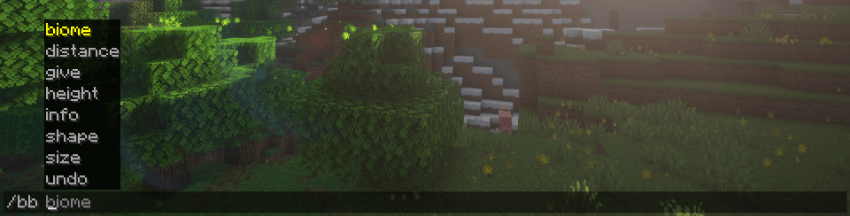
The brush is configured using the following commands:
- Biome — select the biome to apply
- Height — set the vertical height of the brush
- Shape — choose the brush shape: cube, sphere, or cylinder
- Size — set the horizontal radius
- Info — display current brush settings
- Undo — undo the last operation
Brush Interaction
- Right-click — apply the selected biome to the targeted area
- Shift + Right-click — copy the biome from the targeted location
Compatibility
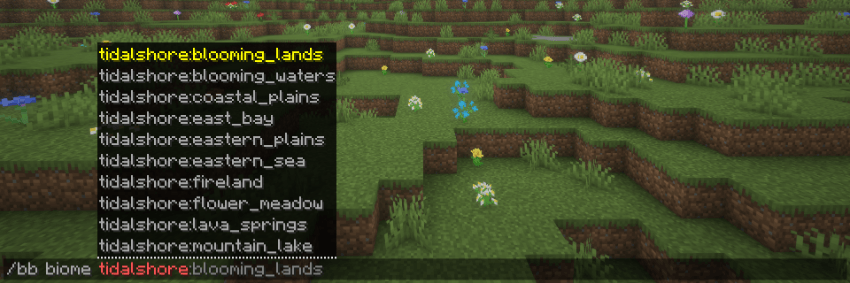
Supports vanilla biomes, as well as biomes added by datapacks and other mods.
常见问题
Biome brush 支持哪些 Minecraft 版本?
Biome brush 支持 Minecraft Java 版 1.21.1–1.21.11,共 4 个版本,可用的加载器:Fabric / NeoForge。下载时注意选择和你游戏版本一致的文件。
Biome brush 怎么安装?
先用 PCL2 或 HMCL 启动器安装对应版本的 Fabric / NeoForge,再把下载的 .jar 文件放进游戏目录的 mods 文件夹,重新启动游戏即可。开启了版本隔离的,mods 文件夹在 versions/版本名 下面。
评论
登录后评论和评分