
Bindly
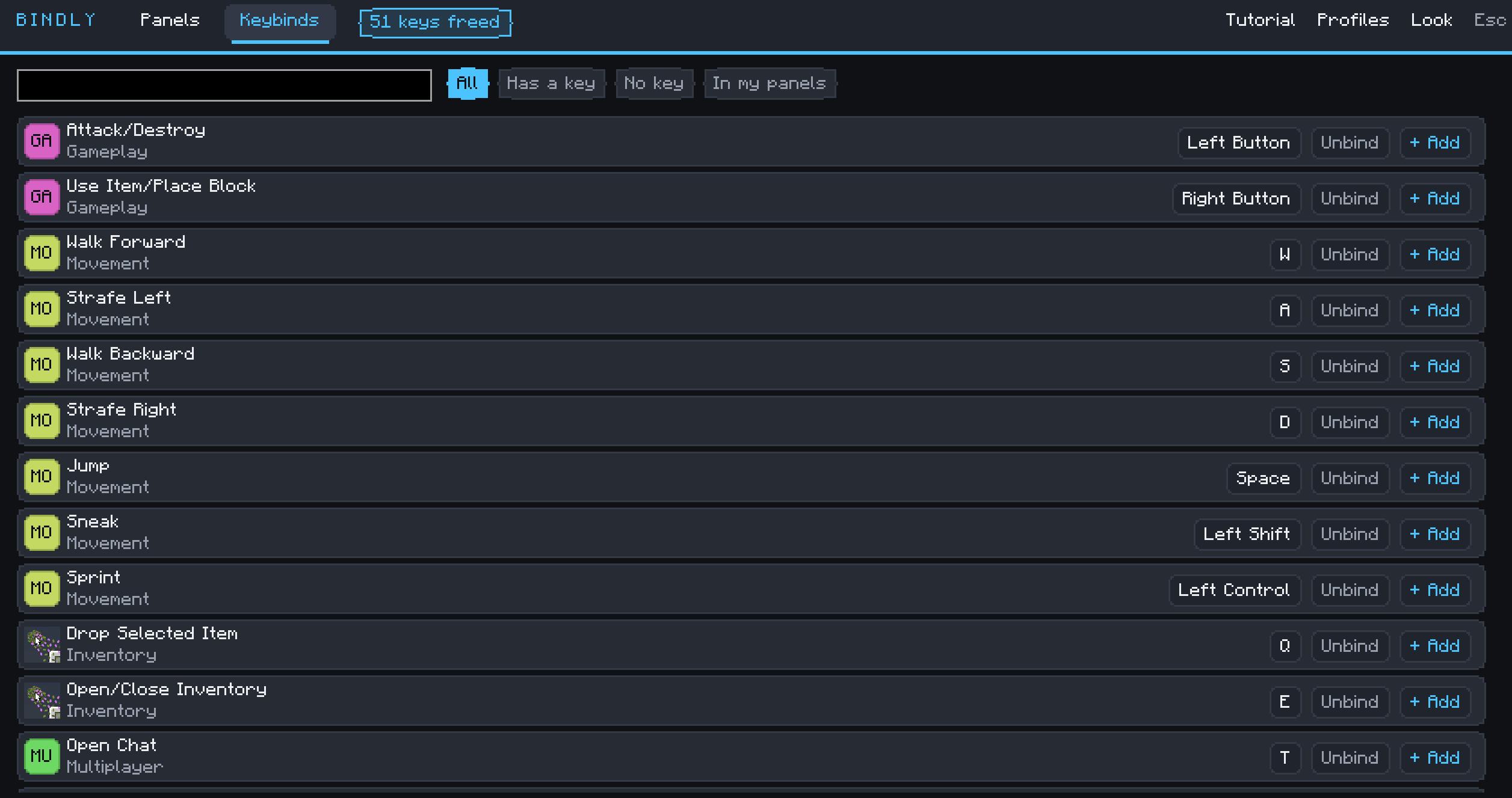
Out of keys? Bindly compresses your mods' hotkeys into a single key, and frees every keybind it takes over.
截图
介绍
What is Bindly?
You have Two Hundred mods. You have one keyboard and so little keys…
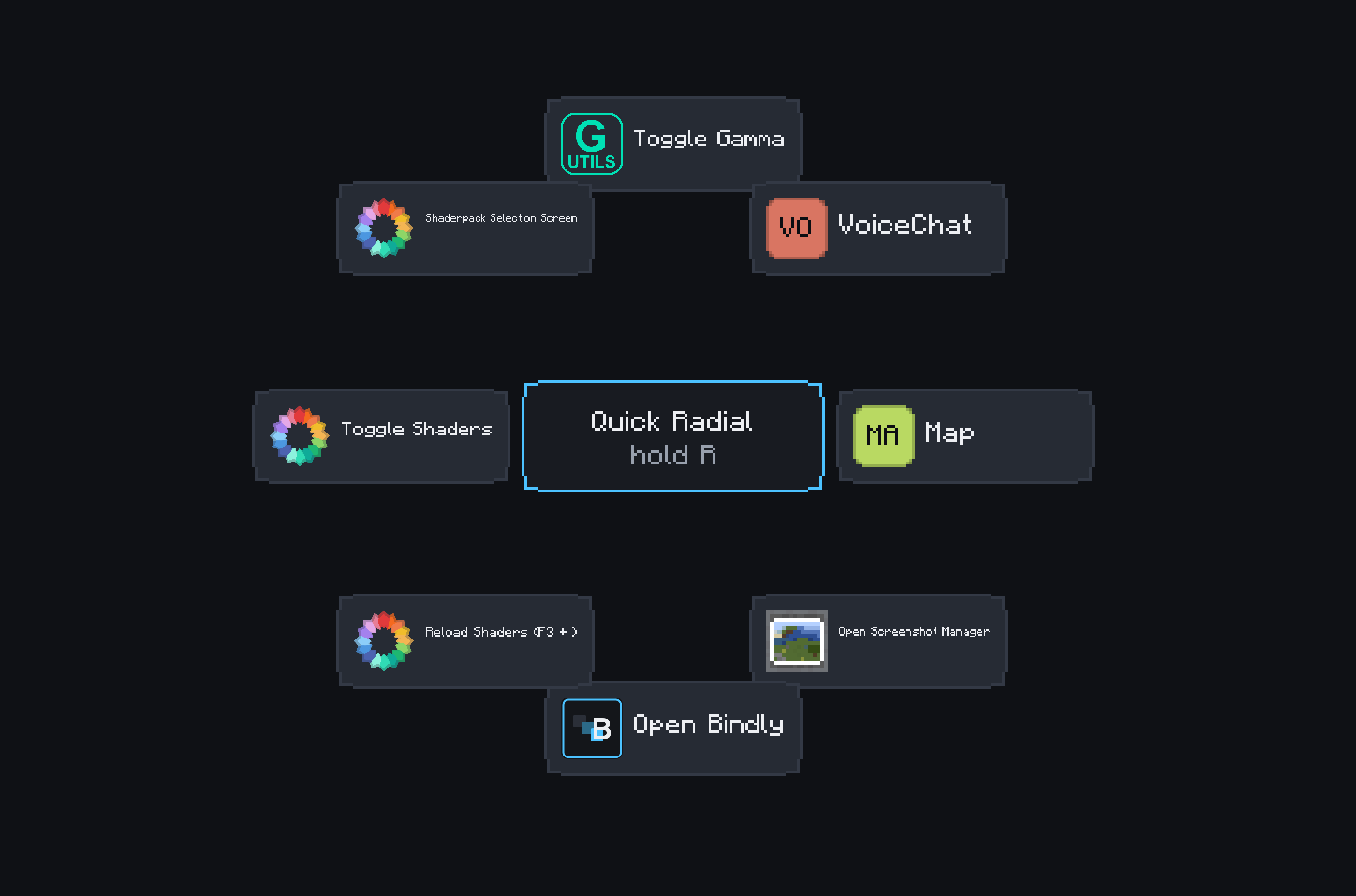
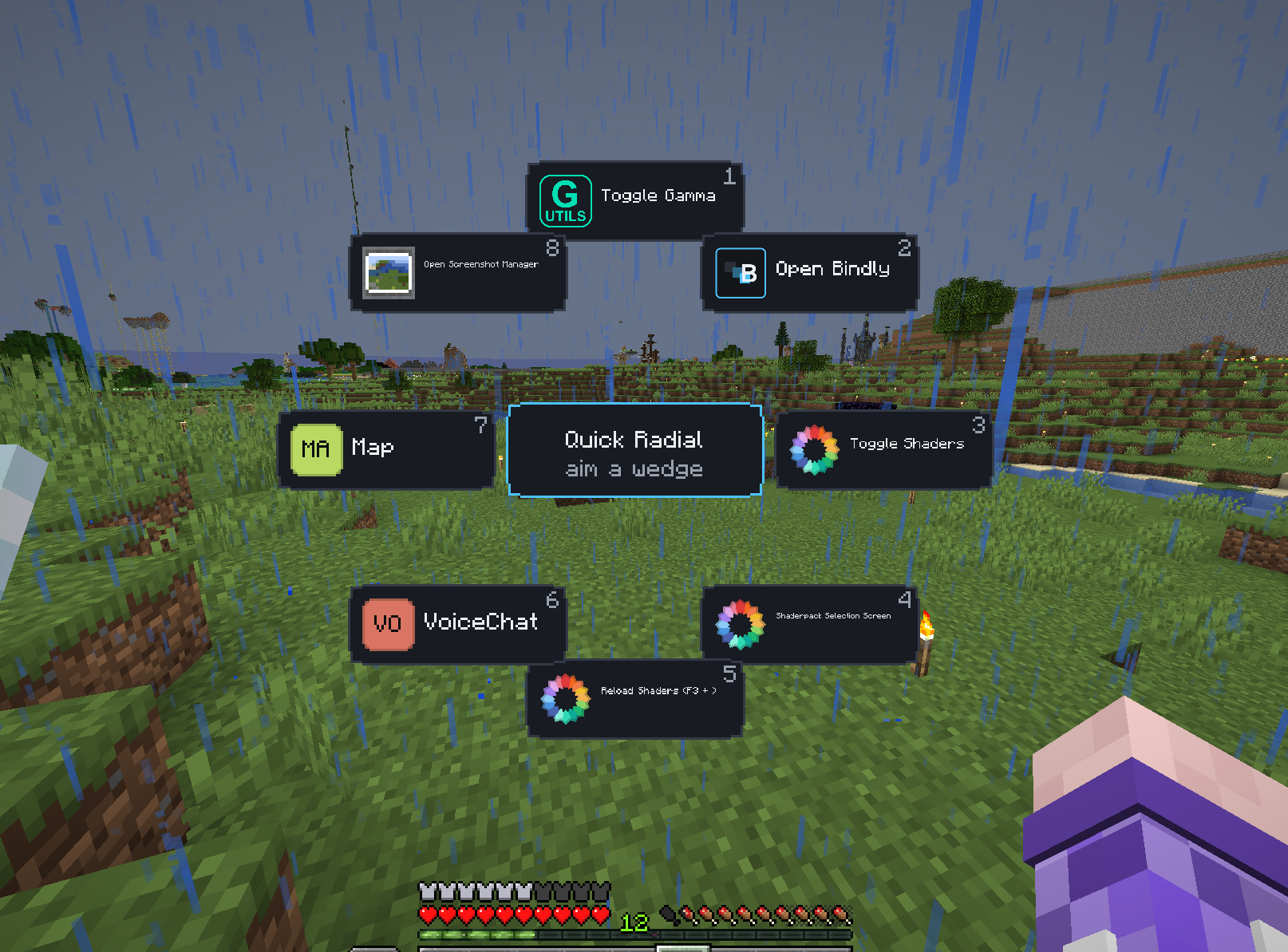
Every new mod means another awkward keybind taking up more keyboard space, and half of them you can’t remember anyway. Bindly folds those hotkeys into panels and radial menus that open from a single key. When you add an action to Bindly, it clears that action’s original keybind.
# How it works
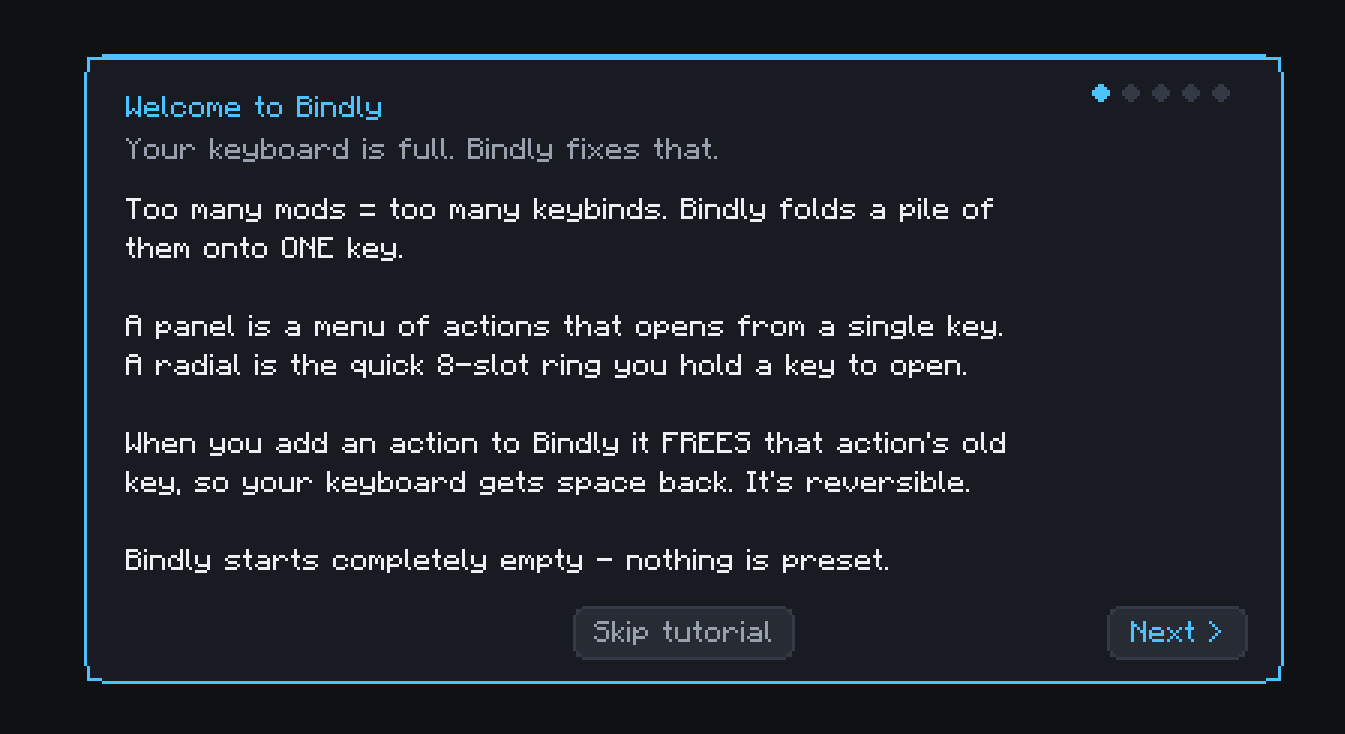
Press B (rebindable of course), or click the Bindly button on the title screen, pause menu, or vanilla Key Binds screen. Bindly starts completely blank and walks you through a short tutorial that helps you set up your first panel.
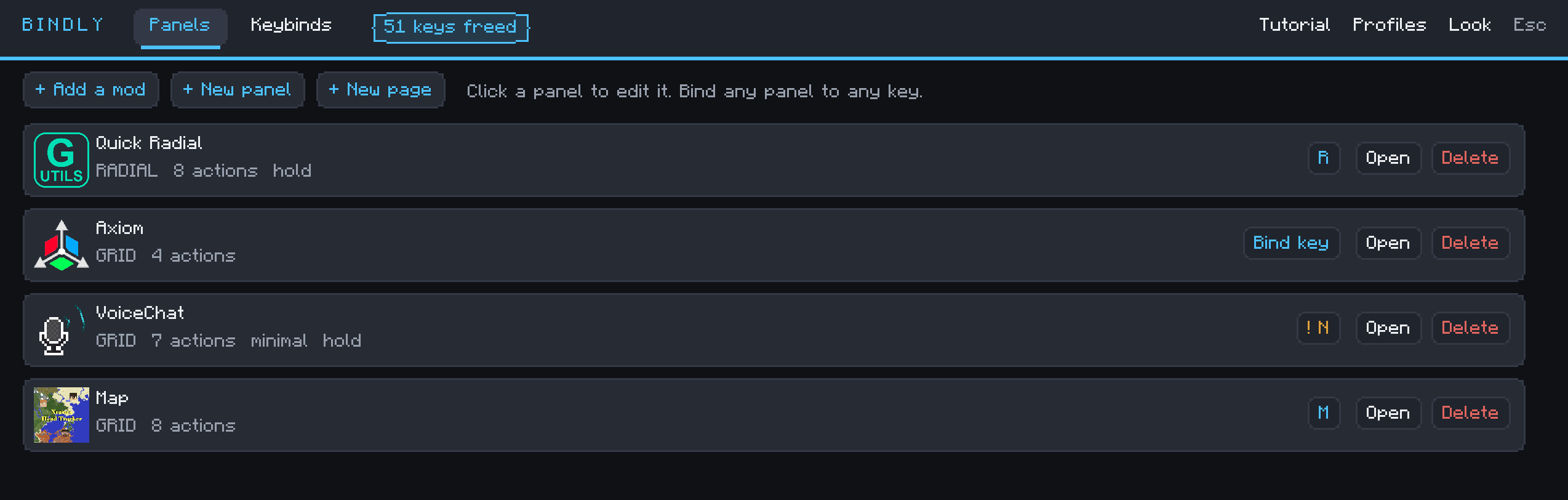
From the Import Manager you pick a mod (NOTE: only mods that actually have keybinds are listed) and import its hotkeys as a panel. Import several at once, either as one panel per mod or all combined onto a single key. Then bind that panel to whatever key you like, and use the keys you just freed for something better.
常见问题
Bindly 支持哪些 Minecraft 版本?
Bindly 支持 Minecraft Java 版 26.2,可用的加载器:Fabric。下载时注意选择和你游戏版本一致的文件。
Bindly 怎么安装?
先用 PCL2 或 HMCL 启动器安装对应版本的 Fabric,再把下载的 .jar 文件放进游戏目录的 mods 文件夹,重新启动游戏即可。开启了版本隔离的,mods 文件夹在 versions/版本名 下面。运行环境:仅客户端。
评论
登录后评论和评分