
bHold easyPlace
Litematica Easy Place without holding the use key. Minecraft 26.x continuation of Hold-Easy-Place, with optional support for server custom items.
截图

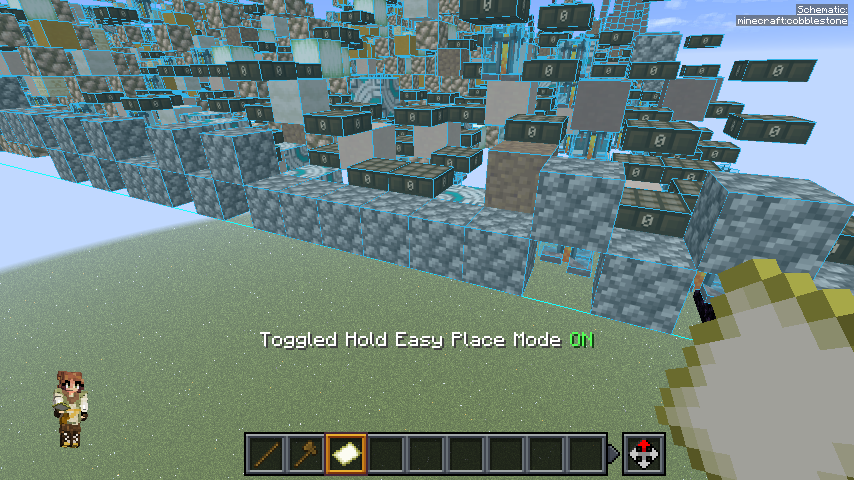
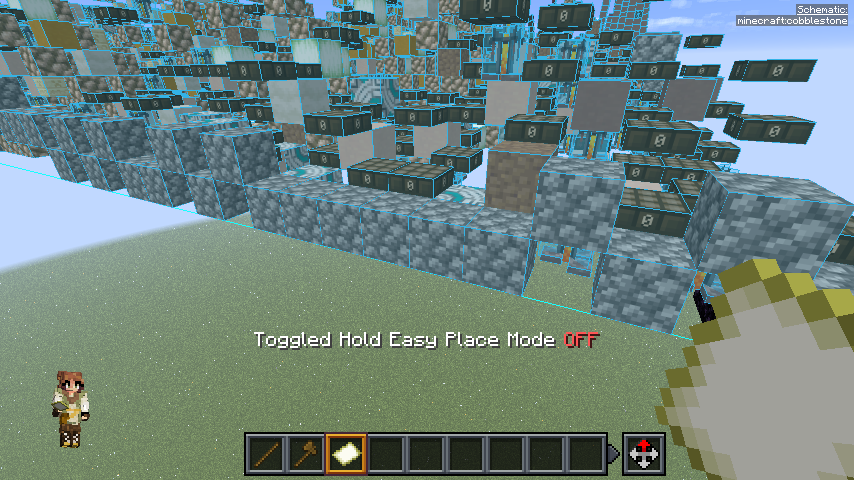
介绍
Build from schematics without wearing out your right mouse button.
bHold easyPlace keeps Litematica‘s
Easy Place mode firing every client tick, with no use key held. Look at
the schematic and the blocks go in.
This is the Minecraft 26.x continuation of
Hold-Easy-Place by shane0411
(MIT). The last upstream release supports 1.21.x. This version was
rewritten against current Litematica and malilib internals.
How it works
- Turn on Easy Place in Litematica as usual (
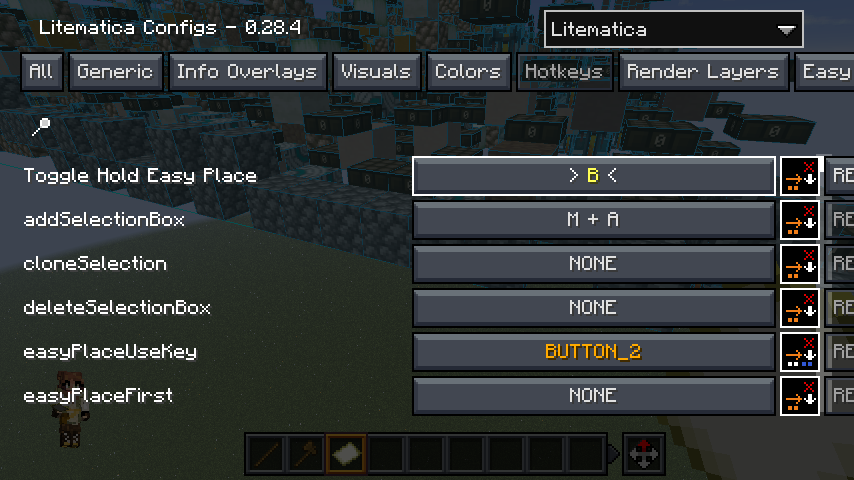
easyPlaceMode). - Enable Hold Easy Place Mode in Litematica config > Generic, or bind Toggle Hold Easy Place in the Hotkeys tab.
- Aim at the schematic. Blocks place with no key held.
Both settings save to litematica.json like any other Litematica
option.
What to expect
- This is Litematica’s own Easy Place, minus the held key. It is not a printer. Placement uses vanilla reach, needs the target block under your crosshair, and makes one placement attempt per tick. Nothing gets placed behind you or through walls.
- Steps aside whenever Litematica should own the tick: in REBUILD tool mode, while a GUI is open, and while you physically hold the use key.
- Works with both the legacy Easy Place path and
easyPlacePostRewrite. - Hold-mode placement failures stay out of chat. Your own clicks keep stock Litematica feedback.
Server custom items (optional)
Some servers hand out custom items such as infinite blocks. Easy Place
places from them like any other item, but pick block can shuffle them
around your hotbar or lose track of one. bHold easyPlace adds three
toggles for that, all in Litematica config > Generic:
- Skip Pick Block When Held: leaves your hotbar alone when what you already hold satisfies the target.
- Protect Custom Items: pick block never moves another item into a slot holding a custom item.
- Custom Item Loss Watchdog: warns with a timestamp when a custom item leaves your inventory and is not given back within two seconds, so a lost infinite block becomes a support ticket with evidence.
Running EasyPlaceFix too? On multiplayer it handles placement with its
own settings, so enable its nbtIgnore and loosenMode options for
custom items there as well.
Requirements
Minecraft 26.3, Fabric, plus
Fabric API,
malilib 0.30.2 or newer, and
Litematica 0.29.1 or newer.
Client-side only. On Minecraft 26.2, use 0.5.0+26.2, the last release
for that version.
If you still have the original Hold-Easy-Place jar installed, remove
it. This mod declares a conflict with it, because both mods would drive
Easy Place on the same tick.
Credits
Source on GitHub, MIT.
常见问题
bHold easyPlace 支持哪些 Minecraft 版本?
bHold easyPlace 支持 Minecraft Java 版 26.2–26.3,共 2 个版本,可用的加载器:Fabric。下载时注意选择和你游戏版本一致的文件。
bHold easyPlace 怎么安装?
先用 PCL2 或 HMCL 启动器安装对应版本的 Fabric,再把下载的 .jar 文件放进游戏目录的 mods 文件夹,重新启动游戏即可。开启了版本隔离的,mods 文件夹在 versions/版本名 下面。运行环境:仅客户端。
评论
登录后评论和评分