
BetterController
Play Minecraft with a controller like on console — smooth analog movement, full UI navigation, customizable bindings and native support for Xbox, PlayStation and Switch gamepads.
截图
介绍
BetterController
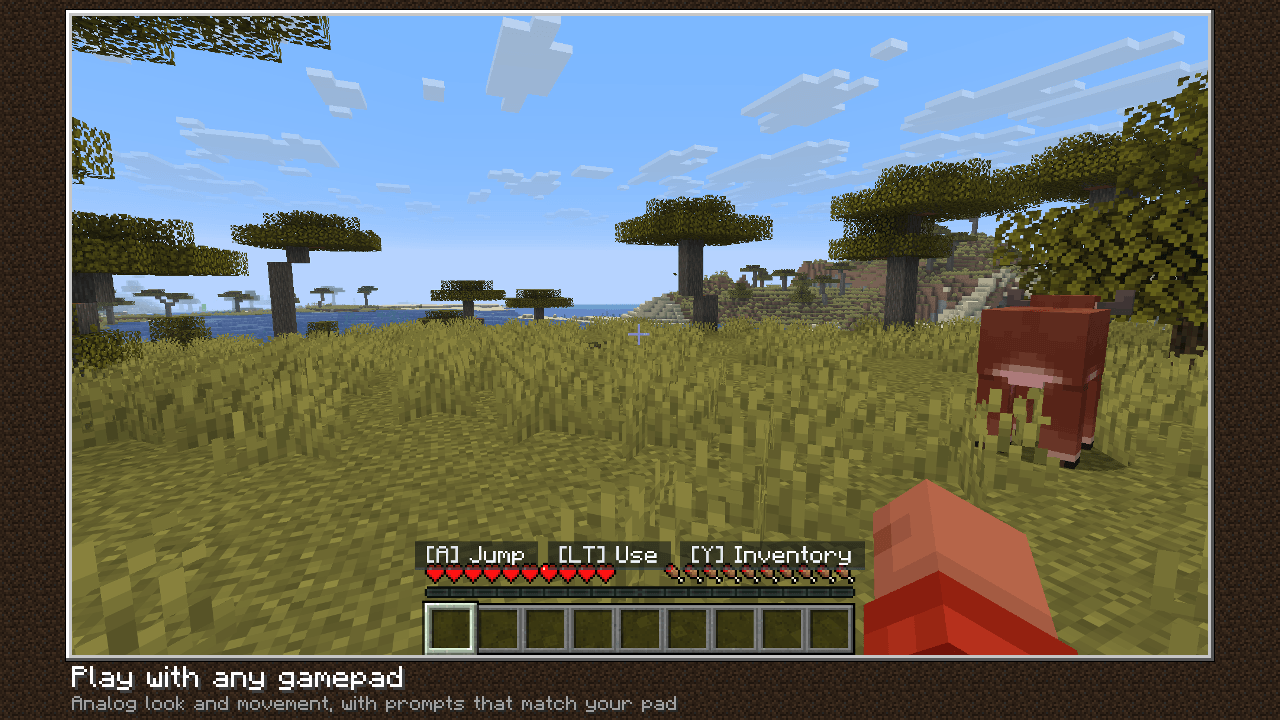
Play Minecraft Java with any gamepad. BetterController makes Minecraft feel like a console game — plug in your controller, launch the game, and play. No menus to fight, no setup, no server install.
Features
- Plug-and-play — auto-detects Xbox, PlayStation, Switch Pro and generic XInput controllers, swaps the on-screen button glyphs to match, and survives hot-disconnect.
- Analog everything — per-axis deadzone, anti-deadzone, response curve and adaptive smoothing on the look stick.
- Full GUI navigation — inventories, chests, creative search, options, world list, plus a virtual keyboard for chat. The right stick scrolls scrollable screens.
- Creative double-tap fly — the vanilla toggle just works.
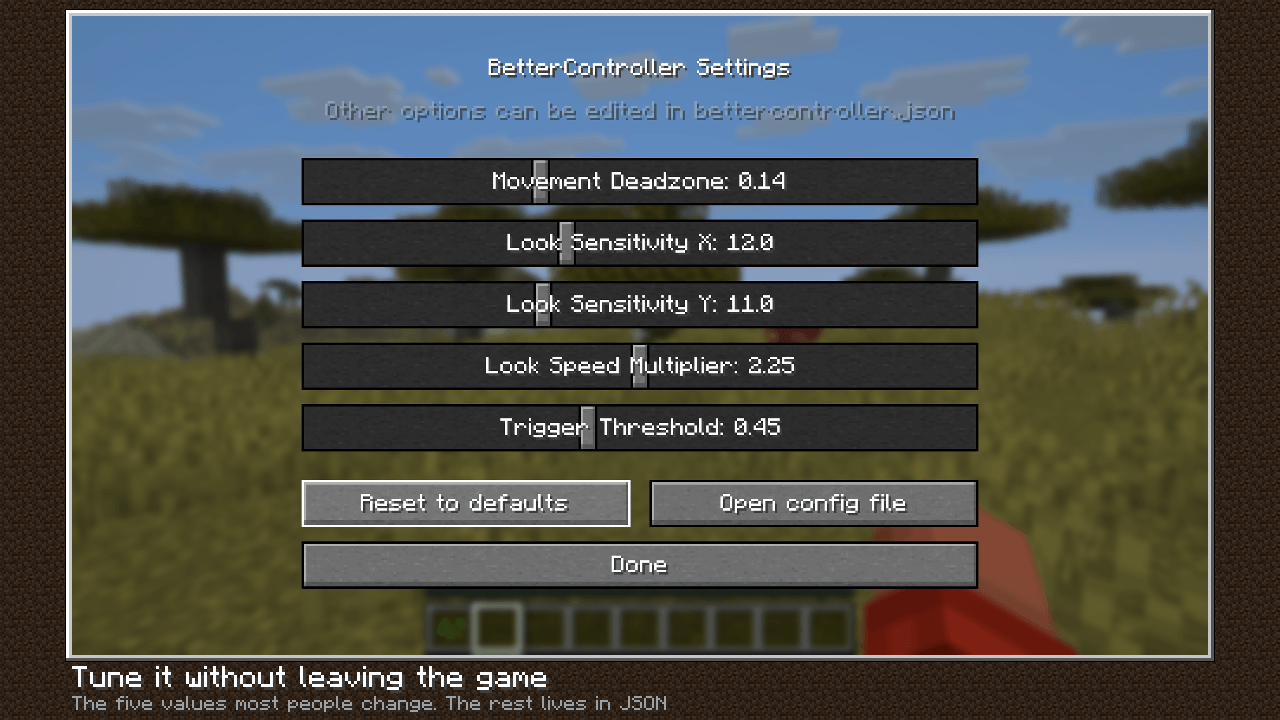
- In-game settings screen — five sliders (movement deadzone, look X / Y sensitivity, look speed, trigger threshold); everything else lives in a JSON config that reloads live.
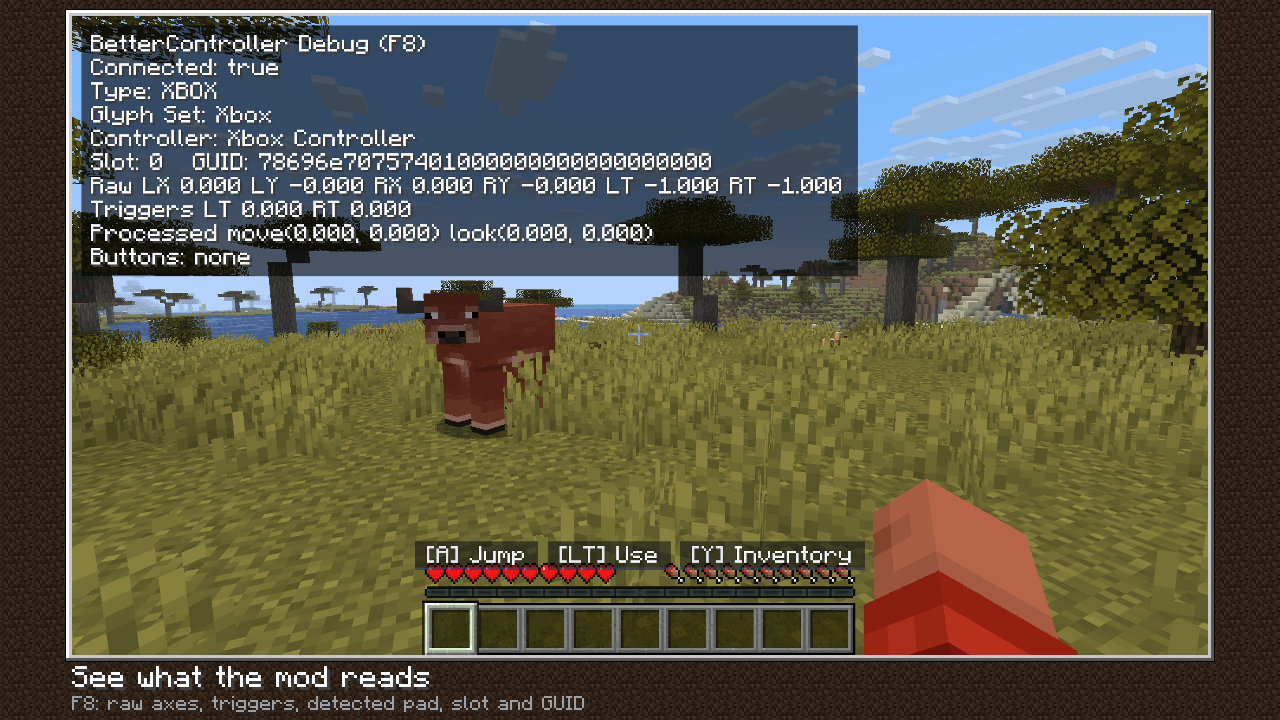
- Debug overlay (F8) — raw axes, triggers, processed vectors, pressed buttons.
- Lightweight and allocation-free in the tick loop — no rumble bloat, no radial menu.
Default bindings
Left stick moves, right stick looks. A / Cross jumps, RT mines, LT uses, Y / Triangle opens the inventory, B / Circle drops, X / Square swaps hands, RB / LB switch hotbar slots and creative tabs, D-pad up opens chat, Start pauses. Everything is rebindable in config/bettercontroller.json.
Requirements
- Fabric Loader + Fabric API
- Client-side only — safe on any server, not required server-side
See each version for its exact Minecraft and Java requirements.
常见问题
BetterController 支持哪些 Minecraft 版本?
BetterController 支持 Minecraft Java 版 1.20.1–26.2,共 3 个版本,可用的加载器:Fabric。下载时注意选择和你游戏版本一致的文件。
BetterController 怎么安装?
先用 PCL2 或 HMCL 启动器安装对应版本的 Fabric,再把下载的 .jar 文件放进游戏目录的 mods 文件夹,重新启动游戏即可。开启了版本隔离的,mods 文件夹在 versions/版本名 下面。

评论
登录后评论和评分