
Better Spawn Point
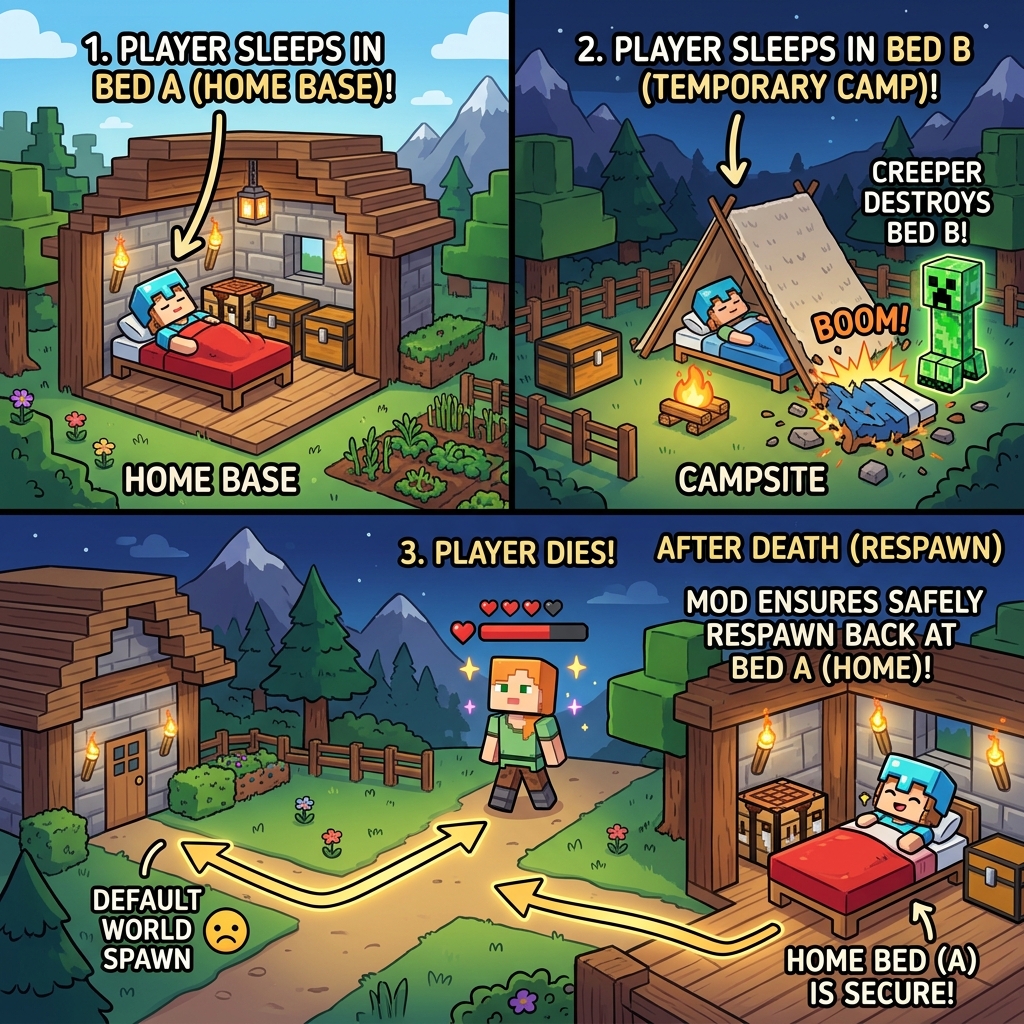
Better Spawnpoint replaces Minecraft's boring single-bed spawn system with a full spawn history manager — save multiple spawnpoints across all dimensions, teleport between them, rename them, and choose where you respawn when you die
截图


介绍
🛏️ Better Spawnpoint
Better Spawnpoint replaces Minecraft’s boring single-bed spawn system with a full spawn history manager — save multiple spawnpoints across all dimensions, teleport between them, rename them, and choose where you respawn when you die. Works with both Beds and Respawn Anchors in the Nether!
✨ Features
🖱️ Bed & Respawn Anchor Action Menu
Right-clicking a bed or a charged Respawn Anchor opens a custom action menu instead of the default interaction.
Bed:
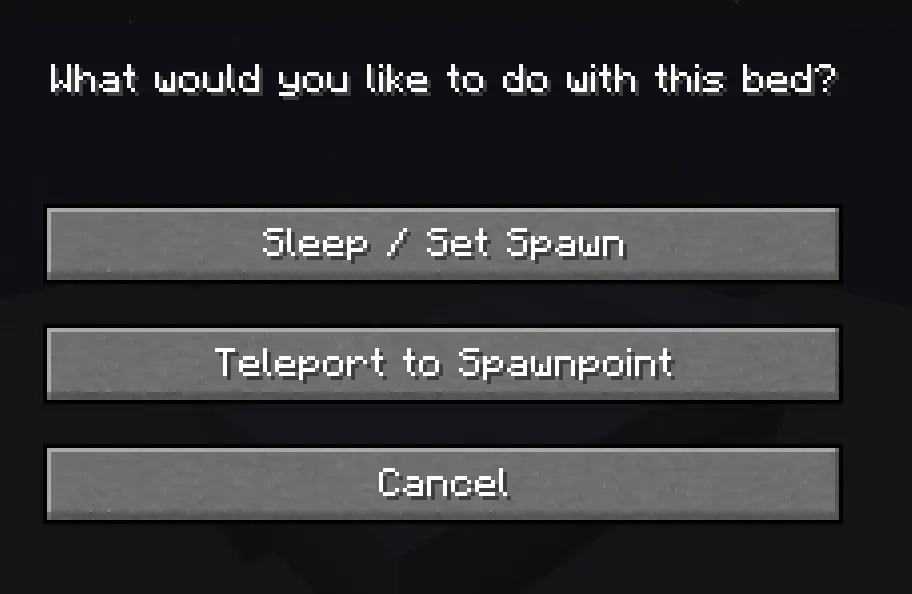
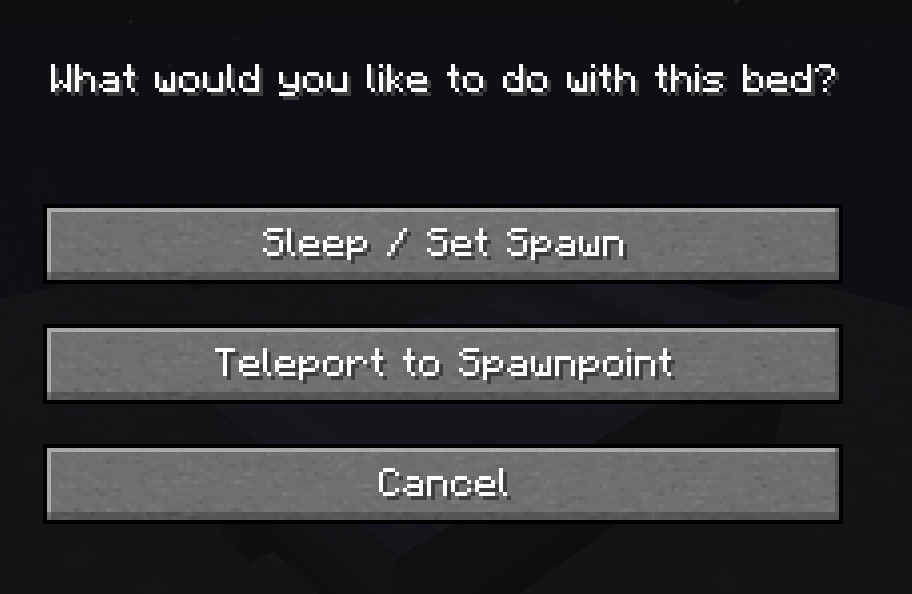
“What would you like to do with this bed?”
– Sleep / Set Spawn — Sleep in the bed and add it to your spawnpoint history
– Teleport to Spawnpoint — Jump straight to your spawnpoint list
– Cancel
Respawn Anchor (Nether):
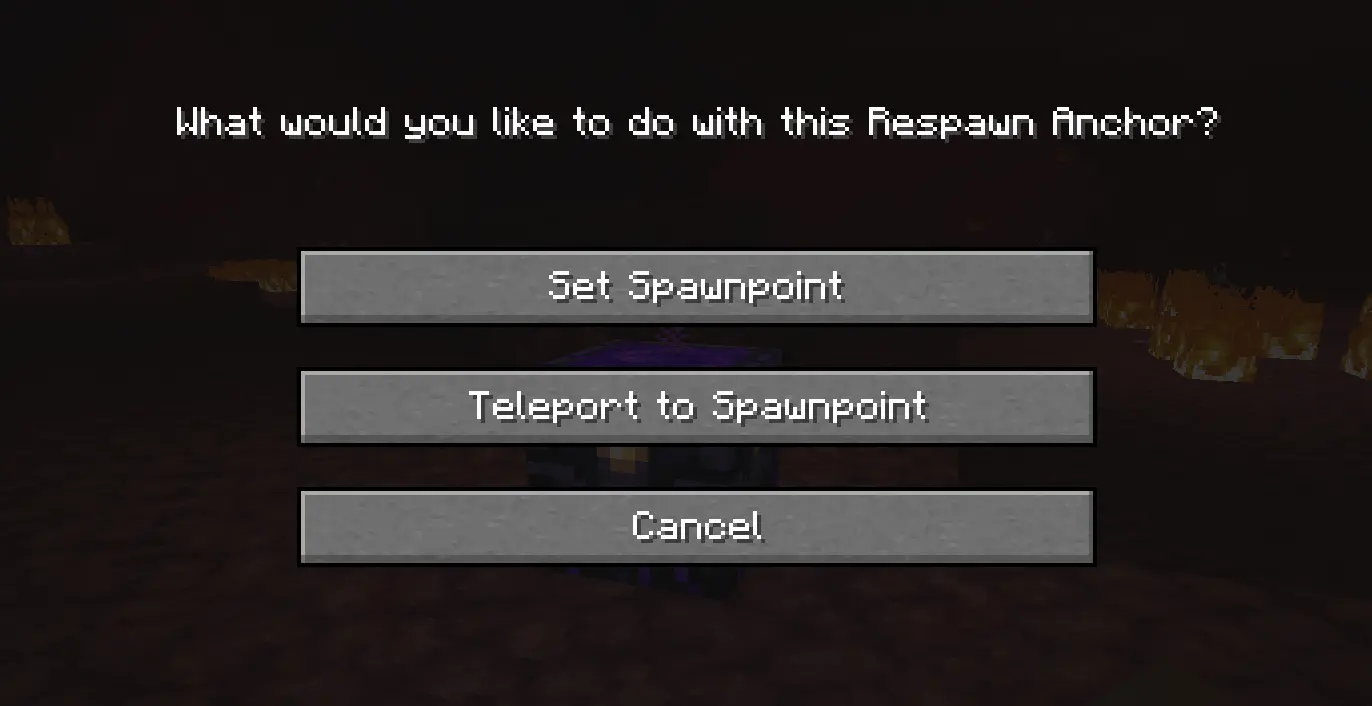
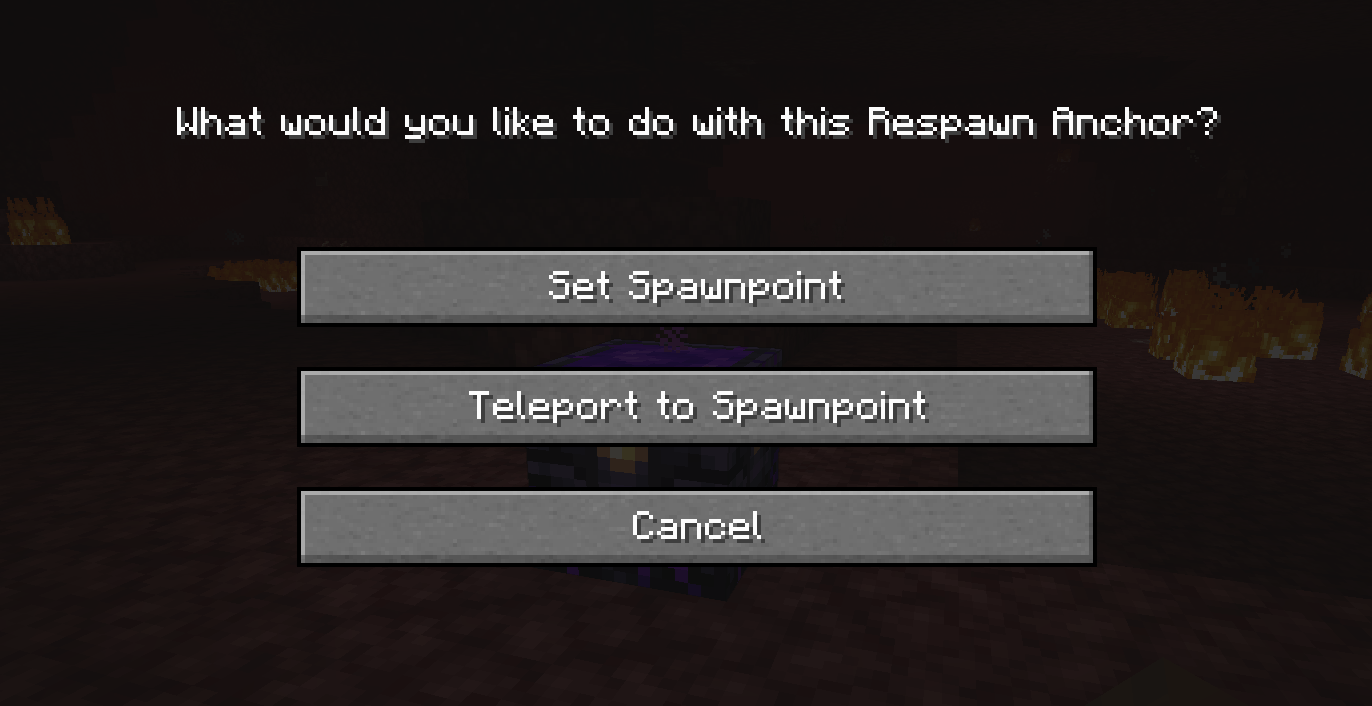
“What would you like to do with this Respawn Anchor?”
– Set Spawnpoint — Register the anchor as a spawnpoint (requires charges)
– Teleport to Spawnpoint — Open your spawnpoint list
– Cancel
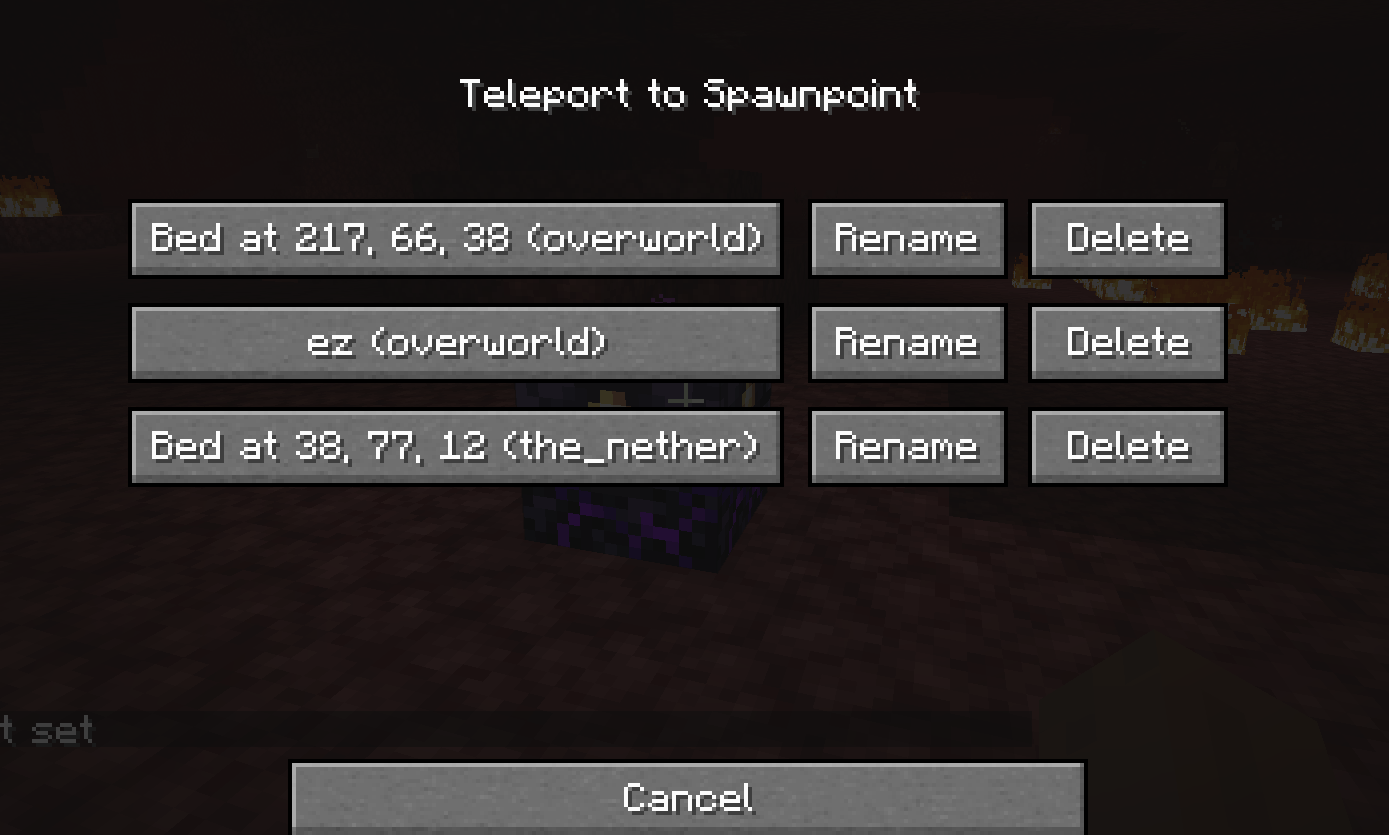
🗺️ Spawnpoint Manager
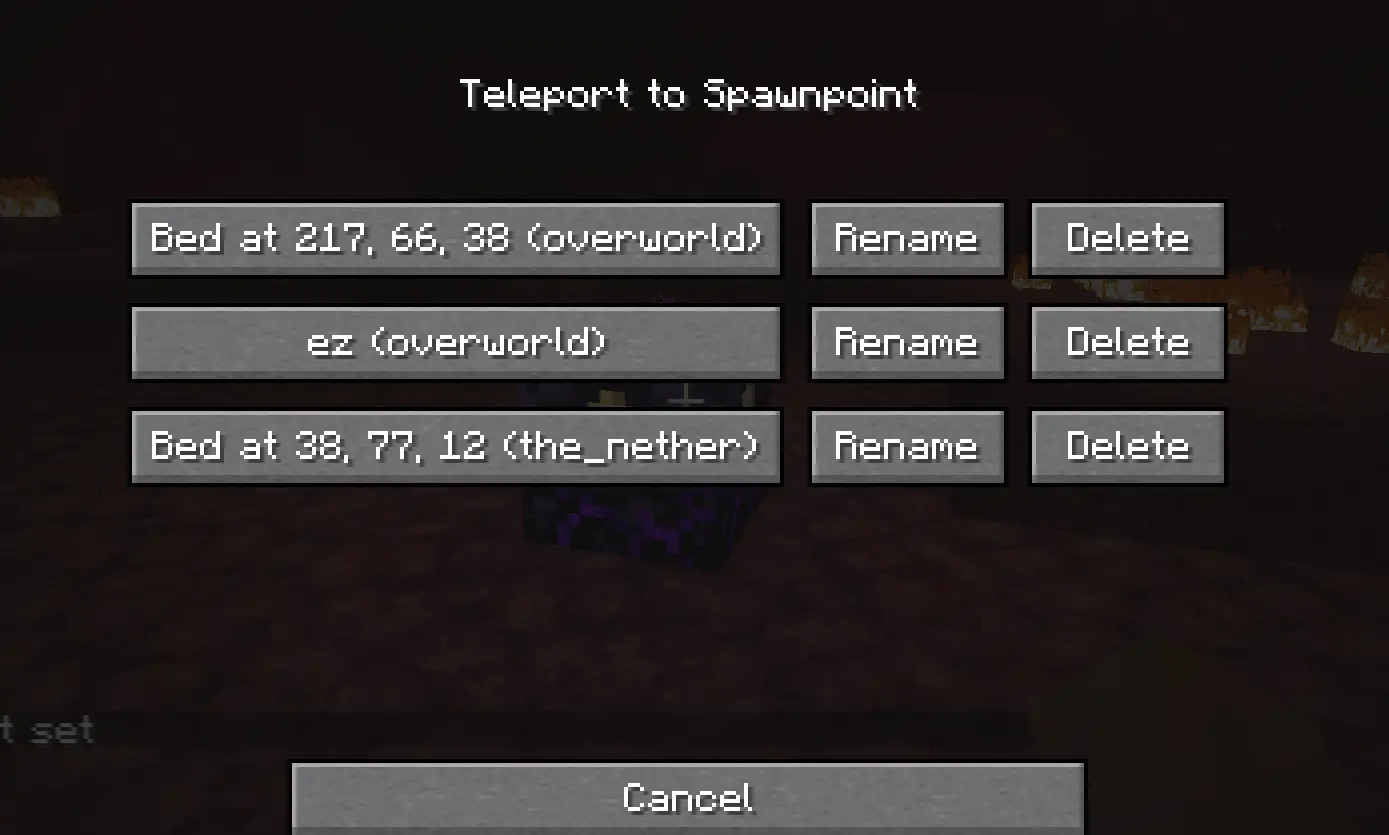
A clean, paginated GUI showing all your saved spawnpoints. Each entry shows the custom name (or auto-generated coordinates) and the dimension.
- Teleport directly to any spawnpoint with a click
- Rename any spawnpoint with a custom name
- Delete any spawnpoint you no longer need
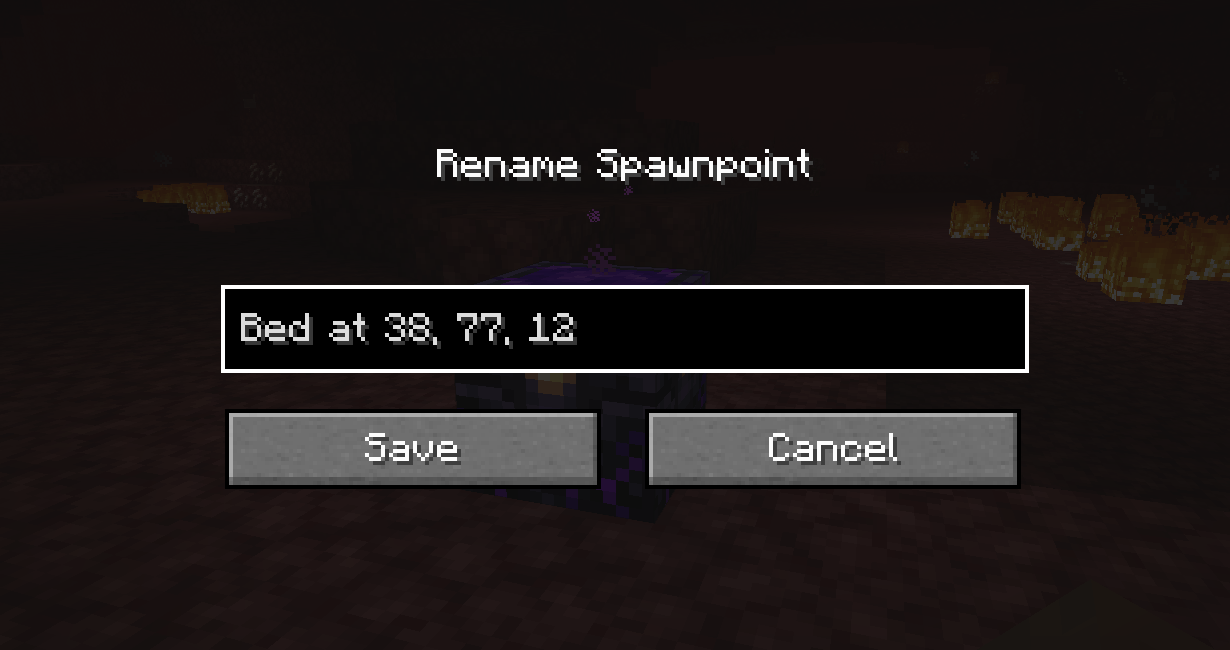
✏️ Rename Spawnpoints
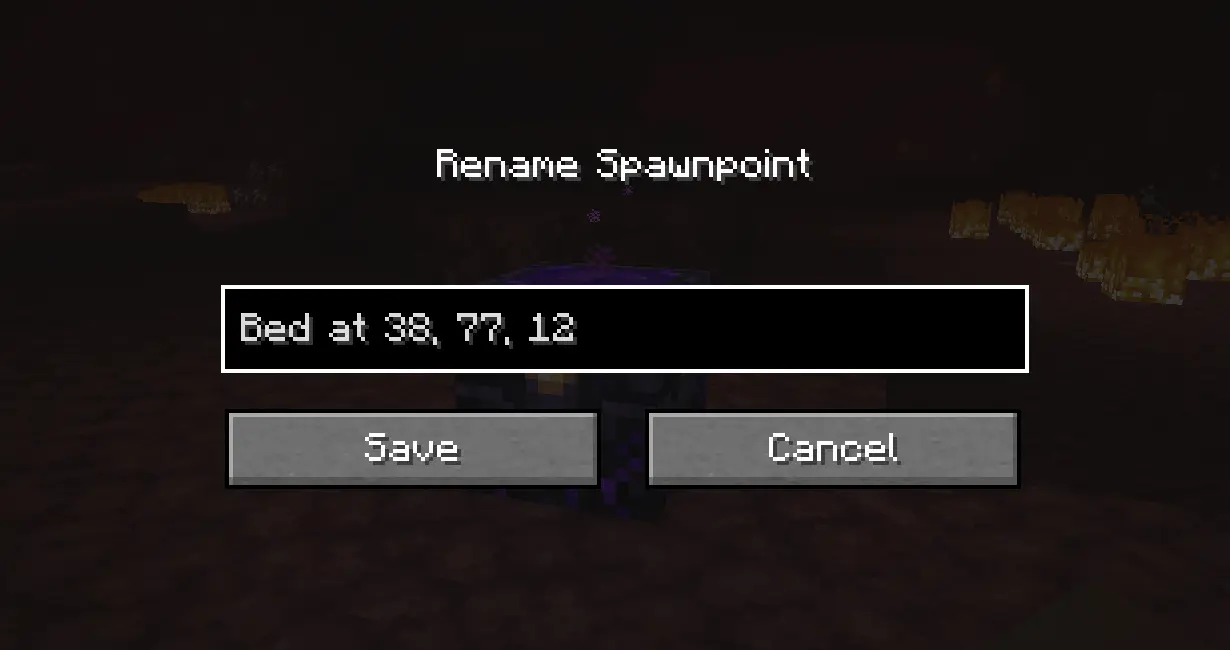
Give your spawnpoints meaningful names like "Main Base", "Nether Camp", or "Farm House".
A text field lets you type any name and save it — the name persists permanently and survives server restarts.
💡 If you sleep in a bed you already named, the custom name is preserved — it won’t reset to default coordinates.
💀 Death Screen — Choose Your Respawn
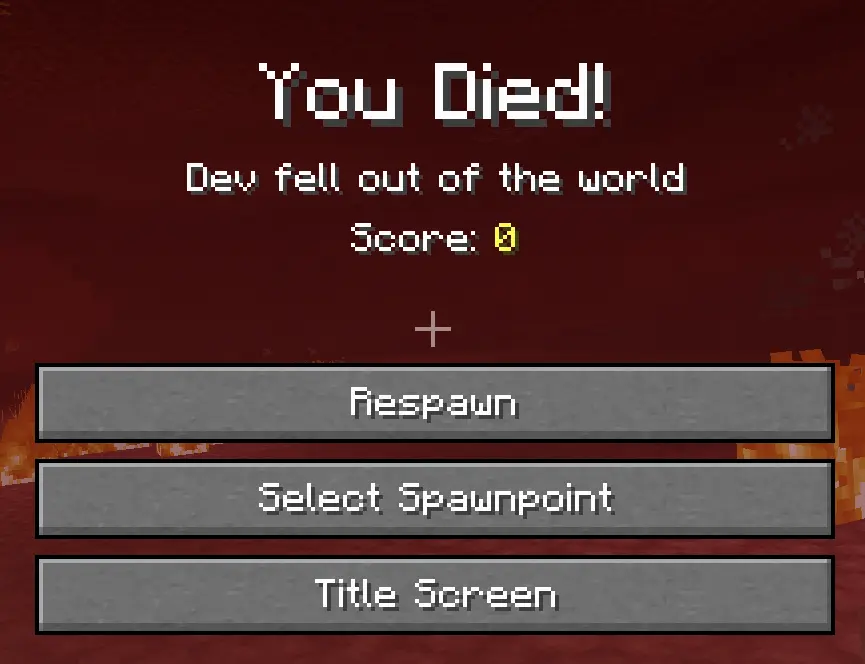
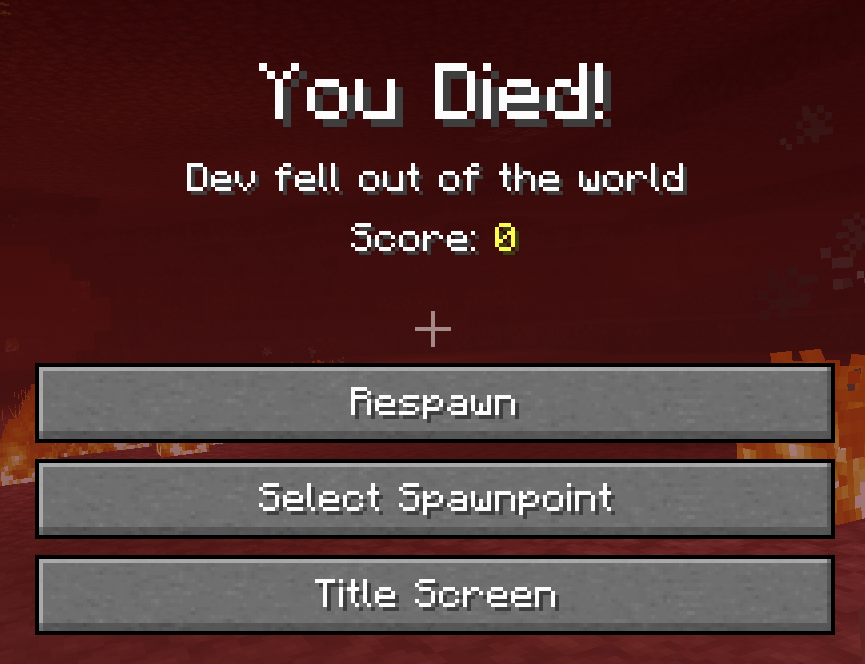
When you die, a new “Select Spawnpoint” button appears on the death screen.
- Browse your full spawnpoint history
- Choose exactly which bed or anchor to respawn at
- No more being stuck at the world spawn!
🔄 Smart Fallback System
If your active spawnpoint is broken or obstructed, the mod automatically searches backwards through your history and restores the most recent valid one. Destroyed or invalid entries are cleaned up automatically.
⚙️ Server Configuration
Server operators can configure the mod via the config file:
| Option | Default | Range | Description |
|—|—|—|—|
| MAX_SPAWNPOINTS | 5 | 1 – 100 | Maximum saved spawnpoints per player |
🔗 Links
- 🐛 Bug Reports Discord
Made with ❤️ by VIT THEO
常见问题
Better Spawn Point 支持哪些 Minecraft 版本?
Better Spawn Point 支持 Minecraft Java 版 1.16.5–1.20.4,共 6 个版本,可用的加载器:Fabric / Forge / NeoForge。下载时注意选择和你游戏版本一致的文件。
Better Spawn Point 怎么安装?
先用 PCL2 或 HMCL 启动器安装对应版本的 Fabric / Forge / NeoForge,再把下载的 .jar 文件放进游戏目录的 mods 文件夹,重新启动游戏即可。开启了版本隔离的,mods 文件夹在 versions/版本名 下面。运行环境:客户端 / 服务端。
theodenegamer12 的其他作品
查看全部 →
Better Gamemode
allows you to change game modes with hotkeys and short command

Better Command
Adds many useful commands for survival and creative gameplay to make server administration and gameplay easier.

vecunium
minerals ores armor tools mods
评论
登录后评论和评分