
Better Sounds
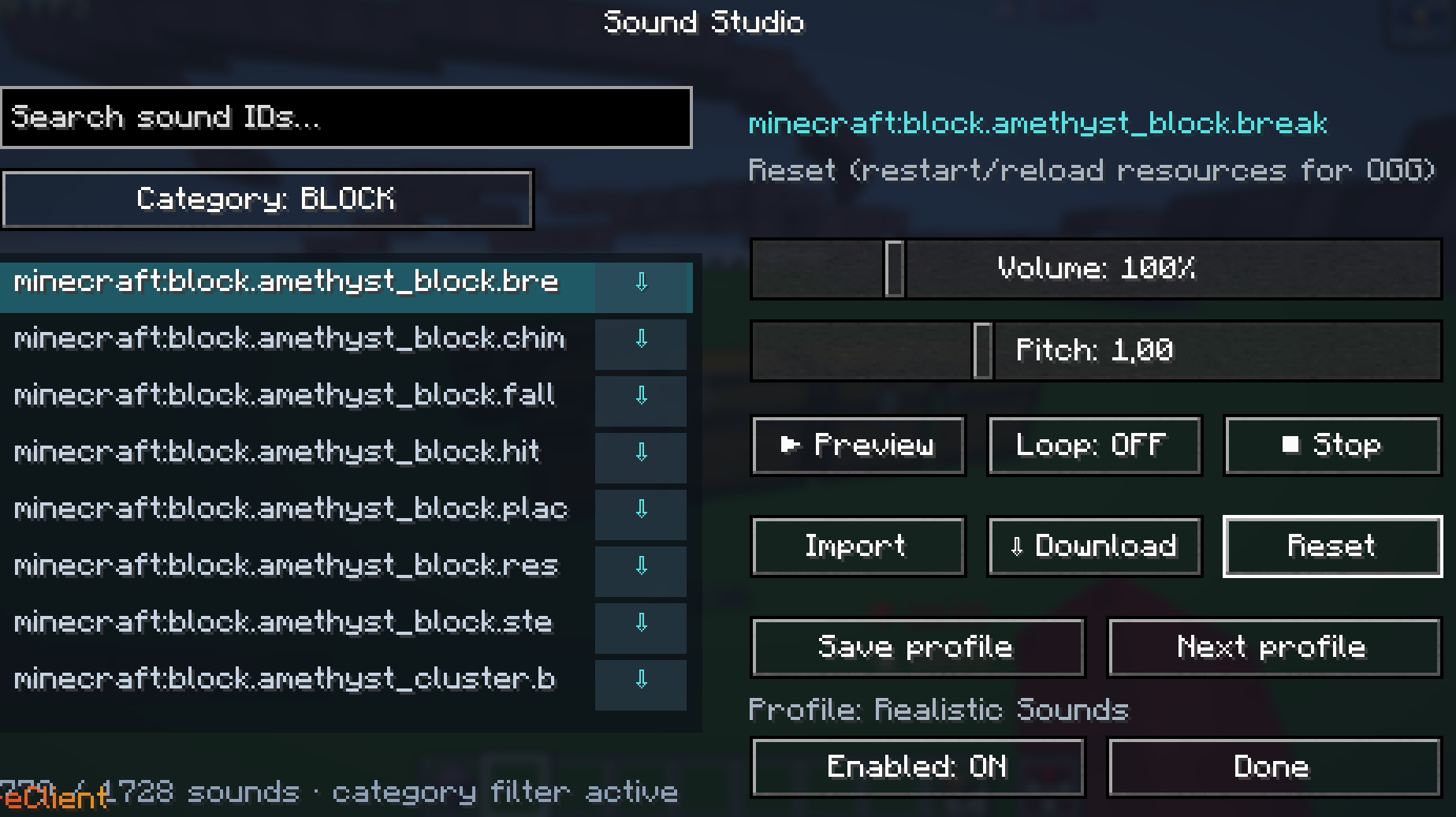
Better Sounds is a client-side Fabric mod that lets you browse, preview, customize, download, and replace Minecraft sounds in real time. Open it with Right Shift.
截图
介绍
Better Sounds
Better Sounds is a client-side Fabric mod that gives you full control over Minecraft’s sounds. Browse the complete sound registry, preview sounds instantly, adjust their volume and pitch, replace them with custom audio files, and organize your changes into profiles.
Features
Browse Every Minecraft Sound
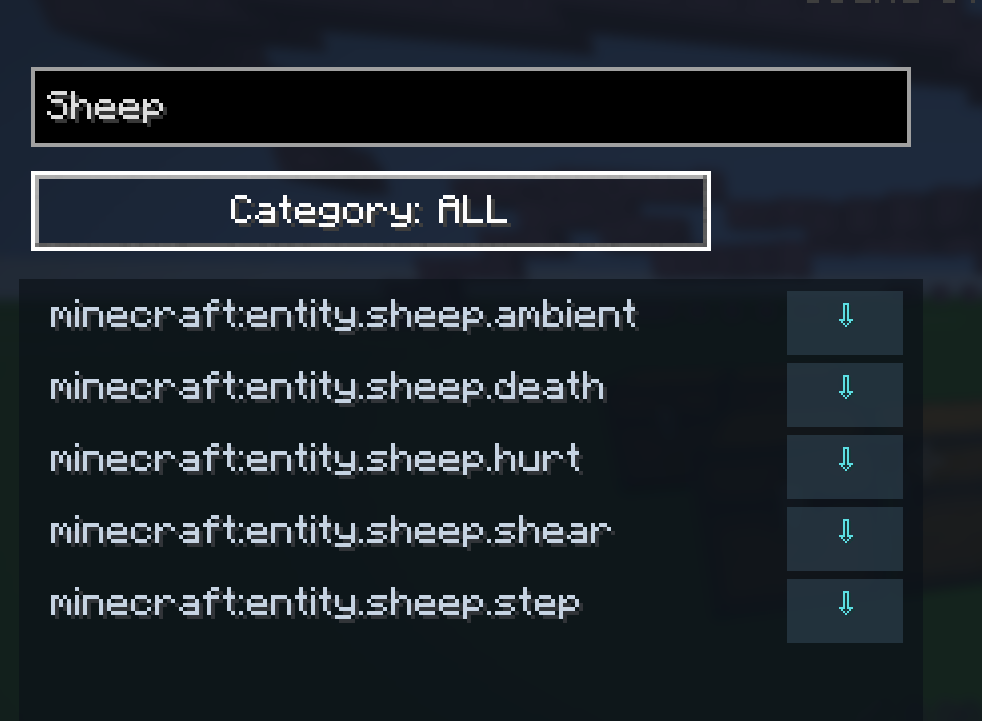
Explore and search Minecraft’s full sound-event registry, including block sounds, entity sounds, ambient effects, music, UI sounds, and more.
Instant Sound Preview
Select any sound and preview it directly in-game before making changes.
Volume and Pitch Controls
Fine-tune individual sounds with expanded controls:
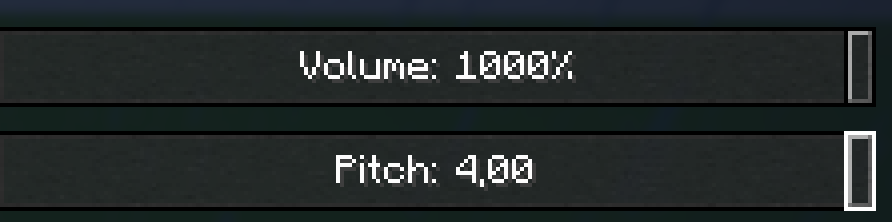
- Volume: from 0% to 1000%
- Pitch: from 0.1x to 4x
These controls also work with one-shot sounds such as block breaking, footsteps, and UI clicks.
Custom Sound Replacements
Replace any Minecraft sound with your own .ogg audio file. Sound Studio automatically creates and reloads a generated resource pack for your replacements.
Sound Profiles
Create, save, and switch between sound profiles. Each profile can contain its own volume, pitch, and custom replacement settings.
Download Original Sounds
Download Minecraft’s original sound files directly from the mod. Downloaded .ogg files are saved to your Downloads folder.
常见问题
Better Sounds 支持哪些 Minecraft 版本?
Better Sounds 支持 Minecraft Java 版 1.21.8–26.3,共 9 个版本,可用的加载器:Fabric。下载时注意选择和你游戏版本一致的文件。
Better Sounds 怎么安装?
先用 PCL2 或 HMCL 启动器安装对应版本的 Fabric,再把下载的 .jar 文件放进游戏目录的 mods 文件夹,重新启动游戏即可。开启了版本隔离的,mods 文件夹在 versions/版本名 下面。运行环境:仅客户端。
评论
登录后评论和评分