
截图
介绍

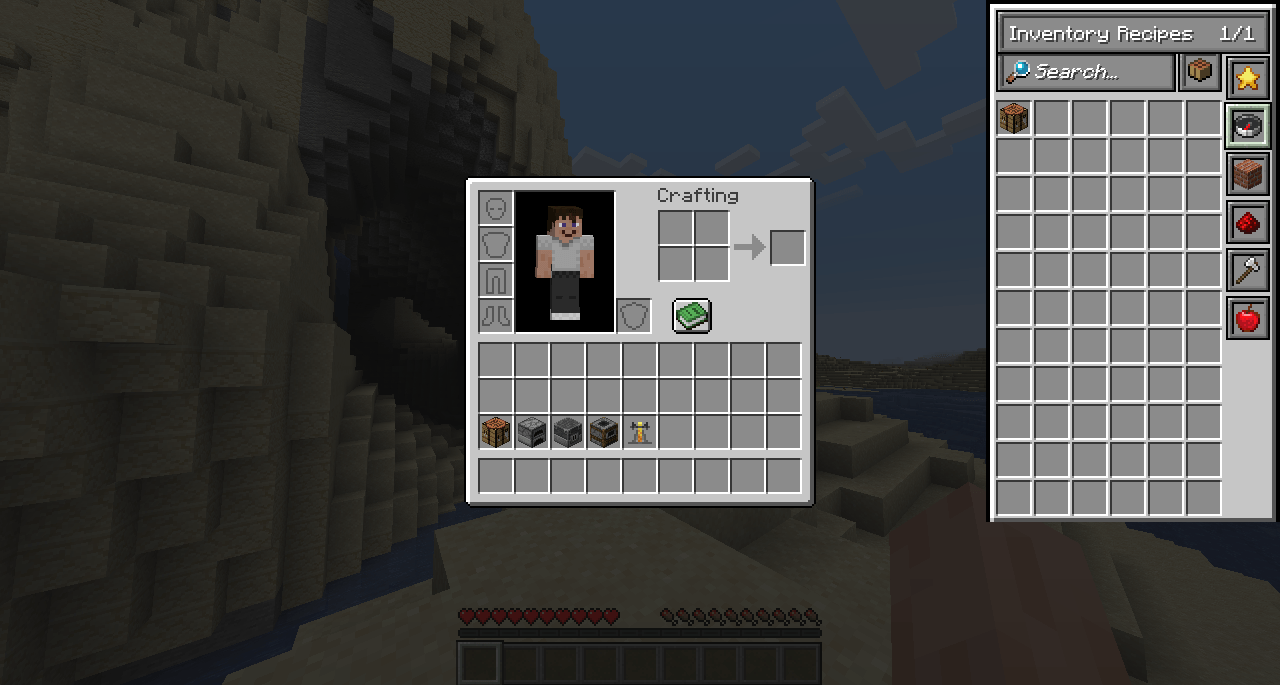
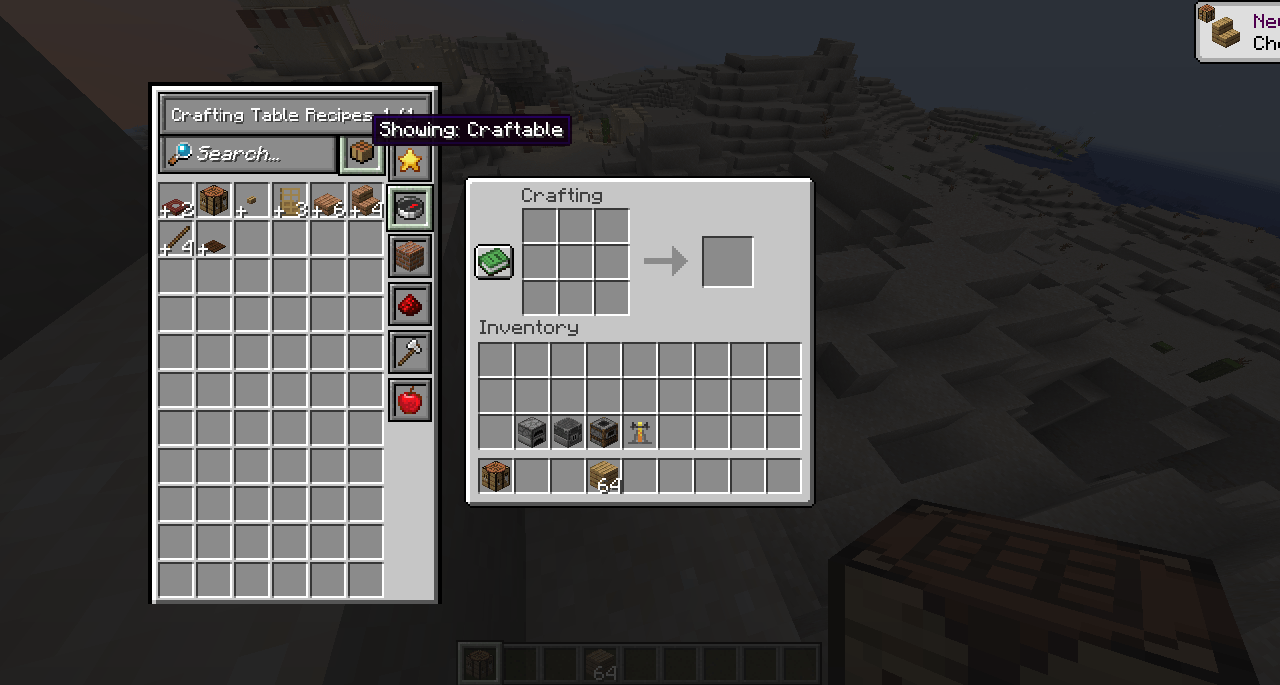
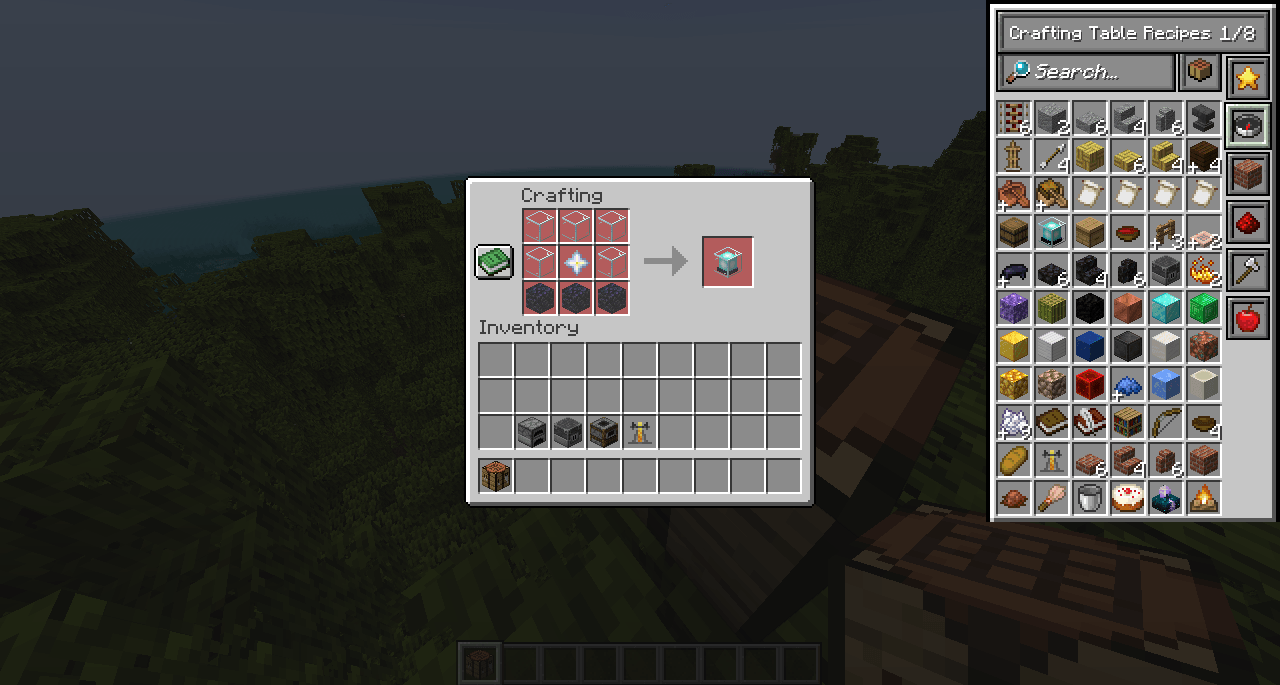
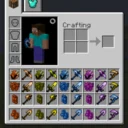
Better Recipe Book is a reimagination of the vanilla recipe book, this mod overhauls the vanilla version giving you the same features as well as new quality of life features and visual overhaul.
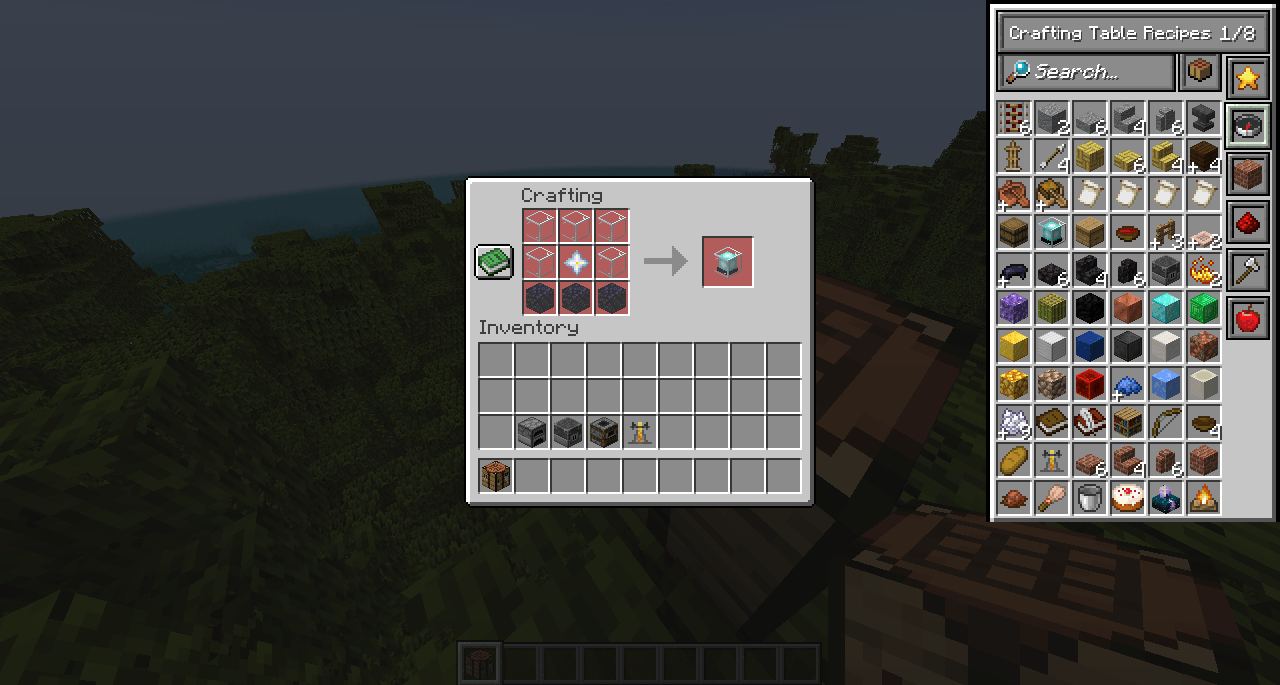
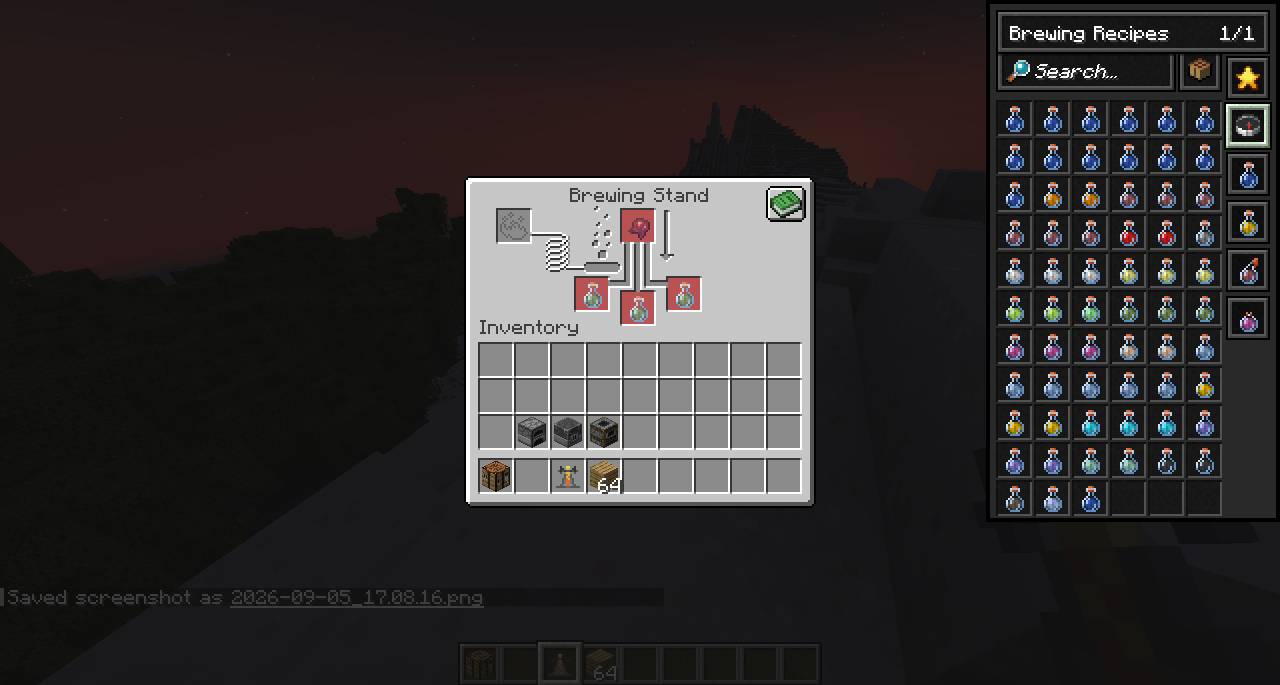
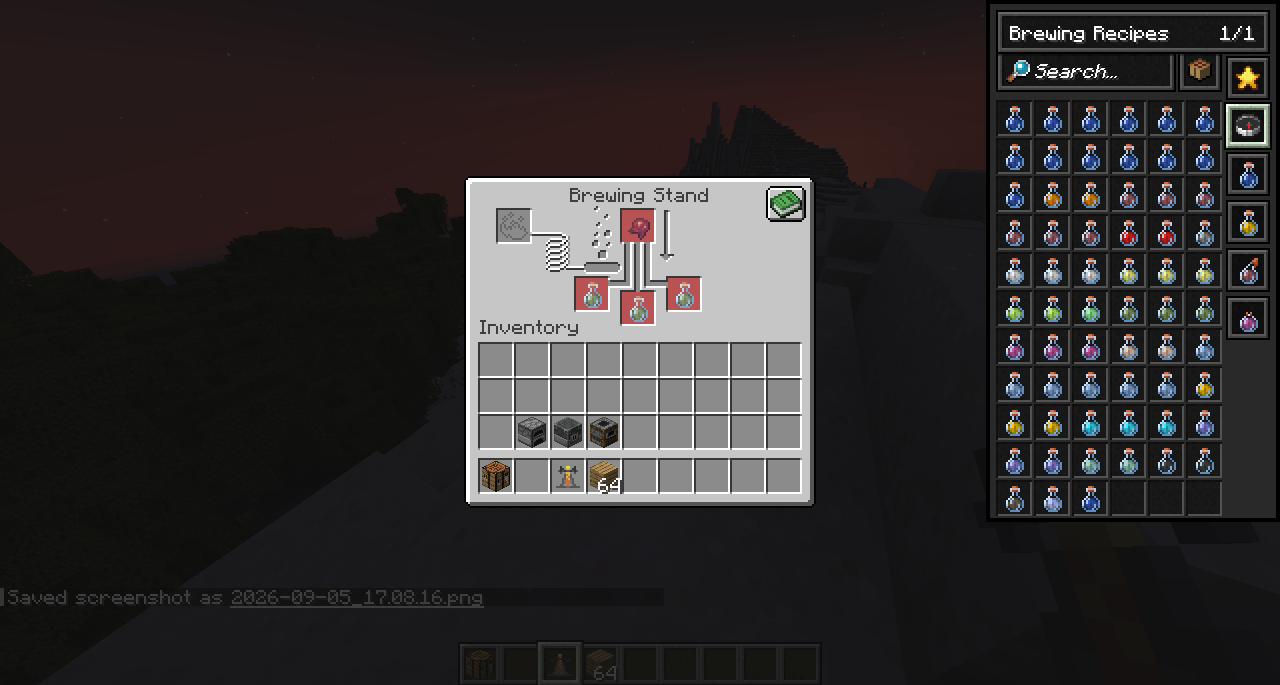
– Supports Inventory 2×2 Crafting Grid, 3×3 Crafting Table, Furnace, Blast Furnace, Smoker and support for Brewing Stands!
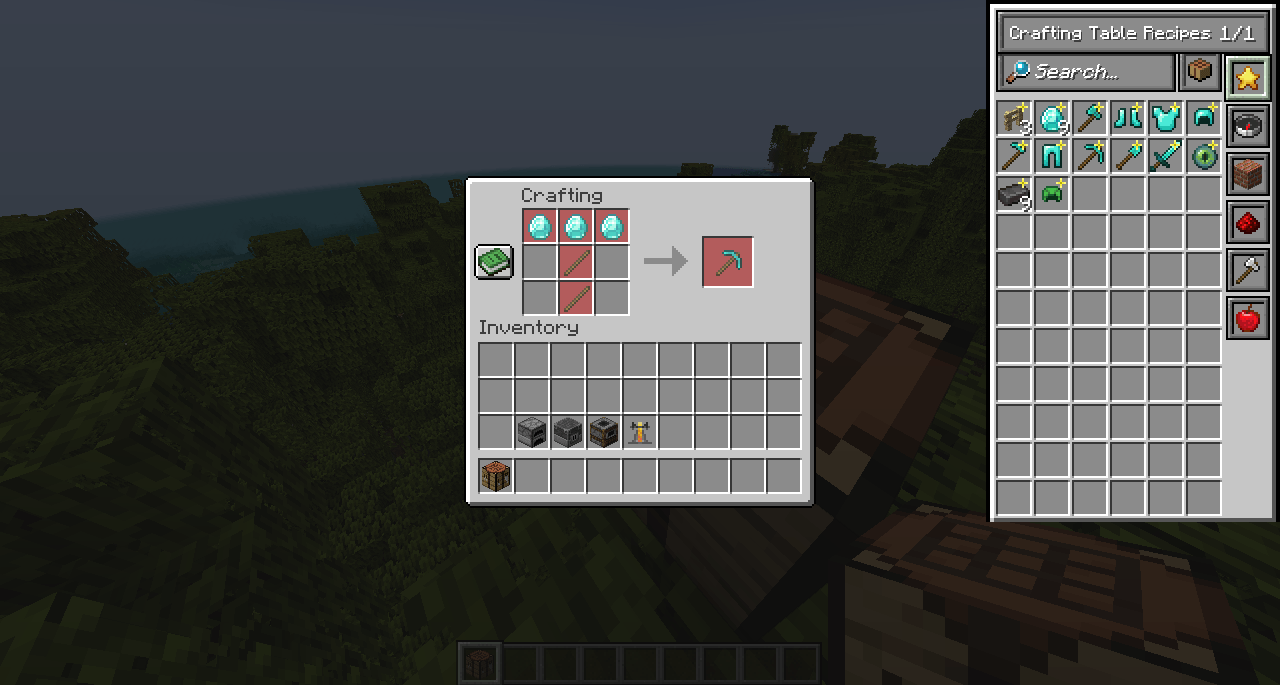
– Added favoriting feature, add recipes you use often to the favorites tab by simpily right clicking on it, then few all your favorites in an easy new tab.
– Move the Recipe Books UI anywhere on your screen for perfect placement, do this by holding ALT and Left Click and dragging the UI.
– Brewing Stand Support, something Vanilla Minecraft doesn’t give, get help with brewing potions with the addition of the Recipe Book.
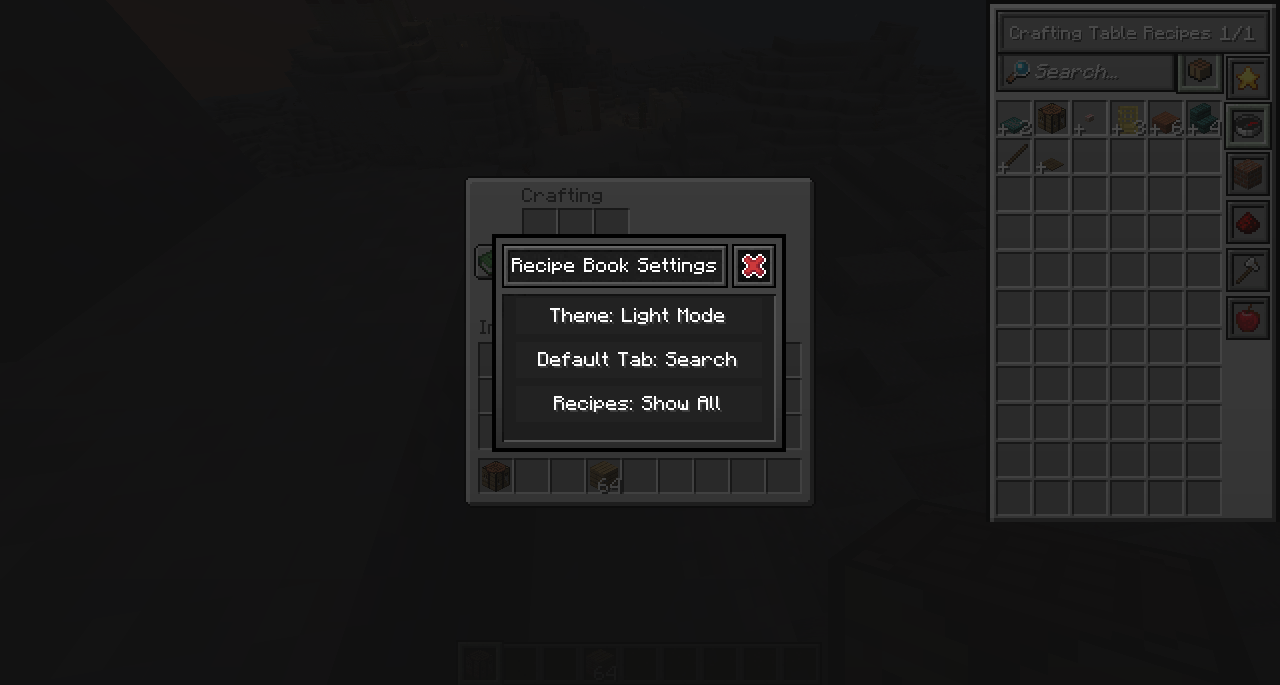
– Switch between Light and Dark mode for the UI to suit your style.
– Full mod support.
Easy controls:
– Left click recipe to get it to show either in “ghost” mode or filling from your inventory if you have the items to craft it. Shift left click will fill max of that recipe you can make.
– Right click to add recipes to your favorites tab, right click again to remove it.
– Hold ALT and Left Click drag on the UI to drag it anywhere you like.
– Hold ALT and Right Click anywhere on the UI to open the Settings menu.
常见问题
Better: Recipe Book 支持哪些 Minecraft 版本?
Better: Recipe Book 支持 Minecraft Java 版 1.21.1,可用的加载器:NeoForge。下载时注意选择和你游戏版本一致的文件。
Better: Recipe Book 怎么安装?
先用 PCL2 或 HMCL 启动器安装对应版本的 NeoForge,再把下载的 .jar 文件放进游戏目录的 mods 文件夹,重新启动游戏即可。开启了版本隔离的,mods 文件夹在 versions/版本名 下面。


评论
登录后评论和评分