Better Painting Placement
Choose and preview the exact painting you want before placing it in the world.
截图
介绍
Better Painting Placement
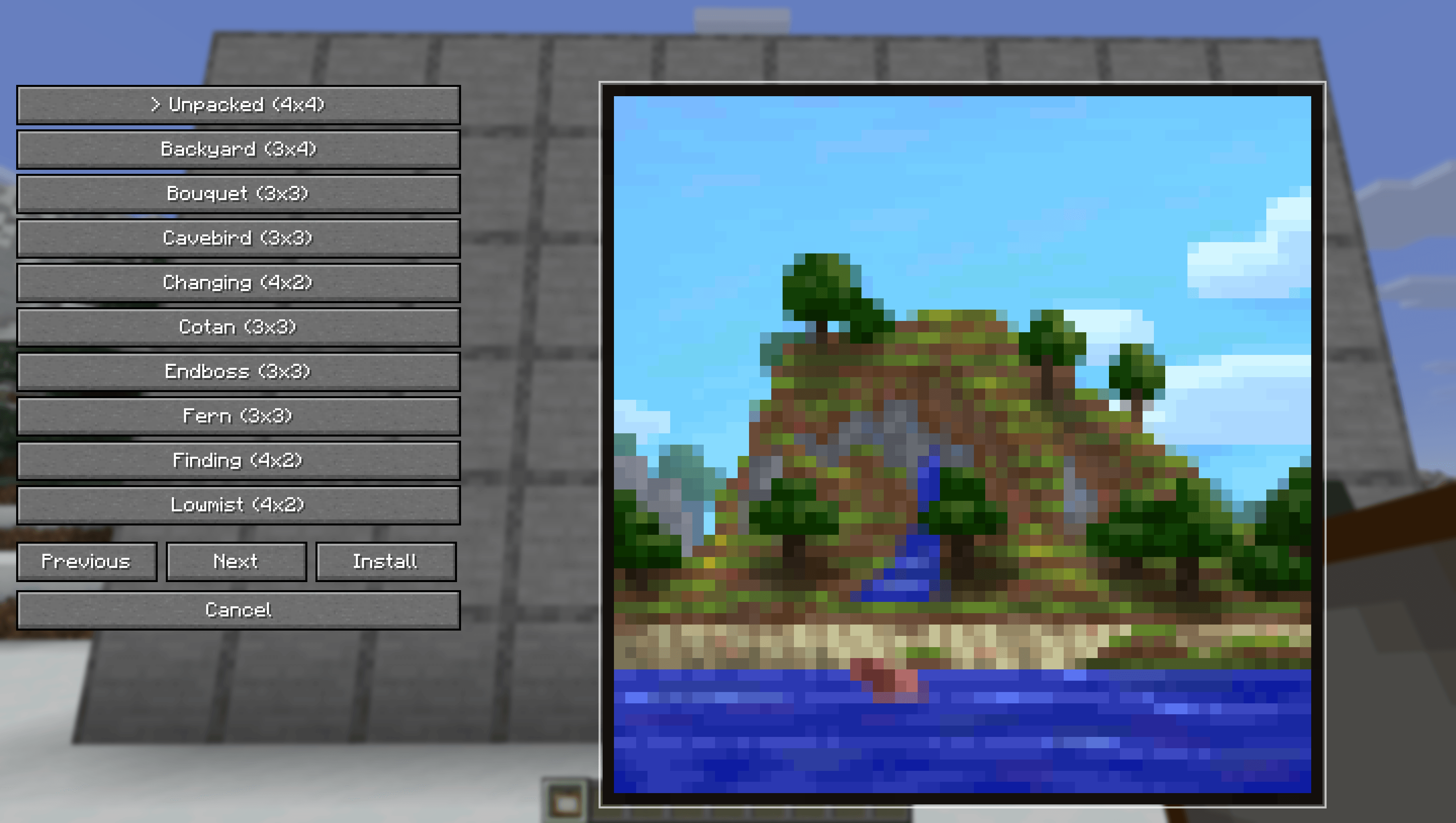
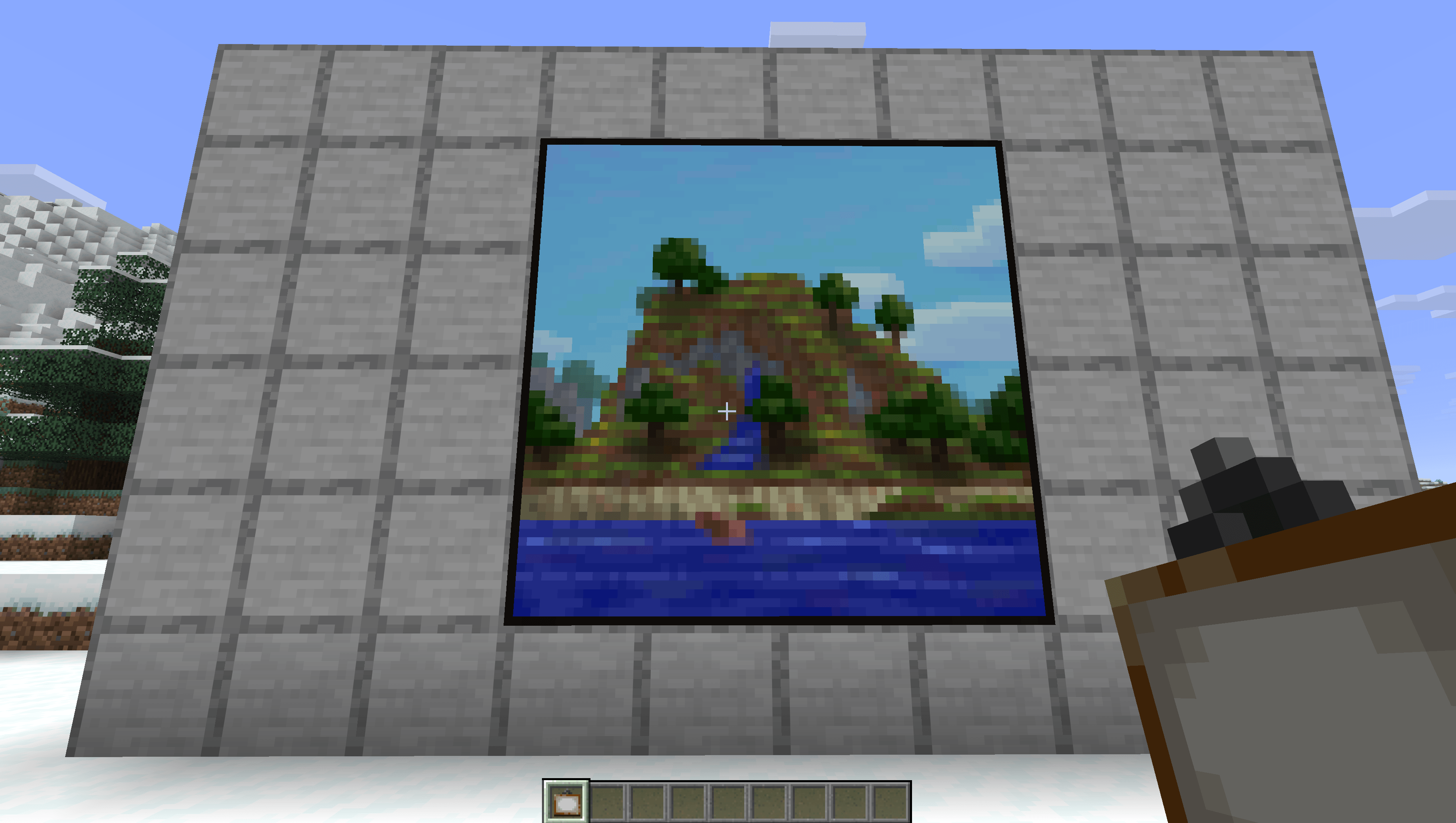
Better Painting Placement lets you choose the exact painting you want before placing it in the world.
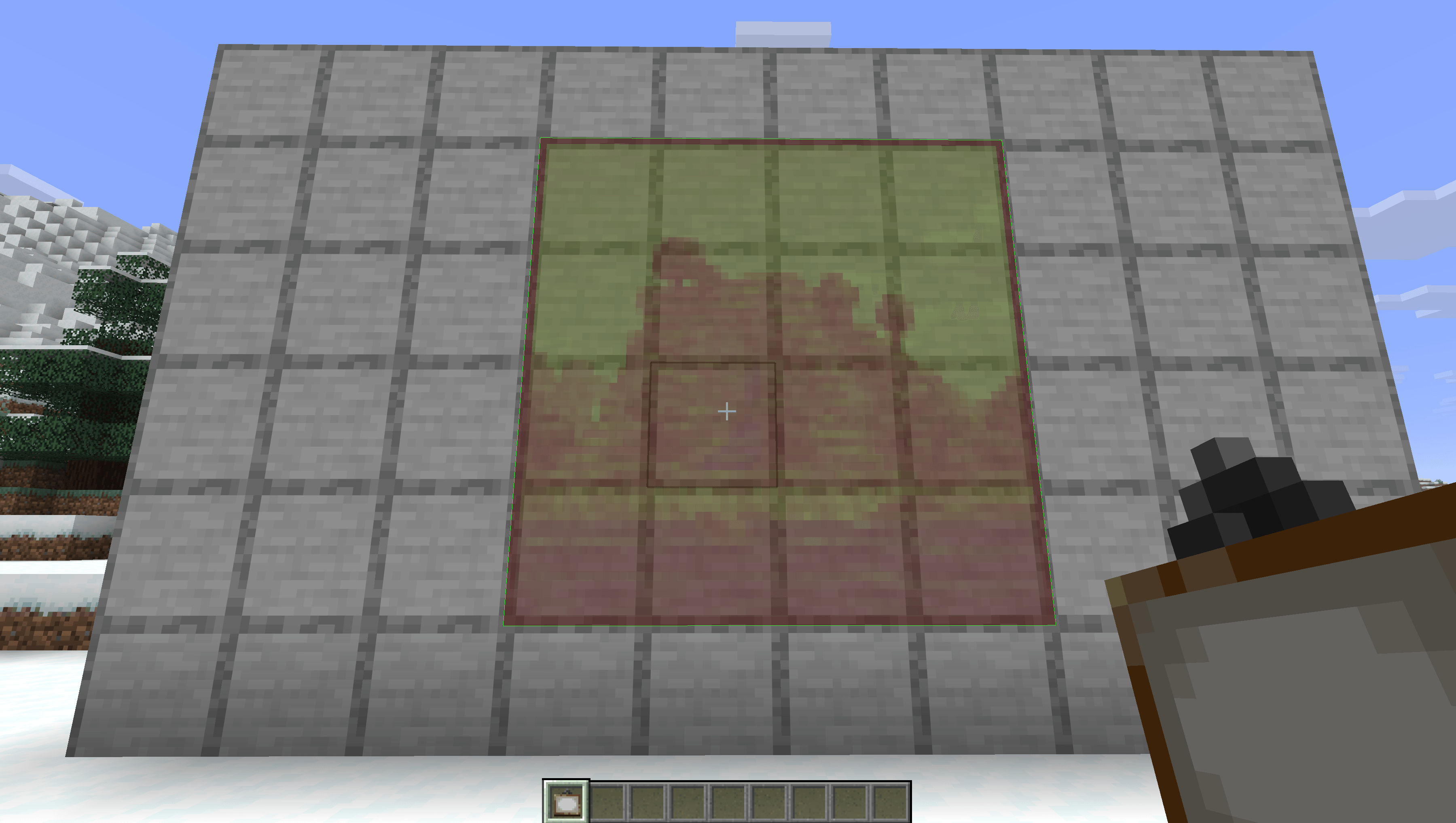
No more breaking and replacing paintings until the right one appears. Hold a painting, open the selector, pick a variant, then place it with a live placement preview.
Features
- Preview the selected painting before placing it
- Green preview outline when placement is valid
Multiplayer
For full functionality on multiplayer servers, the mod must be installed on both the client and the server.
If the server does not have the mod installed, the custom painting placement feature will not work.
How To Use
- Hold a painting in your hand.
- Press Shift + Right Click.
- Choose a painting from the selector.
- Aim at a wall.
- Right Click to place the selected painting.
常见问题
Better Painting Placement 支持哪些 Minecraft 版本?
Better Painting Placement 支持 Minecraft Java 版 26.1.2–26.2,共 2 个版本,可用的加载器:Fabric / NeoForge。下载时注意选择和你游戏版本一致的文件。
Better Painting Placement 怎么安装?
先用 PCL2 或 HMCL 启动器安装对应版本的 Fabric / NeoForge,再把下载的 .jar 文件放进游戏目录的 mods 文件夹,重新启动游戏即可。开启了版本隔离的,mods 文件夹在 versions/版本名 下面。
KakojtoBuryat 的其他作品
查看全部 →
MacOS Hotbar Scroll Fix
Fixes macOS hotbar scrolling by making every scroll step responsive, fast, and correctly directed.
MacOS Control Click Fix
Keeps Control + left click working as a left click on macOS instead of being converted to right click.
Elytra Cruise
Client-side elytra autopilot with automatic takeoff, coordinate navigation, and landing.
Shift preview
Hold Shift and hover over an item to highlight its destination slots before shift-clicking.
评论
登录后评论和评分