
Better menu buttons
A simple mod that lets you move (or remove) the buttons in the title and pause menu! Also supports custom buttons to quickly join servers or single player worlds
截图
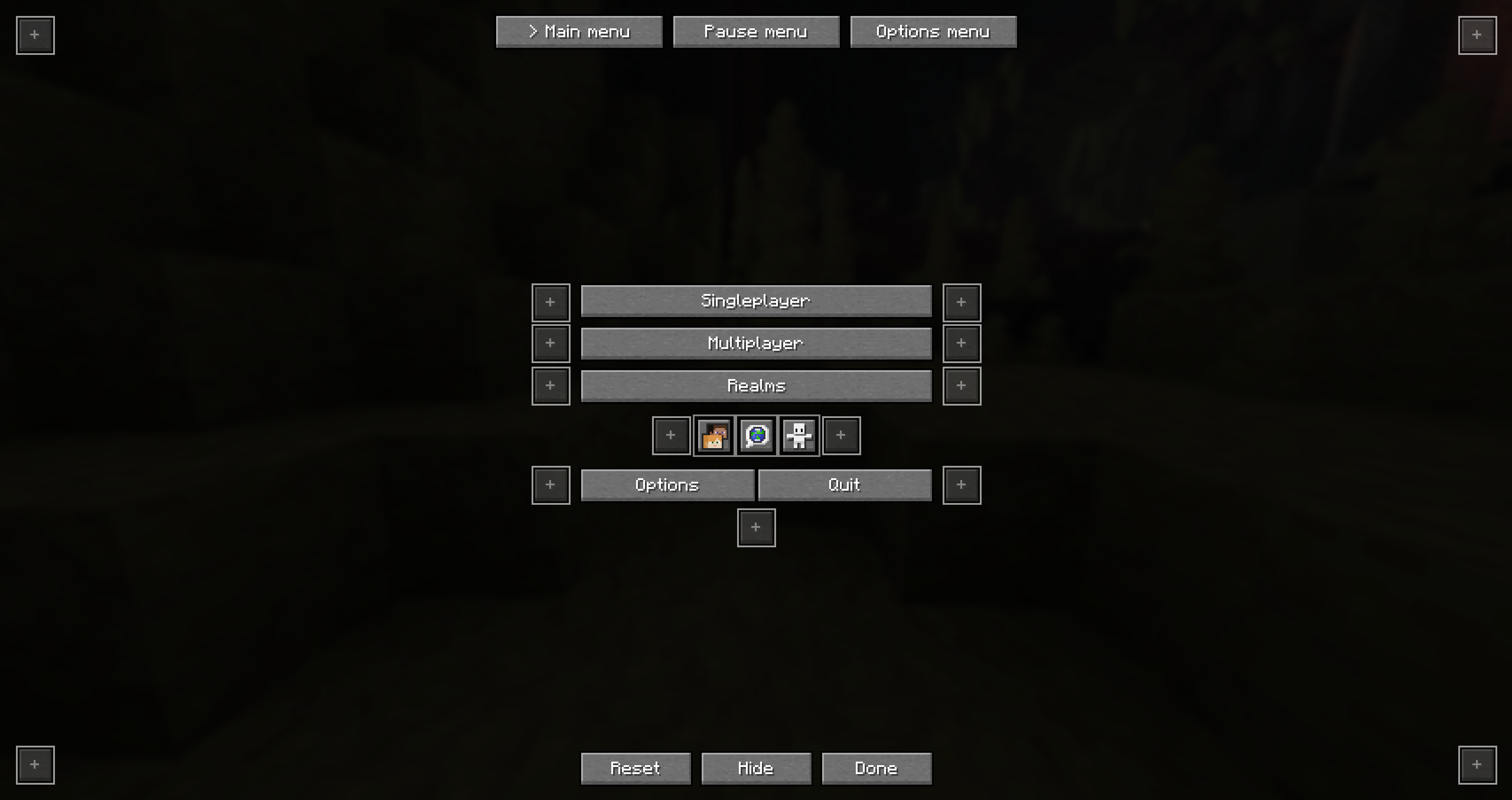
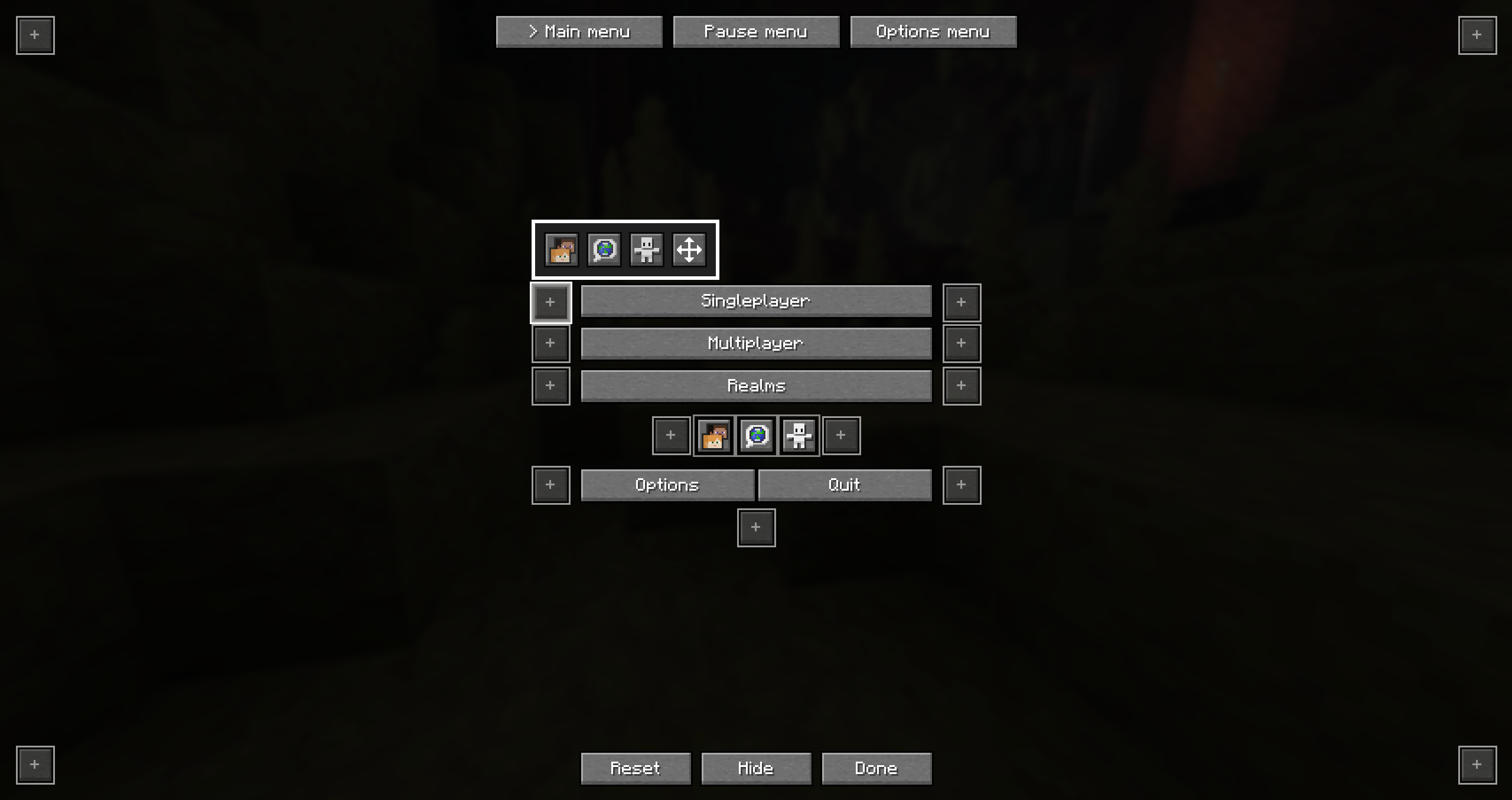
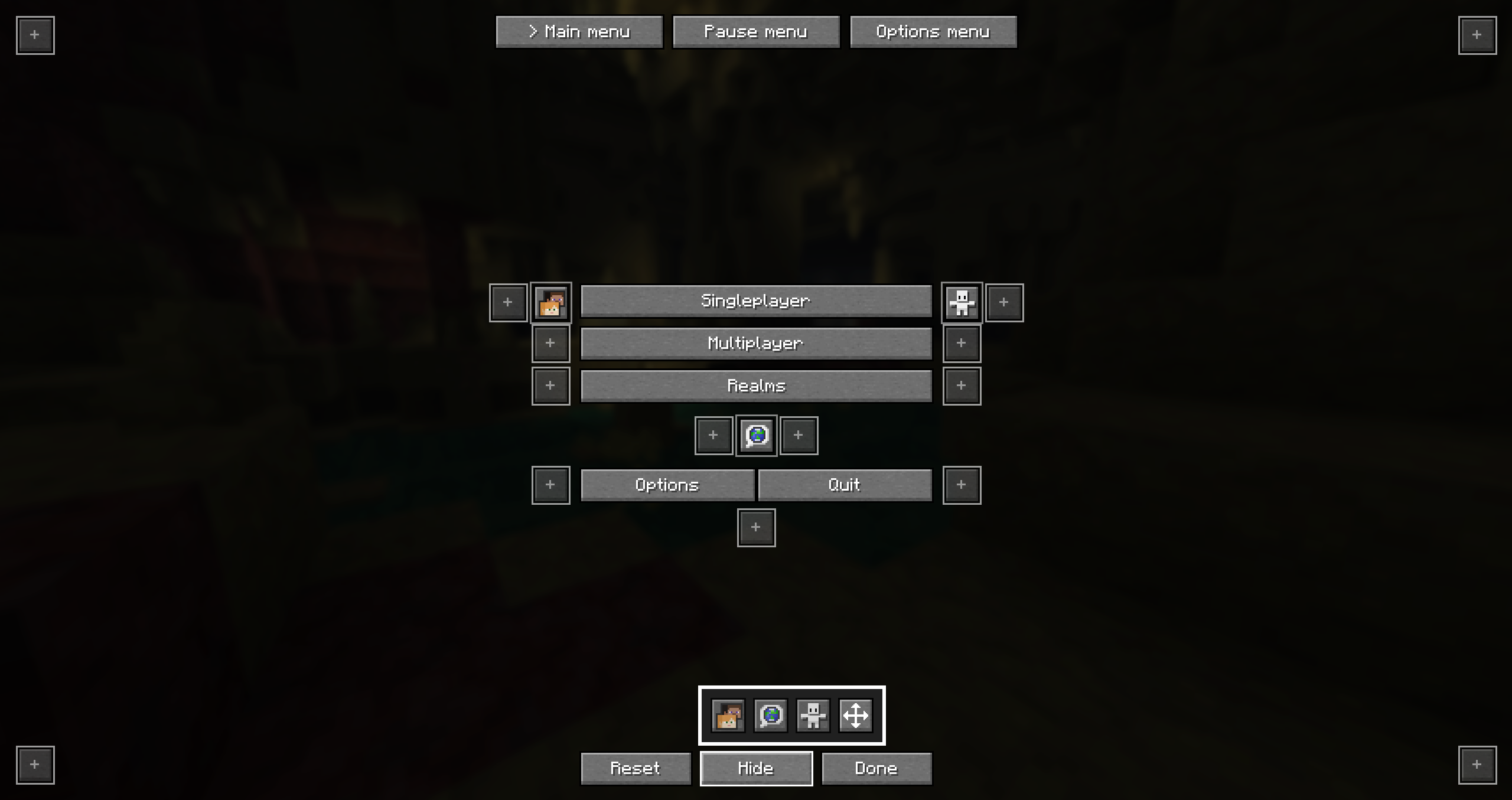
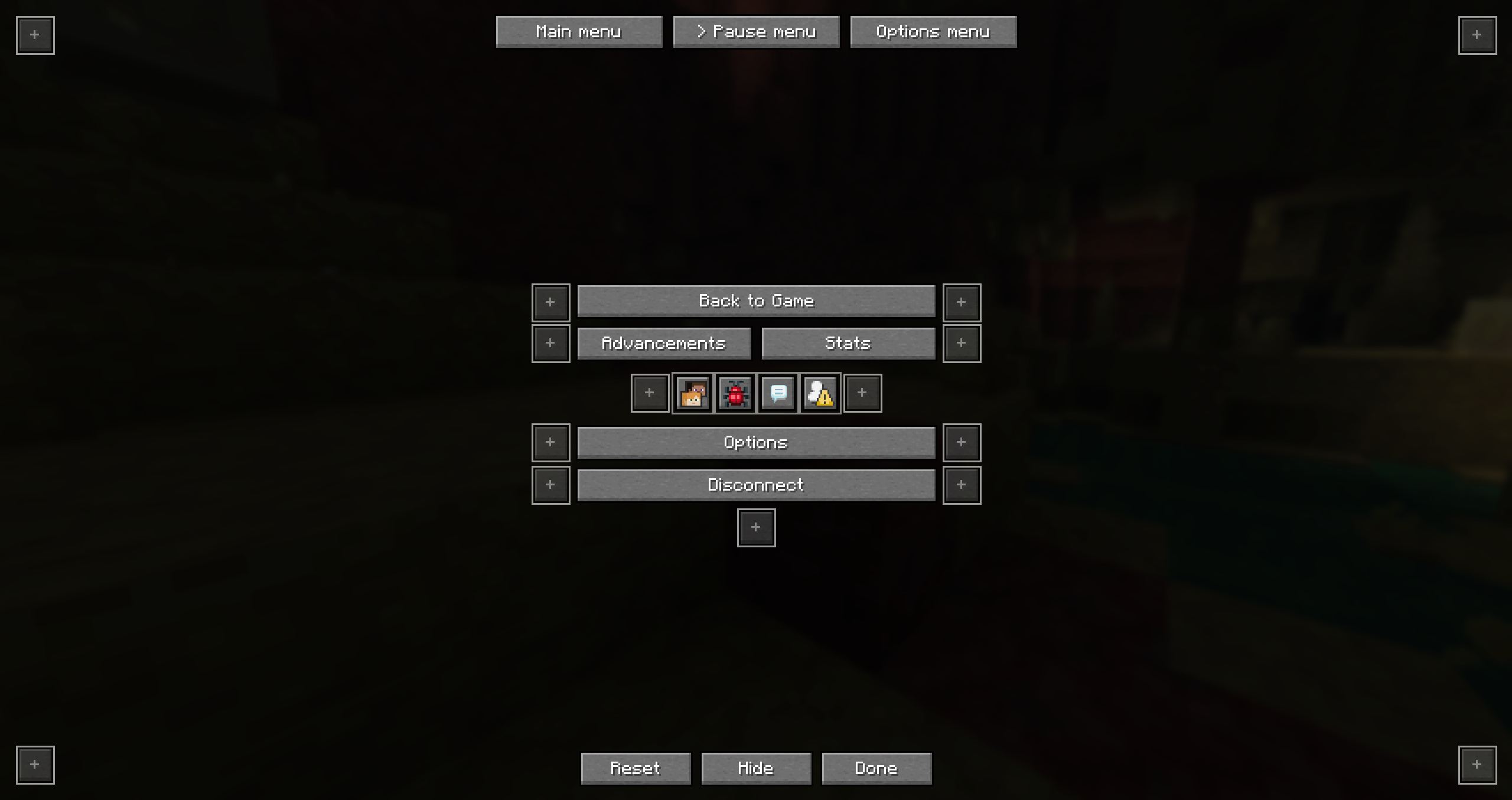
介绍
Simple mod that lets you easily change menu button layouts.
HOW TO OPEN THE CONFIG
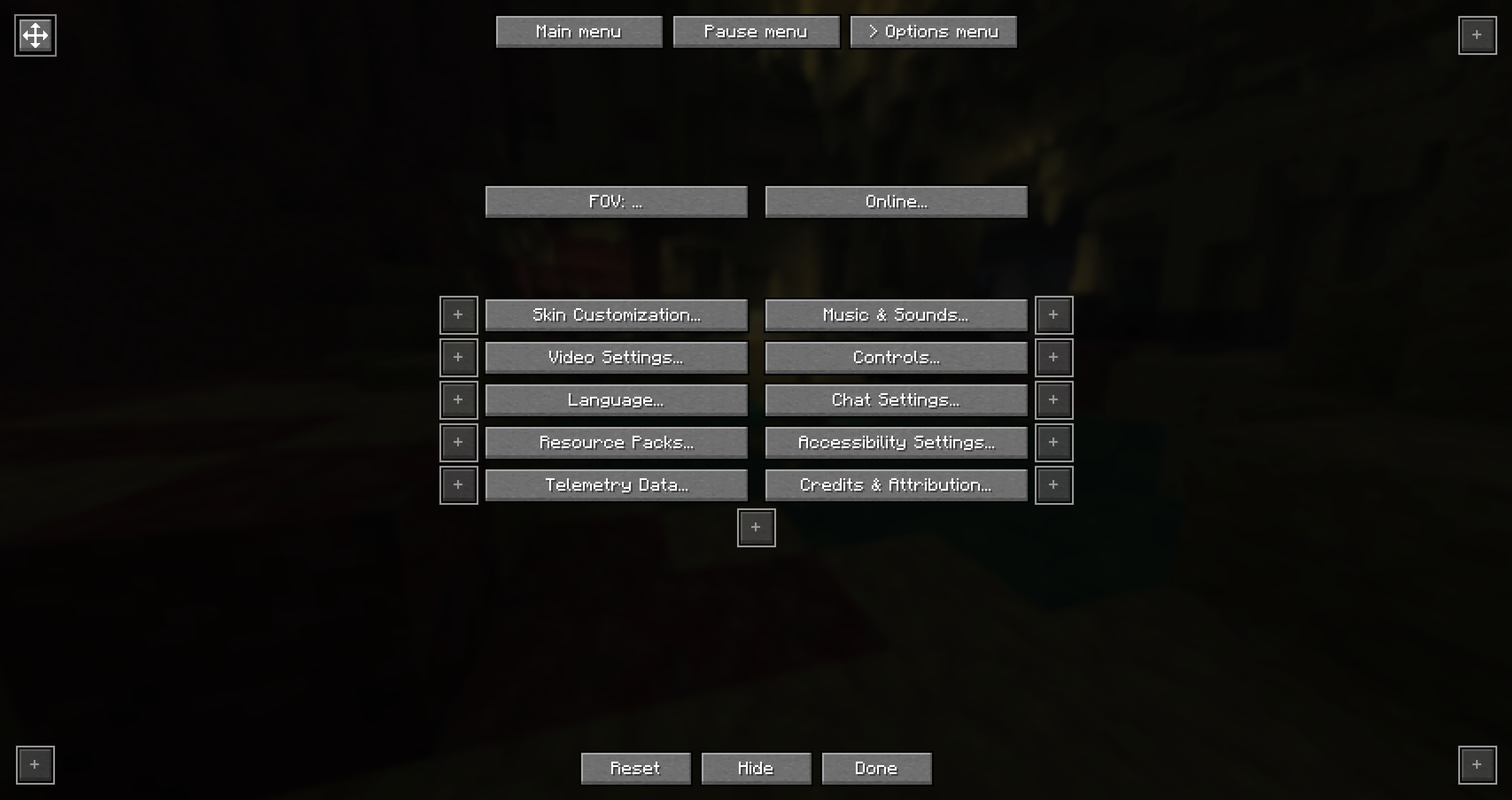
You can start out by going to your options and clicking on the button in the top left. This will open the config screen. You can also add that button to the main or pause menu as a shortcut. It’s also possible to fully hide that shortcut button. If you decided to hide it but you still want to be able to access the config you can either do that through mod menu or by using the command /bettermenubuttons or /bmb
In the config screen you will be able to select which menu to edit (Main menu, Pause menu or Options menu)
Main menu
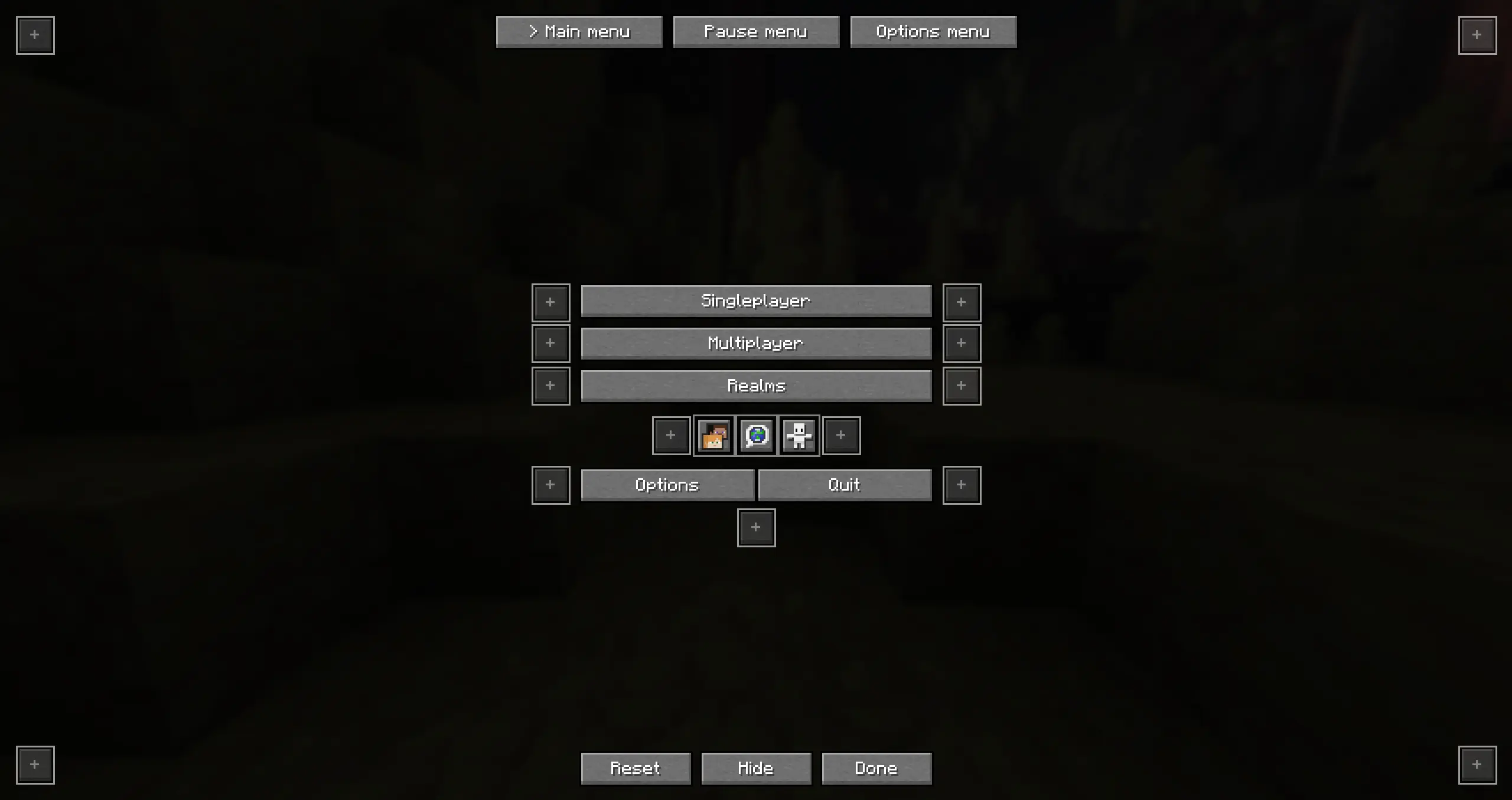
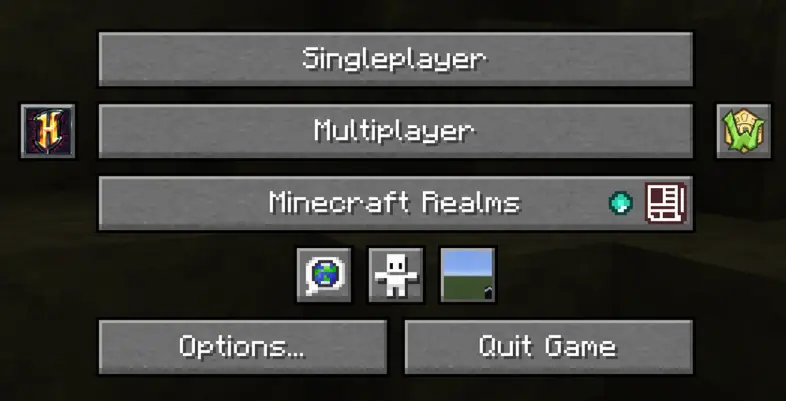
You can click any of the available positions, there you can select which button to move to this slot
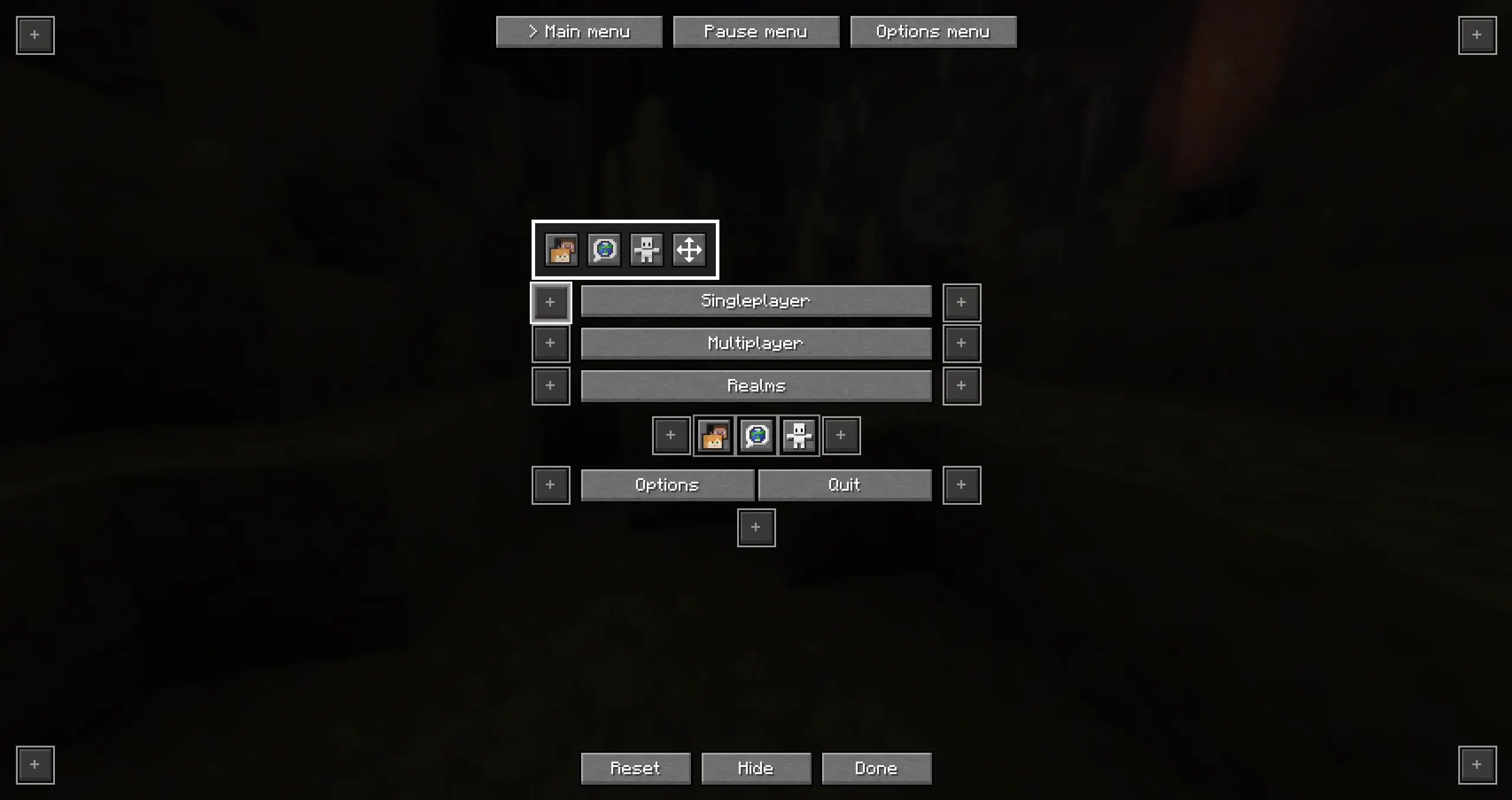
You can also click on “Hide” to hide any of the buttons
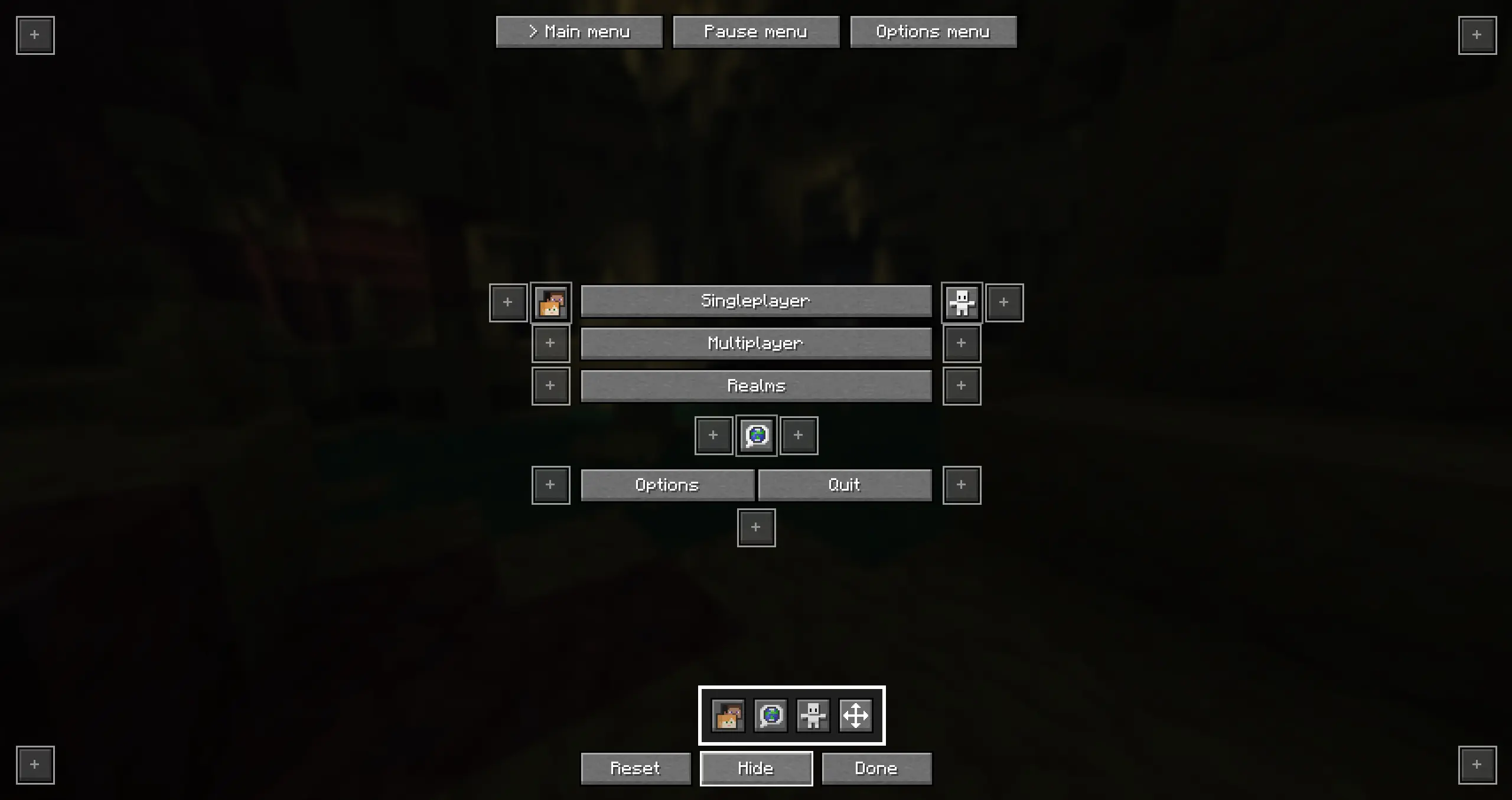
Pause menu
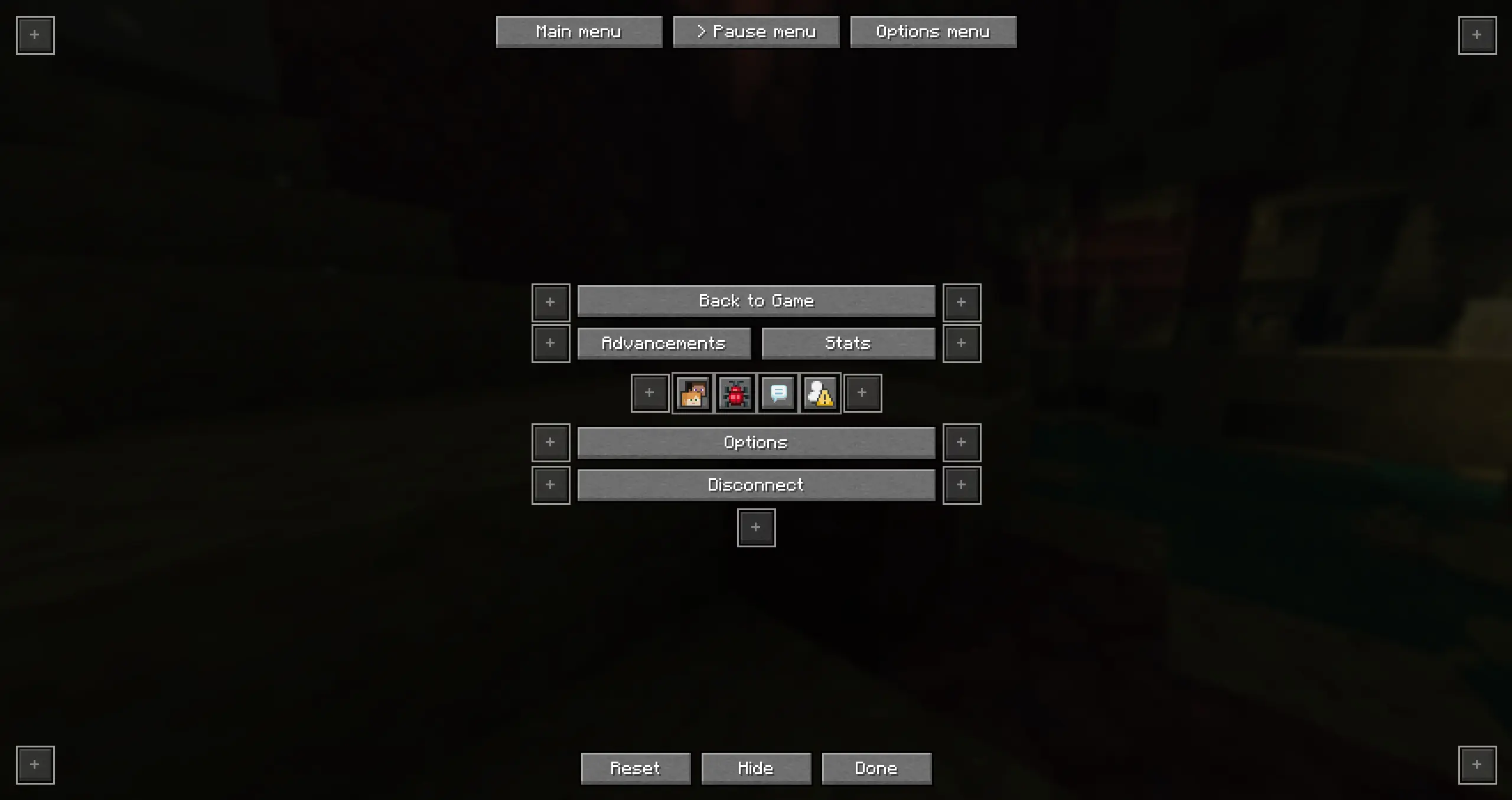
Options menu
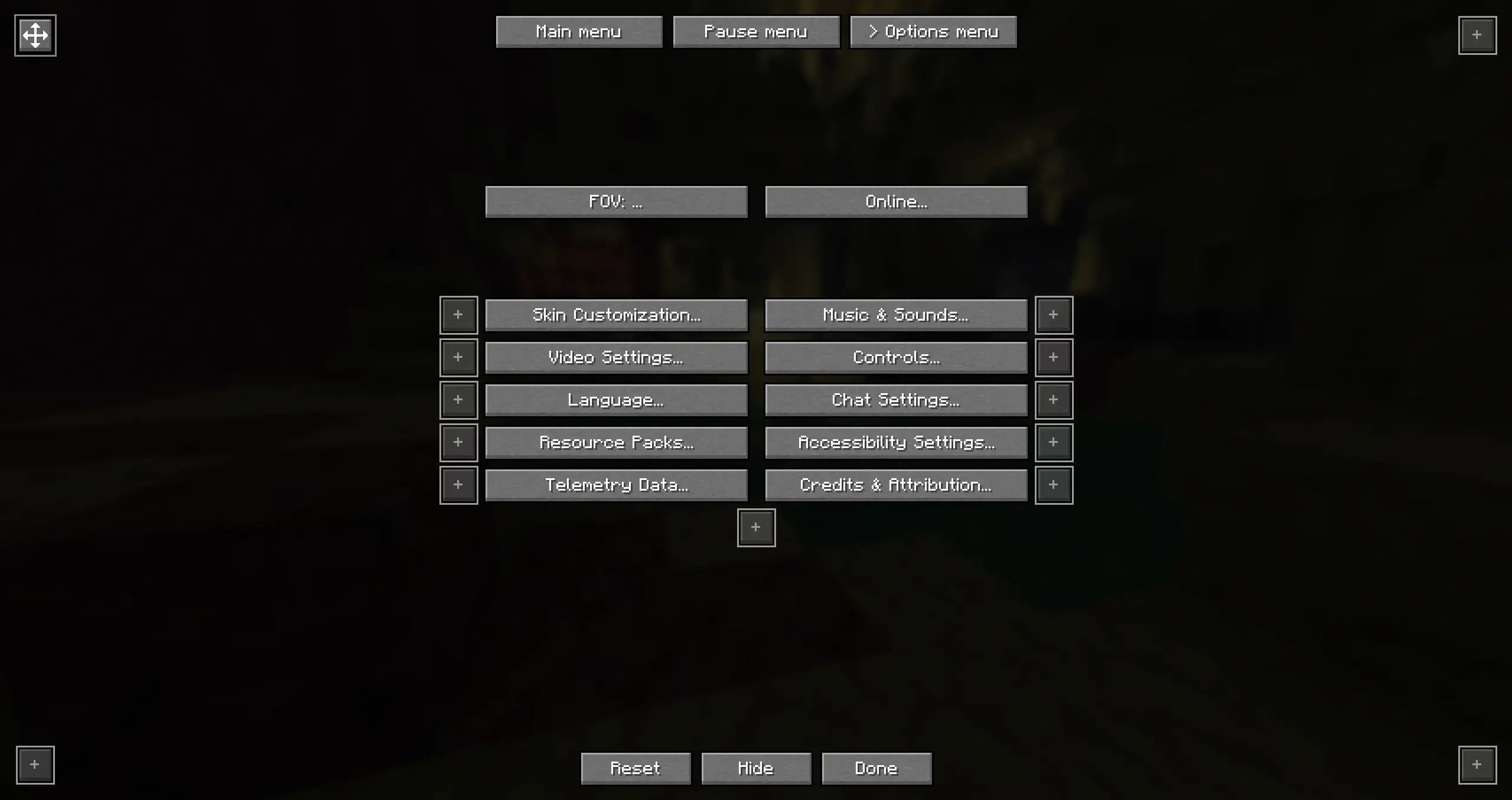
Custom buttons
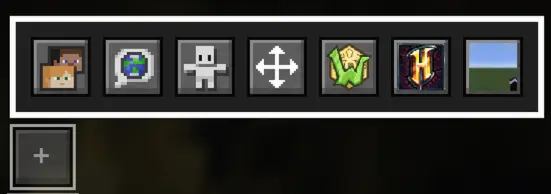
Custom buttons let you quickly join a server or a single player world!
How to add a custom button:
- Add the server to your server list
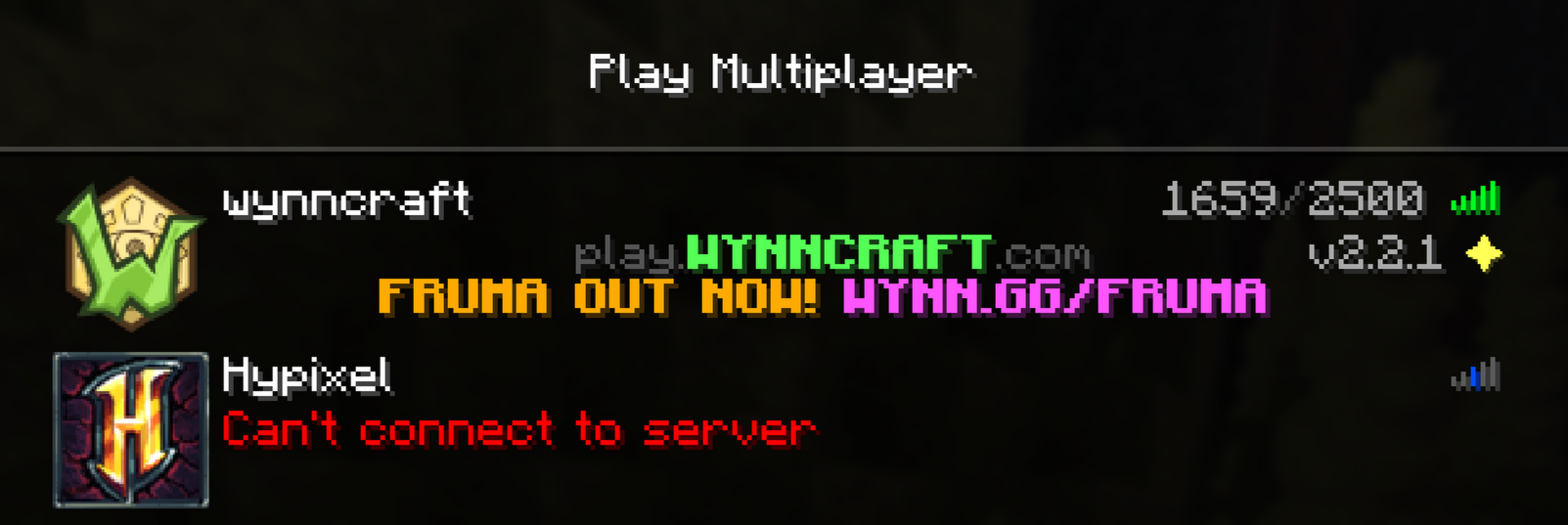
- Open the Better-menu-buttons config
- Click on “Add Server” or “Add World”
- Select the server or single player world you want
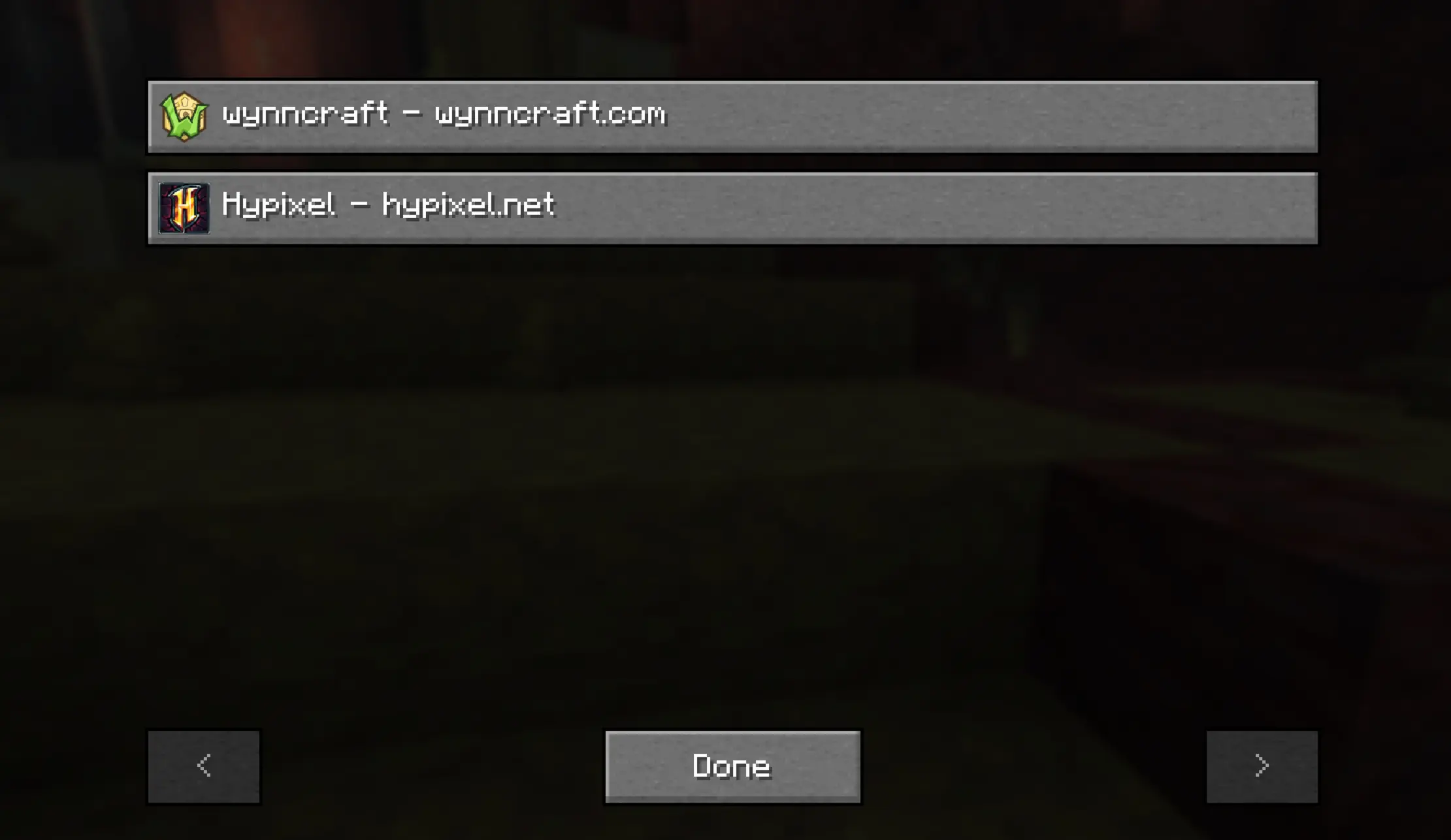
- Move the button wherever you want
Mod menu support
If you are using mod menu the menu will automatically adapt. If youre using the icon setting in mod menu you can also move that!
常见问题
Better menu buttons 支持哪些 Minecraft 版本?
Better menu buttons 支持 Minecraft Java 版 26.2,可用的加载器:Fabric / Forge / NeoForge / Quilt。下载时注意选择和你游戏版本一致的文件。
Better menu buttons 怎么安装?
先用 PCL2 或 HMCL 启动器安装对应版本的 Fabric / Forge / NeoForge / Quilt,再把下载的 .jar 文件放进游戏目录的 mods 文件夹,重新启动游戏即可。开启了版本隔离的,mods 文件夹在 versions/版本名 下面。运行环境:仅客户端。


评论
登录后评论和评分