
介绍
About
Better Interactions aims to provide some quality-of-life improvements to the vanilla interactions in the game. As of now, only two blocks/items have their interactions changed. One of those blocks is the campfire. In vanilla you can only place items that can be cooked onto campfires. Better Interactions changes this so that any item can be placed (except for blocks). Additionally, you can now also take items off of campfires by right-clicking the campfire.
The second change is that you can now toggle item frame visibility by shift-clicking an item frame (also works on glow item frames). Additionally, you can also wax item frames so that you don’t accidentally interact with them or ruin their orientation. Simply shift + right click with a honeycomb and the item frame will have the waxed property. While waxed, you also will click through the item frame. This is useful for storage rooms, since you can open chests/barrels/etc by clicking on the item frame. One thing to note is that while waxed, you can’t punch/break the item frame unless you’re shifting.
Examples
Campfire

Item Frame

常见问题
Better Interactions 支持哪些 Minecraft 版本?
Better Interactions 支持 Minecraft Java 版 1.19.4–1.20.1,共 2 个版本,可用的加载器:Forge。下载时注意选择和你游戏版本一致的文件。
Better Interactions 怎么安装?
先用 PCL2 或 HMCL 启动器安装对应版本的 Forge,再把下载的 .jar 文件放进游戏目录的 mods 文件夹,重新启动游戏即可。开启了版本隔离的,mods 文件夹在 versions/版本名 下面。
uhmbyee 的其他作品
查看全部 →
Waxable Coral
给珊瑚打上蜡!干燥时也能保持存活!
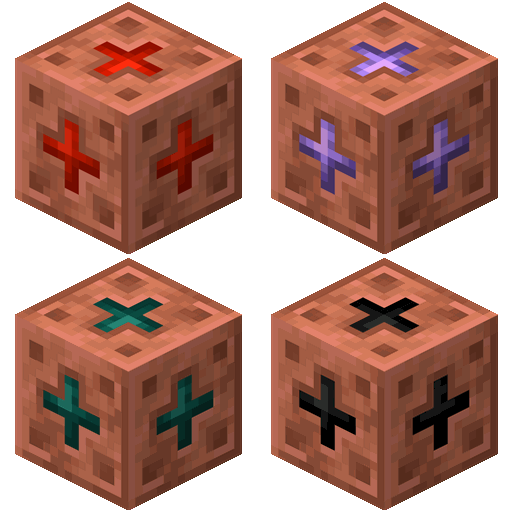
Copperworks
为铜新增多种用途,包括新物品、方块和红石组件。

Grapple
Utilize your fishing rod for convenient movement

Allayed
New items and interactions for the Allay & Vex mobs
评论
登录后评论和评分