
Better F5 Cam [3rd Person] [Camera Zoom] [Free Look]
Break past vanilla limits and zoom your third-person camera much further away.
截图
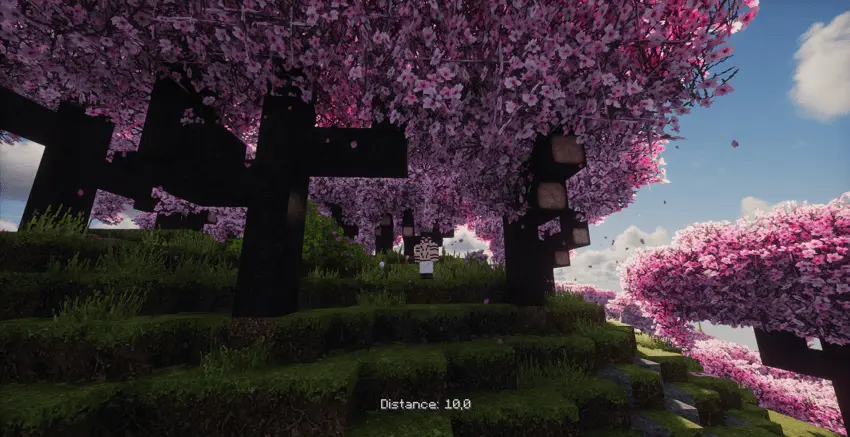
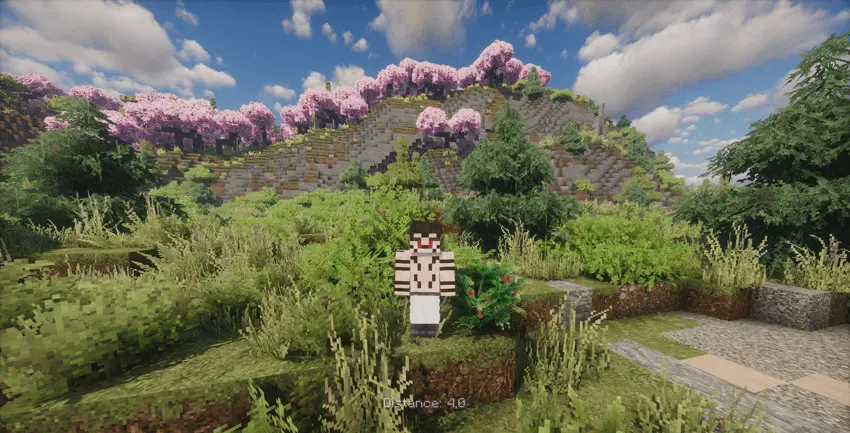
介绍

🎥 Better F5 Cam — Take Control of Your Third-Person View
Minecraft’s default third-person camera doesn’t have to be your limit.
Better F5 Cam gives you smooth, precise, and responsive control over your third-person camera. Zoom in for a closer view, pull back for a wider perspective, and find the perfect camera distance in seconds.
Designed to be simple, lightweight, and seamless, Better F5 Cam enhances the way you explore, fight, build, record, and experience Minecraft.
One key. One scroll wheel. Total camera freedom.
🌌 See the Difference
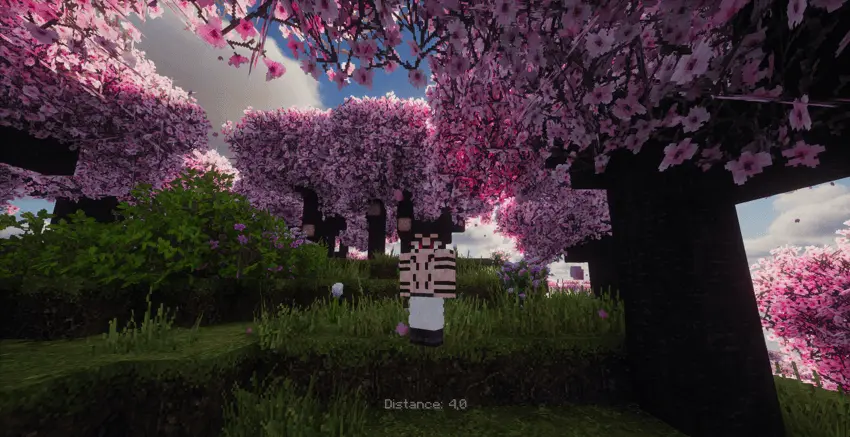
🎮 Minecraft’s Default Camera
This is the standard third-person camera distance provided by Minecraft.
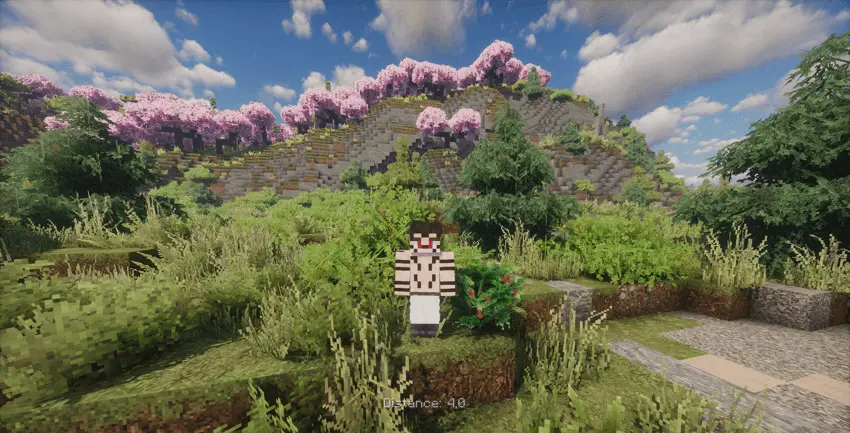
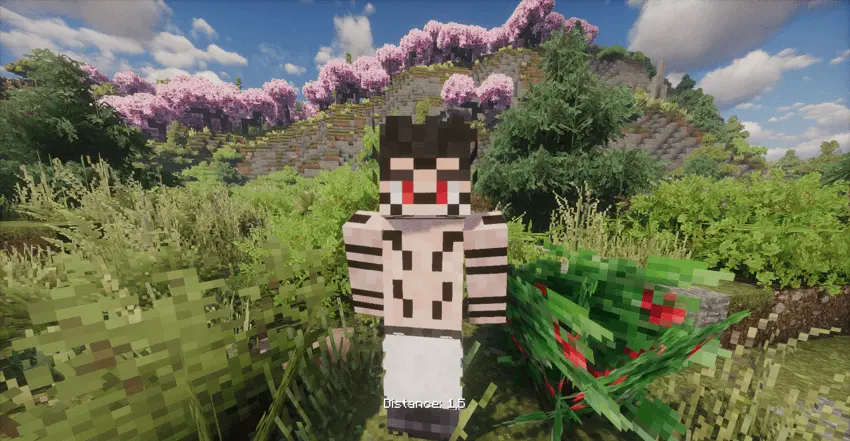
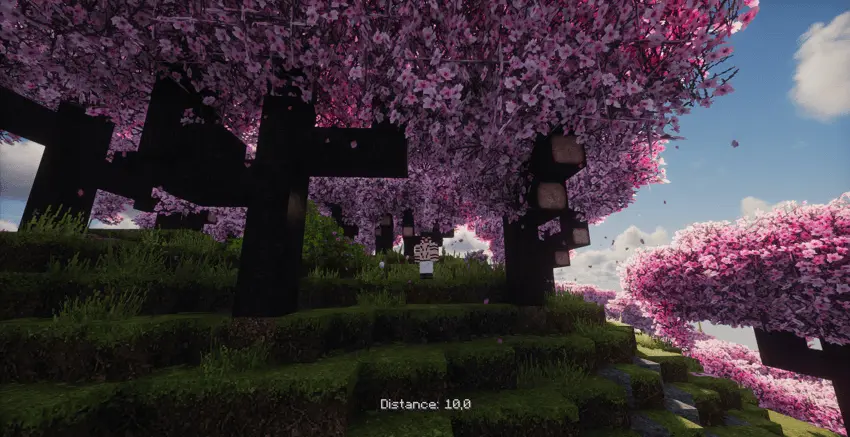
🔍 Better F5 Cam — Zoomed In
With Better F5 Cam, you can move the camera closer and get a much more immersive third-person perspective.
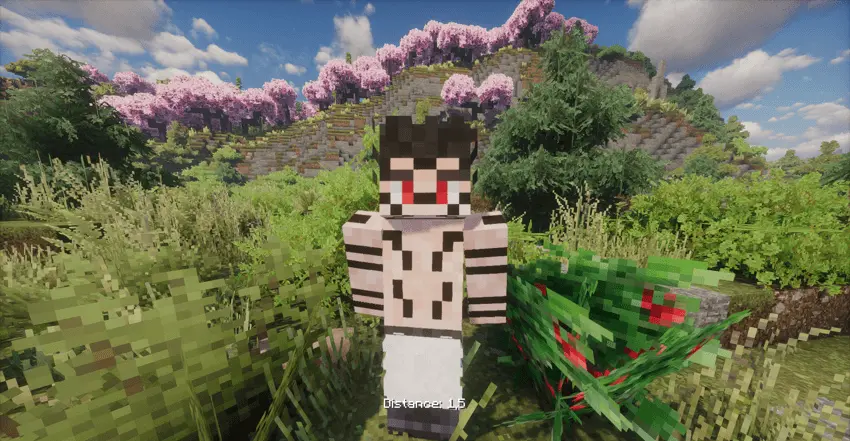
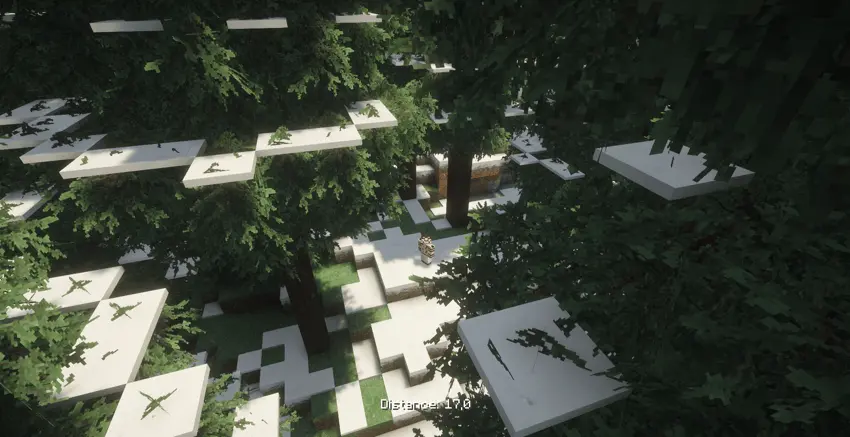
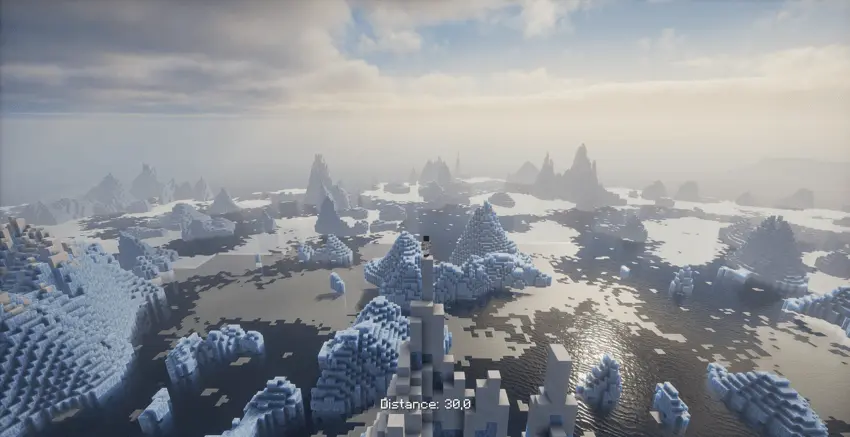
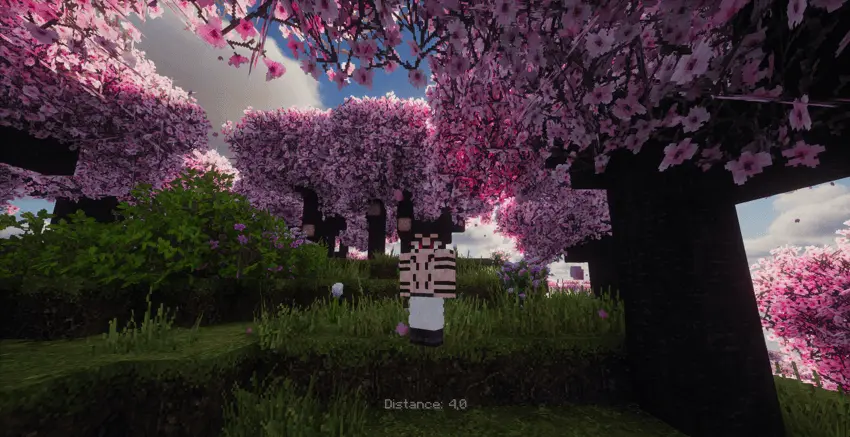
📏 Extended Camera Distance
Want to see more of your surroundings? Increase the camera distance and get a wider view of the world.
⚡ Smooth & Flexible Perspective
Better F5 Cam lets you move between different camera distances without being locked to Minecraft’s default perspective.
⚡ Features
🎥 Smooth Camera Zoom
Hold F5 and use your Mouse Scroll Wheel to smoothly zoom your third-person camera in or out.
Scroll Up → Zoom In
Scroll Down → Zoom Out
No complicated menus. No unnecessary controls.
🎯 Precise Camera Control
Choose the camera distance that feels right for you. Whether you want a close cinematic view or a distant perspective, Better F5 Cam puts the control in your hands.
🧱 Smart Camera Collision
Getting close to a wall or block?
The camera intelligently adjusts its position to help prevent unwanted clipping through terrain and blocks.
🔄 Seamless Perspective Switching
Say goodbye to annoying F5 key-repeat behavior and unwanted perspective flickering.
Your camera stays stable while you control your zoom.
⌨️ Customizable Controls
Configure the camera controls to fit your own playstyle and preferences.
🌐 Fully Client-Side
Better F5 Cam works entirely on your Minecraft client.
No server installation is required.
Use it in:
- 🧑💻 Singleplayer
- 🌐 Multiplayer
- 📦 Modpacks
- ⚔️ PvP
- 🎬 Cinematic gameplay
- 🏗️ Building & exploration
🚀 Lightweight
Better F5 Cam is built to enhance your camera without adding unnecessary performance overhead.
More control. No unnecessary bloat.
🎮 How to Use
Using Better F5 Cam is incredibly simple.
1. Press F5 to enter third-person view.
2. Hold F5.
3. Use your Mouse Scroll Wheel to adjust the camera distance.
Scroll Up → Move closer
Scroll Down → Move farther away
4. Release F5 and continue playing with your preferred perspective.
That’s it. Your camera. Your distance. Your view.
🌠 Built for Every Perspective
Whether you’re playing normally or creating something cinematic, Better F5 Cam gives you more freedom over how you see Minecraft.
⚔️ PvP
Get a perspective that gives you better awareness of your surroundings.
🏗️ Building
Pull the camera back and see more of your build and environment.
🌲 Exploration
Enjoy a wider third-person view while exploring the Minecraft world.
🎬 Cinematic Shots
Move the camera closer or farther away to create better screenshots, videos, and cinematic scenes.
🎮 Everyday Gameplay
Simply enjoy a third-person camera that feels more flexible and natural.
🔥 Why Better F5 Cam?
Minecraft gives you a third-person camera.
Better F5 Cam gives you control over it.
Break away from the default camera distance and create the perspective you actually want.
Zoom in. Pull back. Find your angle. Play your way.
📦 Requirements
- Fabric Loader
- Fabric API
- Minecraft 26.2+
- Client-side only
No server-side installation is required.
🌐 Available on Multiple Platforms
Prefer another platform?
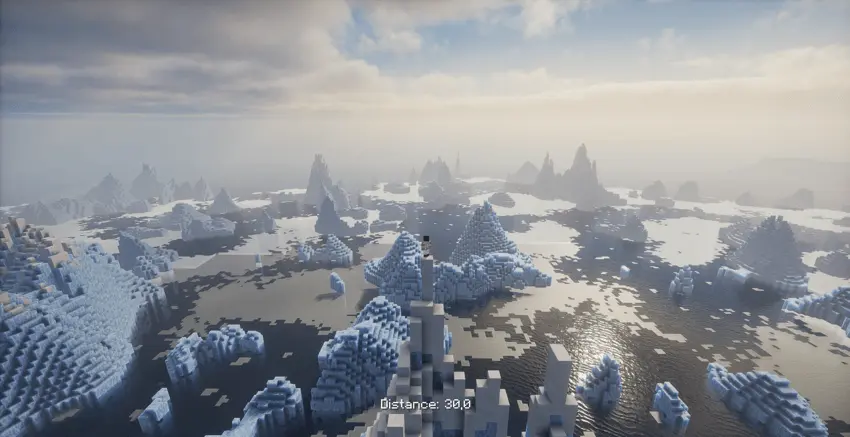
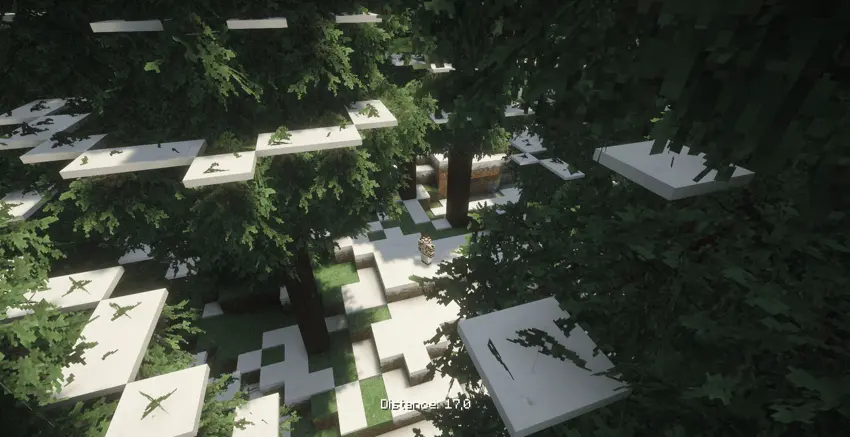
📸 More Views
📄 License
Better F5 Cam is released under the MIT License.
You are free to include Better F5 Cam in your modpacks and create your own Minecraft experience.
常见问题
Better F5 Cam [3rd Person] [Camera Zoom] [Free Look] 支持哪些 Minecraft 版本?
Better F5 Cam [3rd Person] [Camera Zoom] [Free Look] 支持 Minecraft Java 版 1.20.1–26.3,共 6 个版本,可用的加载器:Fabric。下载时注意选择和你游戏版本一致的文件。
Better F5 Cam [3rd Person] [Camera Zoom] [Free Look] 怎么安装?
先用 PCL2 或 HMCL 启动器安装对应版本的 Fabric,再把下载的 .jar 文件放进游戏目录的 mods 文件夹,重新启动游戏即可。开启了版本隔离的,mods 文件夹在 versions/版本名 下面。运行环境:仅客户端。
LL4i 的其他作品
查看全部 →
Better F5 Cam [Third Person Camera , Camera Zoom , F5 Zoom , Cinematic Camera , Free Look , Better F5]
让你在第三人称(F5)视角下动态调整摄像机距离

PVP Pack [PvP , FPS Boost , Performance , Optimization , Low Latency , Competitive , 26.2 , Modern PVP , pvppack , pvp]
一款轻量级 Minecraft 26.2 PvP 整合包,专注于提升 FPS、让游戏运行更流畅、降低输入延迟并改善整体性能,为你带来快速、灵敏且更具竞争力的 PvP 体验。
Opacity [Transparency and mount]
Opacity Mod smoothly makes players, mobs, and mounts transparent when they obstruct your camera. Control opacity manually or let the mod adjust it automatically for a clearer first- and third-person view.
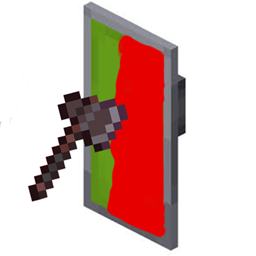
Shield Status [Fabric / PvP / Shield Cooldown Tracker]
Shield Status renders customizable color overlays on shields to indicate whether they are currently on cooldown. A red overlay shows the shield is disabled, while a green overlay shows it is ready for use.
评论
登录后评论和评分