Better Biome Blending: Realistic Biome Transitions
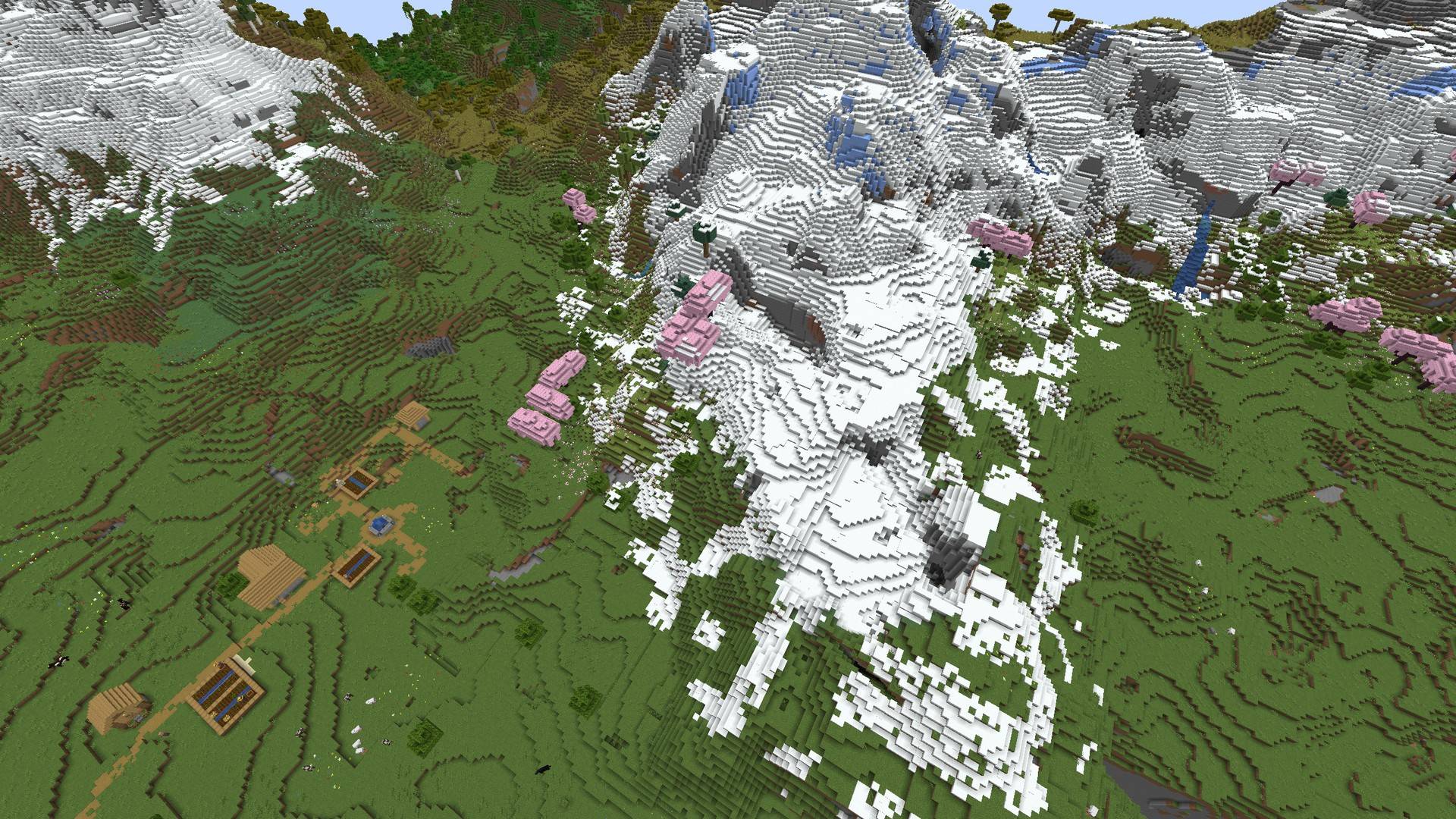
Smooth biome transitions and natural biome borders: trees, ground, snow and colors blend gradually.
截图
介绍
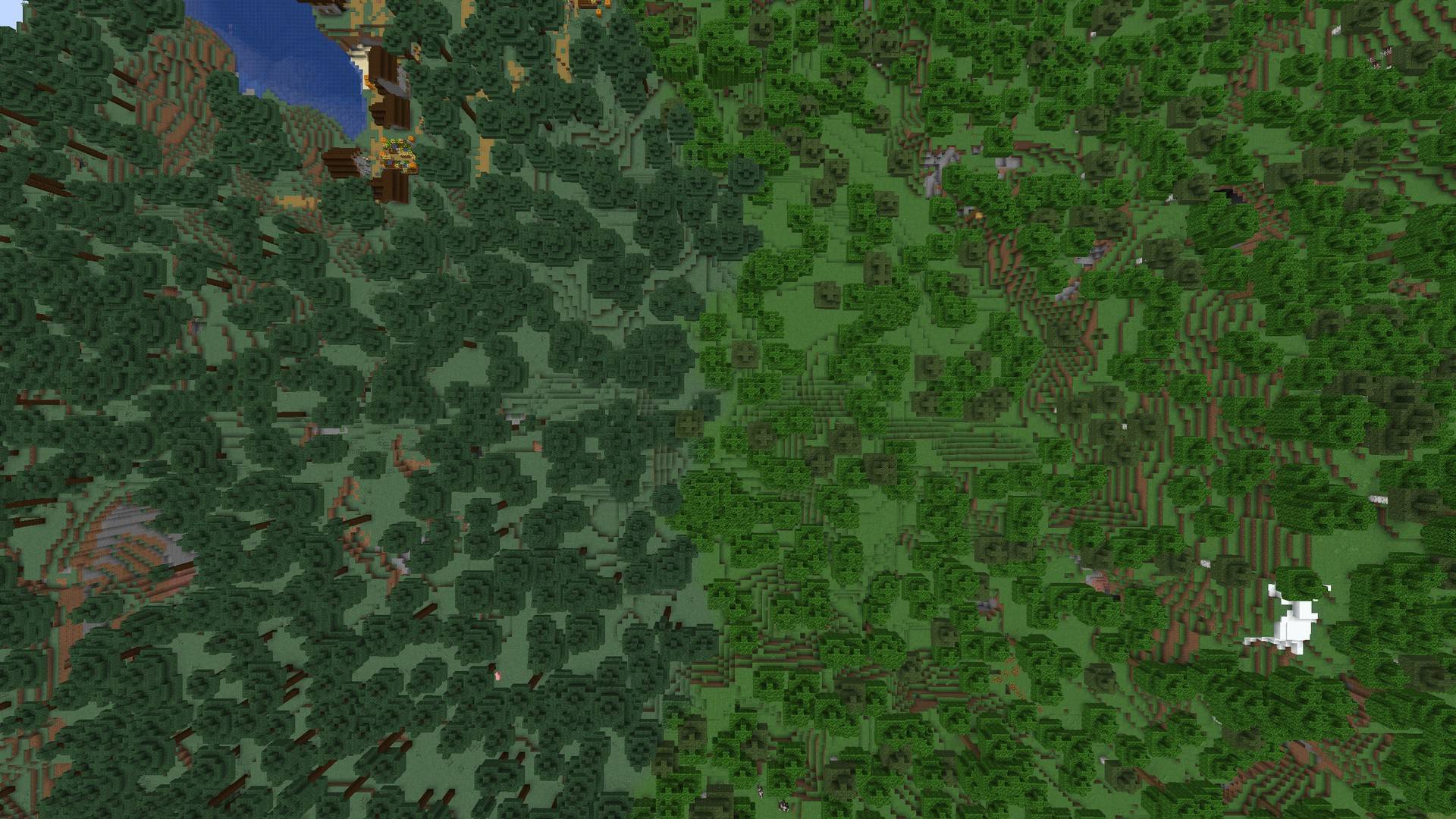
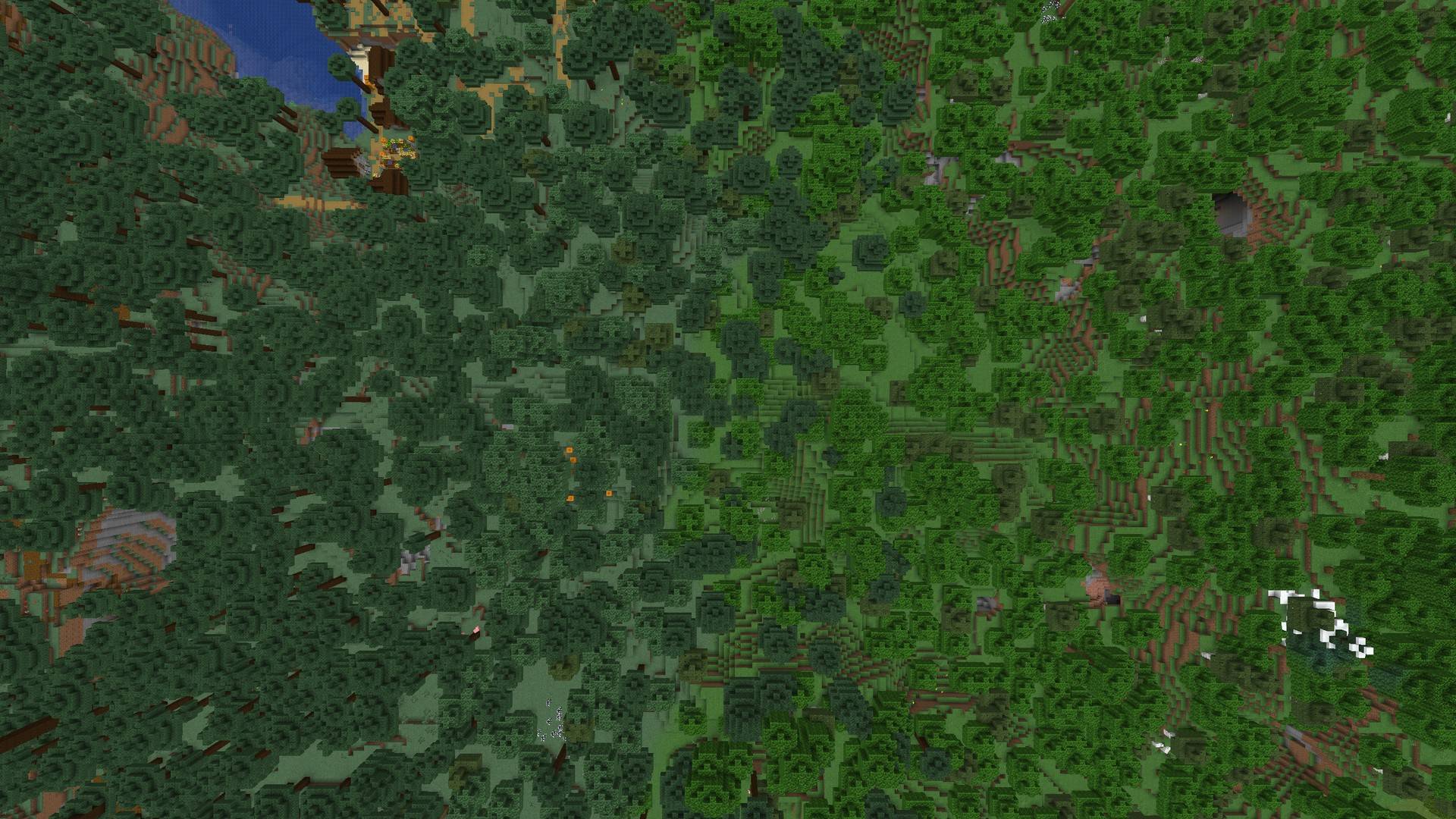
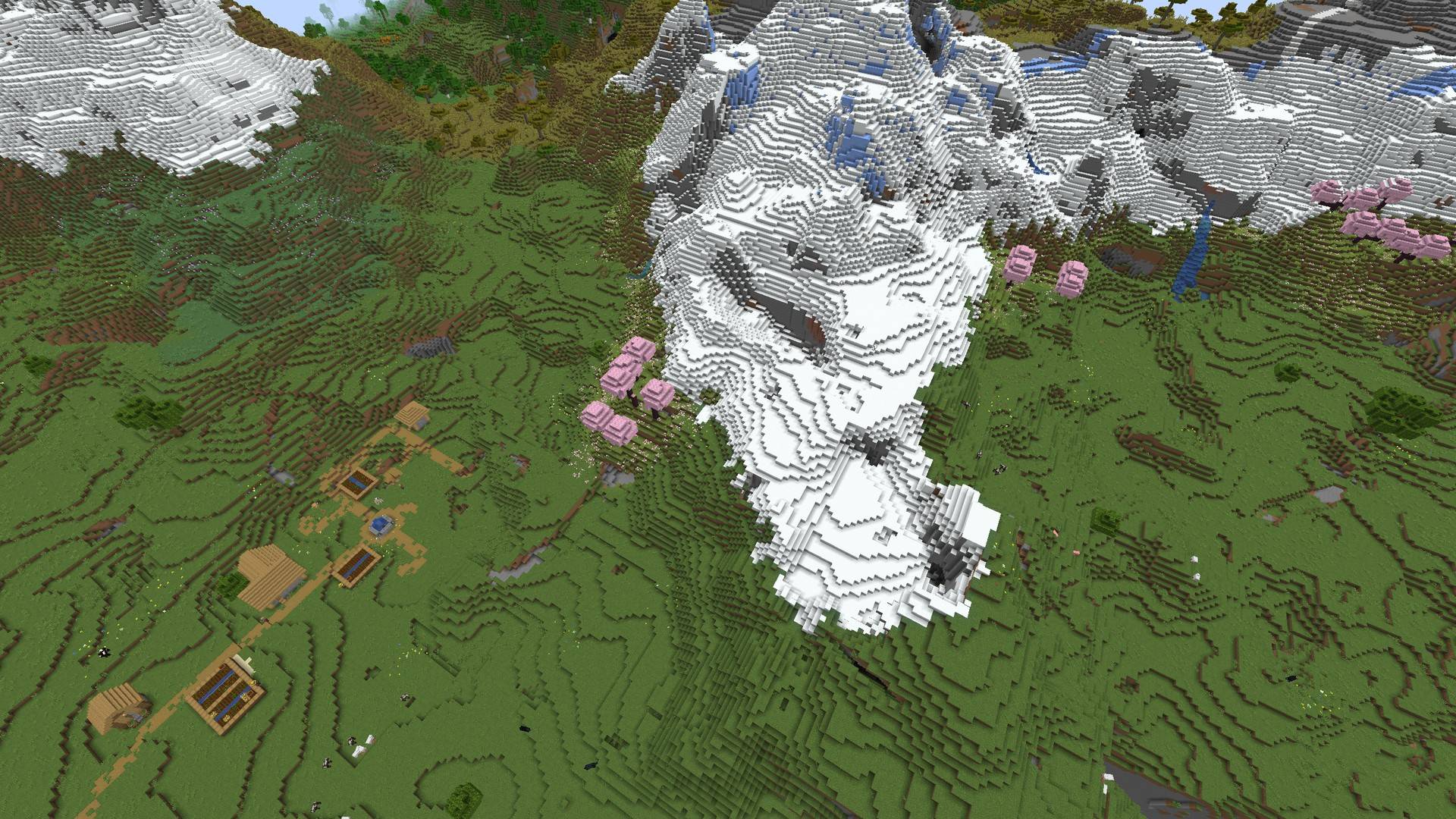
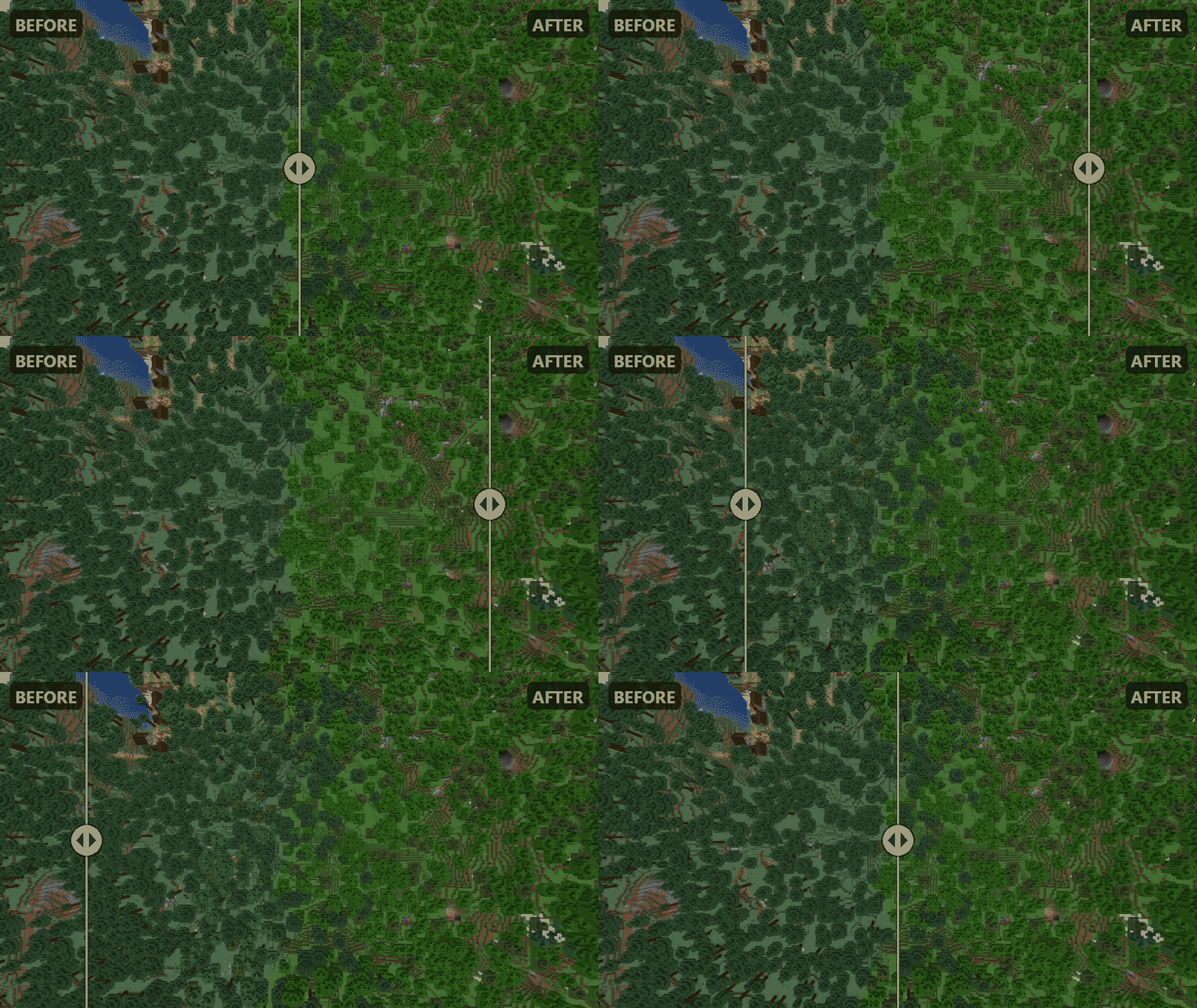
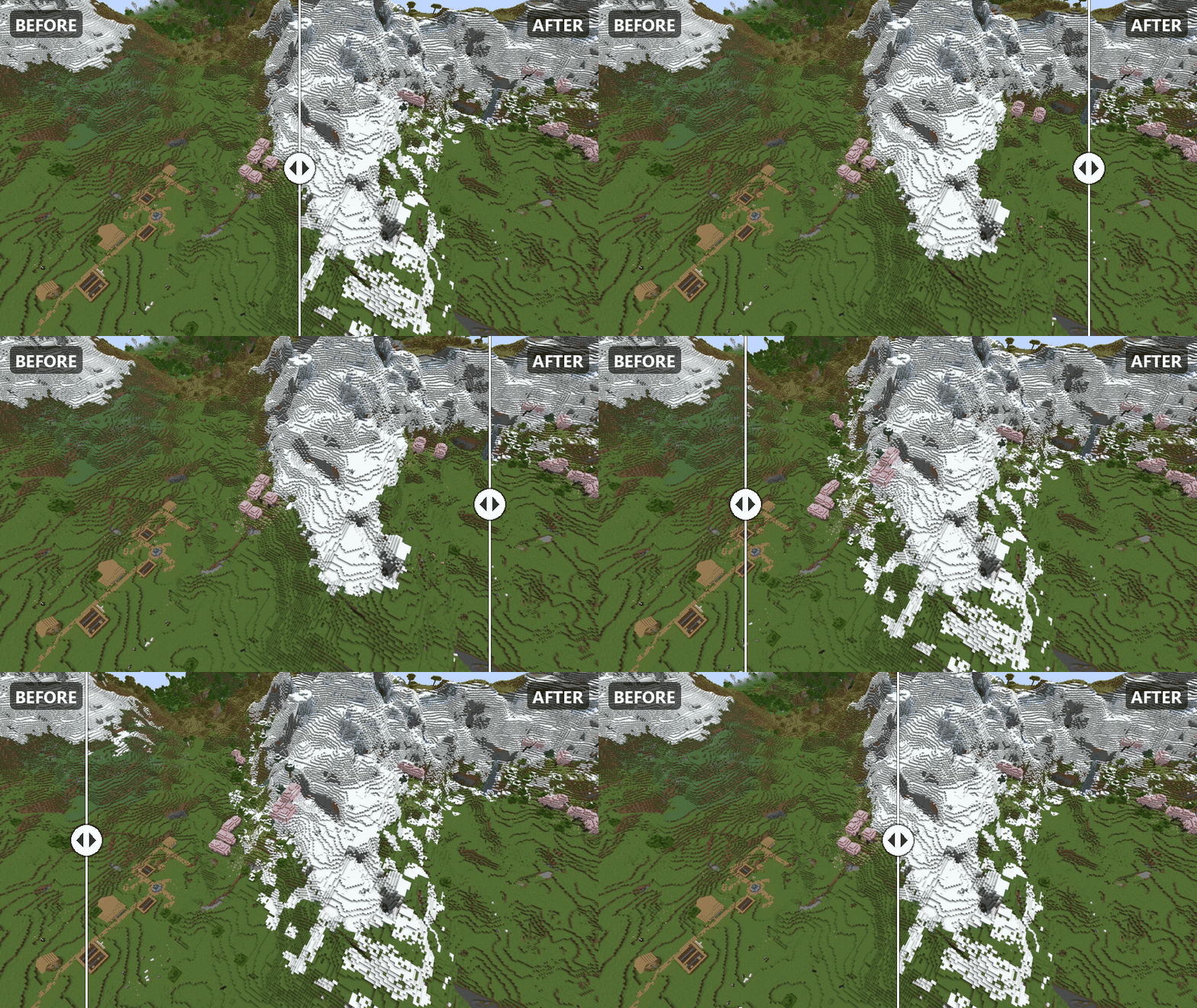
Ever noticed how a desert just stops and a forest just starts, on the very same block? Better Biome Blending fixes that. Biomes now flow into each other the way real landscapes do: oaks thin out as the sand takes over, snow breaks up into scattered patches, and the colors of the grass and leaves shift gradually as you walk from one biome to the next. Better Biome Blending replaces those hard, straight biome edges with smooth biome transitions, so every border you cross feels like part of one connected world.
It works with every vanilla biome, in the Overworld, the Nether and the End, and it never changes the terrain shape or where biomes are placed. Your world looks like it always did, just with the seams gone.
Features
- Trees and giant fungi mix across biome borders
- Grass, flowers and small plants blend in
- Ground gradually changes from one surface to the other
- Snow and ice fade out instead of ending in a line
- Grass and leaf colors shift smoothly
- Blending adapts to biome size, so small biomes stay small
- Beaches keep their natural look
- Everything is configurable: reach, individual features, excluded biomes
Notes
- Supports Minecraft 1.21 to 1.21.11 and 26.1 to 26.3, on both Fabric and NeoForge.
- Works on both NeoForge and Fabric. Install it on the server and the client for multiplayer.
- Already explored areas don’t change. Explore new chunks to see the transitions. Color blending shows up everywhere right away.
- The settings screen is in the Mods menu. On Fabric it opens through Mod Menu.
- Biomes from other mods are not blended yet.
- Vanilla terrain and biome layout are untouched, so it plays well with most other mods.
- You’re welcome to include it in your modpacks, since it’s released under the MIT license.
常见问题
Better Biome Blending: Realistic Biome Transitions 支持哪些 Minecraft 版本?
Better Biome Blending: Realistic Biome Transitions 支持 Minecraft Java 版 1.21–26.3,共 17 个版本,可用的加载器:Fabric / NeoForge。下载时注意选择和你游戏版本一致的文件。
Better Biome Blending: Realistic Biome Transitions 怎么安装?
先用 PCL2 或 HMCL 启动器安装对应版本的 Fabric / NeoForge,再把下载的 .jar 文件放进游戏目录的 mods 文件夹,重新启动游戏即可。开启了版本隔离的,mods 文件夹在 versions/版本名 下面。
eyuphanmandiraci 的其他作品
查看全部 →
Simple Big Backpack
添加184格背包的背包模组。

Chat Message Reply
自定义聊天消息回复模组

AtariKafa Crops
添加 AtariKafa 作物和实体

Chicken Ores
鸡矿石:利用鸡生产资源。
评论
登录后评论和评分