
截图


介绍
中文介绍正在准备中,下面暂时显示原文。
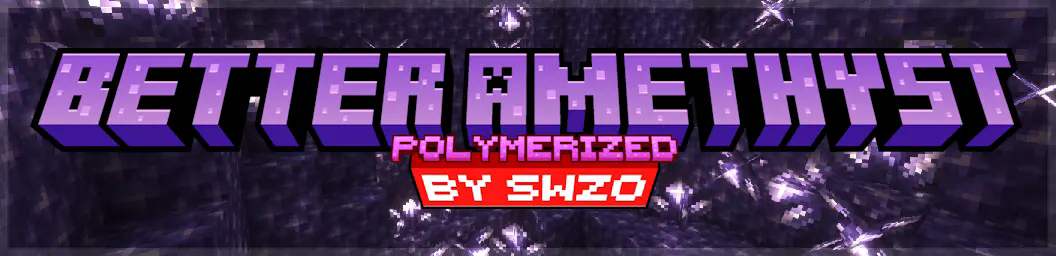




Better Amethyst Polymerized
Better Amethyst Polymerized is a Filament-based mod. This mod is a Polymer port of Even Better Amethyst, seamlessly integrating a variety of new blocks into Minecraft using Filament.
Planned Additions:
- Amethyst Tools
- Amethyst Armor
- Amethyst Prism (like a pokeball but for villagers)
- Amethyst Furniture
- More Amethyst block variants and decorations
- Amethyst Chest (Maybe 😉)
Added Blocks:
- Smooth Amethyst Crystal Block
- Chiseled Amethyst Crystal Block
- Amethyst Crystal Lamp
- Amethyst Bricks
- Amethyst Bricks Slab
- Amethyst Lamp
Features:
- Seamless Integration: Uses Filament to add and manage these new blocks effortlessly.
- Enhanced Aesthetics: Brings new textures and lighting options to enhance your Minecraft experience.
- Serverside: Use Polymer so no client side mods are required
- Compatibility: A polymer port of the popular Even Better Amethyst mod.
Note:
- Missing Blocks: Due to current limitations of Filament, the Amethyst Stairs and Amethyst Wall are not included in this version but may be added in future updates.
Dependencies:
Crafting Recipes (Spoiler):
Click to view crafting recipes
- Amethyst Brick Slabs:

- Amethyst Bricks:

- Amethyst Crystal Lamp:

- Amethyst Lamp:

- Chiseled Amethyst Block:

- Smooth Amethyst Block:

How to Use:
- Install Filament and Polymer: Ensure you have Filament and Polymer installed and up to date.
- Install The Mod: Place the Better Amethyst Polymerized mod into the
modsfolder of your Minecraft world. - Load the Pack: Use Polymer’s Autohost Feature to load the resourcepack into your world.
Credits:
- PatBox: For creating Polymer.
- Tomalbrc: For developing Filament and providing invaluable help and support during the creation of this mod
- FrozenHydrant: For the Even Better Amethyst mod that inspired this mod.
常见问题
Better Amethyst Polymerized 支持哪些 Minecraft 版本?
Better Amethyst Polymerized 支持 Minecraft Java 版 1.21–1.21.1,共 2 个版本,可用的加载器:Fabric。下载时注意选择和你游戏版本一致的文件。
Better Amethyst Polymerized 怎么安装?
先用 PCL2 或 HMCL 启动器安装对应版本的 Fabric,再把下载的 .jar 文件放进游戏目录的 mods 文件夹,重新启动游戏即可。开启了版本隔离的,mods 文件夹在 versions/版本名 下面。运行环境:仅服务端。
swzo 的其他作品
查看全部 →
Create: Extra Gauges
by swzo, LIUKRAST 等
新增仪表,轻松处理复杂逻辑!
306.1万
2 个月前
Modrinth · CurseForge

EMI: Create Schematics
by LIUKRAST, swzo
将原理图物品添加到 EMI 收藏列表
184.2万
9 个月前
Modrinth · CurseForge
Create: Stuff ‘N Additions – Tank Fix (Spout, Curios & Upgrade)
by swzo
Adds Spout filling, Curios slots, and Sophisticated Core Tank Upgrade integration for Create SA Tanks on NeoForge 1.21.1.
15.9万
9 个月前
CurseForge

Create: Stuff ‘N Additions – Tank Fix (Spout, Curios & Upgrade)
by Brassworks
Adds Spout filling, Curios slots, Immersive Aircraft, Furnace, and Sophisticated Core Tank Upgrade integration for Create SA Tanks on NeoForge 1.21.1.
7.8万
9 个月前
Modrinth
评论
登录后评论和评分