
Bedrock Obfuscator
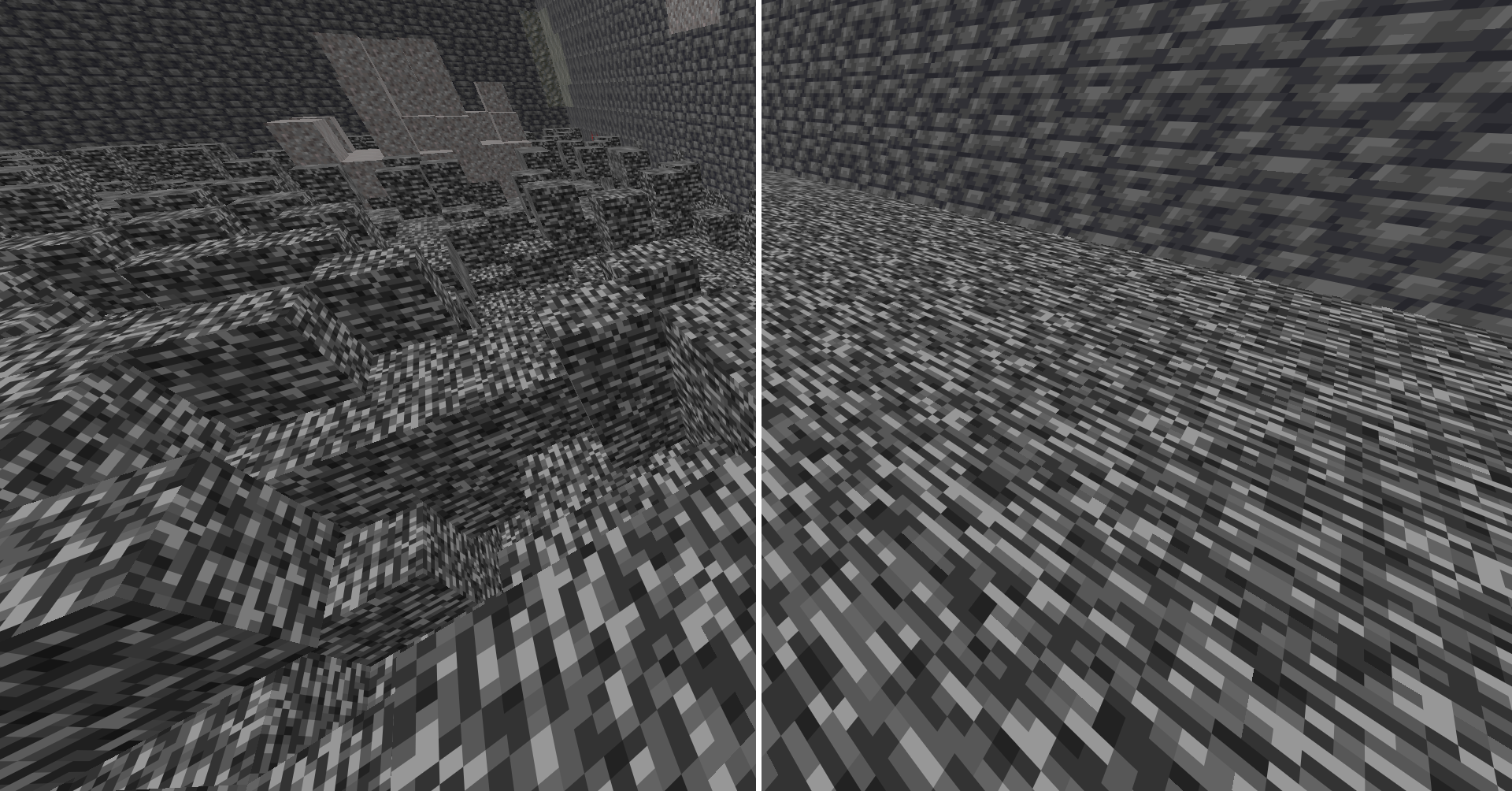
Hides the bottom bedrock layers client side so nobody can reverse your coordinates from the pattern.
截图
介绍
Bedrock Obfuscator
Hides the bottom bedrock layers in the Overworld so people can’t use the pattern against you.
At the very bottom of every Minecraft world there’s a layer of bedrock with a random bumpy pattern. That pattern is different in every spot, so people watching your videos or streams can find your coordinates using the server seed and figure out where you are. This mod hides that pattern so they can’t.
It only changes what you see client side.
Features
- Hides bedrock from Y -64 to -60
- Pick any block to show instead (bedrock by default)
- Leaves real holes down to the void alone, so it won’t cover a gap you could fall through
- Won’t replace a block you’re standing inside, so you never look stuck in the floor
- Turn it on and off with a hotkey
How it works
The mod only changes the picture drawn on your screen. The real blocks never change, so mining, walking, falling, and multiplayer all work exactly like normal. Turn the mod off and the real bedrock shows again right away.
Requirements
- Minecraft 1.21.11
- Fabric Loader
- Fabric API
- MaLiLib
Controls
Default hotkeys:
- Toggle on/off:
Left Shift + B - Open settings:
U + I
Both can be changed in the mod’s settings screen or in Minecraft controls menu.
Source
常见问题
Bedrock Obfuscator 支持哪些 Minecraft 版本?
Bedrock Obfuscator 支持 Minecraft Java 版 1.21.11–26.2,共 5 个版本,可用的加载器:Fabric。下载时注意选择和你游戏版本一致的文件。
Bedrock Obfuscator 怎么安装?
先用 PCL2 或 HMCL 启动器安装对应版本的 Fabric,再把下载的 .jar 文件放进游戏目录的 mods 文件夹,重新启动游戏即可。开启了版本隔离的,mods 文件夹在 versions/版本名 下面。运行环境:仅客户端。
评论
登录后评论和评分