
Bedrock Color Codes
Bring the iconic Bedrock Edition color formatting codes to Minecraft Java. Easily style your signs, books, and chat with classic color and formatting symbols.
截图


介绍
Bring the classic Bedrock Edition color formatting to Java Edition!
Have you ever wanted to use those iconic Bedrock color codes (§ symbols) in your Java Minecraft experience? Bedrock Color Codes Mod makes it possible, allowing you to use familiar formatting codes for signs, books, and chat with ease.
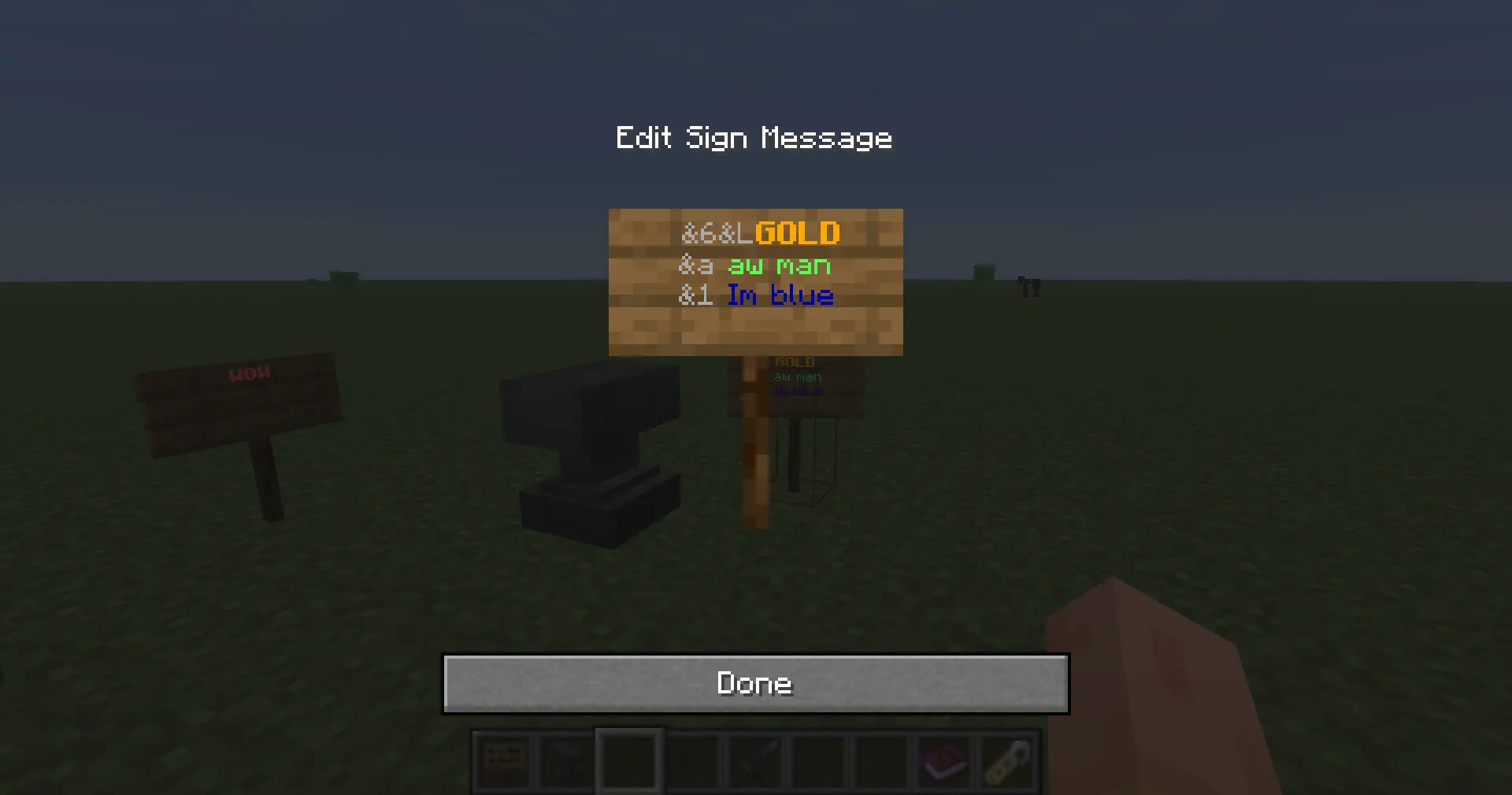
Whether you’re a map maker, a server admin, or just someone who loves the Bedrock aesthetic, this mod is designed to give you that extra layer of customization.
Features:
Seamless Integration: Adds support for standard Bedrock color and formatting codes.
Lightweight: Designed to be efficient and compatible with other mods.
Versatile: Works on signs, writable books, and in-game chat.
Why did I make this?
As a designer, I’ve always been drawn to the aesthetic choices in Minecraft. I wanted to bring that specific “Bedrock feel” into my Java modding projects, and I decided to share this tool with the community.
Support my work:
If you enjoy this mod and want to see more creative projects, feel free to support me on Patreon! Your support helps me keep creating, studying, and bringing new ideas to life.
常见问题
Bedrock Color Codes 支持哪些 Minecraft 版本?
Bedrock Color Codes 支持 Minecraft Java 版 26.2,可用的加载器:Fabric。下载时注意选择和你游戏版本一致的文件。
Bedrock Color Codes 怎么安装?
先用 PCL2 或 HMCL 启动器安装对应版本的 Fabric,再把下载的 .jar 文件放进游戏目录的 mods 文件夹,重新启动游戏即可。开启了版本隔离的,mods 文件夹在 versions/版本名 下面。运行环境:客户端 / 服务端。

评论
登录后评论和评分