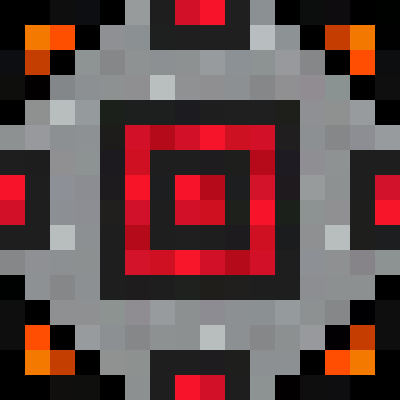
Battery Box
Put battery or capacitor items into this block, to distribute their power in block form.
截图
介绍
Battery Box
Support
| Version | Modloader | Support-Status |
|:——-:|:———:|:————–:|
| 1.21.8 | NeoForge | ✅ |
| 1.21 | NeoForge | ⚠️ |
| 1.20.6 | NeoForge | ⚠️ |
| 1.20.4 | NeoForge | ❌ |
| 1.20.1 | Forge | ❌ |
⚠️: bug fix only
About
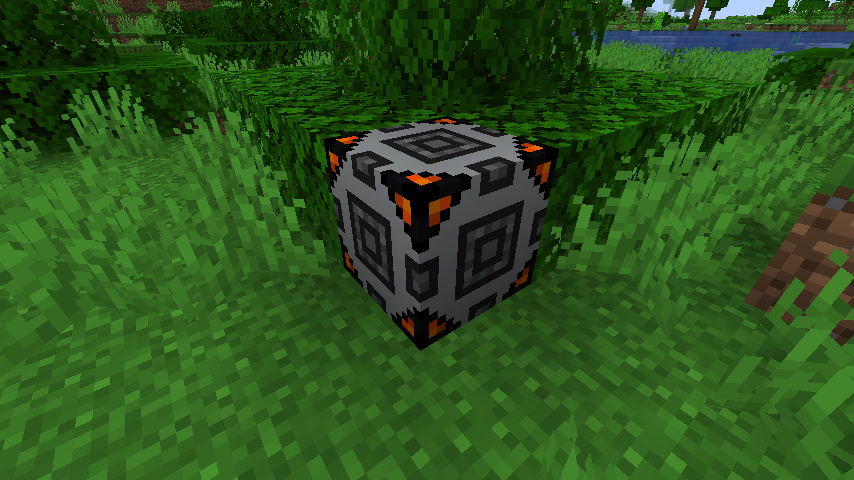
Battery box is a “Mini-Mod” that does one simple thing, it adds a block that can hold a battery!\
Pairs perfectly with Just A Battery, but should work with other mod’s battery cells as well!
Mod coding by canitzp\
Assets and Idea by Jadan1213
Usage
Using the Battery box is simple, just connect it in-line between an RF power source and whatever you’re powering.\
You can insert a battery by holding the item and right clicking on the block, shift right clicking will remove the item.
The rate of power flow into and out of the battery is regulated based on the RF transfer rate of the battery, and the pipes/energy cables you’re connecting to it. You can hook up the Battery box from any side of the block.
This is great if your power usage temporarily exceeds your power generation capabilities, as the Battery box\
will provide the power your devices need and recharge when excess power is available.
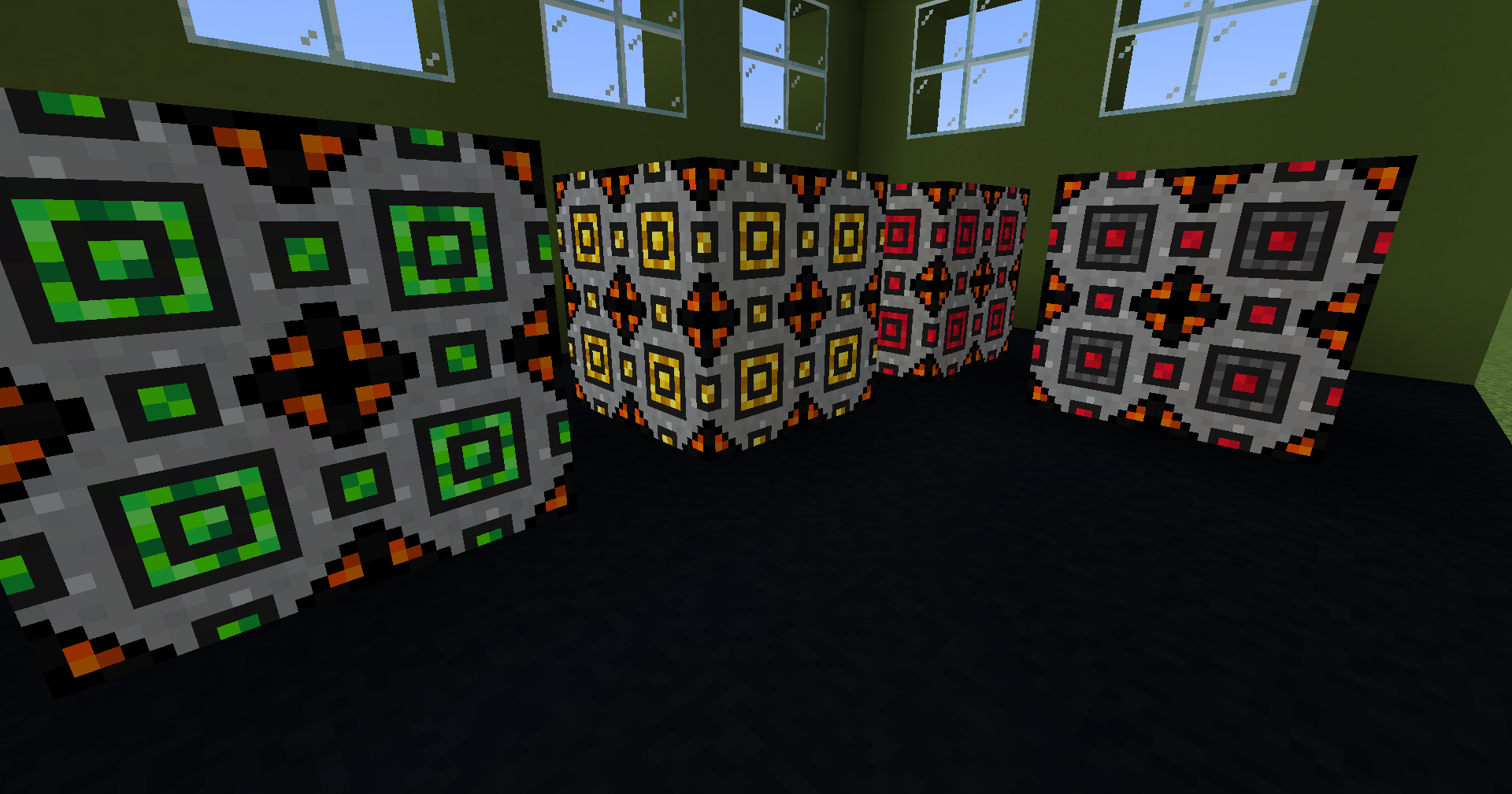
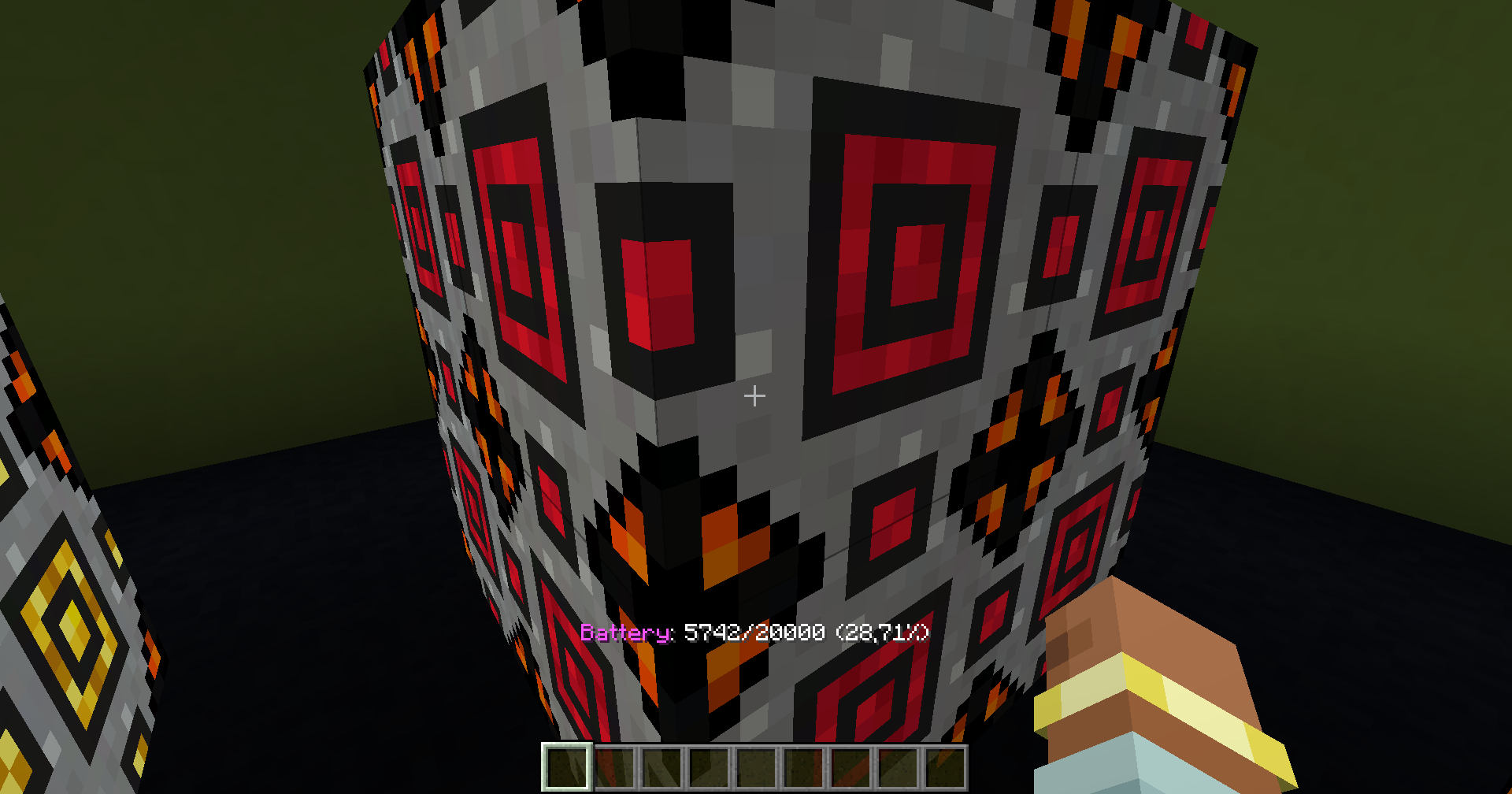
The block will provide visual feedback of its charge level both with color, and with lighting. The higher the battery charge, the brighter the light!
| No Battery | Empty charge | Low charge | Medium charge | High/full charge |
|——————————————————————————————————————————|——————————————————————————————————————————|——————————————————————————————————————————|——————————————————————————————————————————|——————————————————————————————————————————|
| |
|
|
|
|
Battery boxes can share their battery’s charge with adjacent blocks, even other Battery boxes! How fast that energy is transferred/leveled out will depend on the battery’s max transfer speed.
While this will allow you to chain multiple Battery boxes together, Keep in mind, that energy will only flow into, and out of, a connected Battery box. If no battery is present in the connected Battery box, no energy will flow!
| No flow | Flow | Single input/output | Single input/Different output | Multiple input/Multiple output |
|——————————————————————————————————-|——————————————————————————————————-|——————————————————————————————————-|——————————————————————————————————-|——————————————————————————————————-|
| |
|
|
|
|
As a bonus, You can use a battery box to charge items too! These items however will not provide power to connected devices. They can only be charged.
Battery box is great for prividing extra power to hungry devices and storage systems when needed!
| Tested to work with | |
|———————————|——————————-|
| Just a battery | Thermal series Flux capacitor |
| Powah! batteries & Energy cells | Mekanism energy tablet |
If you experience any issues or incompatabilities, please open an Issue!
常见问题
Battery Box 支持哪些 Minecraft 版本?
Battery Box 支持 Minecraft Java 版 1.20.1–1.21.8,共 6 个版本,可用的加载器:Forge / NeoForge。下载时注意选择和你游戏版本一致的文件。
Battery Box 怎么安装?
先用 PCL2 或 HMCL 启动器安装对应版本的 Forge / NeoForge,再把下载的 .jar 文件放进游戏目录的 mods 文件夹,重新启动游戏即可。开启了版本隔离的,mods 文件夹在 versions/版本名 下面。运行环境:客户端和服务端都要装。
canitzp 的其他作品
查看全部 →
ActuallyComputers
实用拓展机器与开放式电脑功能的交互
Auto Feeder Helmet [NEOFORGE/FORGE]
升级你心爱的所有头盔,让它们在你什么都不做时也能喂饱你。

Traincraft
为 Minecraft 添加火车及其他载具的模组

ChiseledAdditions
让 Actually Additions 的方块和钻头也能用凿子加工。
评论
登录后评论和评分