
Basically Particle Models
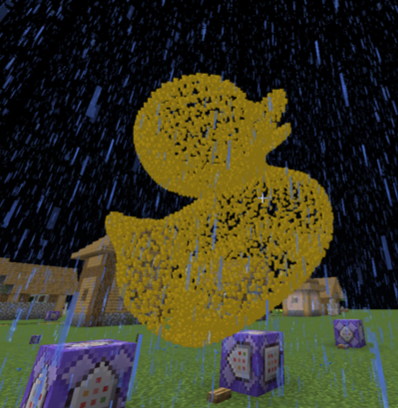
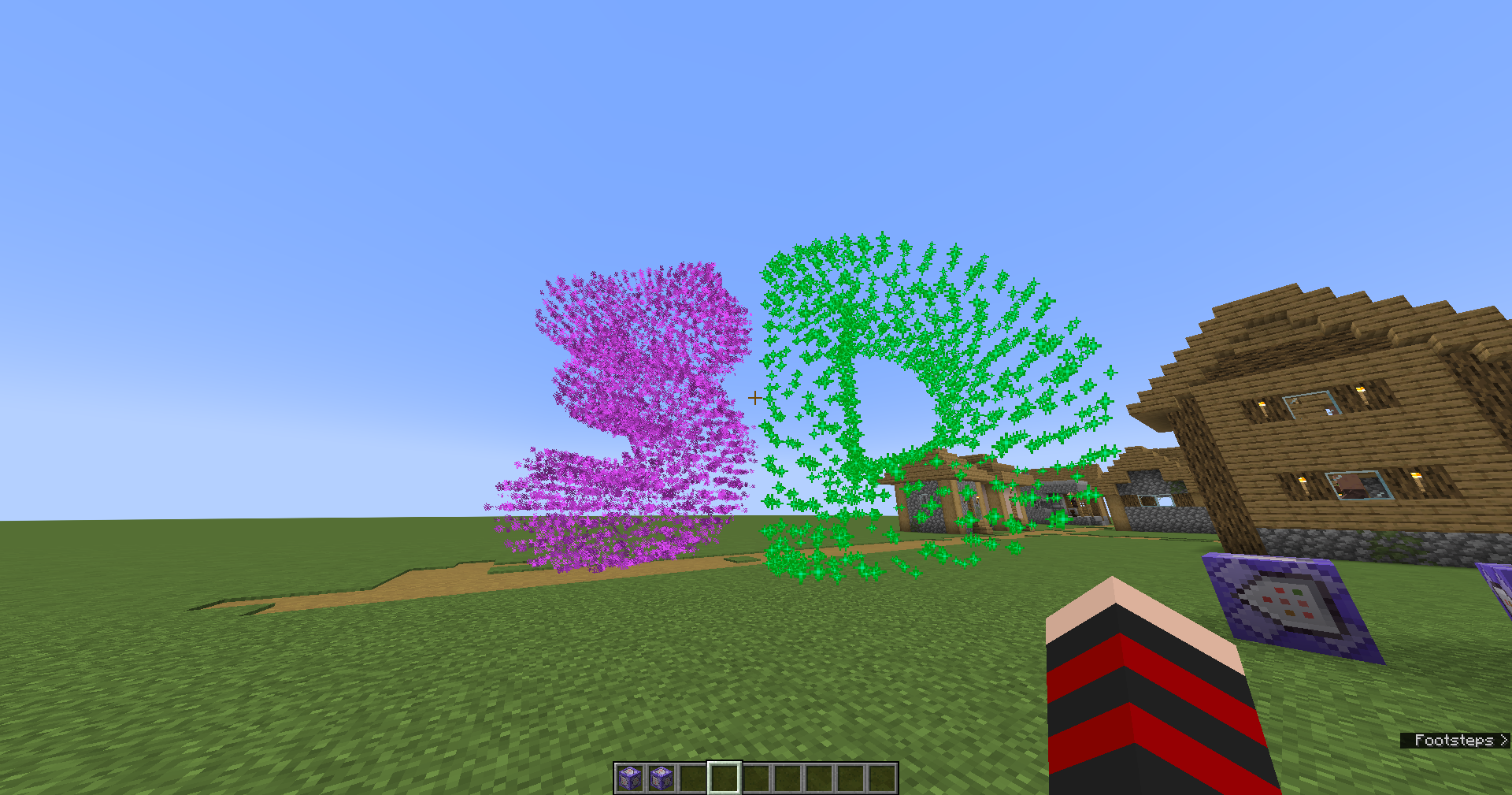
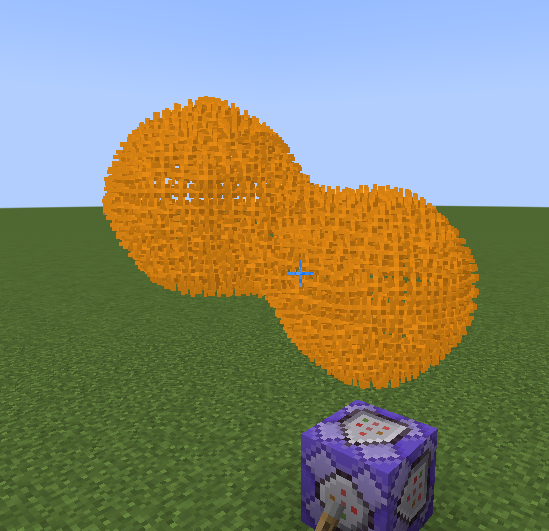
a not very simple serverside fabric mod that can display 3d models as particles
截图
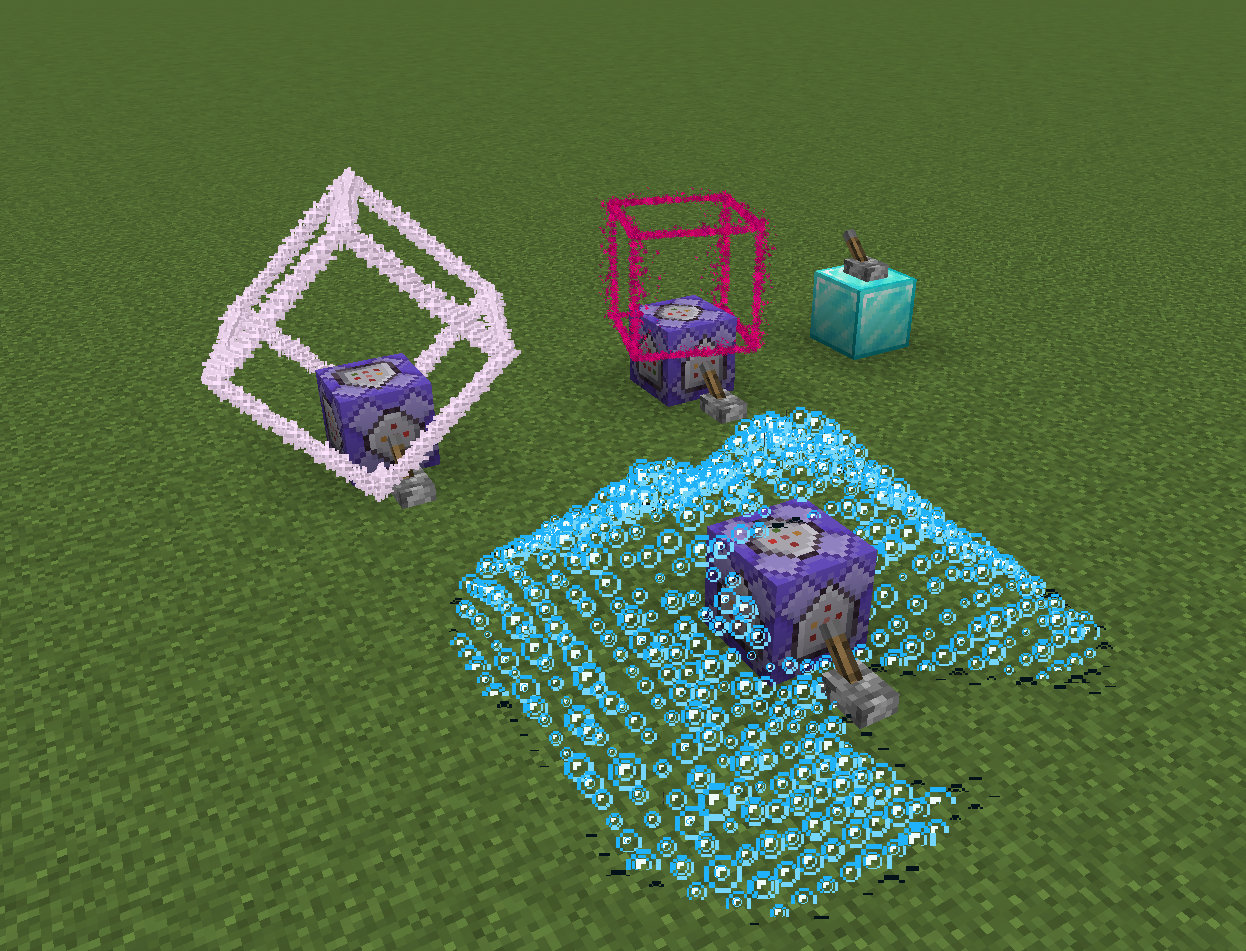
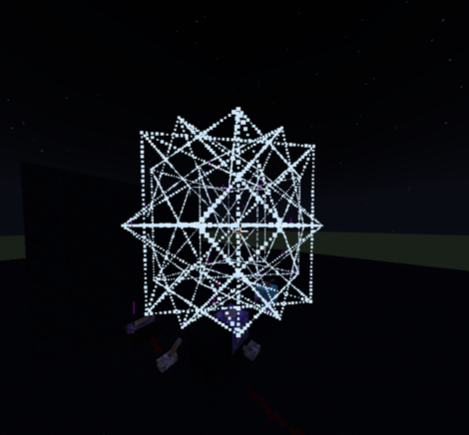
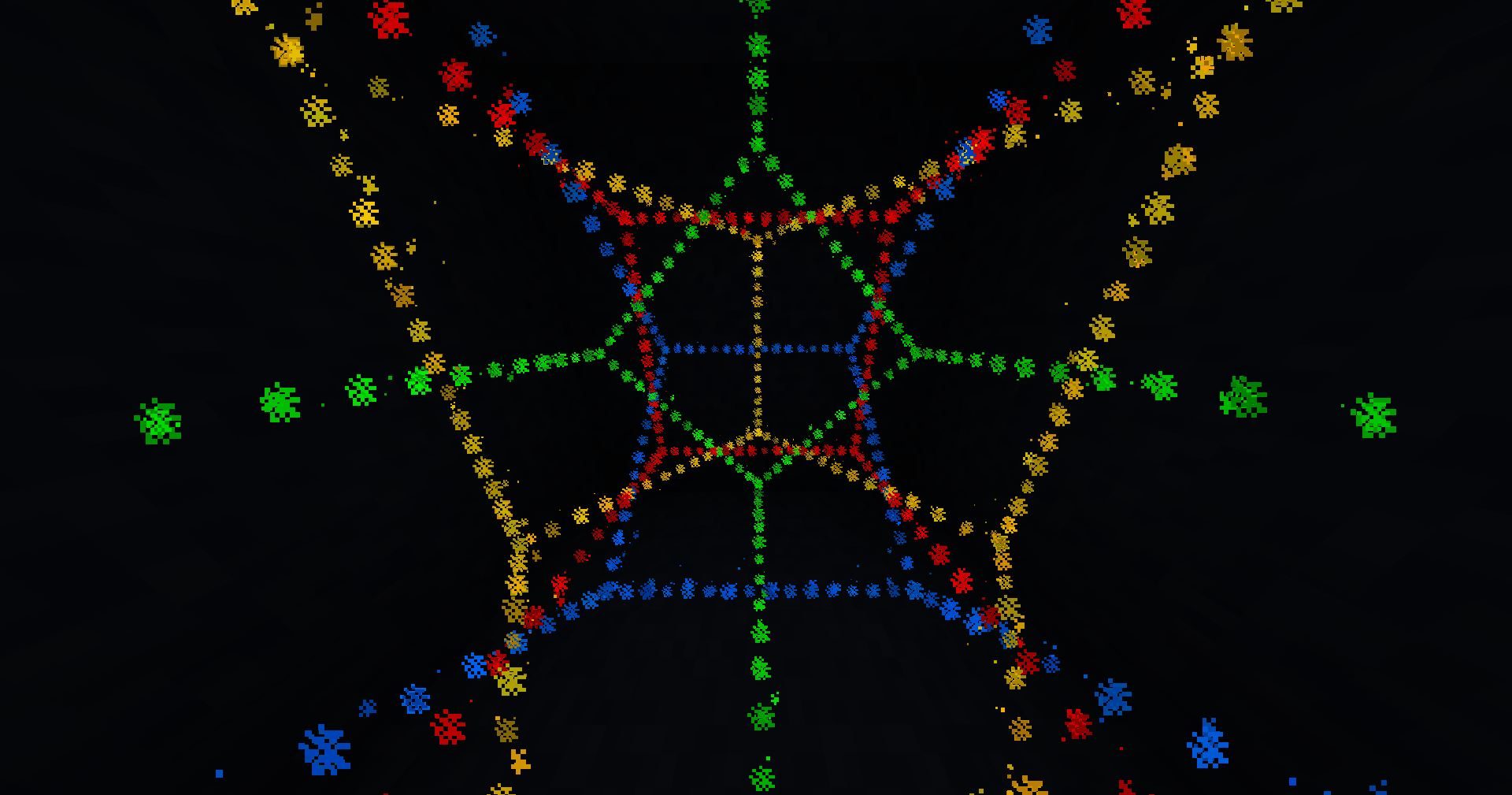
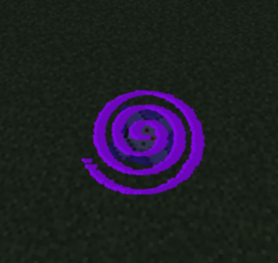
介绍
the mod creates a folder on your server, you can upload models into the folder you can list the models in-game with /particlemodels list
##
To actually display the models you use /particlemodels display <model file with file extension> <particle type> <model scale> <force/normal> <edge density> <players> the command basically works like the vanilla /particle command
##
the model will be displayed at the position the command is ran at, with 2 axis rotation support,
you can use /execute positioned and /execute rotated/facing to easily position and rotate the model, if the edge density is set to 0 only the model vertices will be displayed
example: /execute positioned 0 64 0 facing entity @p[distance=..15] run particlemodels display cube.obj minecraft:bubble 1 force 1 @a
this command will display a cube model at 0 64 0 that will face the closest player in a 15 block radius, the model will be made of bubble particles _(good for moving models since the bubble particle has a very short lifetime)_, the particles are forced meaning even people with particles turned off will see them
Warning: the mod can lag your server and/or client
thats why theres a limit to how many vertices a model can have, by defauly set to 512 but can be configured, as well as the folder that the mod checks for models
##
the mod currently can only display vertices and edges as displaying full faces with particles would be too much, even small models would lag, so im not planning on adding face support
if you want to display models with faces, and even texture support check out [[cymera’s Text Display Models]](https://heledron.com/tools/text-display-mesher/)
supported model types:
- .obj
- .stl (ASCII)
- .ply (ASCII)
Blender can be weird
if your model is consisted of only edges and vertices without any faces blender might just export a blank file sometimes, you can just select everything and press F to create some faces, that usually helps, but keep in mind that .stl automatically triangulates faces meaning those faces will each add 1 edge, so if you do that id recommend using OBJ or PLY models, when exporting you can uncheck pretty much everything, but you need to check “ASCII” when exporting .stl or .ply, otherwise the mod cant read the files
if you dont use blender you can use any CAD software to create models, they all can export .stl files
常见问题
Basically Particle Models 支持哪些 Minecraft 版本?
Basically Particle Models 支持 Minecraft Java 版 1.19–1.21.11,共 24 个版本,可用的加载器:Bukkit / Fabric / Paper / Purpur / Quilt / Spigot。下载时注意选择和你游戏版本一致的文件。
Basically Particle Models 怎么安装?
先用 PCL2 或 HMCL 启动器安装对应版本的 Bukkit / Fabric / Paper / Purpur / Quilt / Spigot,再把下载的 .jar 文件放进游戏目录的 mods 文件夹,重新启动游戏即可。开启了版本隔离的,mods 文件夹在 versions/版本名 下面。运行环境:仅服务端。
BasicallyFraud 的其他作品
查看全部 →
Basically More FOV
a mod that allows you to change your FOV on the go!

Basically Restart
Simple mod adding a /restart command to your server

Basically Util Commands
a serverside mod adding commands useful to mapmakers and others

Basically Graves
an entity based grave mod inspired by content SMP
评论
登录后评论和评分