
截图
介绍

- #### Supported versions: (1.21 – 26.2)
About Me
Better Markets is a Minecraft Survival Multiplayer Addon/Datapack that allows players in a server to sell their items in exchange for other items (bartering).
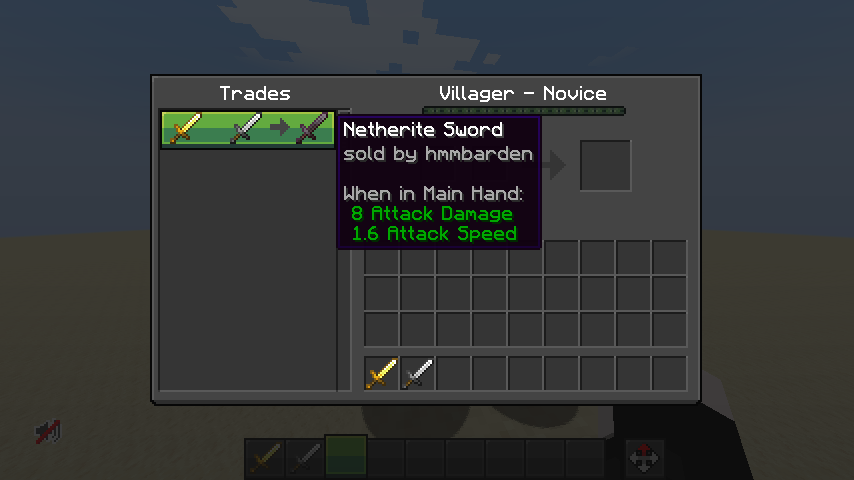
It uses the Minecraft Villager Trading UI as FOUNDATION for the Market Listing Display And Interaction.
Features
- ### Create Multiple Listings!
Players can create AS MANY LISTINGS as they want! They can also ask for a combination of at-most TWO ITEMS
(similar to how villagers can accept/ask for two items in exchange for a single item)
- ### Infinite Market Length!
A server can have a NEARLY INFINITE NUMBER of Market Listings available for player to navigate through! This allows room for multiple offers for the same item! There is no restriction to applicable offers!
- ### Item Bank!
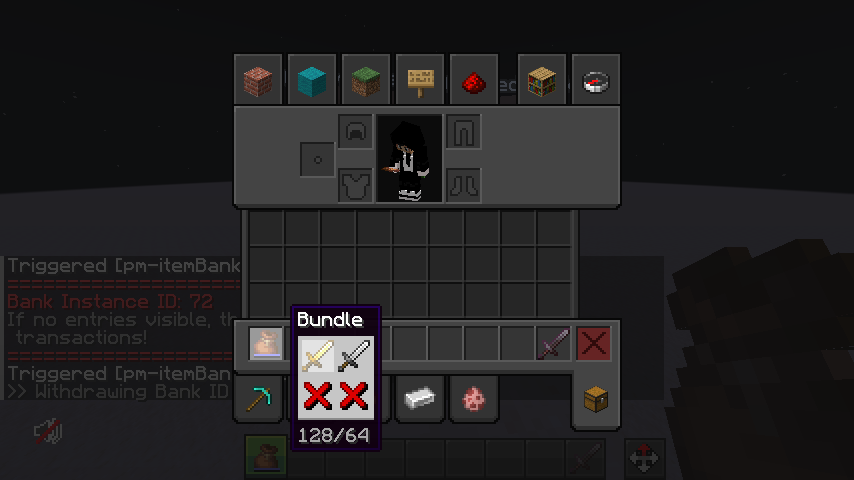
Players can also buy items from offline players! Every purchase made is transferred to a virtual storage that can only be withdrawn by their owners! It returns the items bartered/traded for in a bundle which disappears after their contents are withdrawn!
How To ..
- ### create a Market Listing?
Any and ALL players can create a Market Listing by running the command:
/trigger pm-createListing. You will be sent a tellraw message instructing you on how to set-up your inventory, mainly your offhand and your hotbar’s first two slots, Slot 0 and Slot 1.
To create a listing,
– Put the item that you are willing to sell in your offhand.
– Put the items you want in your First Slot and Second Slot.
– Then, run the command
/trigger pm-createListing set 2
- ### withdraw/receive items from a Trade/Barter?
All your trade items are stored in a “bank” type storage. To access the list of transactions you own, run the command
/trigger pm-itemBank. Then, click on any of the given Bank Vault ID to receive your items in a bundle.
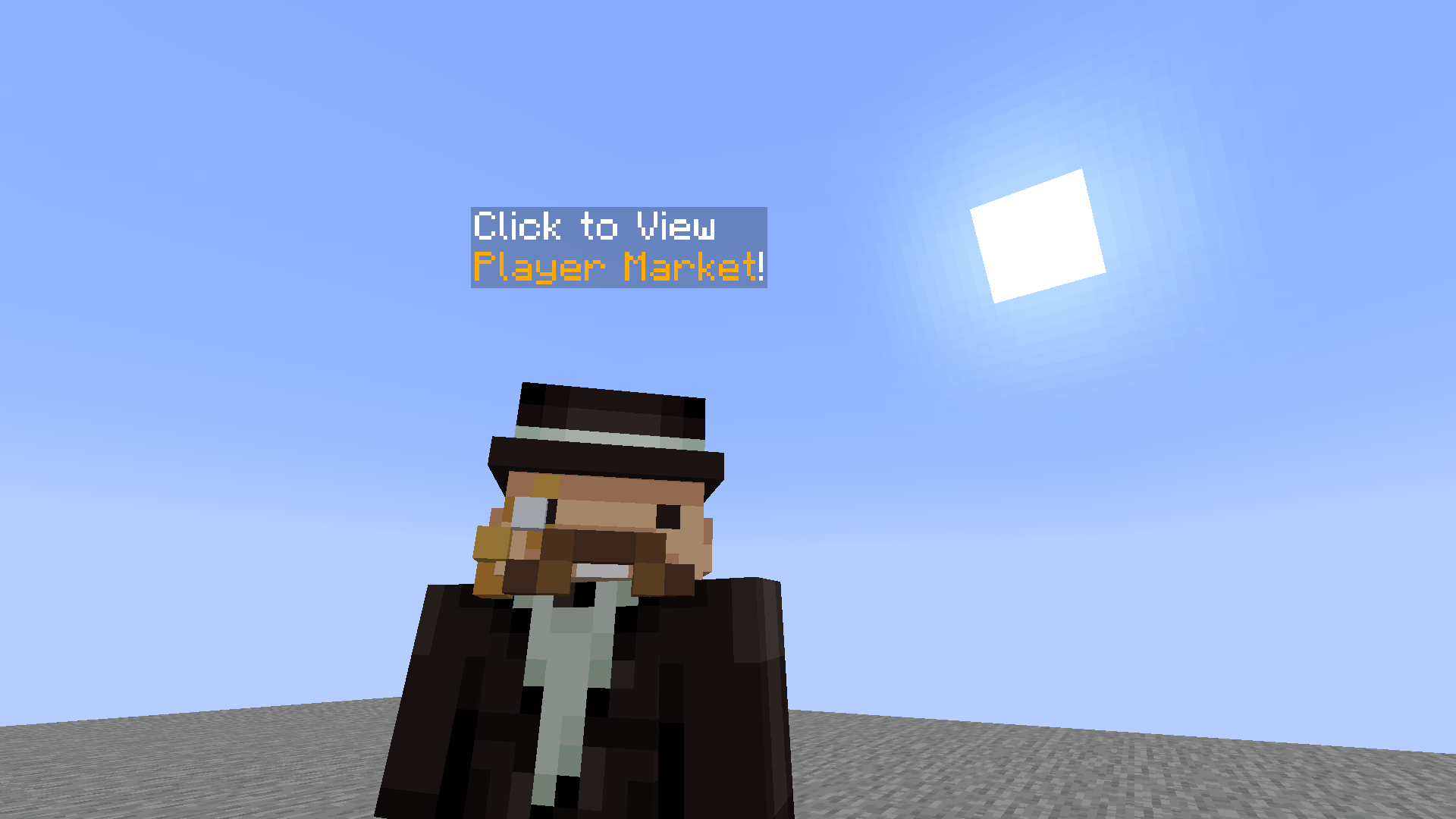
- ### make a purchase/browse the PlayerMarket?
常见问题
Better Markets! 支持哪些 Minecraft 版本?
Better Markets! 支持 Minecraft Java 版 1.21–26.2,共 16 个版本,可用的加载器:Fabric / Forge / NeoForge / Quilt。下载时注意选择和你游戏版本一致的文件。
Better Markets! 怎么安装?
先用 PCL2 或 HMCL 启动器安装对应版本的 Fabric / Forge / NeoForge / Quilt,再把下载的 .jar 文件放进游戏目录的 mods 文件夹,重新启动游戏即可。开启了版本隔离的,mods 文件夹在 versions/版本名 下面。运行环境:客户端 / 服务端。
barden 的其他作品
查看全部 →
Death Animations
[players & entities] explode into bits when they die!

Steam Achievement Sound replaces Advancements
Replaces Advancement's Sound with Steam's Achievement Sound

Inventory Saver
save your [[inventory]] with just one command.

Heavy Rain
Makes all Rain in Minecraft hit Hard.
评论
登录后评论和评分