
Baritone Bot
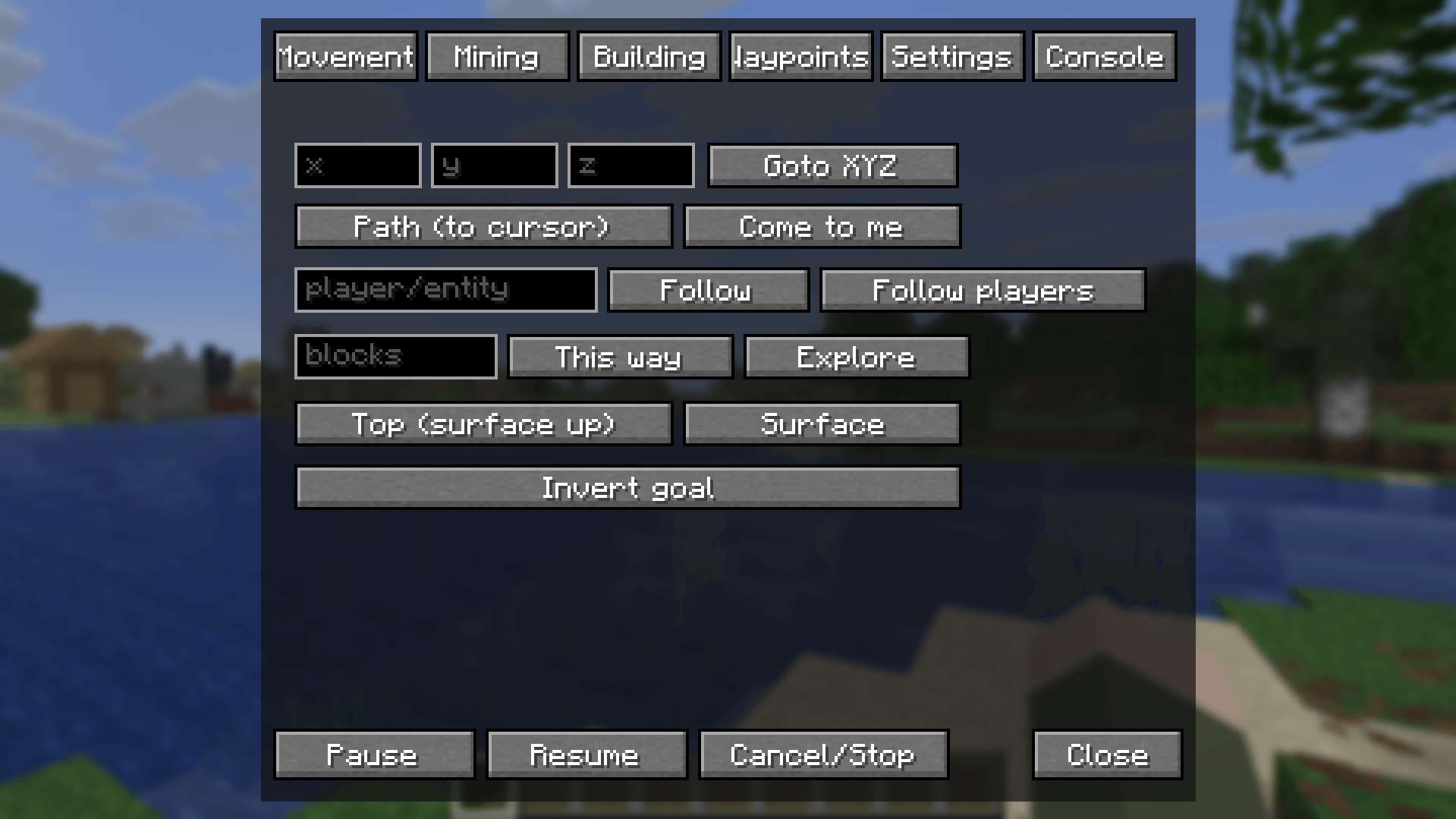
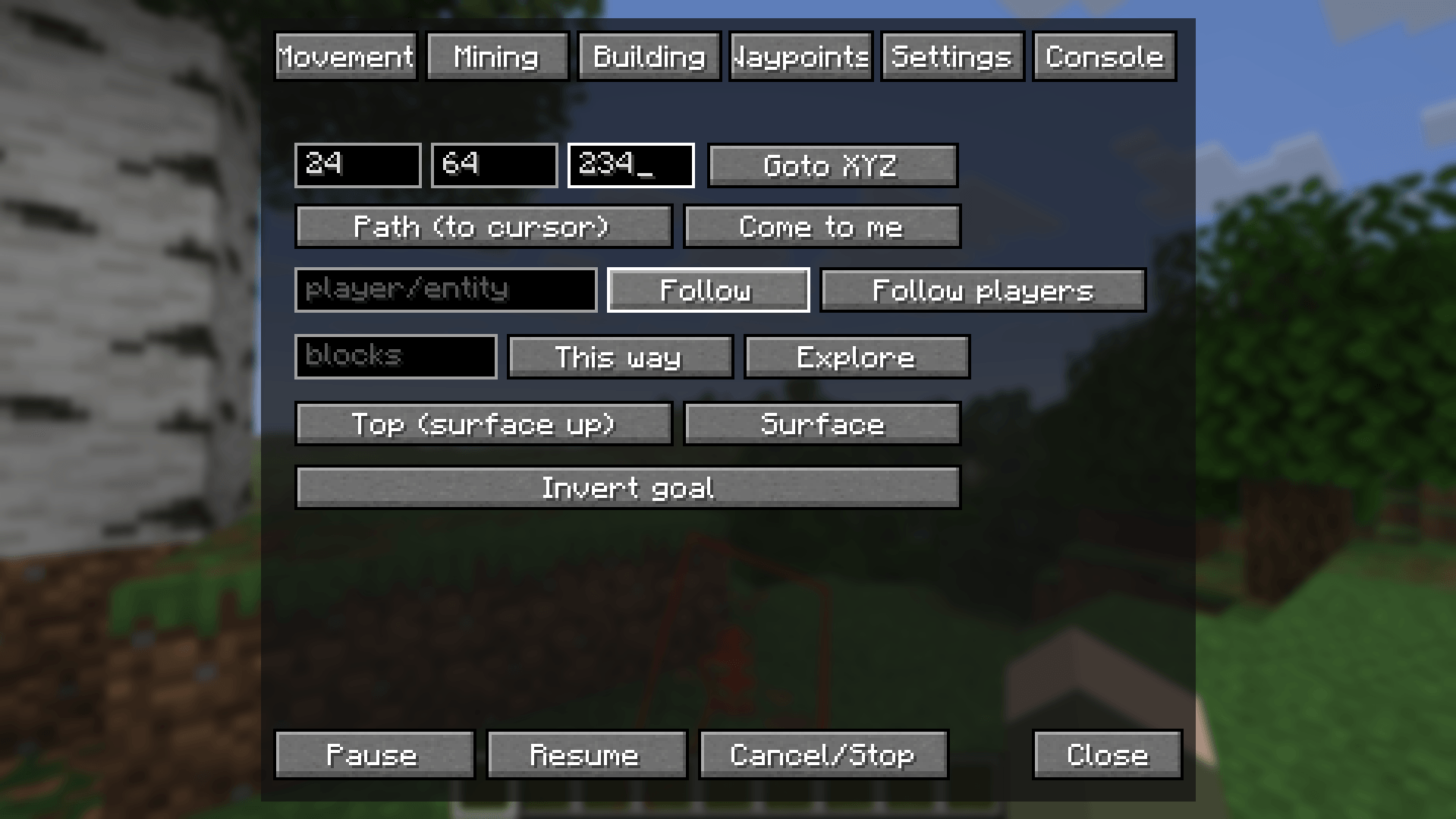
Baritone Bot adds an in-game control panel for the Baritone pathfinding mod, opened with the B key. It replaces typing chat commands with a tabbed GUI covering movement, mining, building, waypoints, and settings, plus a free-text console for anything else.
截图
介绍
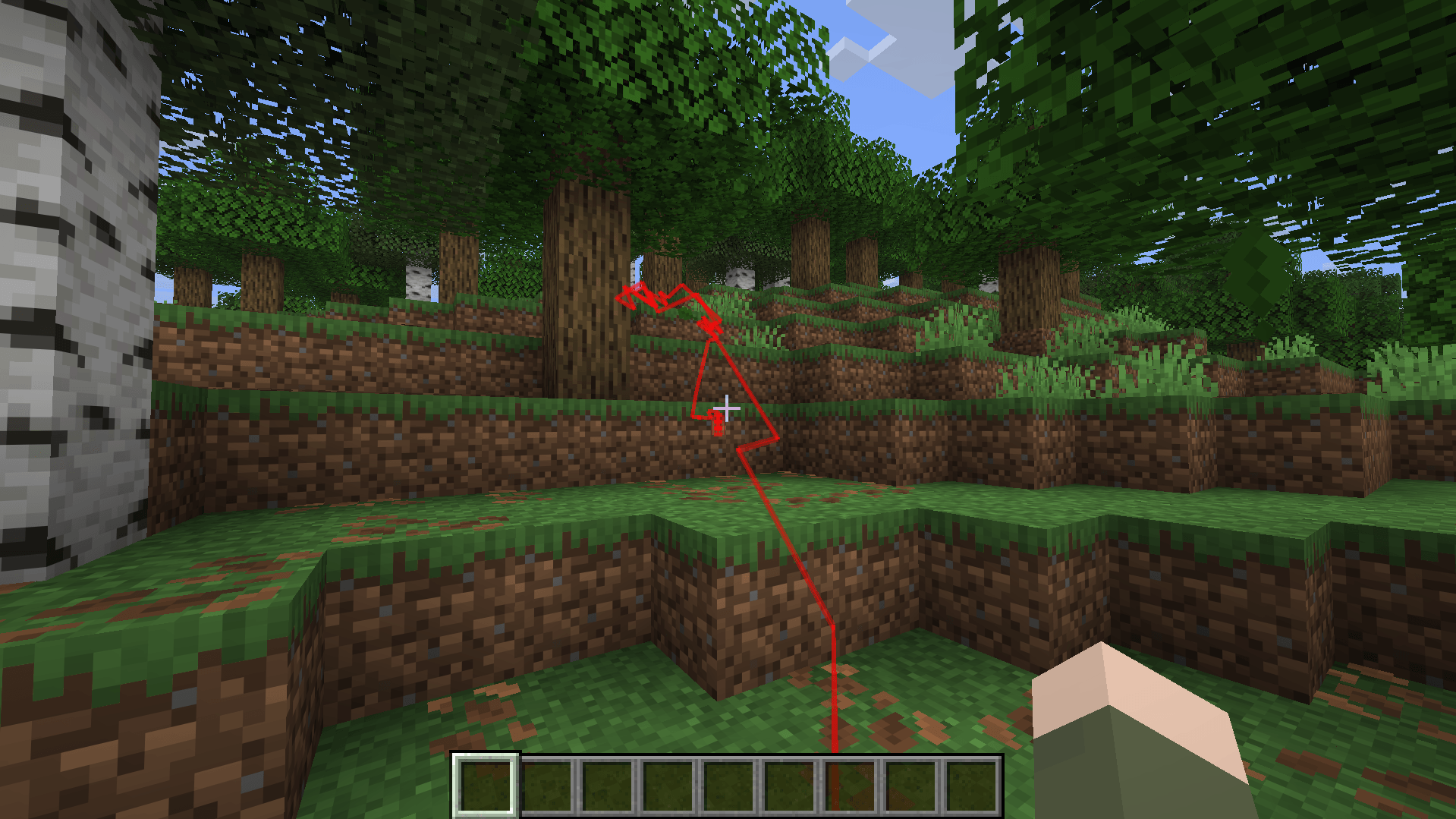
Baritone Bot is a UI control panel using Baritone; no more memorizing chat commands or scrolling back through your message history to re-run one. Press B to open a tabbed GUI with buttons and fields for everything you’d normally type: pathing to coordinates, following entities, mining, farming, building from schematics, selections, waypoints, and Baritone’s settings — plus a free-text console tab for anything not covered by a dedicated button, and a small history strip showing your last few commands.
How it works: every button just sends the same chat message you’d type yourself (e.g. #goto 100 64 200). Baritone intercepts these client-side before they ever reach the server, exactly as if you’d typed them. You can still use the default # command prefix in the chat if you like.
Available for Forge and NeoForge, across multiple Minecraft versions!
The original mod is found here; use GitHub for mod versions for versions that are not here! https://github.com/cabaletta/baritone
常见问题
Baritone Bot 支持哪些 Minecraft 版本?
Baritone Bot 支持 Minecraft Java 版 1.16.5–26.2,共 5 个版本,可用的加载器:Fabric / Forge / NeoForge。下载时注意选择和你游戏版本一致的文件。
Baritone Bot 怎么安装?
先用 PCL2 或 HMCL 启动器安装对应版本的 Fabric / Forge / NeoForge,再把下载的 .jar 文件放进游戏目录的 mods 文件夹,重新启动游戏即可。开启了版本隔离的,mods 文件夹在 versions/版本名 下面。

评论
登录后评论和评分