
Backup Always Right
A easyful Minecraft server backup mod with smart backup support 26.2/ 1.21.11 /和简体中文
截图
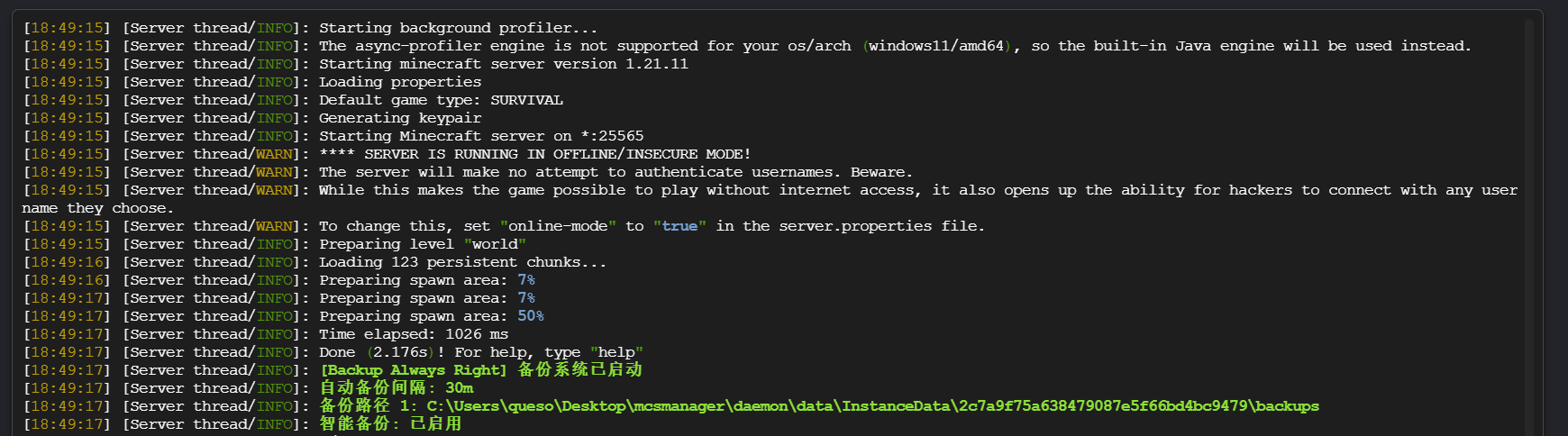
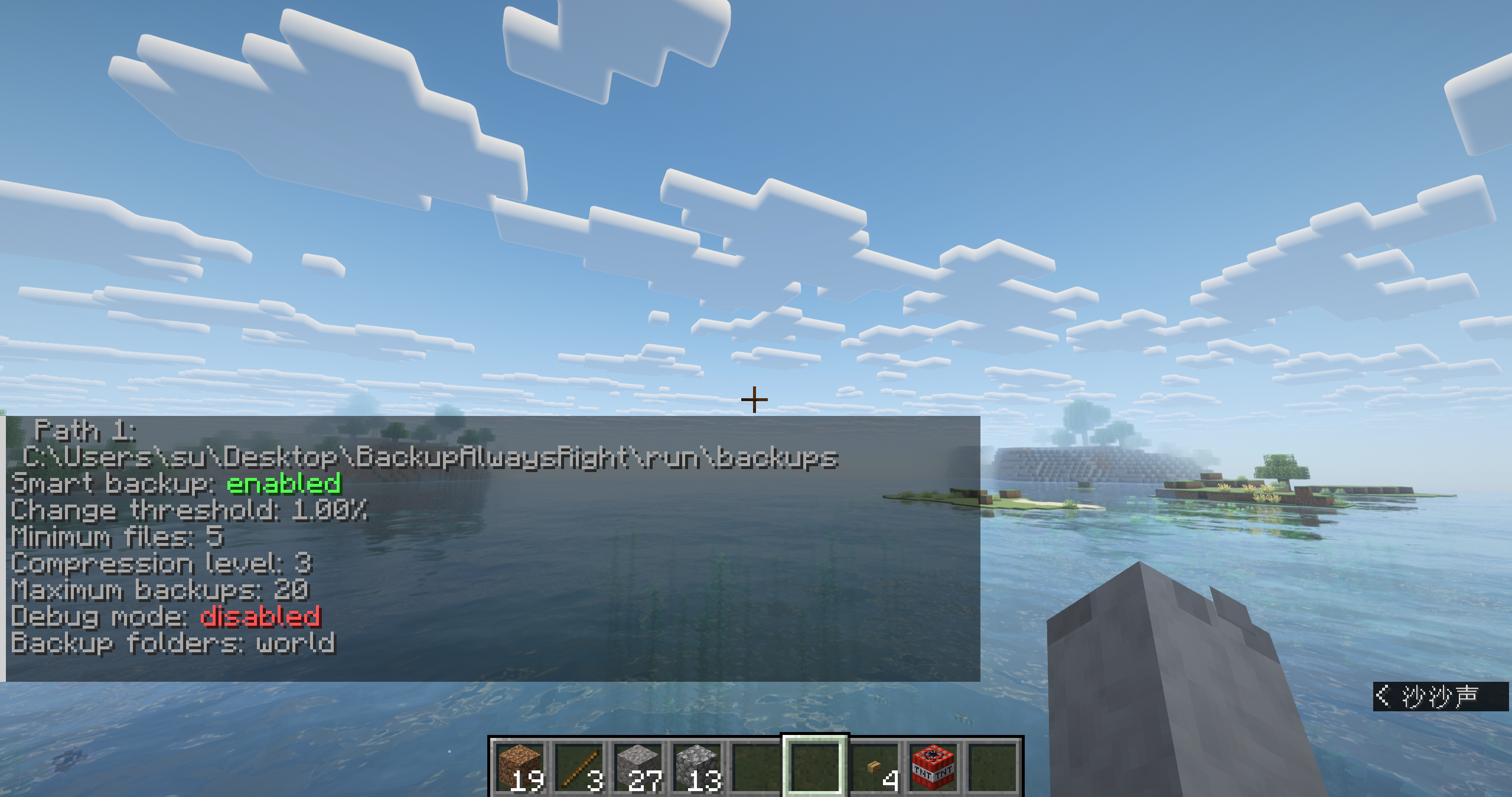
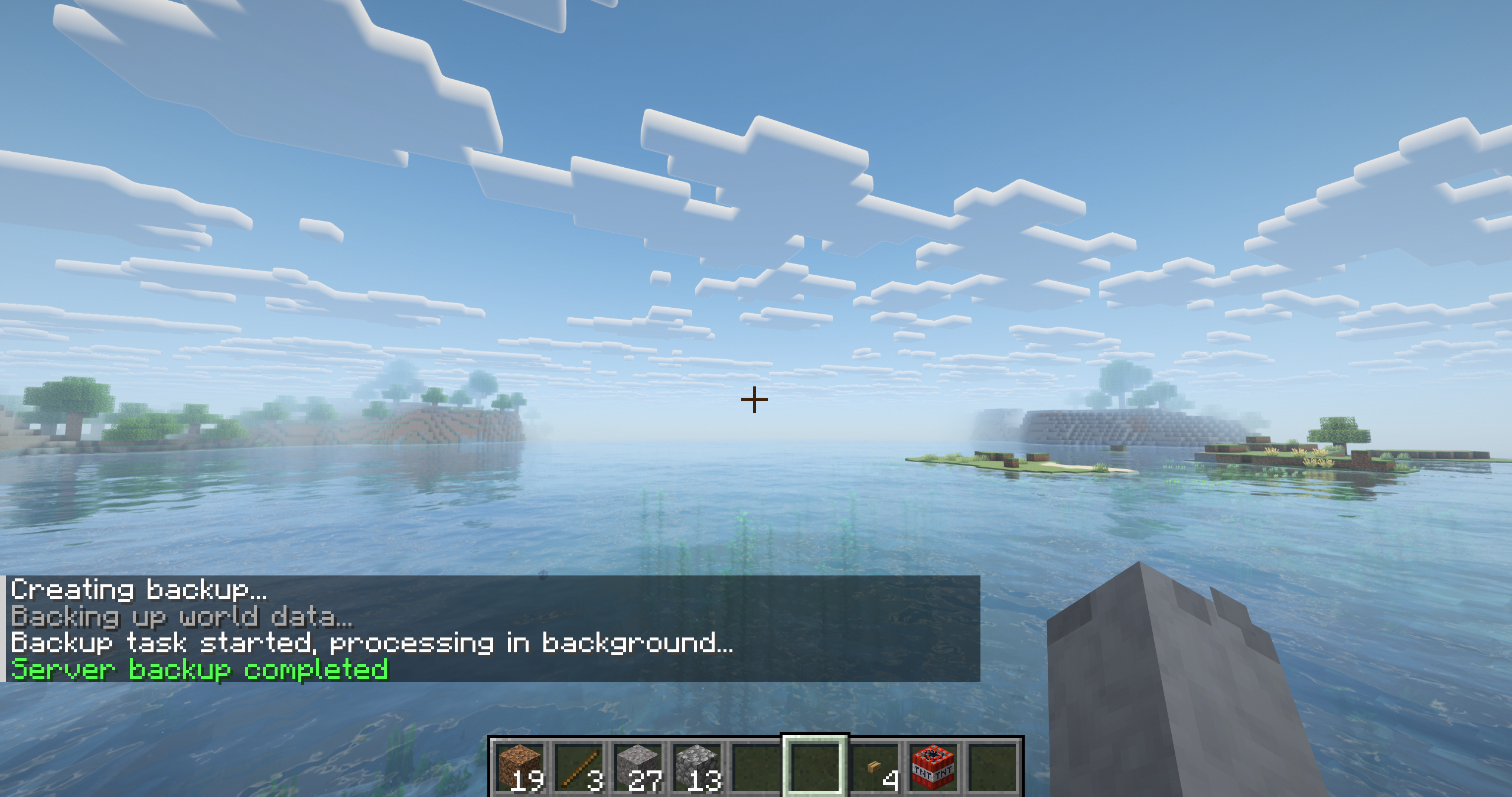

介绍
Backup Always Right

#### Attention!!!!! If yours _Minecraft Version < 1.21.11_ , Please Use [Version : 1.0.0](),
#### Mojang changed old api, so this version(Minecraft Version < 1.21.11) don't support OP Permissions Setting
Support 简体中文/English
A easyful Minecraft server backup mod with smart backup, multi-language support, and multiple storage paths.
Features
- Scheduled backups – Set intervals in minutes, hours, or days
- Smart backup – Backs up only when significant world changes occur
- Multi-path support – Backup to multiple local or network locations
- Manual control – Complete command system for backup management
- Multi-language – English and Simplified Chinese, auto-detection
- Backup verification – Automatically verify backup integrity
- Compression control – 0-9 compression levels
- Old backup cleanup – Automatically remove old backups
Installation
- You need Install Fabric-Language-Kotlin too.
- Place the mod file in server’s
modsfolder - Start server to generate config file
- Modify
config/bar.confas needed - Reload with
/bar reloador restart server
Commands
| Command | Description | Permission |
|———|————-|————|
| /bar start | Start manual backup | 2 |
| /bar list | List all backups | 0 |
| /bar status | Show backup system status | 0 |
| /bar reload | Reload configuration | 3 |
| /bar interval minute <1-1440> | Set interval in minutes | 3 |
| /bar interval hour <1-24> | Set interval in hours | 3 |
| /bar interval day <1-30> | Set interval in days | 3 |
| /bar autobackup enable/disable | Enable/disable auto backup | 3 |
| /bar debug enable/disable | Enable/disable debug mode | 3 |
| /bar shutdown | Backup and shutdown server | 4 |
| /bar shutdown delay <1-60> | Set shutdown delay | 4 |
⚙️ Configuration
Edit config/bar.conf:
Path Examples
# Folders to backup (multiple separated by ;)
# 要备份的文件夹(多个用;分隔)
# Example :  world;world_nether;world_the_end;mods;whatelse
backupFolders=world


# Local paths
backupPaths=./backups;backups;/home/mcserver/backups

# Network paths
backupPaths=backups;\\192.168.0.105\Base\Backups;D:\Backups
General Settings
# Language (auto, en_us, zh_cn)
language=en_us

# Folders to backup (separate with ;)
backupFolders=world

# Enable auto backup
backupEnabled=true

# Backup paths (separate with ;)
backupPaths=backups

# Backup interval (supports m/h/d units)
backupInterval=30m

# Maximum number of backups
maxBackups=20

# Notify players
notifyPlayers=false

# Notice time before backup (seconds)
noticeTime=3

# Shutdown delay after backup (seconds)
shutdownDelay=15
Advanced Settings
# Verify backup integrity
verifyBackup=true

# Smart backup (skip if no changes)
smartBackup=true

# Require significant changes
requireSignificantChange=false

# Change threshold (0-1.0)
changeThreshold=0.01

# Minimum changed files
minChangedFiles=5

# Compression level (0-9)
compressionLevel=3

# Minimum backup size (MB)
minBackupSizeMB=5

# Debug mode
debugMode=false
🔧 Troubleshooting
Enable debug mode: /bar debug enable
Check path permissions and disk space
Lower compression level if backup is slow
Reduce maxBackups if disk space is low
Always backup, always right!
常见问题
Backup Always Right 支持哪些 Minecraft 版本?
Backup Always Right 支持 Minecraft Java 版 1.21.1–26.2,共 12 个版本,可用的加载器:Fabric。下载时注意选择和你游戏版本一致的文件。
Backup Always Right 怎么安装?
先用 PCL2 或 HMCL 启动器安装对应版本的 Fabric,再把下载的 .jar 文件放进游戏目录的 mods 文件夹,重新启动游戏即可。开启了版本隔离的,mods 文件夹在 versions/版本名 下面。运行环境:仅服务端。

评论
登录后评论和评分