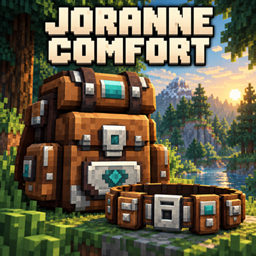
Backpacks & Belts
Carry more with 36- or 72-slot backpacks, a 3-slot utility belt and dedicated equipment slots. Enjoy a vanilla-style inventory, visible worn gear and practical quality-of-life features for your adventures.
截图
介绍
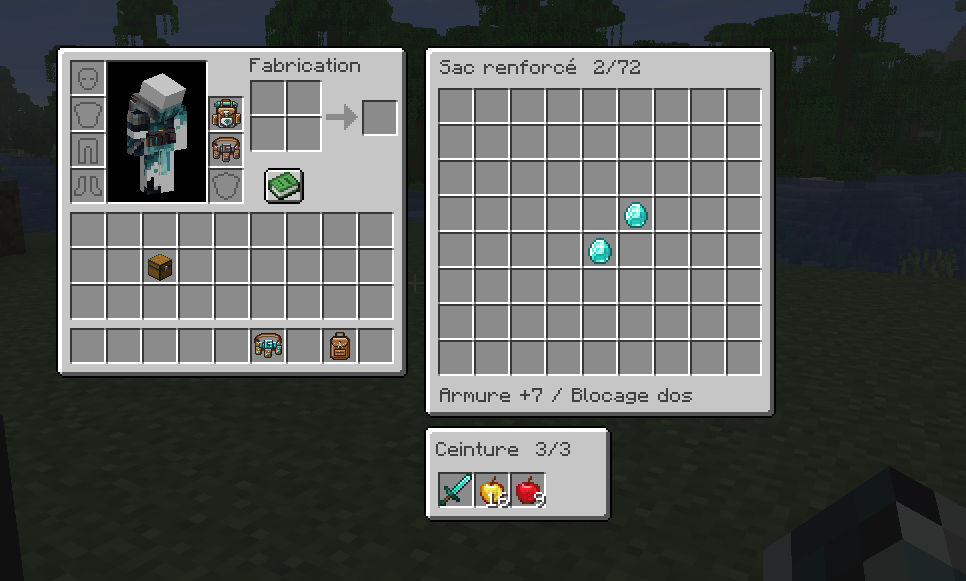
Joranne Comfort — Backpacks & Belts More room to explore, build, and enjoy your adventures. Joranne Comfort adds wearable backpacks and utility belts to Minecraft Java Edition. Carry extra supplies, keep useful items within reach, and manage your equipment through a vanilla-style interface. Backpacks that extend your inventory Your backpack acts as a second inventory, giving you more room without sacrificing your armor slots.
- Simple Backpack: 36 additional storage slots.
- Reinforced Backpack: 72 additional storage slots and partial protection against attacks from behind.
- Store any item type: carry building materials, tools, weapons, food, chests, shulker boxes, bundles, and even other backpacks.
- Automatic overflow pickup: when your player inventory cannot hold any more of an item, newly collected items continue into your equipped, functional backpack.
- Organized stacking: items fill matching stacks first, then use empty slots. Anything that cannot fit remains on the ground. Normal stack limits and equipment durability rules still apply. Access your backpack while you play Manage your backpack alongside supported inventory screens, including:
- Single and double chests.
- Shulker boxes, hoppers, and dispensers.
- Furnaces, blast furnaces, and smokers.
- Crafting tables.
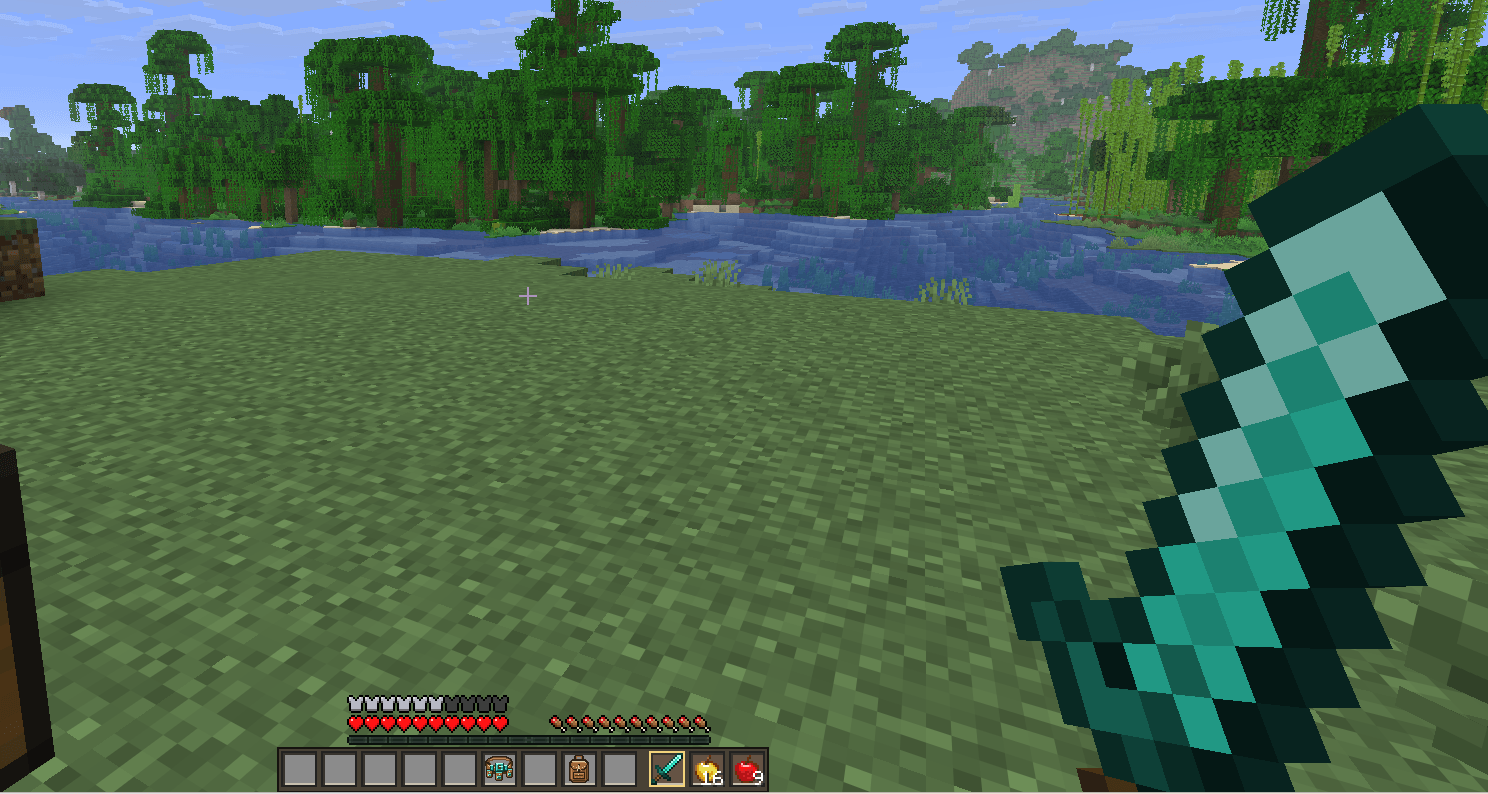
- Villager trading interfaces. The backpack appears beside the main interface, keeping your extra storage within reach while you organize supplies, craft, smelt, or trade. Utility belts Keep frequently used items close at hand with three additional slots, accessible through an expanded 12-slot hotbar while your belt is functional. Choose from five belt materials: leather, copper, iron, diamond, and netherite. Customize belt shortcuts to suit your controls. Dedicated equipment slots Equip your backpack and belt in two dedicated slots above the offhand slot in the survival inventory. Matching silhouettes make empty equipment slots easy to recognize. Storage is also accessible through the player inventory tab in Creative Mode. Gear that travels with you Backpacks and belts are visible on your character, and their contents remain stored inside when you unequip or re-equip them. Equipment includes durability and repair options. The reinforced backpack can be worn alongside a chestplate or an elytra. Configurable convenience features Adjust several gameplay options, including:
- Custom belt shortcuts.
- Stacking for selected vanilla items.
- Using totems from your inventory. Requirements and installation Requires Minecraft Java Edition, Fabric Loader, and Fabric API. Two separate downloads are available:
- Minecraft 1.21–1.21.11: one shared JAR requiring Java 21 or newer.
- Minecraft 26.1–26.3: a separate shared JAR requiring Java 25 or newer. Install only the JAR matching your Minecraft version. For multiplayer, install the mod and Fabric API on both the server and all clients. Gear up, carry more, and keep exploring!
More creations by Joranne / Mes autres créations
Click an image or a name to discover the project on CurseForge. / Cliquez sur une image ou un nom pour découvrir le projet sur CurseForge.
Minecraft Java — Mods
 Corrupted Portal: The Void World |
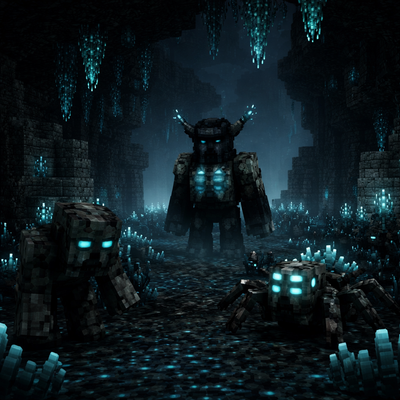 Deepdark Ascendancy |
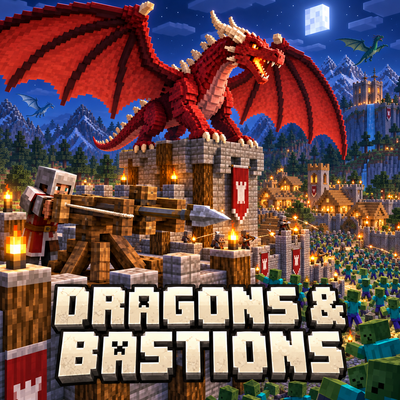 Dragons & Bastions |
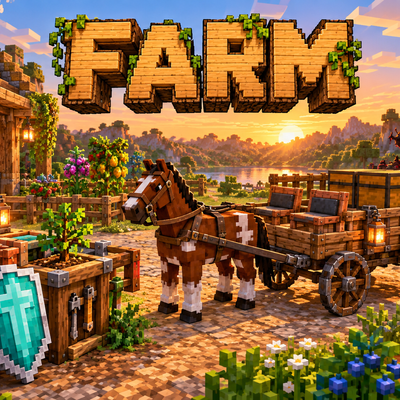 Farm — Sow Chaos |
 Invillagers: Villagers vs In-Villagers |
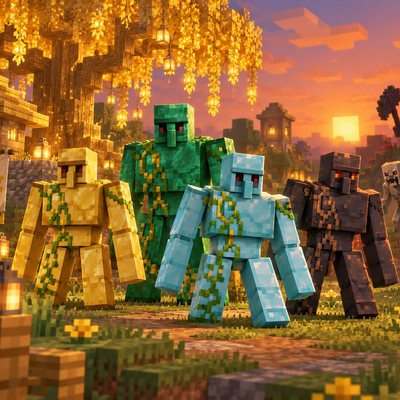 Realms Reforged |
 NEW: Living Volcanoes |
Minecraft Java — Datapacks
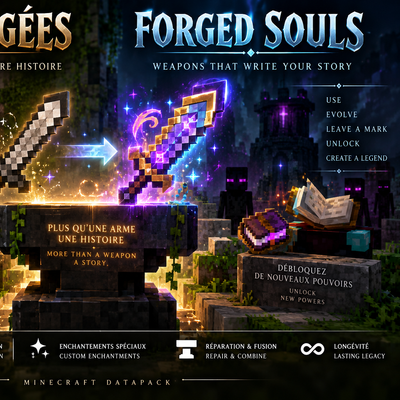 Attuned Equipment — Forge Your Legacy |
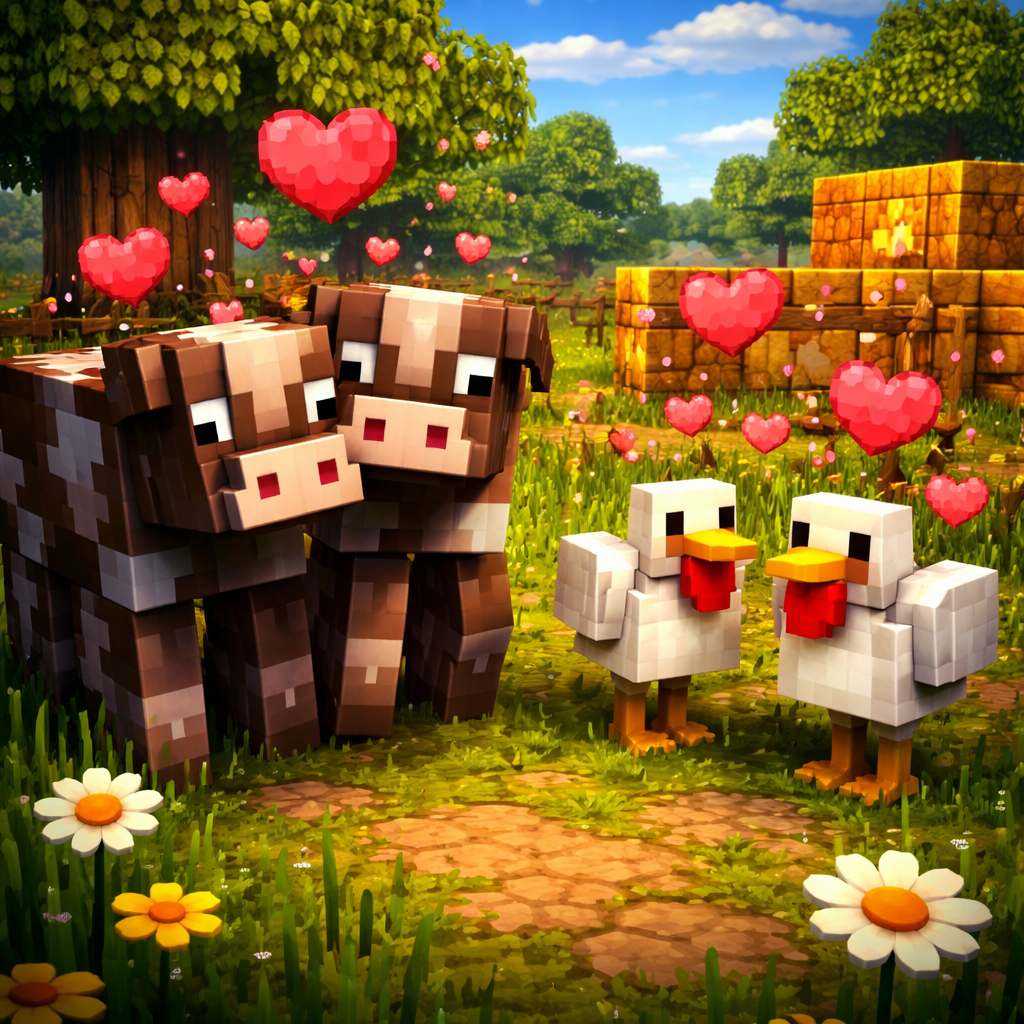 Auto Breeding+ |
 Boosted Spawners — 50 Block Activation |
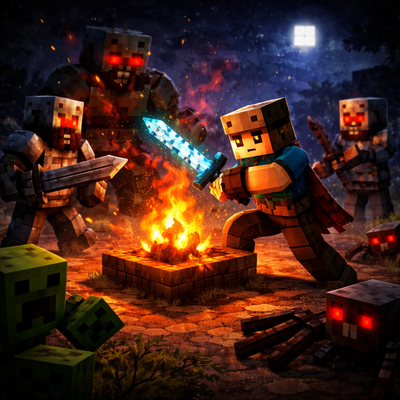 Dangerous Nights |
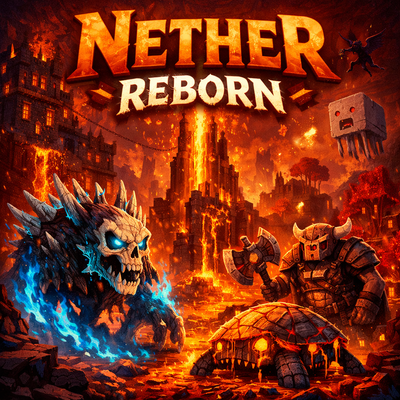 Fallen Gateways — The Nether Before the Fall |
 Quest Dimensions & Mob Hunts |
Minecraft Java — Bukkit plugins
| | | | | ————————- | | | | 
Mod Initialize Scoreboard | | |
Minecraft Java — Modpacks
| | | | | ————————— | | | | 
Nightmare Top Among Friends | | |
常见问题
Backpacks & Belts 支持哪些 Minecraft 版本?
Backpacks & Belts 支持 Minecraft Java 版 1.21–26.3,共 17 个版本,可用的加载器:Fabric。下载时注意选择和你游戏版本一致的文件。
Backpacks & Belts 怎么安装?
先用 PCL2 或 HMCL 启动器安装对应版本的 Fabric,再把下载的 .jar 文件放进游戏目录的 mods 文件夹,重新启动游戏即可。开启了版本隔离的,mods 文件夹在 versions/版本名 下面。
joranne 的其他作品
查看全部 →
Invillagers: Villagers vs In-Villagers
A Fabric 1.21.11 mod that adds a new conflict between Villagers and In-Villagers, with custom guards, workers, chiefs, structures, logistics, building systems, and powerful protectors like Diamond Golems.
Auto Breeding+
Automatic breeding for vanilla breedable animals
Dragons & Bastions
Tame and ride dragons, explore their lairs, and defend your villages with ballistas and traps. Survive the zombie hordes that emerge on certain nights!
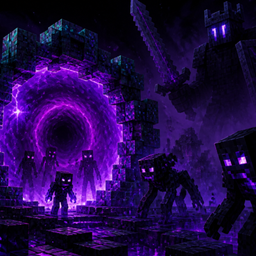
Corrupted Portal: The Void World
Corrupted Portal adds a dark Void dimension, unstable rifts, corrupted mobs, mini-bosses, a boss, Rift gear, Void upgrades, invasions, and an evolving companion.
评论
登录后评论和评分