
截图
介绍
中文介绍正在准备中,下面暂时显示原文。
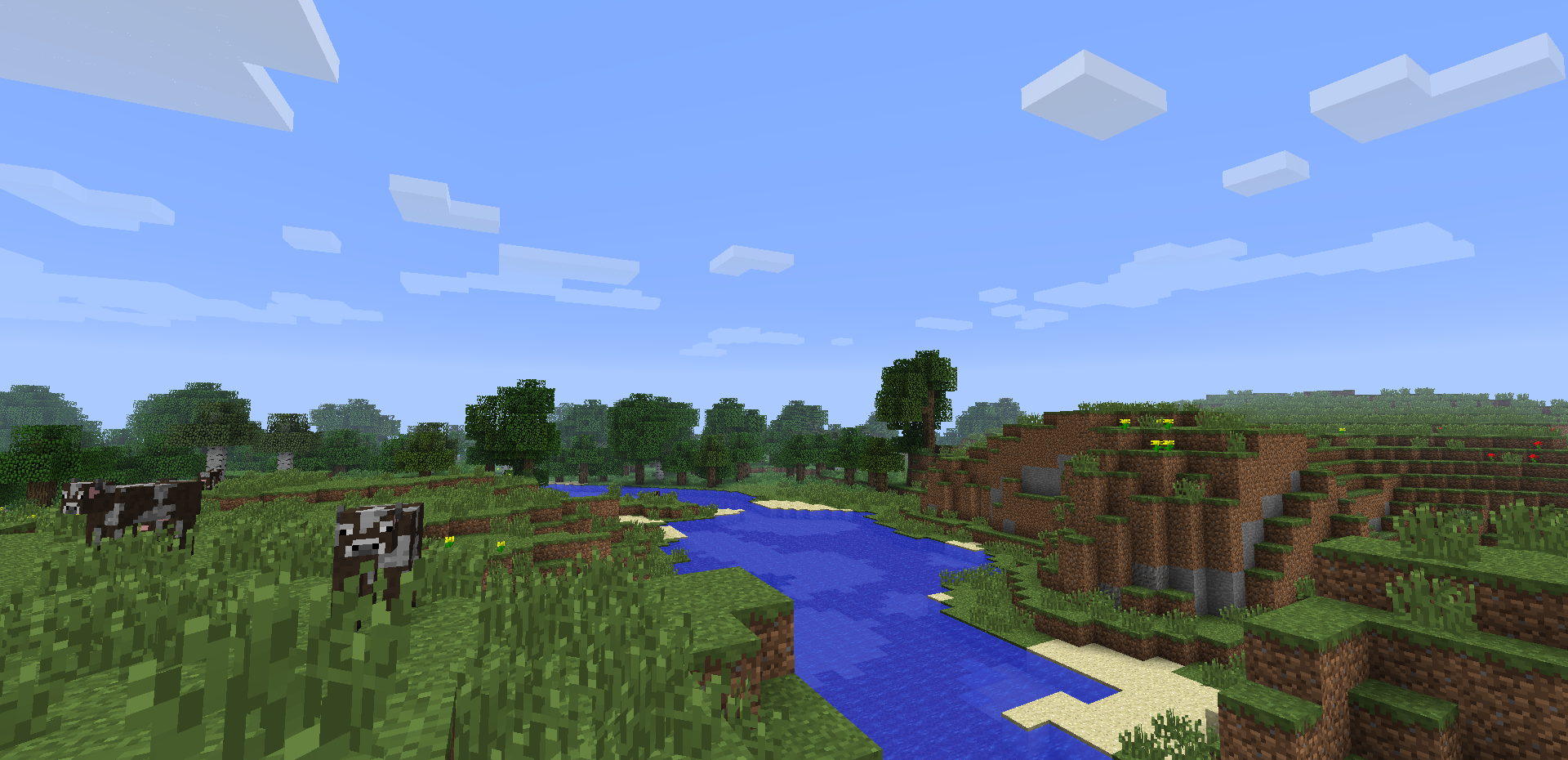
 Ever been stuck in an unwanted taiga, desert or jungle biome?
If you have, this is the mod for you!
To disable biomes, go to the config folder of your .minecraft directory and find the BiomeRemover.cfg file. In this file, set the biomes you don’t want to false. As simple as that!
常见问题
B0bGary’s Biome Remover! 支持哪些 Minecraft 版本?
B0bGary’s Biome Remover! 支持 Minecraft Java 版 1.6.4,可用的加载器:Forge。下载时注意选择和你游戏版本一致的文件。
B0bGary’s Biome Remover! 怎么安装?
先用 PCL2 或 HMCL 启动器安装对应版本的 Forge,再把下载的 .jar 文件放进游戏目录的 mods 文件夹,重新启动游戏即可。开启了版本隔离的,mods 文件夹在 versions/版本名 下面。
B0bB0t 的其他作品
查看全部 →
B0bGary’s Redstone Tools!
by B0bB0t
这个模组添加了超棒的新红石工具!
3.4万
12 年前
CurseForge

B0bGary’s Uses For Lapis!
by B0bB0t
B0bGary 制作的模组,为青金石添加多种用途,包括苹果、燃料、南瓜灯、工具套装等!
1.4万
11 年前
CurseForge

B0bGary’s Obsidian Tools!
by B0bB0t
这款模组加入了超酷的新黑曜石工具!
1万
12 年前
CurseForge

B0bGary’s Exp Ore!
by B0bB0t
挖矿时获得更多经验值!
9,457
12 年前
CurseForge
评论
登录后评论和评分