截图

介绍
中文介绍正在准备中,下面暂时显示原文。
Ping Display
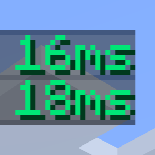
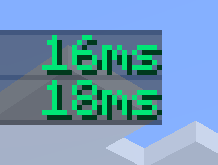
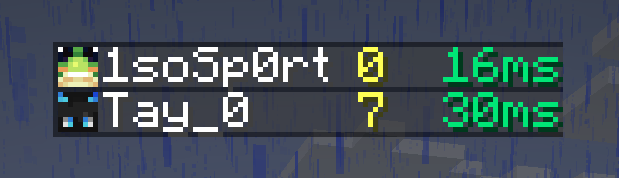
See the exact ping of every player instead of the vanilla signal bars. This client-side mod for Fabric, NeoForge and Forge shows the ping in milliseconds and colors it by connection quality.
Features
- Replace the signal bars in the tab list with the ping as a number, with or without
ms. - Choose your own colors for good, mid, bad, terrible, and unknown ping, either in steps or as a smooth gradient.
- Set the ping ranges yourself (default: good below 50 ms, mid below 100 ms, bad below 200 ms).
- Show the ping on player name tags, with a configurable bracket color.
- Set the text shown while a player’s ping is still unknown, and toggle the text shadow.
Requires TabbyLib
TabbyLib Fabric (Direct Download)
1.0.0+26.3 – Download
1.0.0+26.2 – Download
1.0.0+26.1.2 – Download
1.0.0+26.1.1 – Download
1.0.0+26.1 – Download
1.0.0+1.21.1 – Download
License
This mod is under the Creative Commons Attribution-NonCommercial 4.0 International license.
常见问题
Avies Ping Display 支持哪些 Minecraft 版本?
Avies Ping Display 支持 Minecraft Java 版 1.20.1–26.3,共 7 个版本,可用的加载器:Fabric / Forge / NeoForge。下载时注意选择和你游戏版本一致的文件。
Avies Ping Display 怎么安装?
先用 PCL2 或 HMCL 启动器安装对应版本的 Fabric / Forge / NeoForge,再把下载的 .jar 文件放进游戏目录的 mods 文件夹,重新启动游戏即可。开启了版本隔离的,mods 文件夹在 versions/版本名 下面。运行环境:仅客户端。


评论
登录后评论和评分