
截图
介绍

Welcome to AVECOINS, a complete currency and shop system that adds five material-based coins, three high-tier tickets, and a fully customizable Admin Shop to your Minecraft world or server.
Whether you’re building a survival economy, setting up a server marketplace, rewarding your players, or simply looking for collectible currency items, AVECOINS provides a clean and flexible system with crafting support, informative tooltips, and easy-to-use management tools.
ENGLISH & SPANISH LANGUAGE
📚 The mod is fully available in English, Spanish, and Mexican Spanish!
Simply install the mod and enjoy item names, tooltips, menus, and other supported text in your preferred language.

🌐 Kinetic Hosting is proudly sponsoring this mod! Start your adventure with friends and enjoy the full multiplayer experience with smooth, reliable, and secure server hosting powered by Kinetic Hosting.
DESCRIPTION
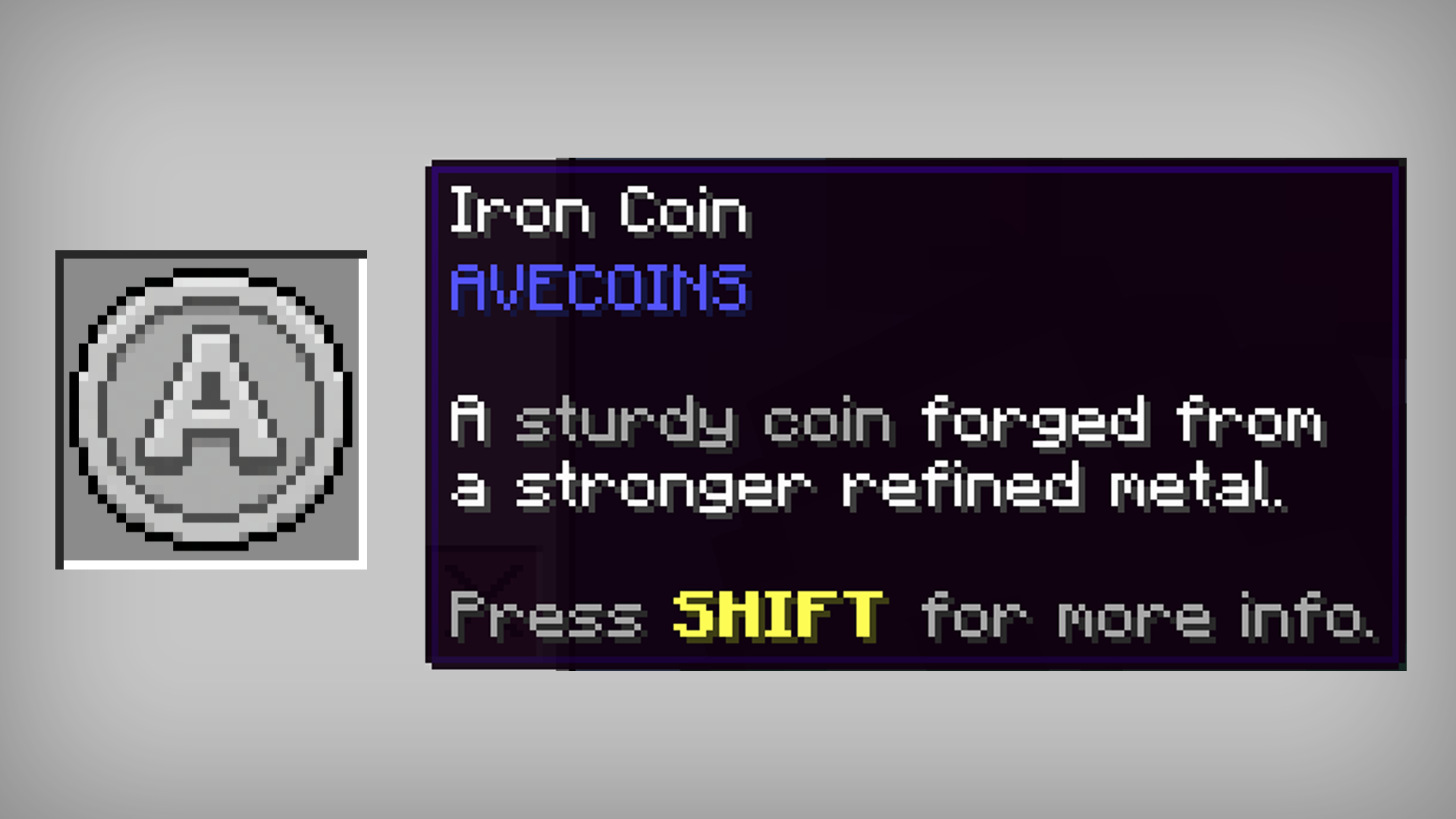
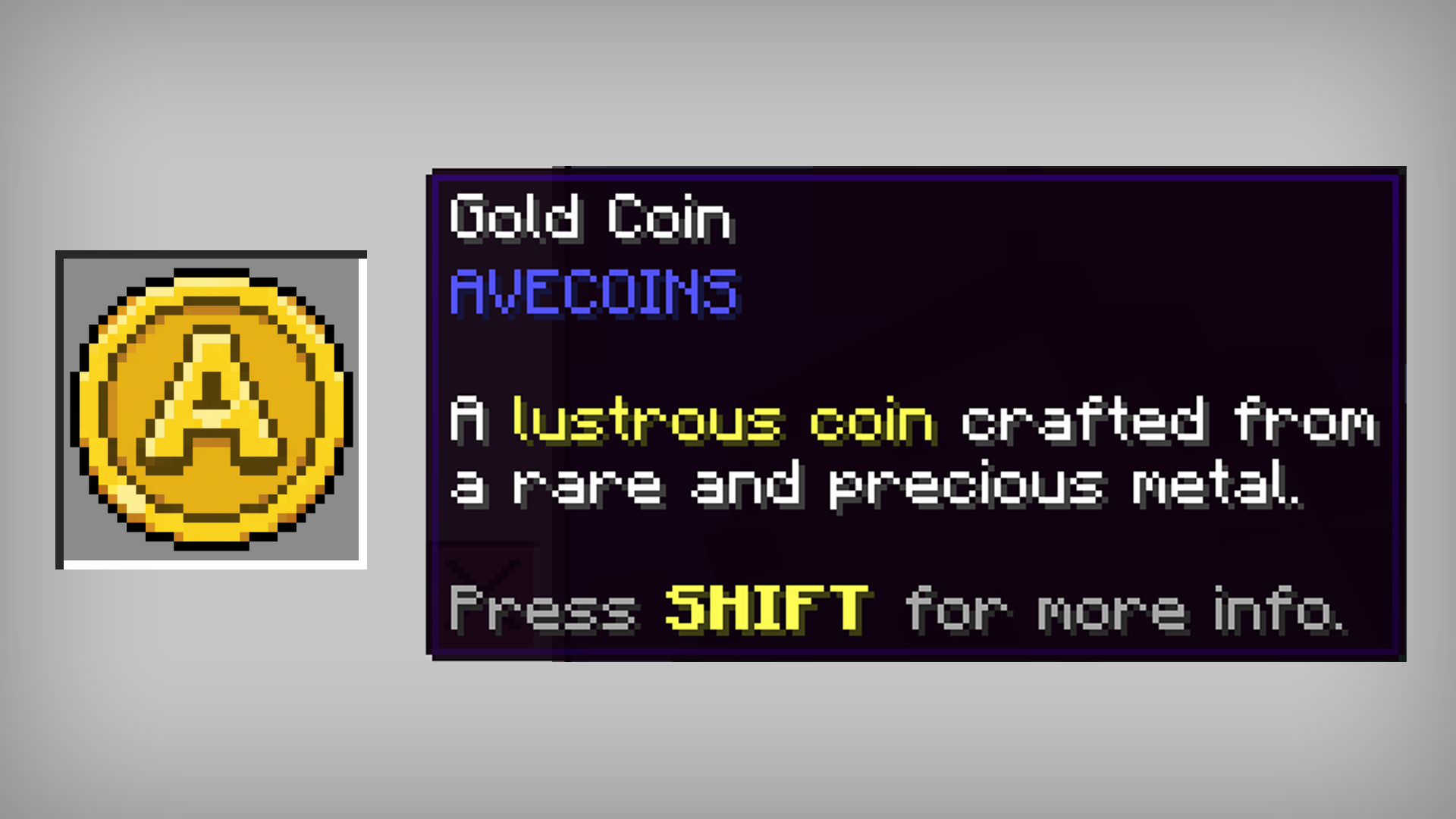
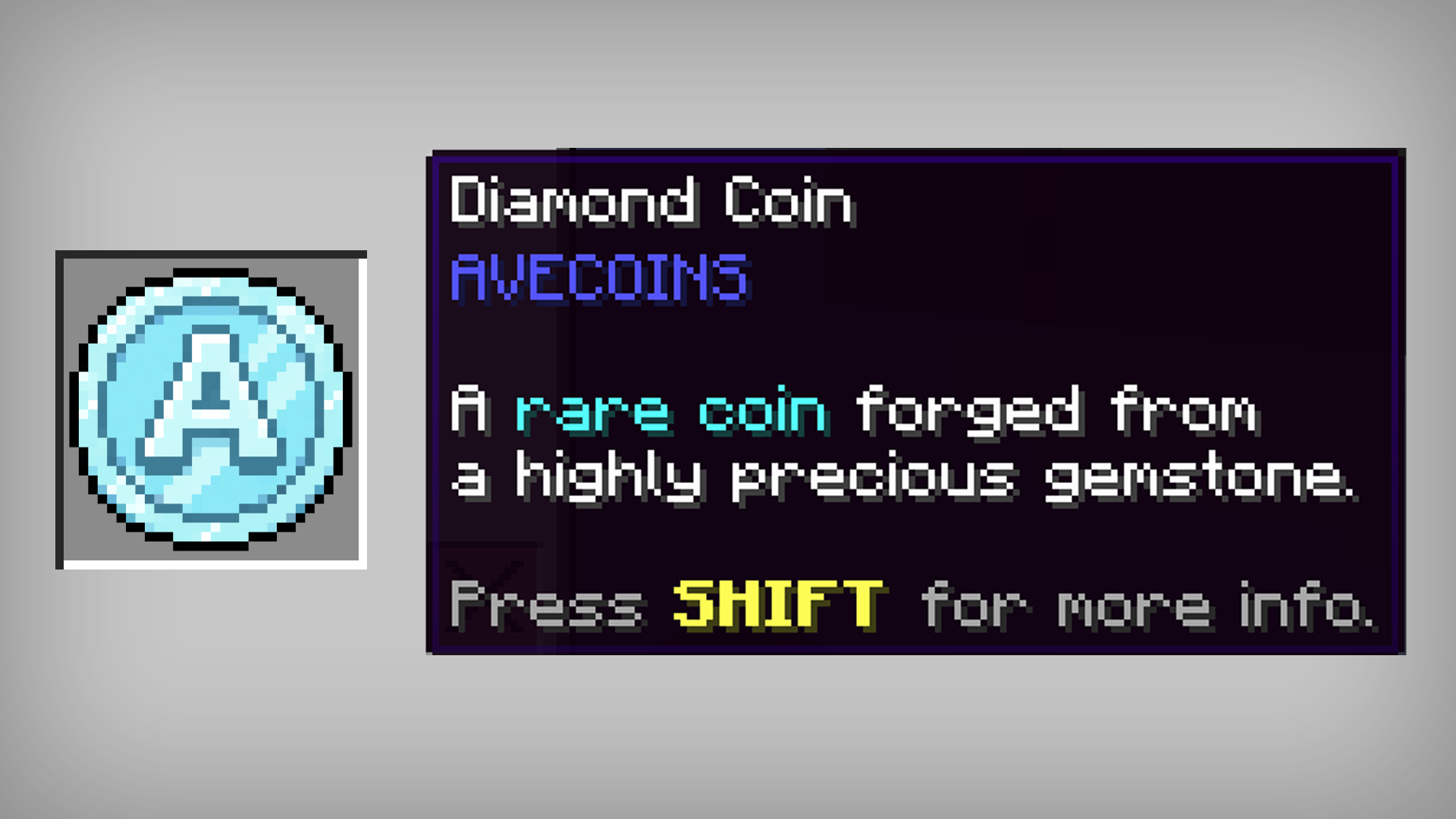
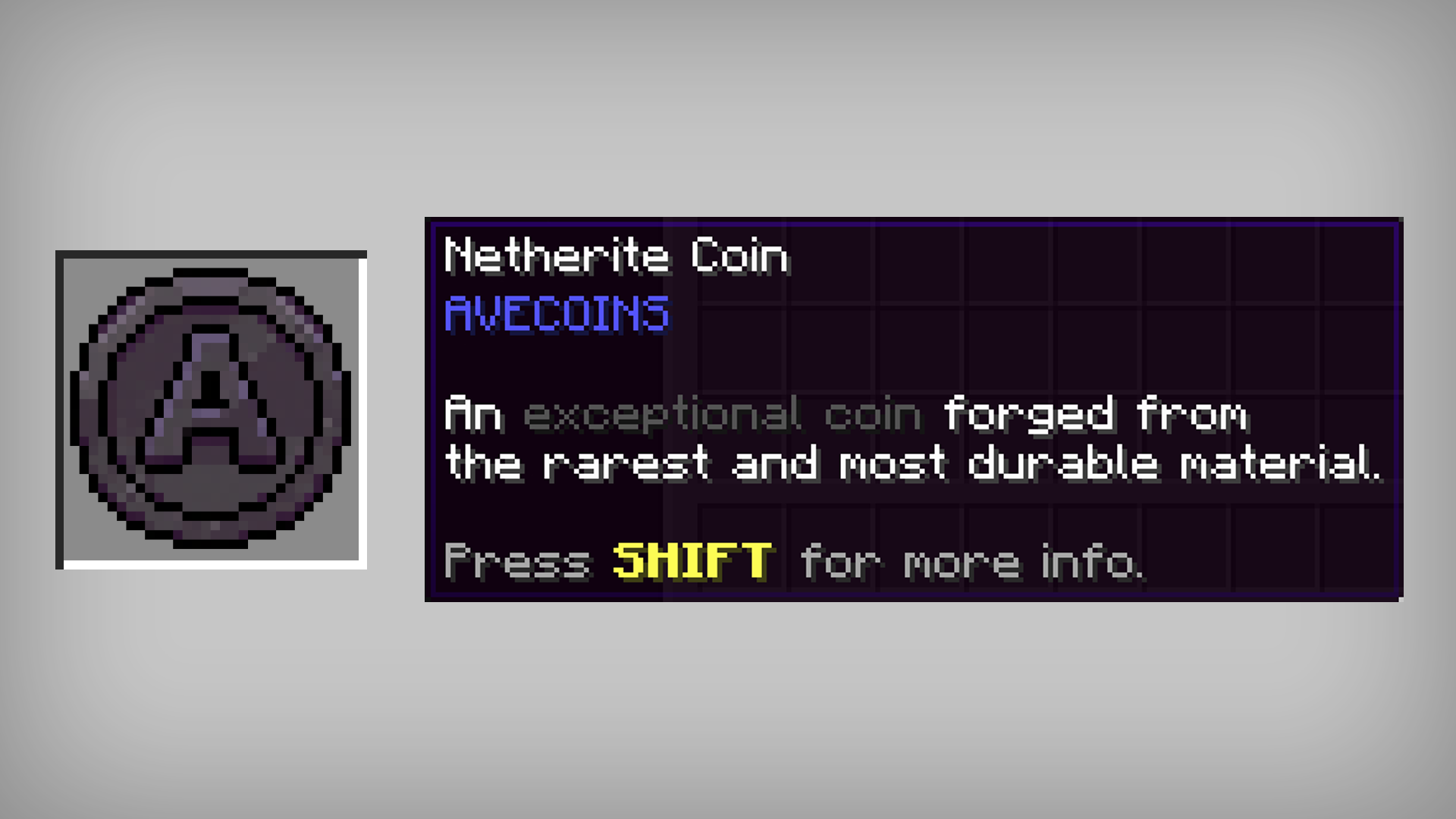
AVECOINS introduces five tiers of coins and three tiers of tickets, each represented by its own material, color, and value:
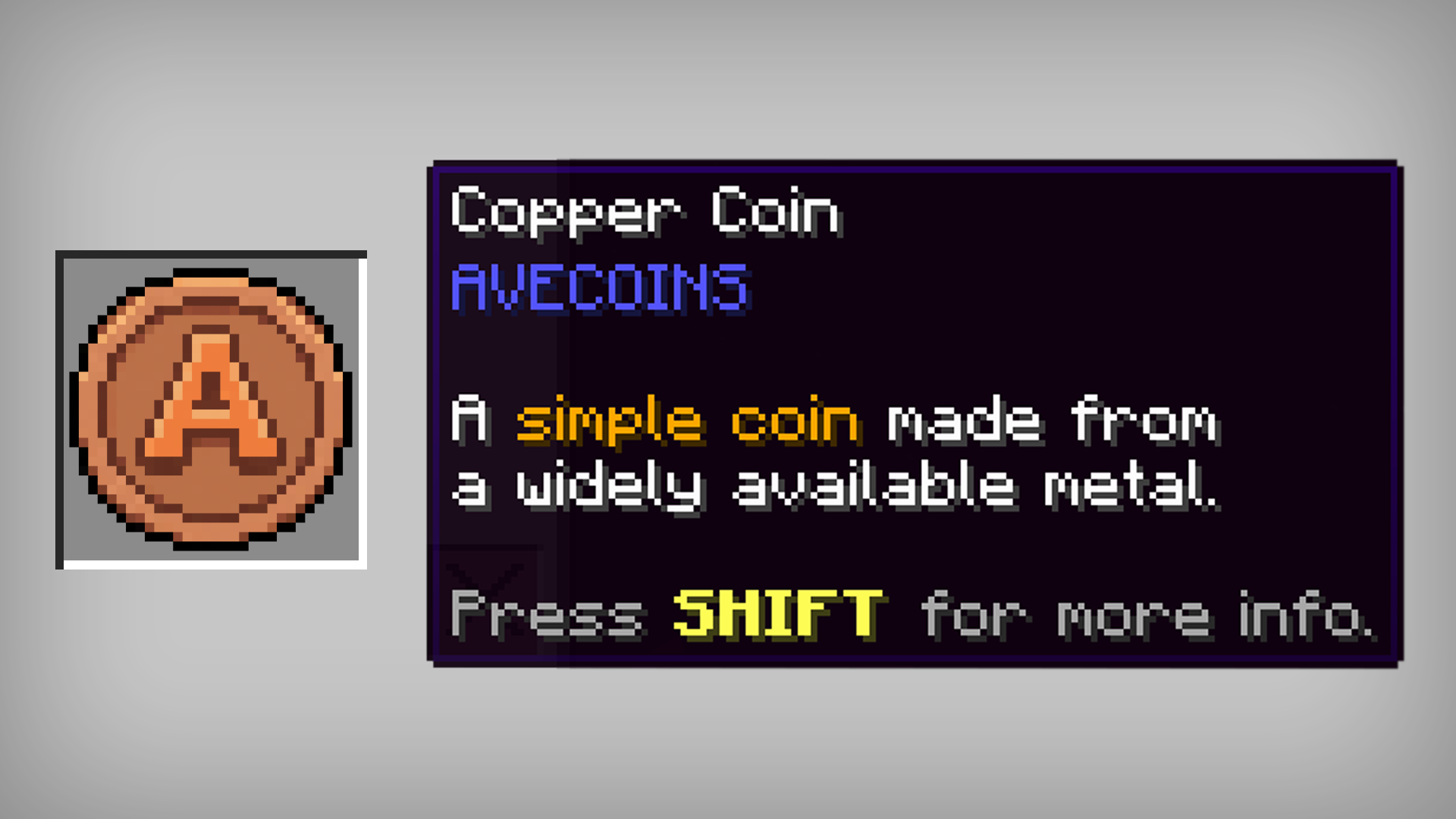
🔸 Copper Coin – the starting point of your economy.

🔹 Iron Coin – a reliable step up in value.

🟡 Gold Coin – a valuable and recognizable currency tier.

💎 Diamond Coin – a premium coin for higher-value transactions.

⚫ Netherite Coin – the highest and most valuable coin tier.

🟡 Gold Ticket – a valuable ticket designed for larger transactions.

💎 Diamond Ticket – a prestigious high-value ticket.

⚫ Netherite Ticket – the ultimate currency tier for the most valuable transactions.

⚙️ CRAFTING SYSTEM
AVECOINS includes a simple and balanced crafting system that allows coins to be upgraded and downgraded between tiers.
Note: Tickets cannot be downgraded into lower-tier tickets. For example, once you craft a Netherite Ticket, it cannot be converted back into Diamond Tickets or any lower tier. Tickets can only be obtained through their respective crafting recipes.
Ticket Recipe:
4x Material Ingots + 1x Paper

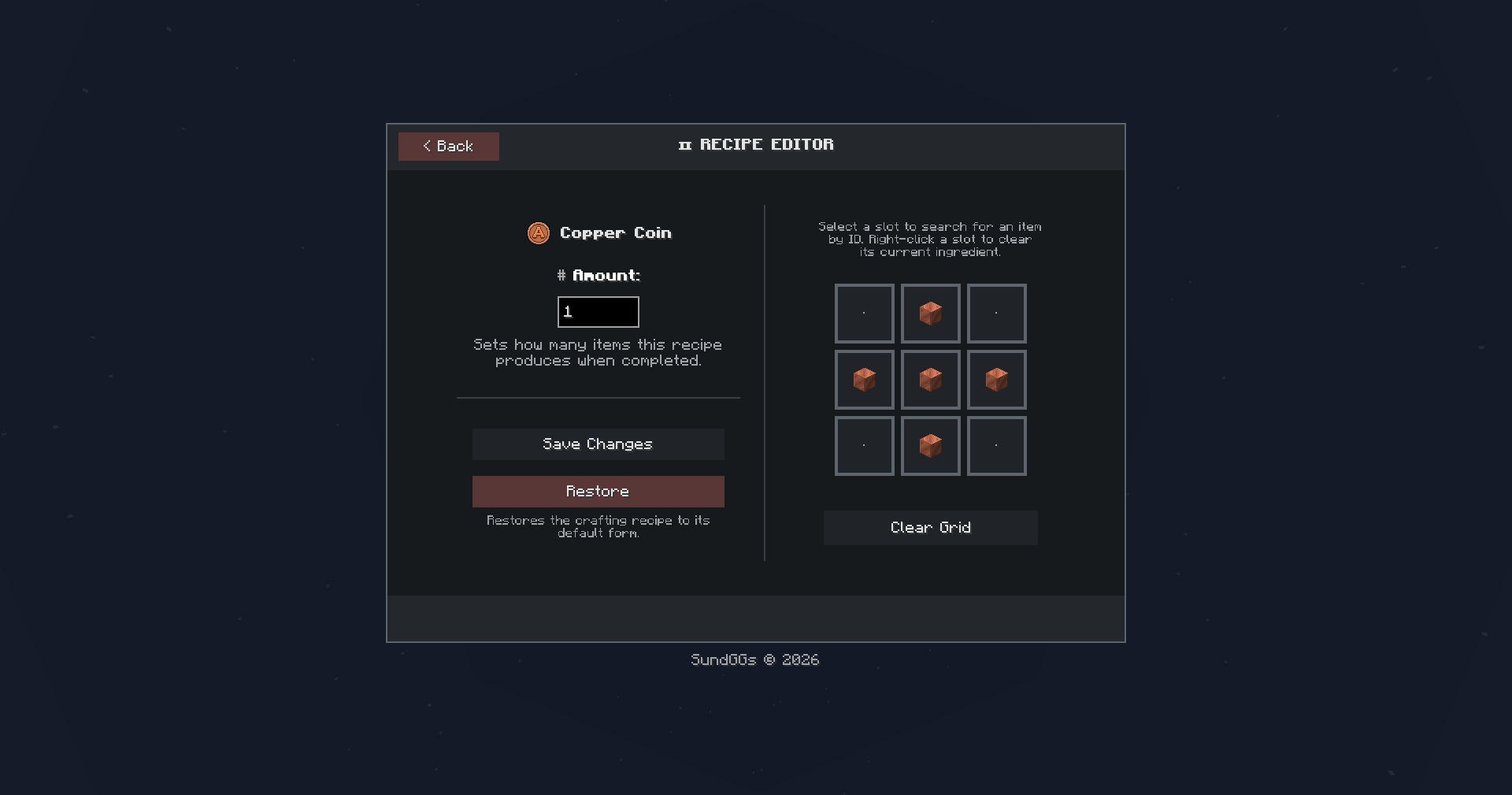
Upgrade Coin Recipe (Shaped):
4x lower-tier coins + 1x corresponding ingot/gem → 1x higher-tier coin.

Reverse Coin Recipe (Shapeless):
1x higher-tier coin → 4x lower-tier coins.

⚙️ SHOP
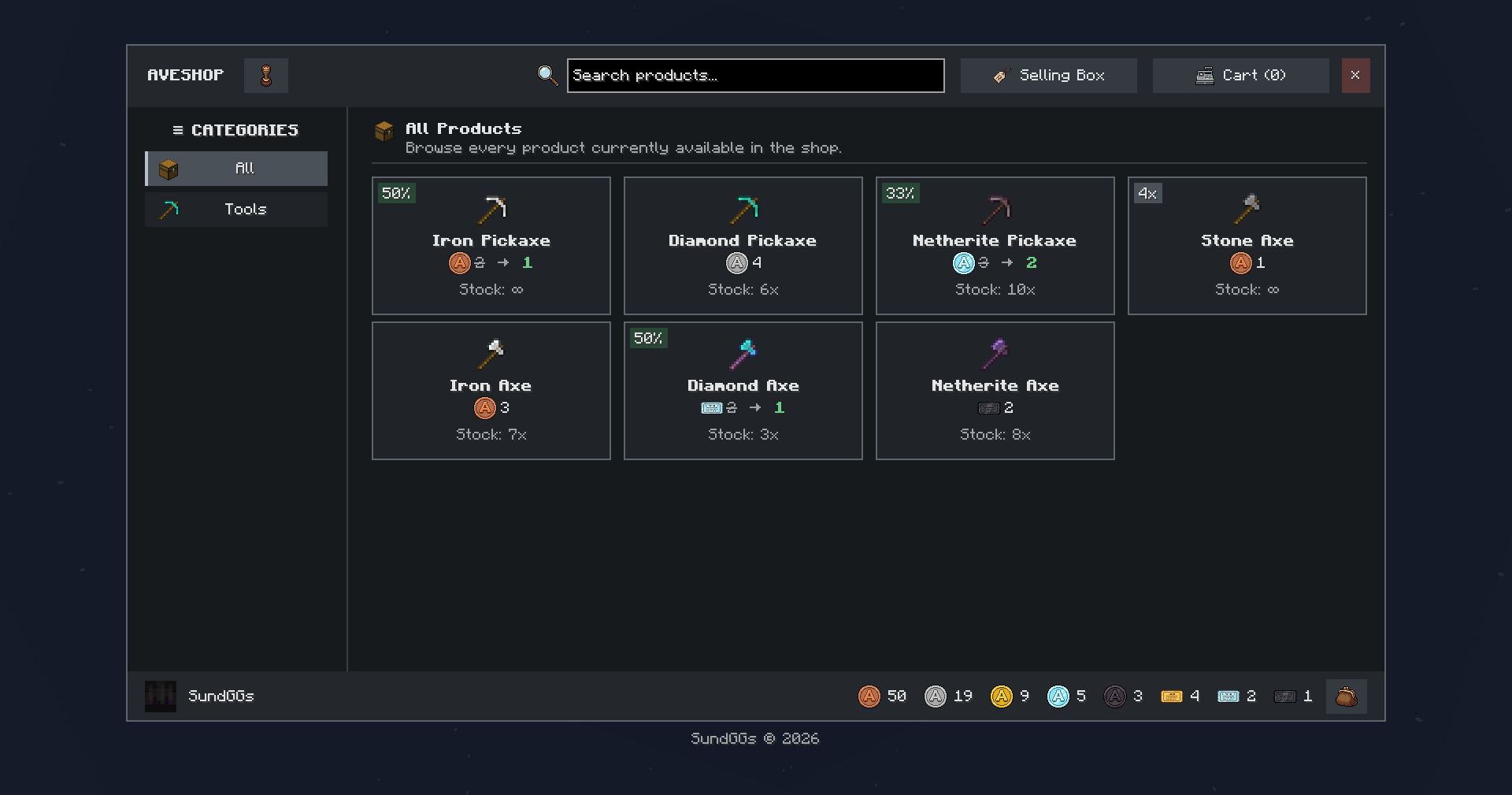
Create and manage your own Admin Shop using AVECOINS coins and tickets as currency!
- Default Command:
/avc shopOrganize your products into categories, configure prices and discounts, allow players to build their shopping carts, and keep track of purchases made through the shop.

Survival Inventory Access:
Quickly access the Admin Shop through a dedicated button located on the left side of your Survival Inventory.

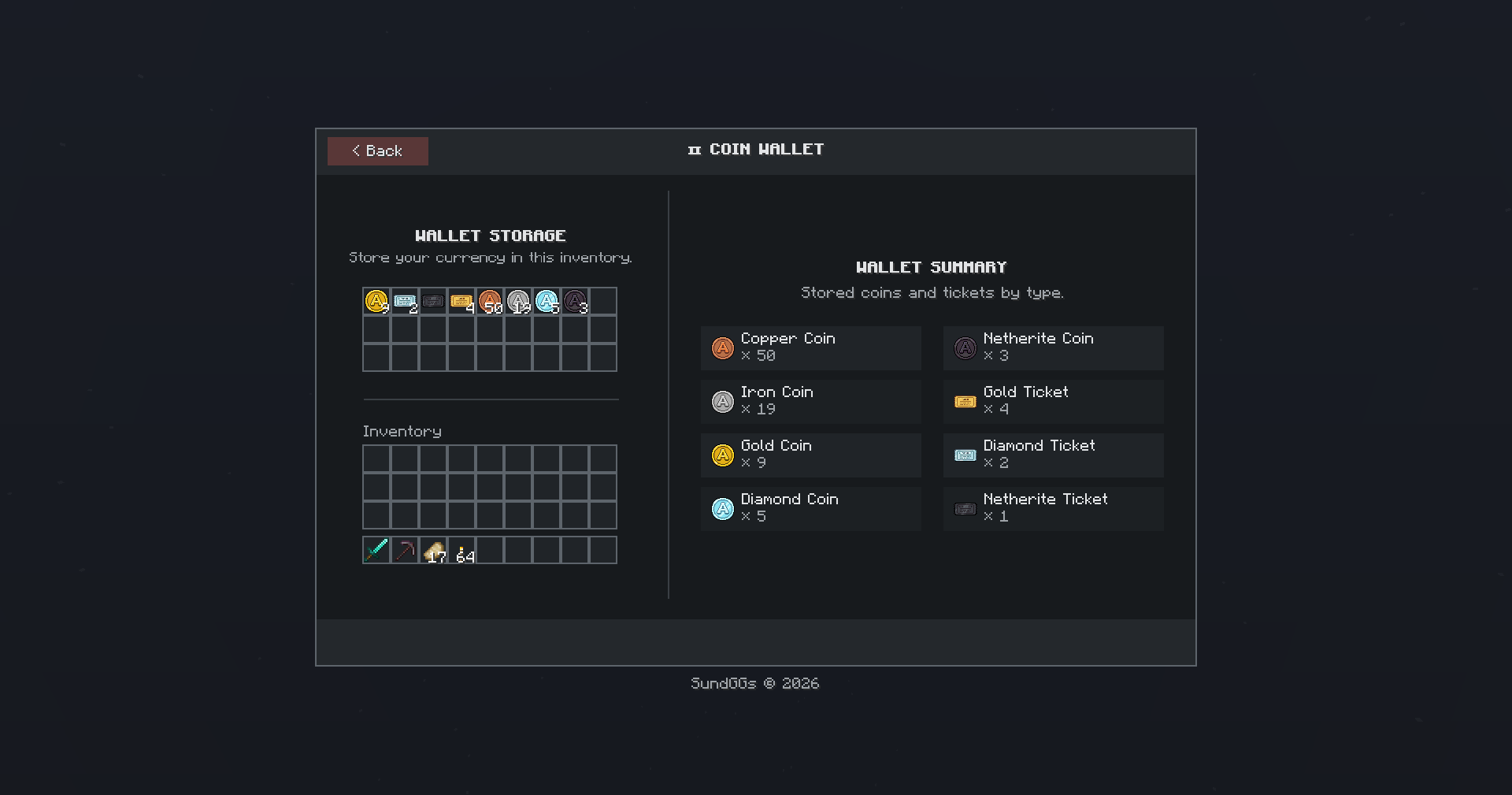
Coin Wallet:
Store your coins and tickets in a virtual wallet and use them directly for purchases in the shop.

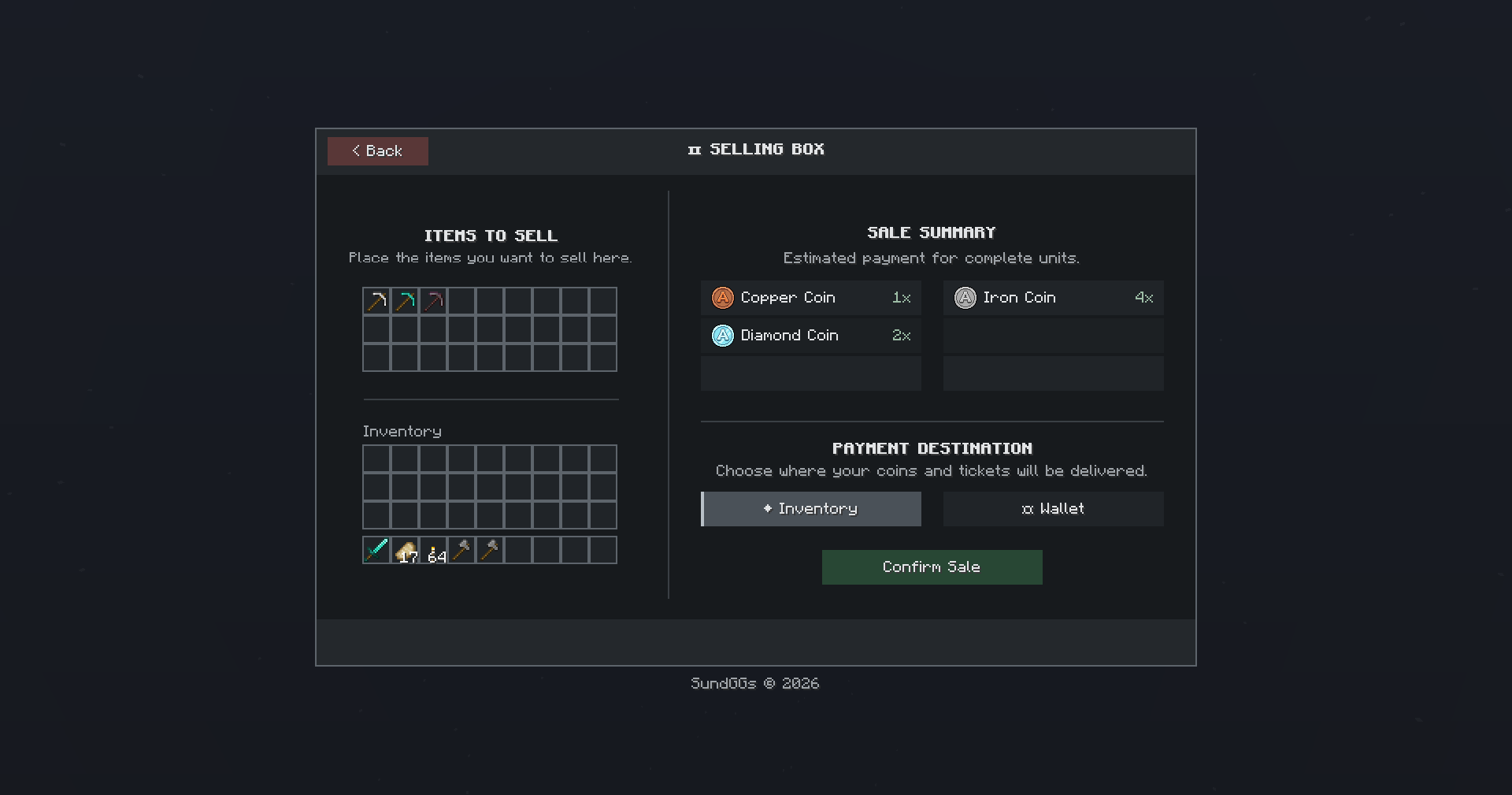
Selling Box:
Sell your items through the Selling Box to receive coins and tickets that you can spend on new items in the shop.

Category Creator/Editor:
Create, edit, and organize shop categories to keep your products neatly separated and easy for players to browse.

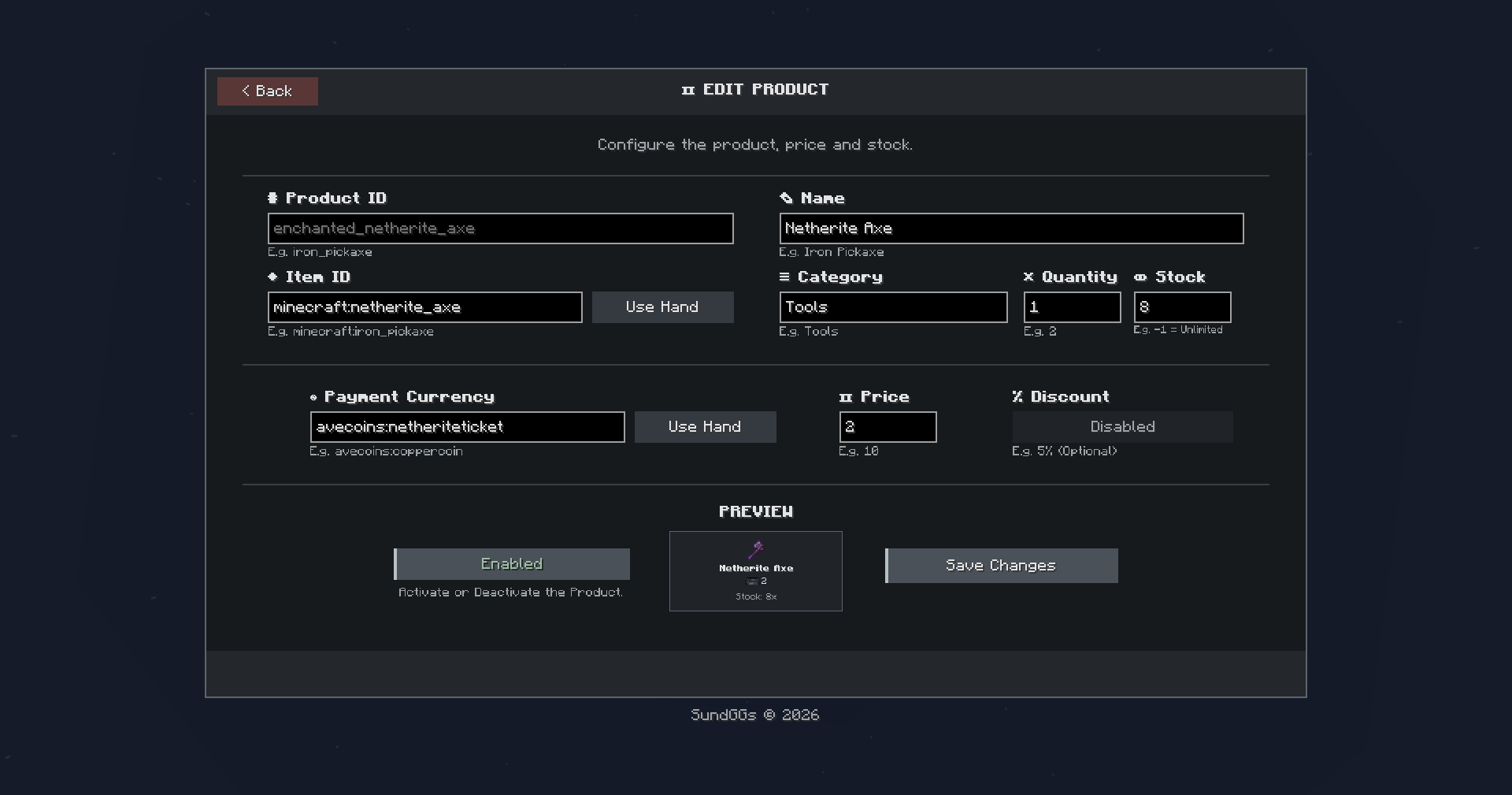
Product Creator/Editor:
Create and edit shop products, configure their prices and discounts, and preview how they will appear to players before publishing them.

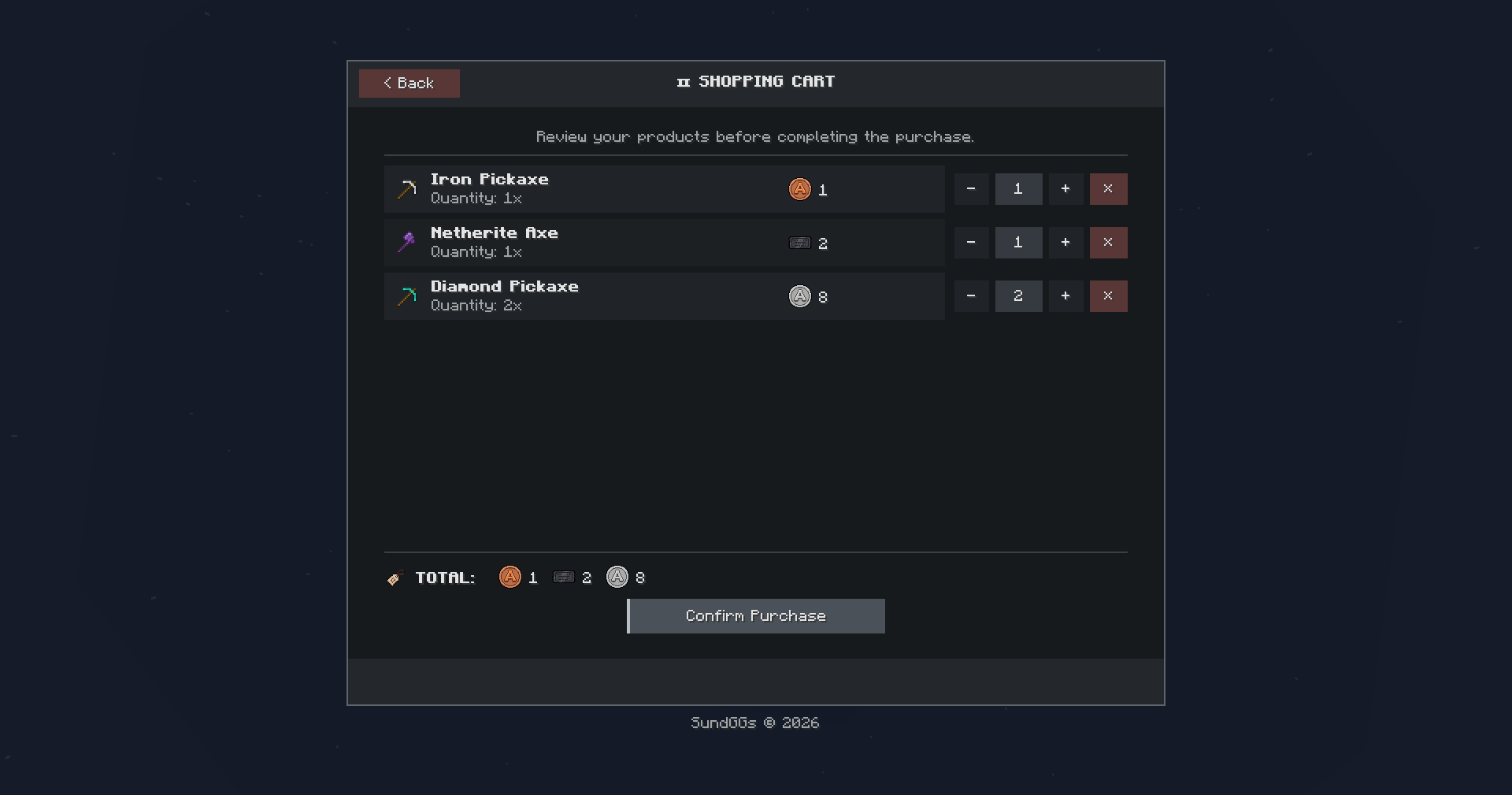
Shopping Cart:
Review selected products before completing a purchase. Players can easily add or remove items, check their order, and confirm everything directly from the cart.


History:
Keep track of your players’ latest purchases through the Admin Shop with an integrated purchase history.

Survival Inventory Access:
Quickly access the Admin Shop through a dedicated button located on the left side of your Survival Inventory.
⚙️ CONFIGURATION GUI
Customize AVECOINS directly through its configuration GUI.
- Command:
/avc guiEnable or disable coin and ticket recipes, customize their crafting ingredients, manage the Admin Shop system, and configure your own shop name and command alias.

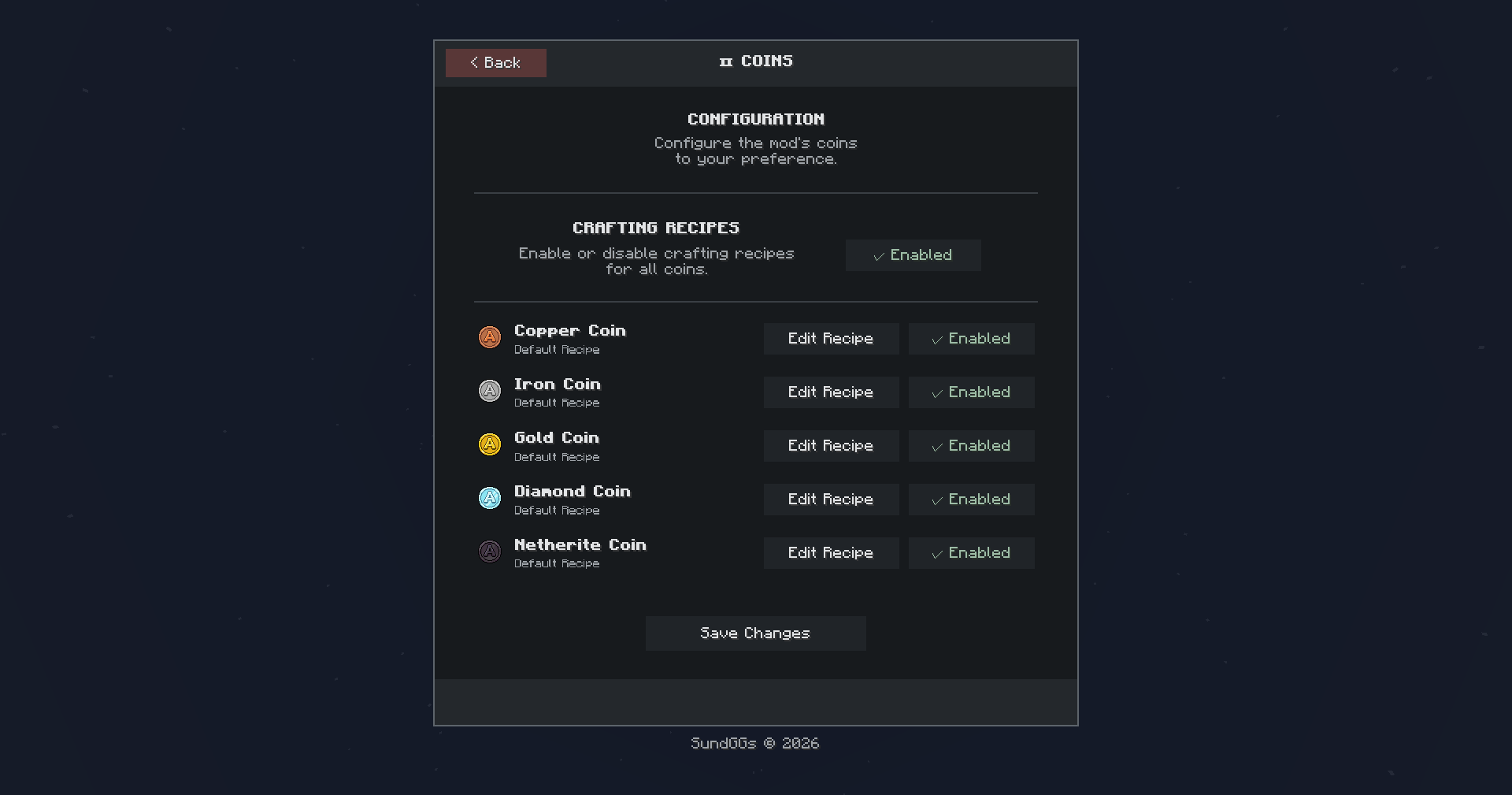
Coins Editor:
Enable or disable the default coin recipes and customize the crafting recipe for each coin tier.


Tickets Editor:
Enable or disable the default ticket recipes and customize the crafting recipe for each available ticket tier.

Admin Shop Editor:
Enable or disable the entire Admin Shop system, including its Survival Inventory access button and related functionality. You can also configure a custom shop name and command alias to better fit your server.

🙌 CREDITS
- Author: SundGGs
- Inspired by classic Minecraft economy mods and the idea of creating a clean, flexible, and server-friendly currency system.
Enjoy building your own economy with AVECOINS!
常见问题
AVECOINS – Shop & Economy 支持哪些 Minecraft 版本?
AVECOINS – Shop & Economy 支持 Minecraft Java 版 1.20.1–26.3,共 6 个版本,可用的加载器:Fabric / Forge / NeoForge。下载时注意选择和你游戏版本一致的文件。
AVECOINS – Shop & Economy 怎么安装?
先用 PCL2 或 HMCL 启动器安装对应版本的 Fabric / Forge / NeoForge,再把下载的 .jar 文件放进游戏目录的 mods 文件夹,重新启动游戏即可。开启了版本隔离的,mods 文件夹在 versions/版本名 下面。运行环境:客户端和服务端都要装。
SundGGs 的其他作品
查看全部 →
Adventurer Skills [Pufferfish’s Skills]
为 Pufferfish’s Skills 量身打造的技能树重平衡附属模组。

Adventurer Skills [Pufferfish’s Skills]
A custom rebalanced skill tree addon for Pufferfish’s Skills.
Adventurer Skills [Pufferfish’s Skills]
A custom rebalanced skill tree addon for Pufferfish’s Skills.

AVENTURA – The Adventure Experience
An adventure-focused modpack blending magic, industry, and dungeon exploration.
评论
登录后评论和评分