截图
介绍

Welcome to the AVECOINS mod, a complete currency and shop system that adds five material-based coins, three high-tier tickets, and a fully customizable Admin Shop to your Minecraft world or server.
Whether you’re building a survival economy, setting up a server marketplace, rewarding your players, or simply looking for collectible currency items, AVECOINS provides a clean and flexible system with crafting support, informative tooltips, and easy-to-use management tools.
ENGLISH & SPANISH LANGUAGE
📚 The mod is fully available in English, Spanish, and Mexican Spanish!
Simply install the mod and enjoy item names, tooltips, menus, and other supported text in your preferred language.

🌐 Kinetic Hosting is proudly sponsoring this mod! Start your adventure with friends and enjoy the full multiplayer experience with smooth, reliable, and secure server hosting powered by Kinetic Hosting.
📄 DESCRIPTION
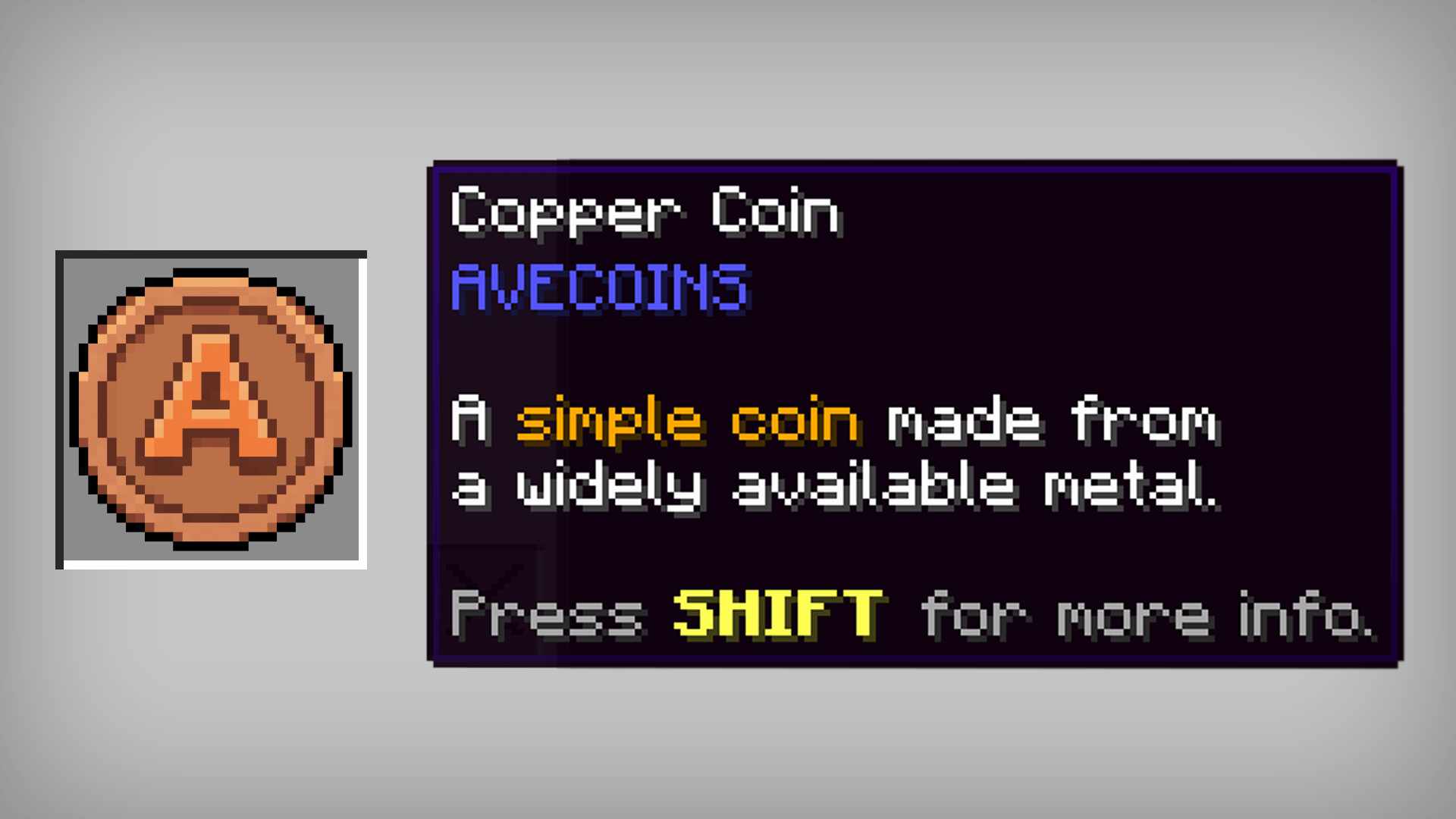
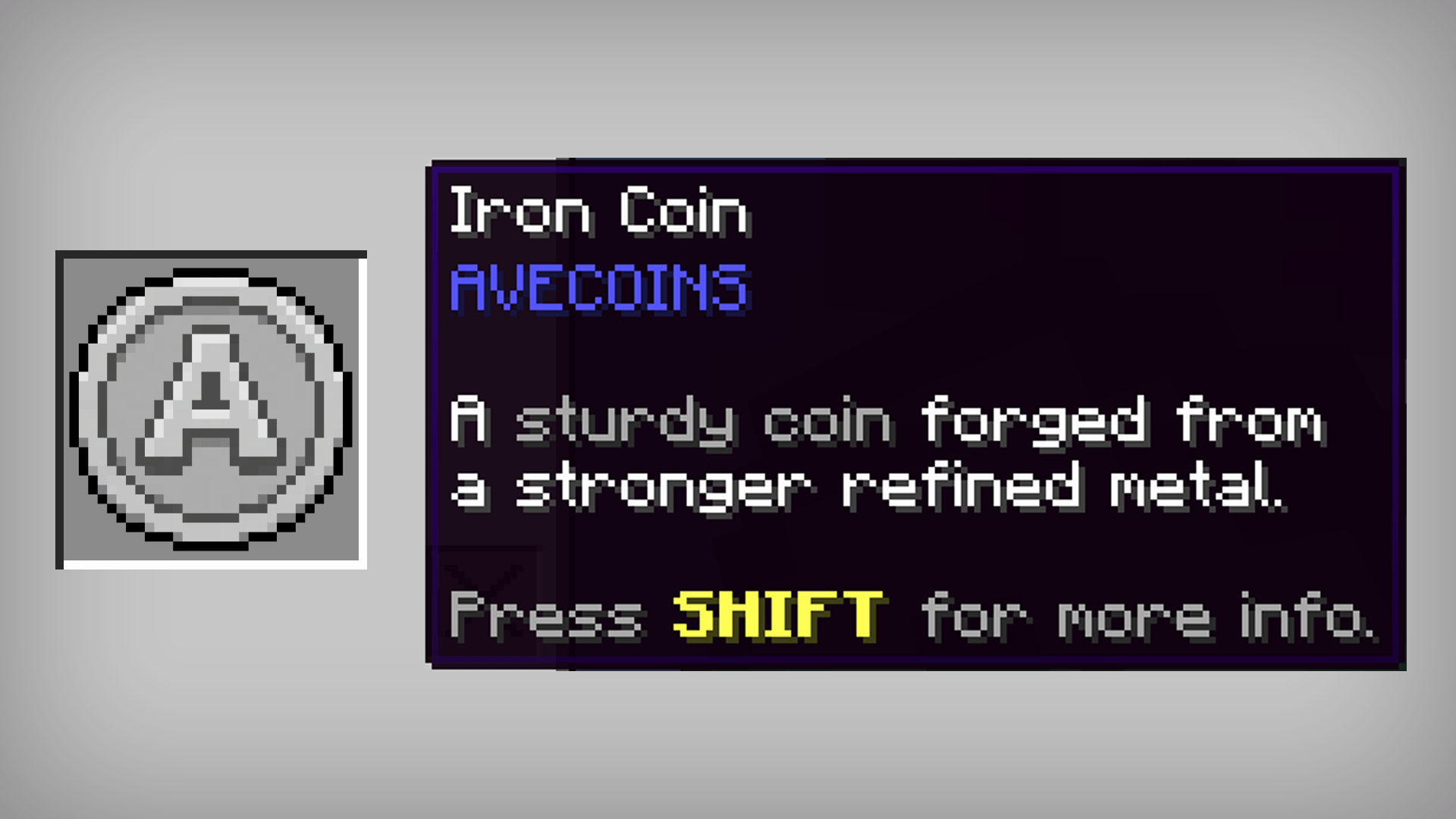
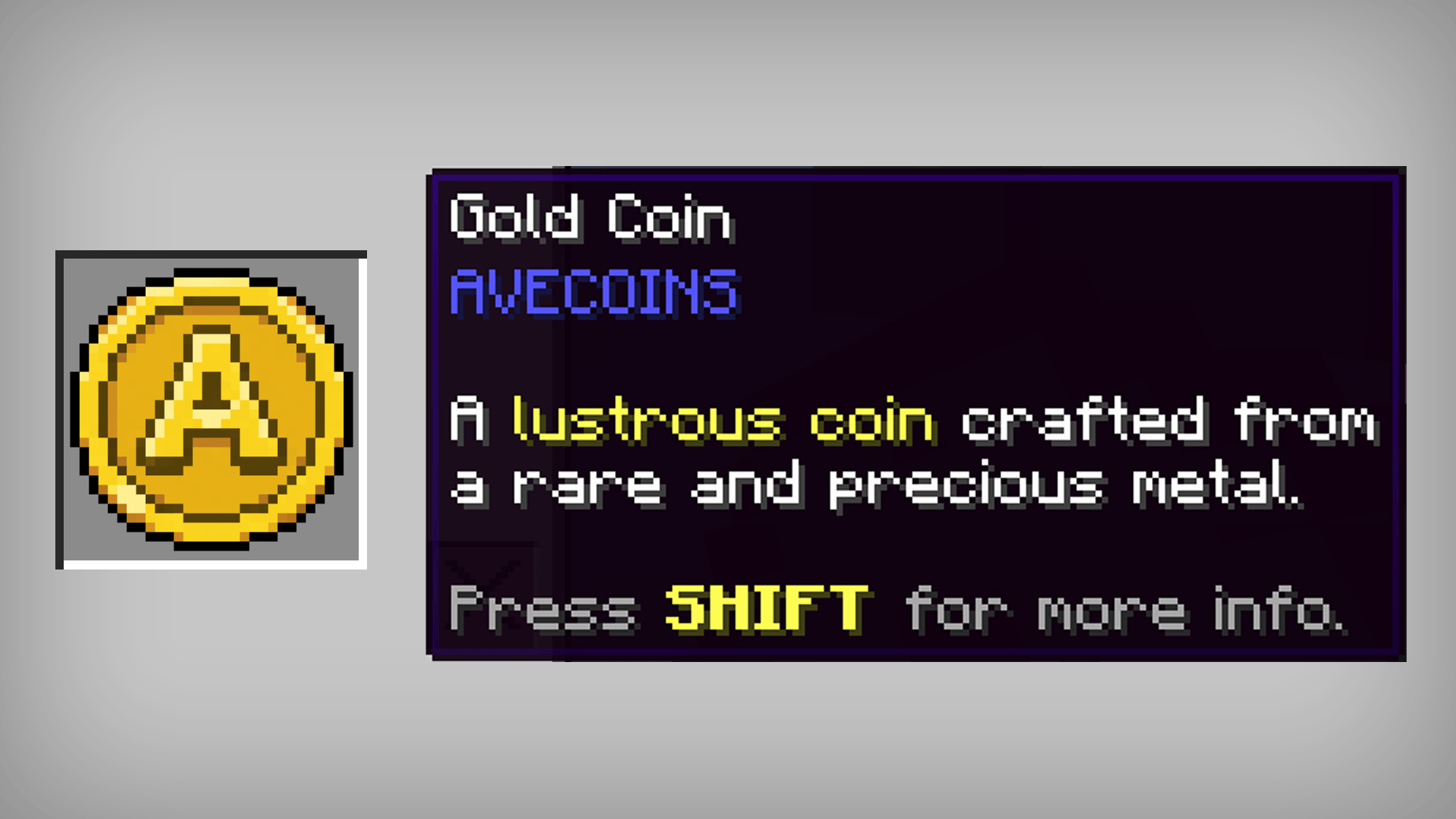
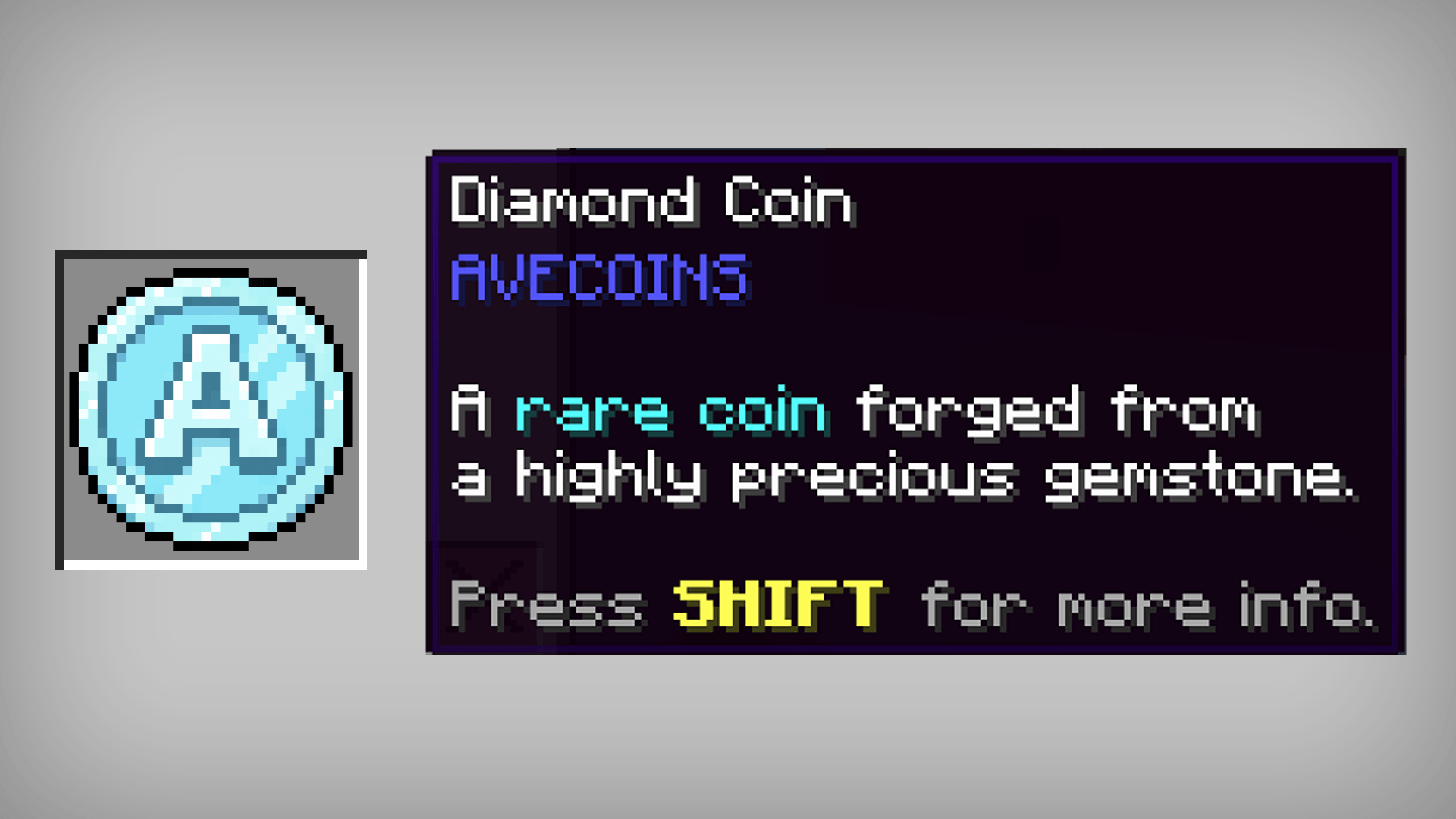
AVECOINS introduces five tiers of coins and three tiers of tickets, each represented by its own material, color, and value:
🔸 Copper Coin – the starting point of your economy.

🔹 Iron Coin – a reliable step up in value.

🟡 Gold Coin – a valuable and recognizable currency tier.

💎 Diamond Coin – a premium coin for higher-value transactions.

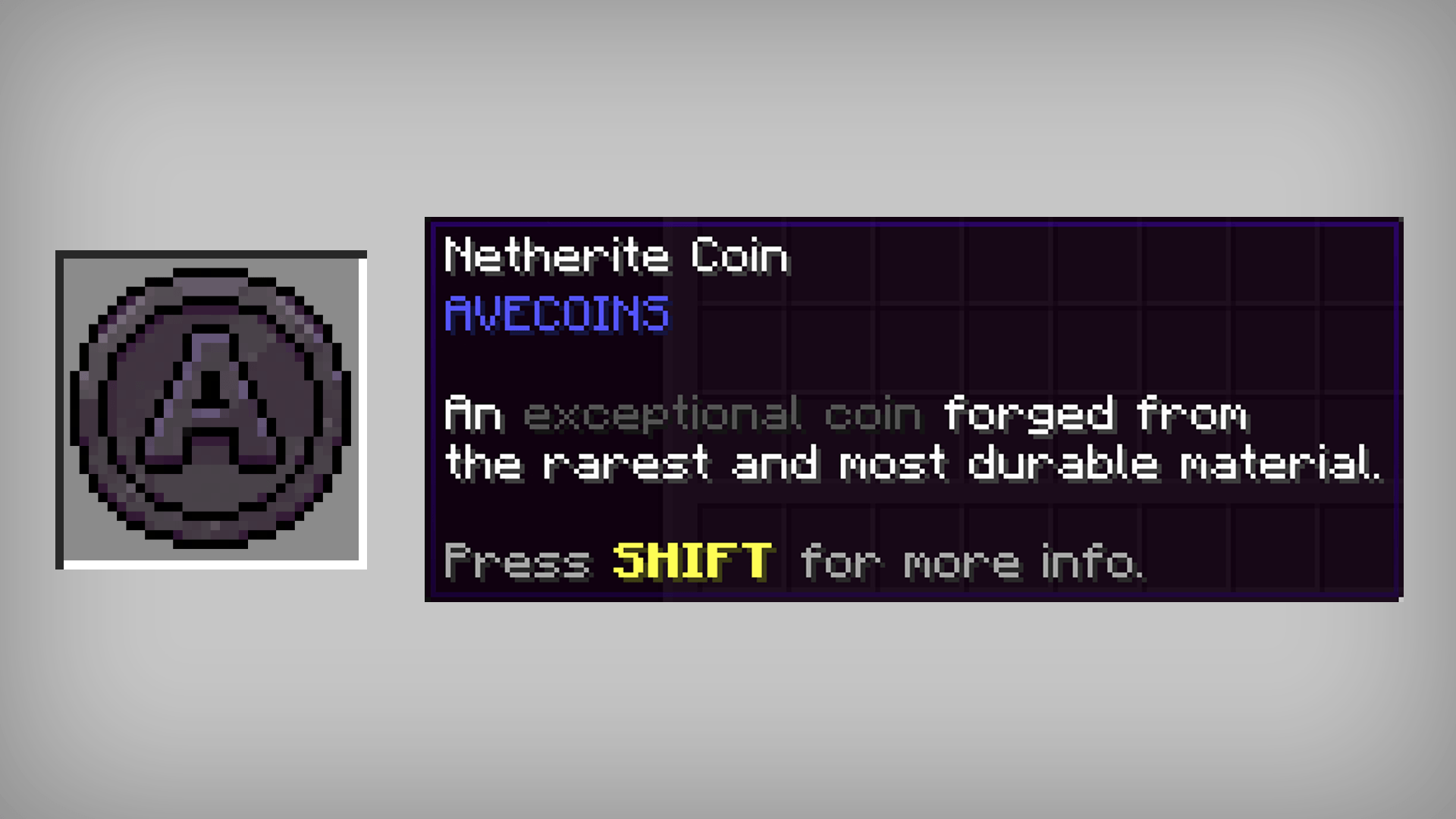
⚫ Netherite Coin – the highest and most valuable coin tier.

🟡 Gold Ticket – a valuable ticket designed for larger transactions.

💎 Diamond Ticket – a prestigious high-value ticket.

⚫ Netherite Ticket – the ultimate currency tier for the most valuable transactions.

⚙️ CRAFTING SYSTEM
AVECOINS includes a simple and balanced crafting system that allows coins to be upgraded and downgraded between tiers.
Note: Tickets cannot be downgraded into lower-tier tickets. For example, once you craft a Netherite Ticket, it cannot be converted back into Diamond Tickets or any lower tier. Tickets can only be obtained through their respective crafting recipes.
Ticket Recipe:
4x Material Ingots + 1x Paper

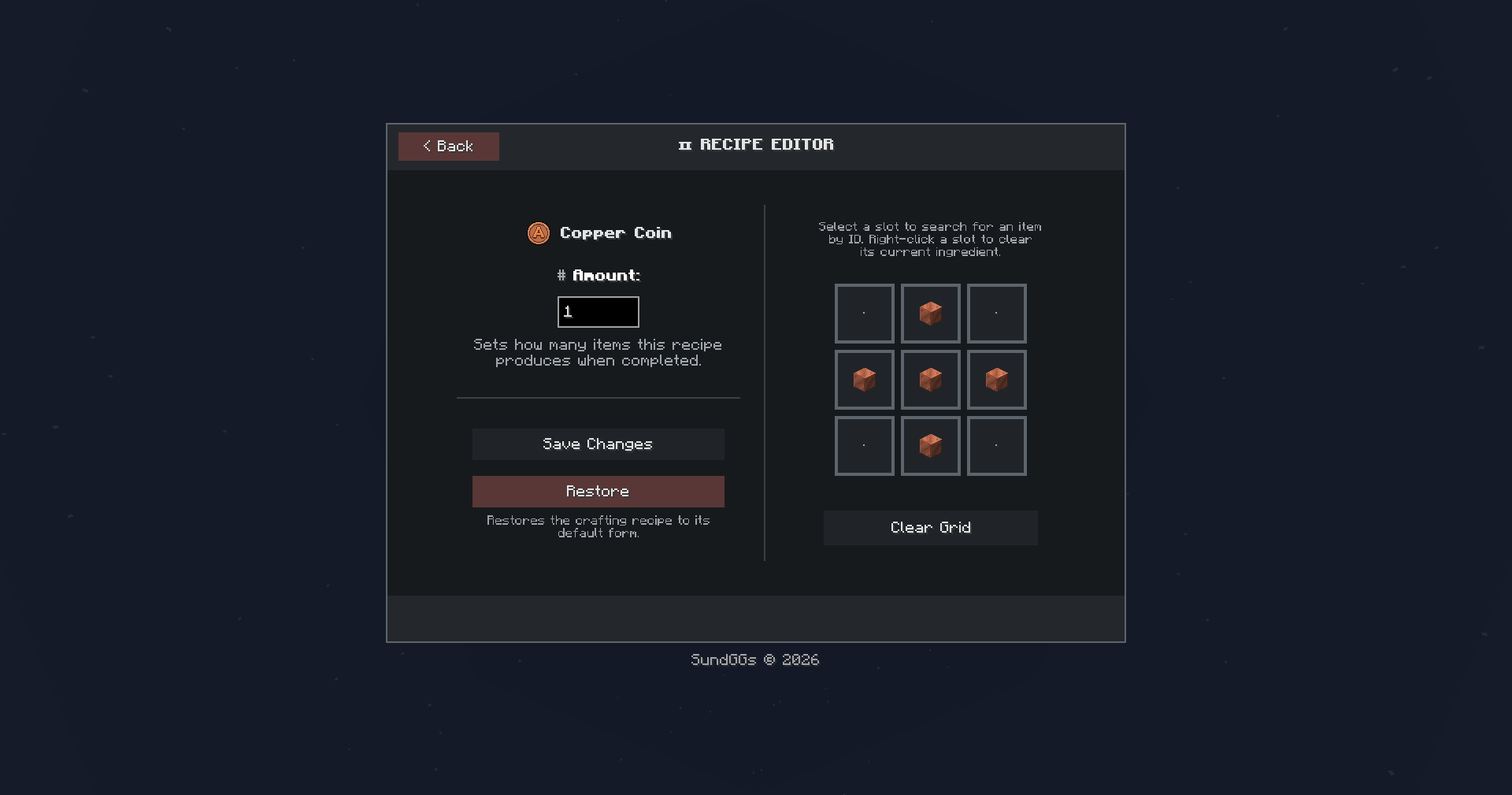
Upgrade Coin Recipe (Shaped):
4x lower-tier coins + 1x corresponding ingot/gem → 1x higher-tier coin.

Reverse Coin Recipe (Shapeless):
1x higher-tier coin → 4x lower-tier coins.

🎟️ SHOP
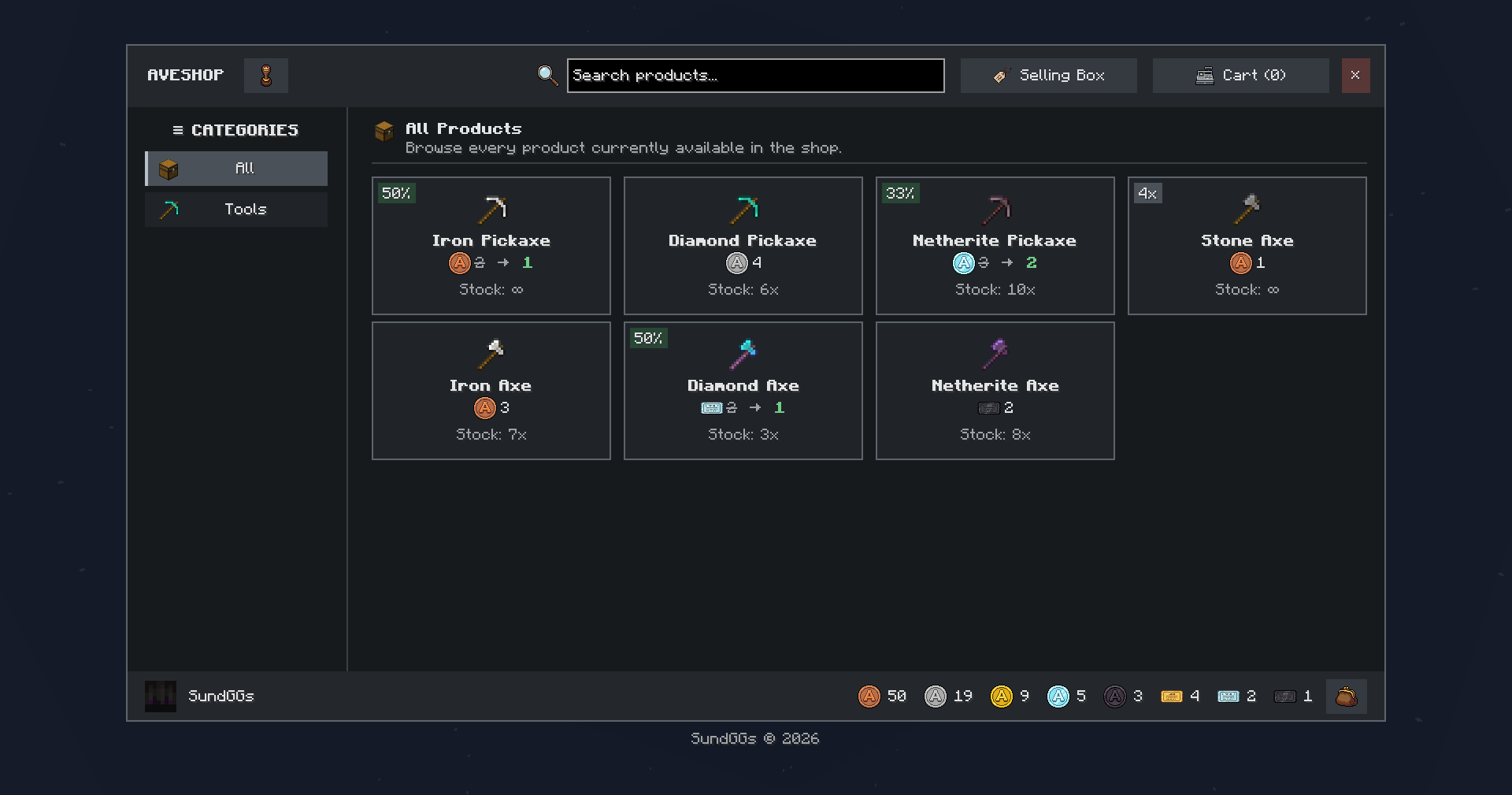
Create and manage your own Admin Shop using AVECOINS coins and tickets as currency!
– Default Command: /avc shop
Organize your products into categories, configure prices and discounts, allow players to build their shopping carts, and keep track of purchases made through the shop.

Survival Inventory Access:
Quickly access the Admin Shop through a dedicated button located on the left side of your Survival Inventory.

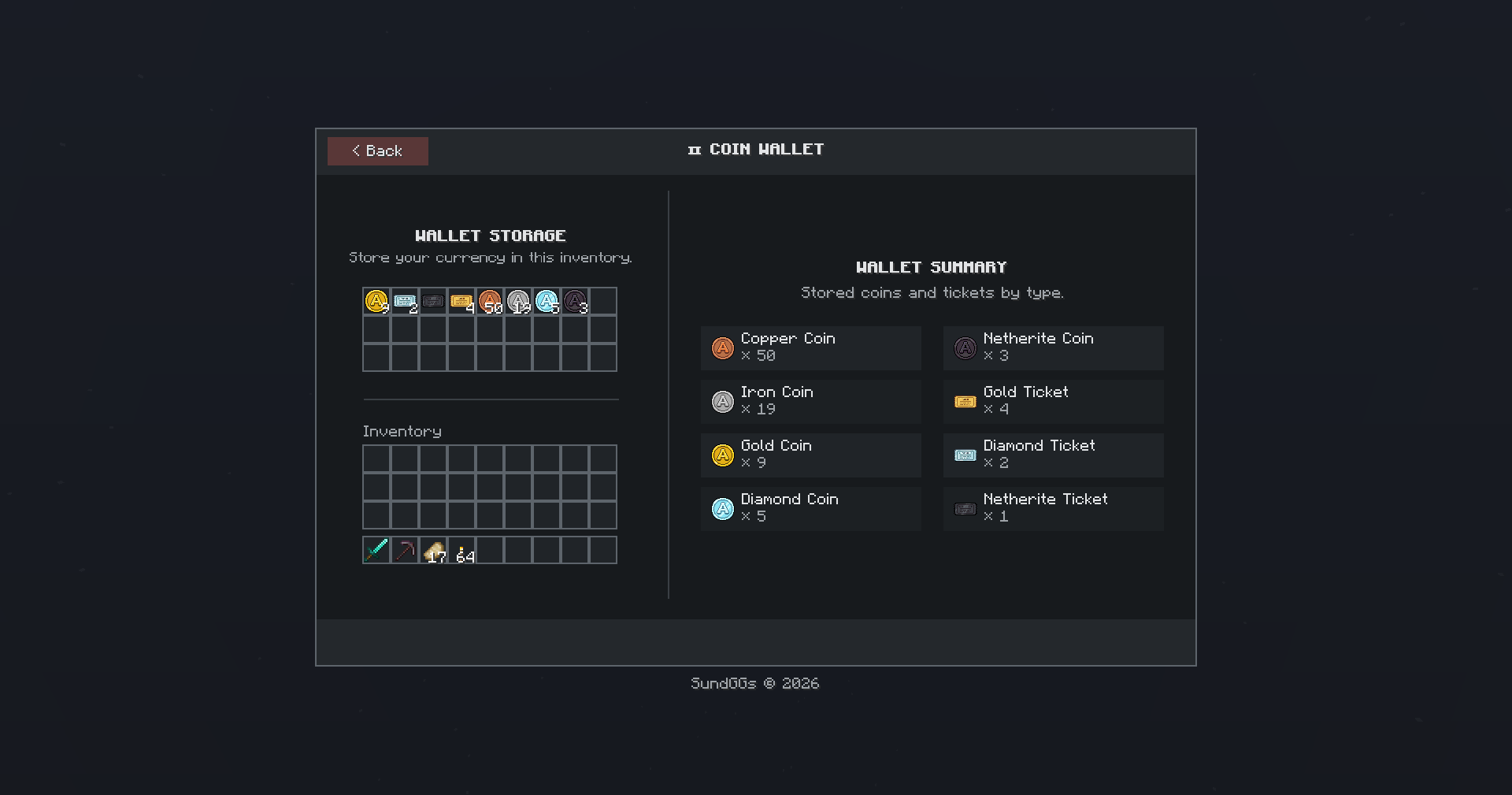
Coin Wallet:
Store your coins and tickets in a virtual wallet and use them directly for purchases in the shop.

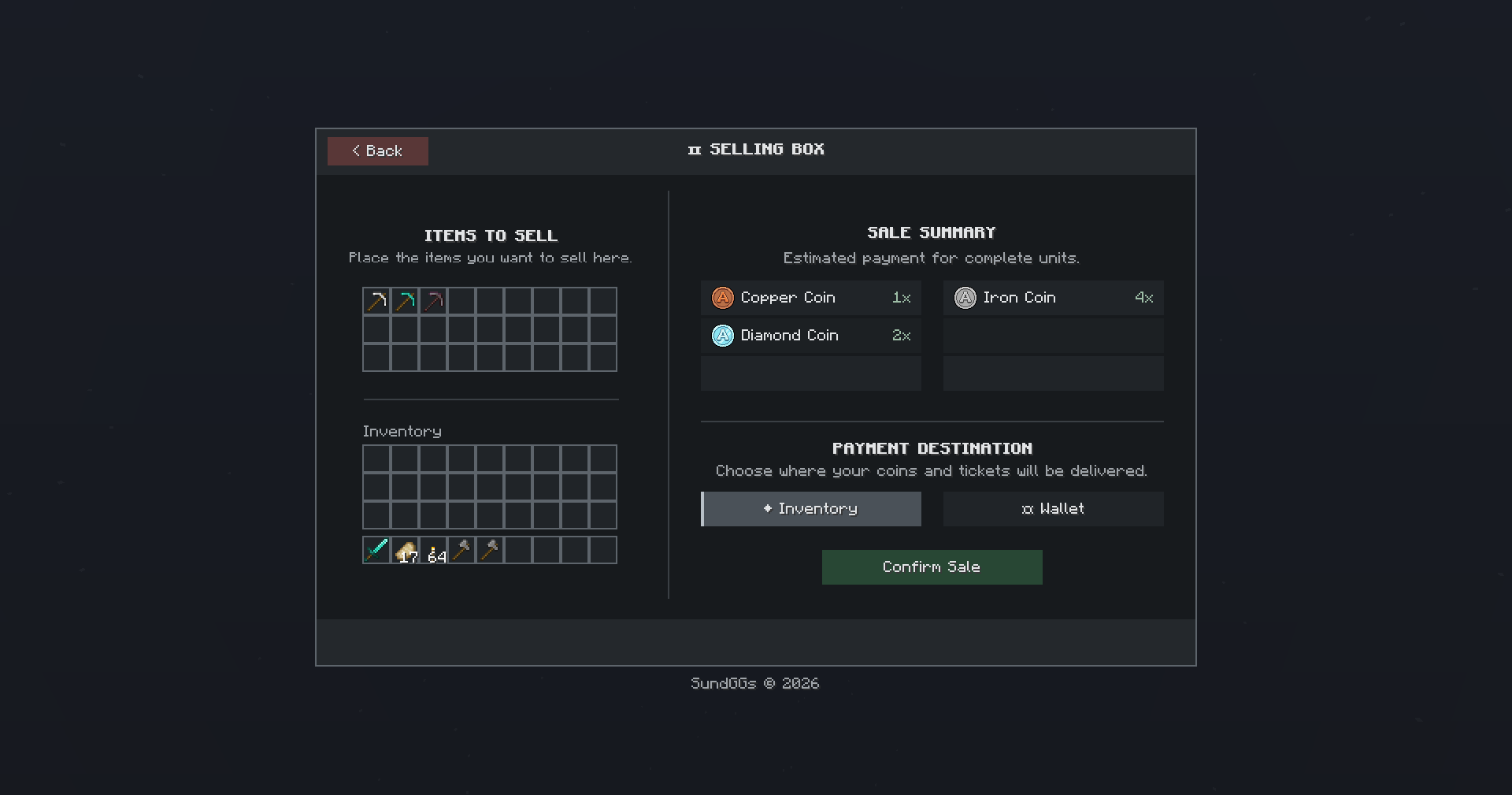
Selling Box:
Sell your items through the Selling Box to receive coins and tickets that you can spend on new items in the shop.

Category Creator/Editor:
Create, edit, and organize shop categories to keep your products neatly separated and easy for players to browse.

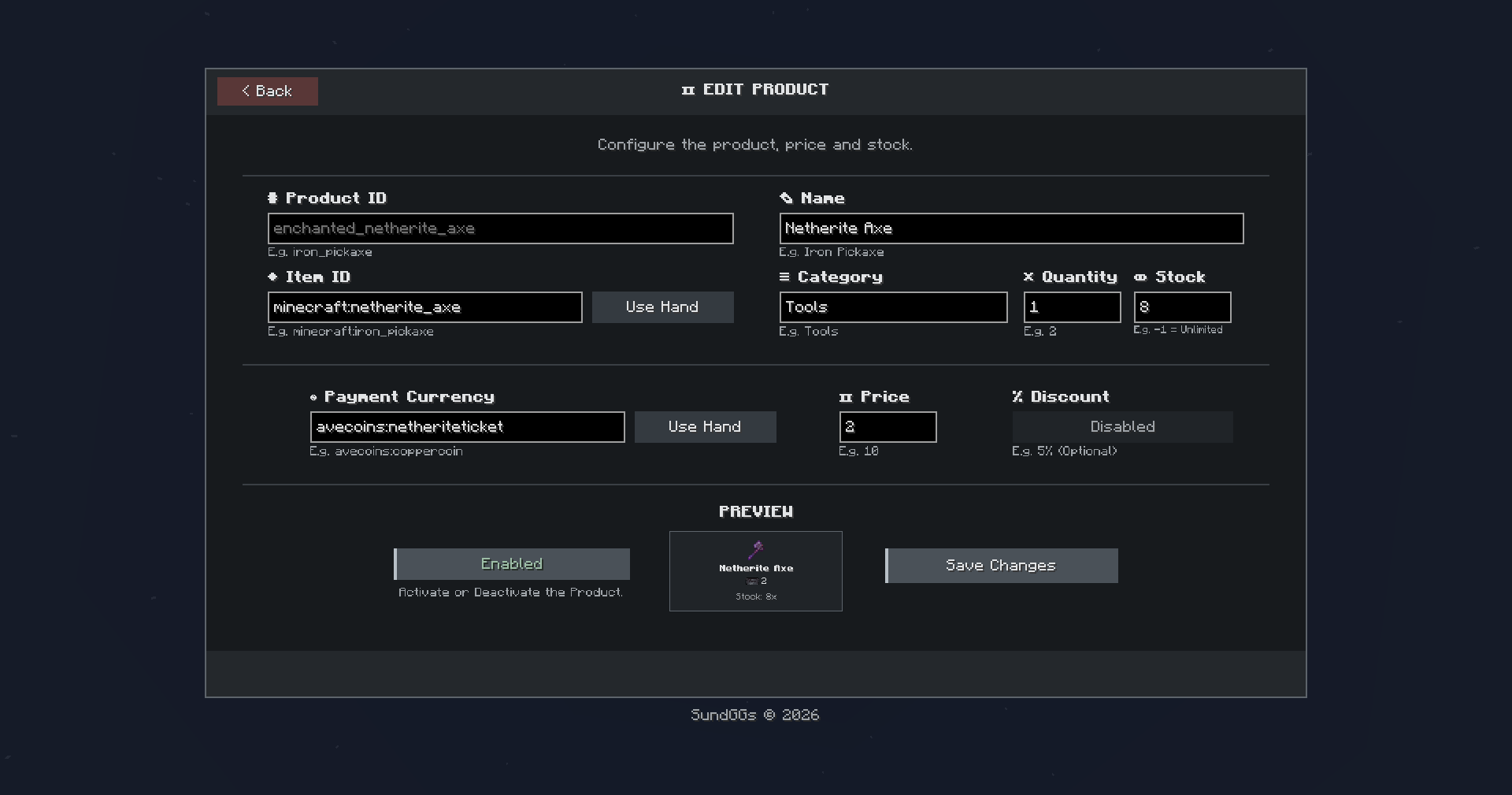
Product Creator/Editor:
Create and edit shop products, configure their prices and discounts, and preview how they will appear to players before publishing them.

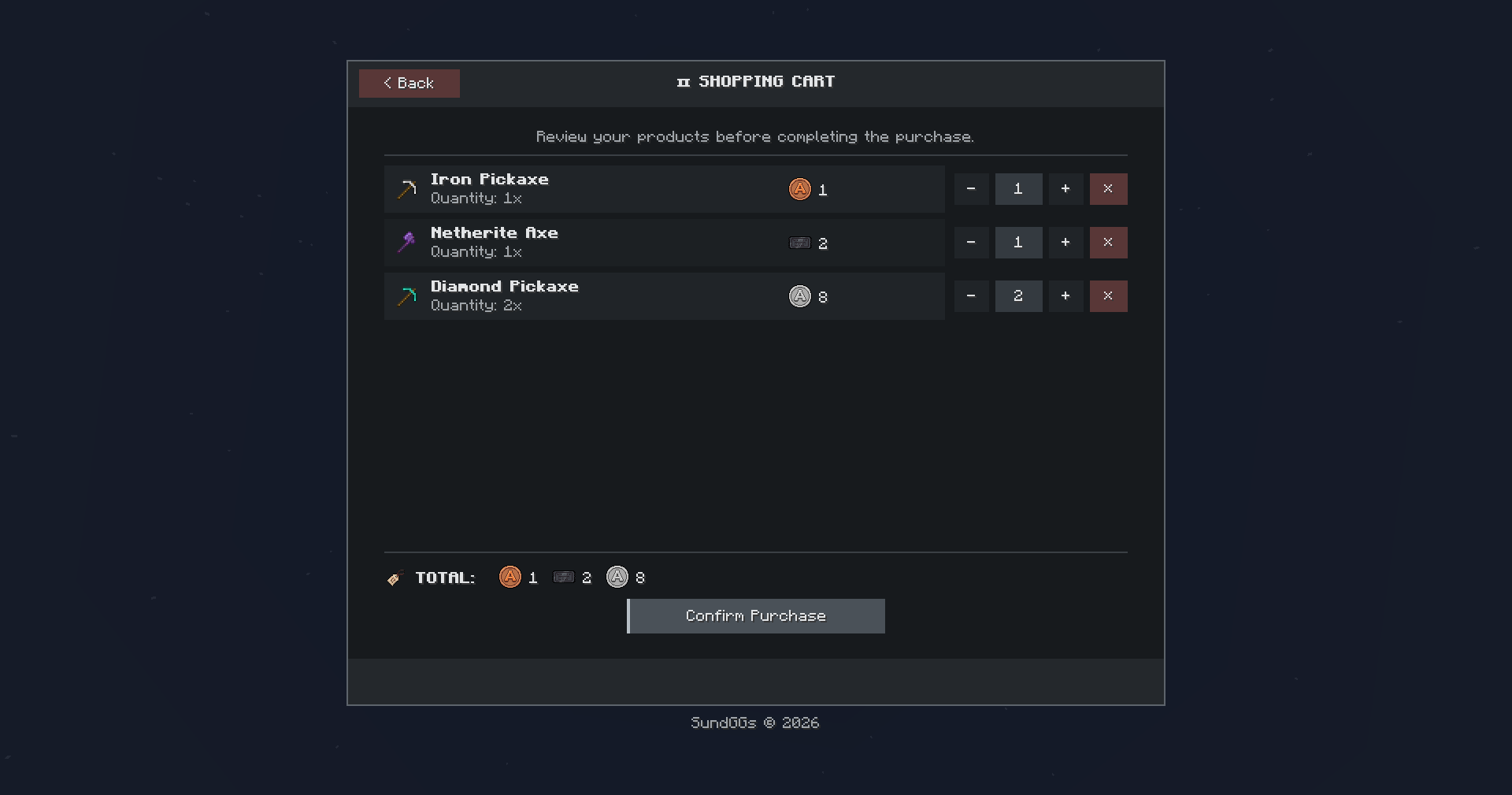
Shopping Cart:
Review selected products before completing a purchase. Players can easily add or remove items, check their order, and confirm everything directly from the cart.


History:
Keep track of your players’ latest purchases through the Admin Shop with an integrated purchase history.

⚙️ CONFIGURATION GUI
Customize AVECOINS directly through its configuration GUI.
– Command: /avc gui
Enable or disable coin and ticket recipes, customize their crafting ingredients, manage the Admin Shop system, and configure your own shop name and command alias.

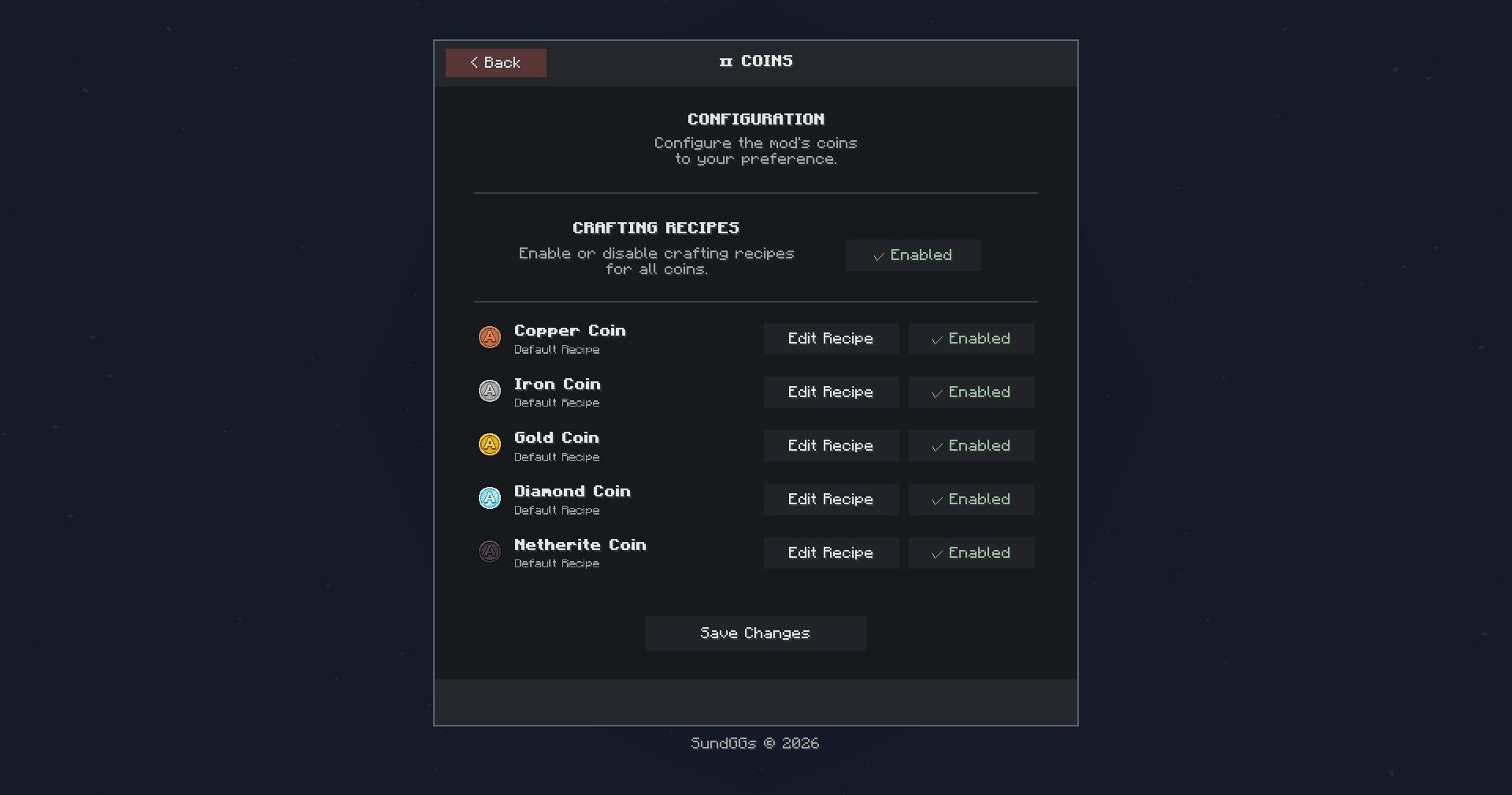
Coins Editor:
Enable or disable the default coin recipes and customize the crafting recipe for each coin tier.


Tickets Editor:
Enable or disable the default ticket recipes and customize the crafting recipe for each available ticket tier.

Admin Shop Editor:
Enable or disable the entire Admin Shop system, including its Survival Inventory access button and related functionality. You can also configure a custom shop name and command alias to better fit your server.

🙌 CREDITS
- Author: SundGGs
- Inspired by classic Minecraft economy mods and the idea of creating a clean, flexible, and server-friendly currency system.
Enjoy building your own economy with AVECOINS!
常见问题
AVECOINS – Shop & Economy 支持哪些 Minecraft 版本?
AVECOINS – Shop & Economy 支持 Minecraft Java 版 1.20.1–26.3,共 6 个版本,可用的加载器:Fabric / Forge / NeoForge。下载时注意选择和你游戏版本一致的文件。
AVECOINS – Shop & Economy 怎么安装?
先用 PCL2 或 HMCL 启动器安装对应版本的 Fabric / Forge / NeoForge,再把下载的 .jar 文件放进游戏目录的 mods 文件夹,重新启动游戏即可。开启了版本隔离的,mods 文件夹在 versions/版本名 下面。
SundGGs 的其他作品
查看全部 →
Adventurer Skills [Pufferfish’s Skills]
为 Pufferfish’s Skills 量身打造的技能树重平衡附属模组。

Adventurer Skills [Pufferfish’s Skills]
A custom rebalanced skill tree addon for Pufferfish’s Skills.
Adventurer Skills [Pufferfish’s Skills]
A custom rebalanced skill tree addon for Pufferfish’s Skills.

AVENTURA – The Adventure Experience
An adventure-focused modpack blending magic, industry, and dungeon exploration.
评论
登录后评论和评分