截图
介绍
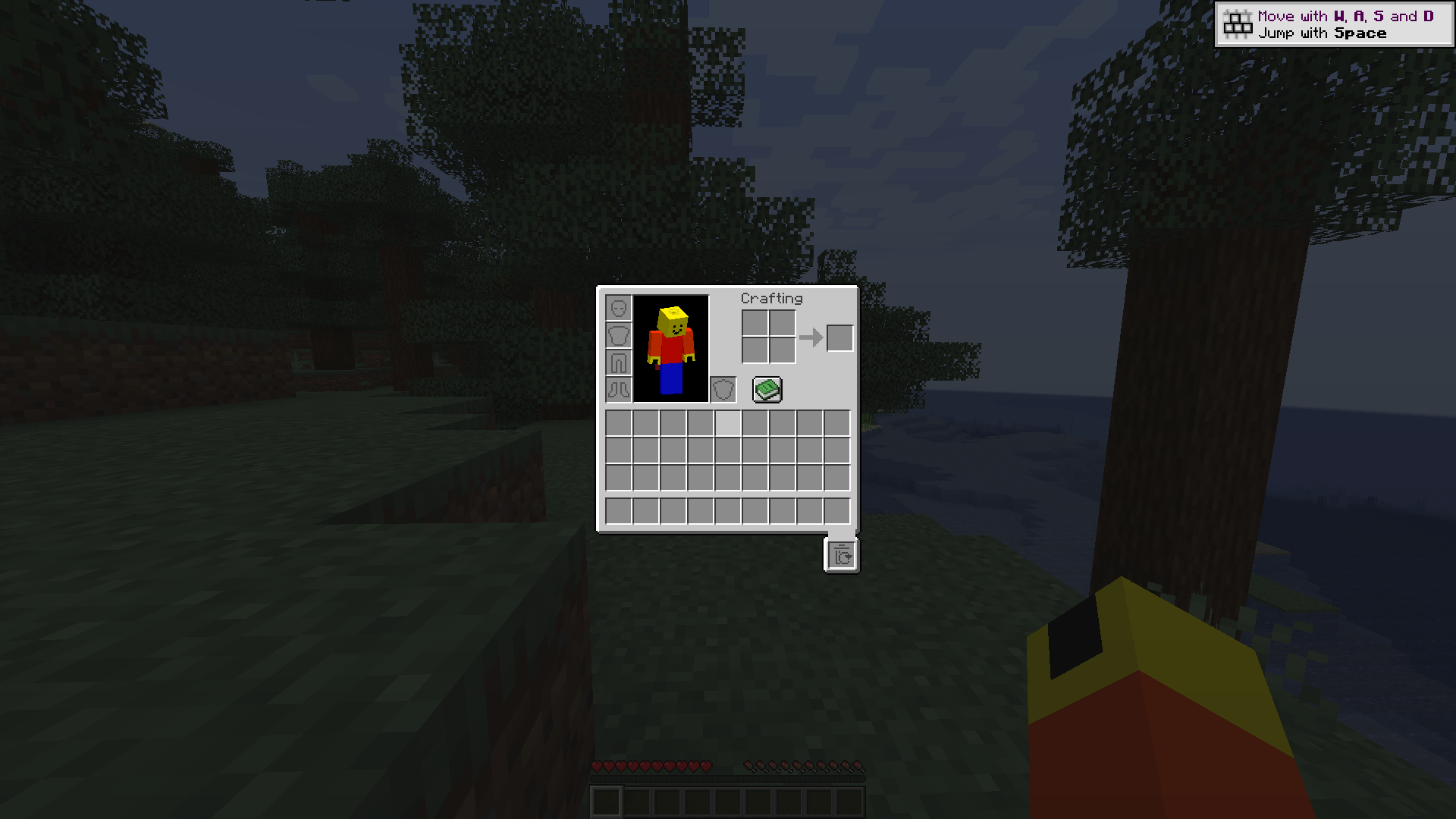
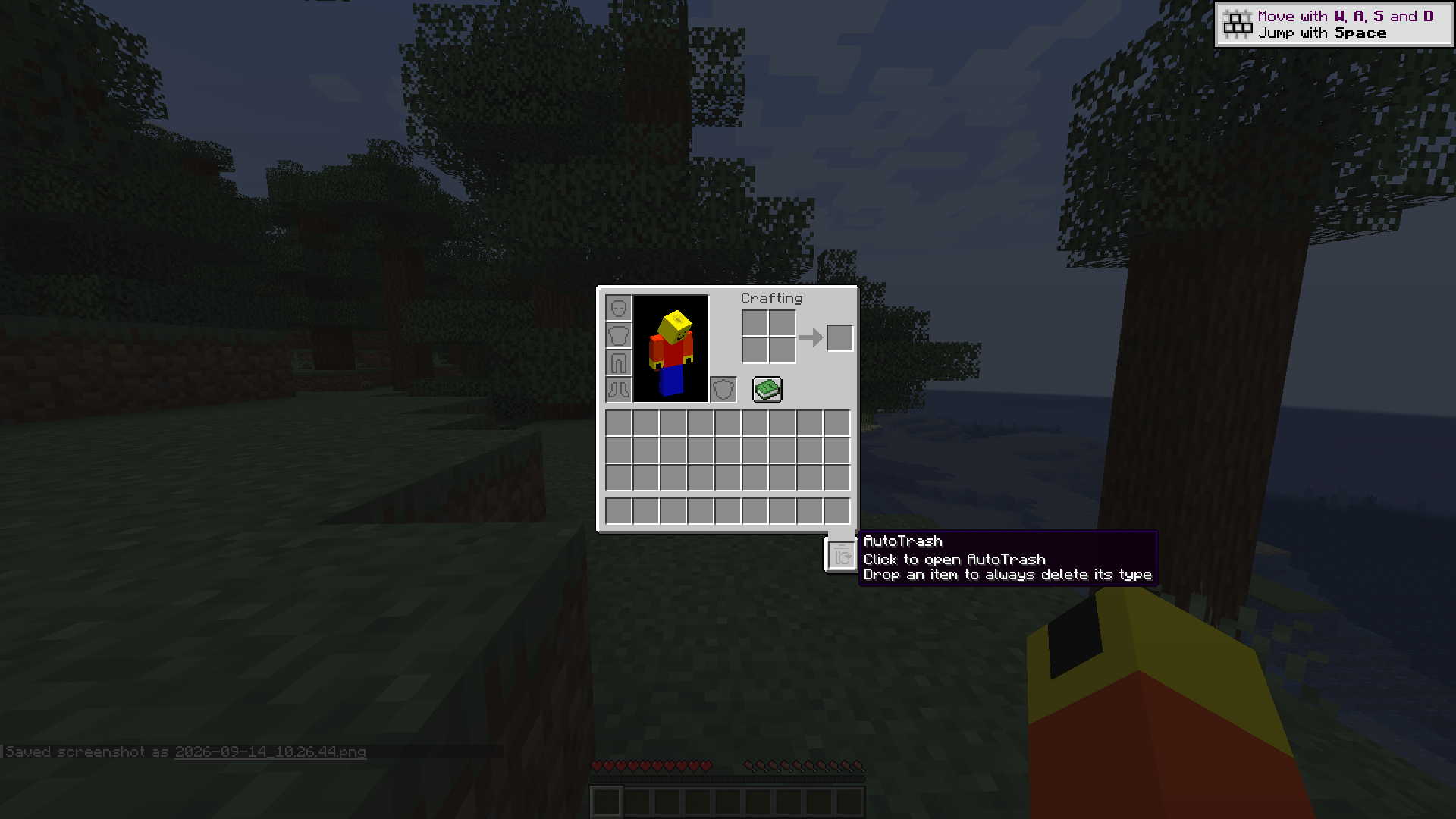
AutoTrash Slot
Automatically void selected items on pickup.
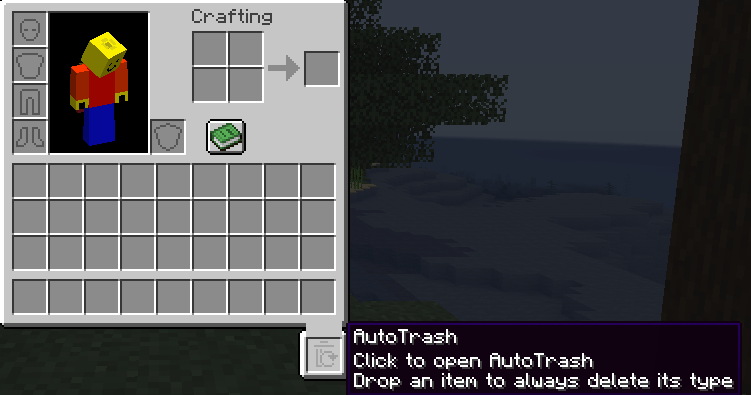
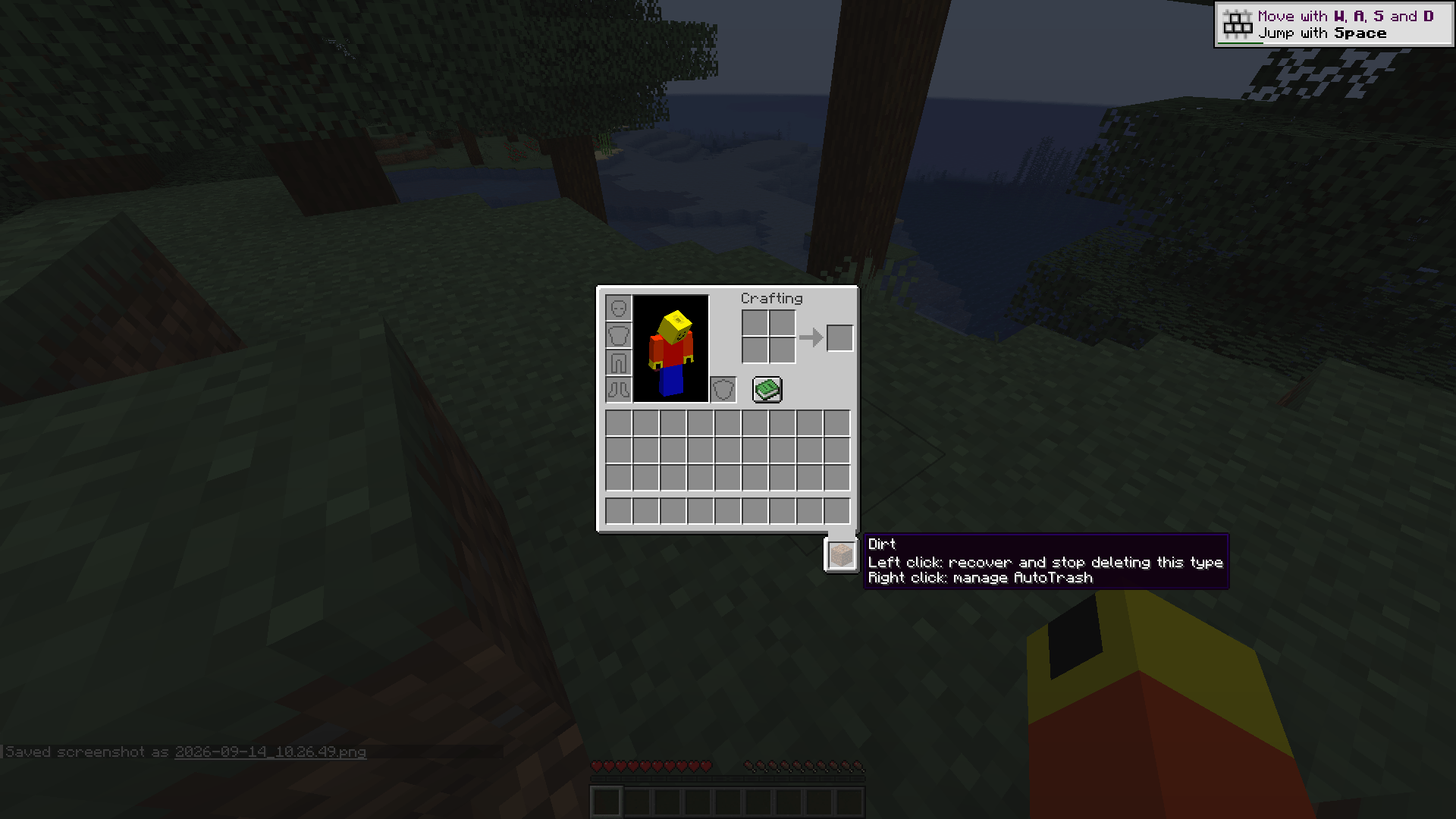
- Add a filter: pick up an item and left-click the AutoTrash slot.
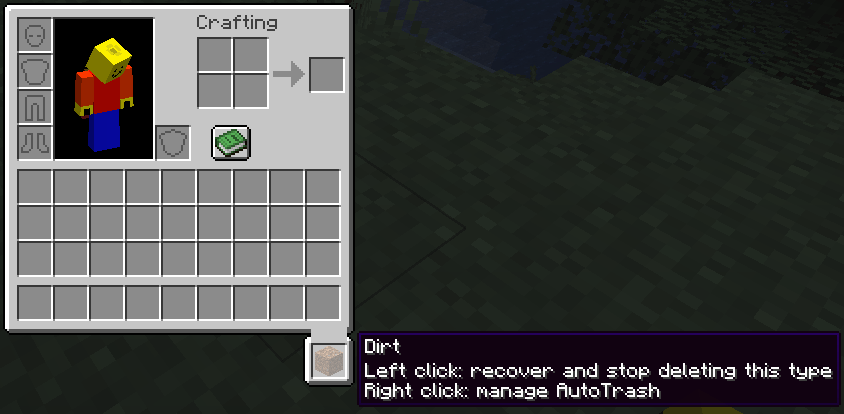
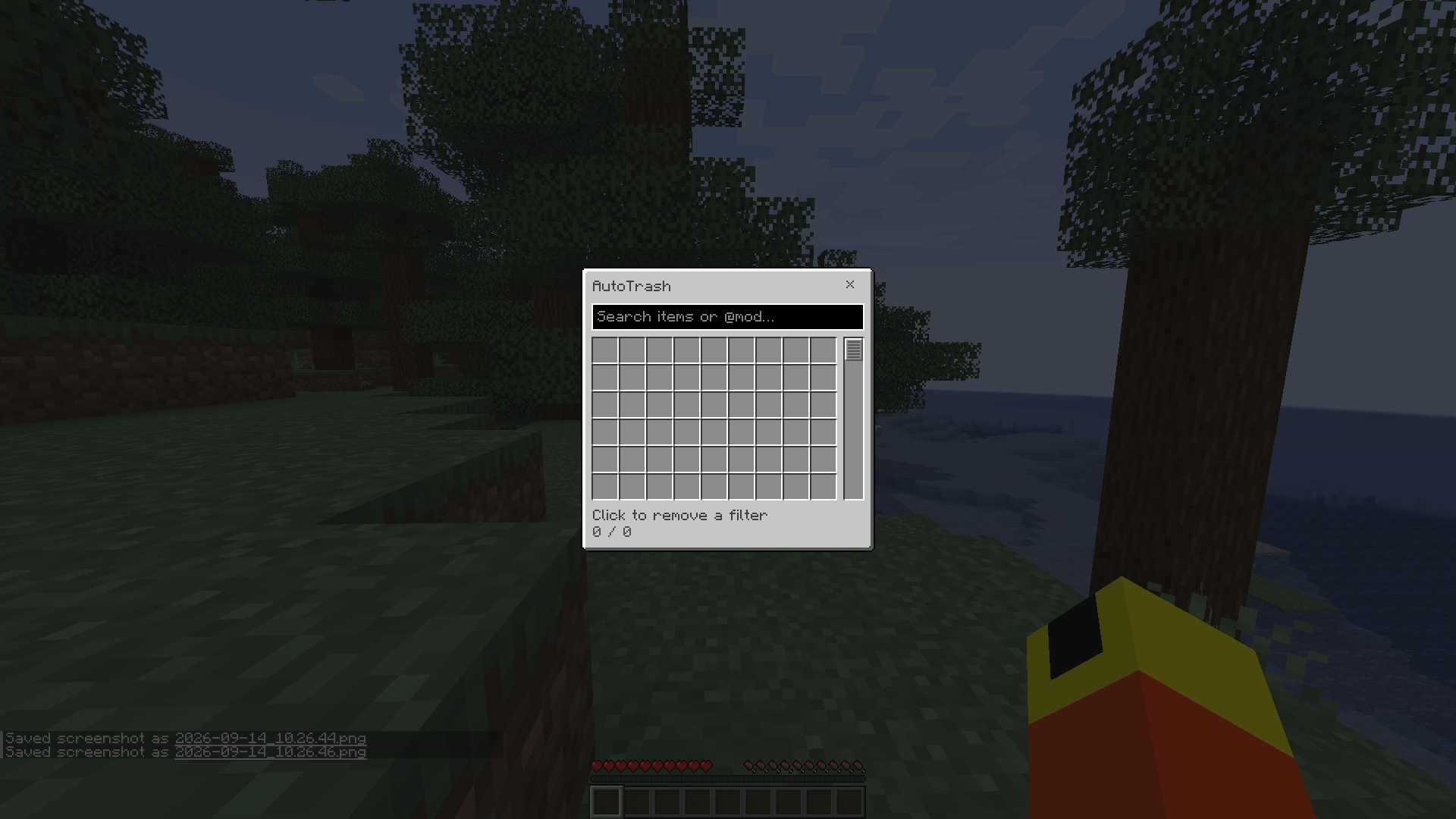
- Undo the last deposit: left-click last trashed item with an empty cursor. You recover that exact item, and its item type is removed from the filter.
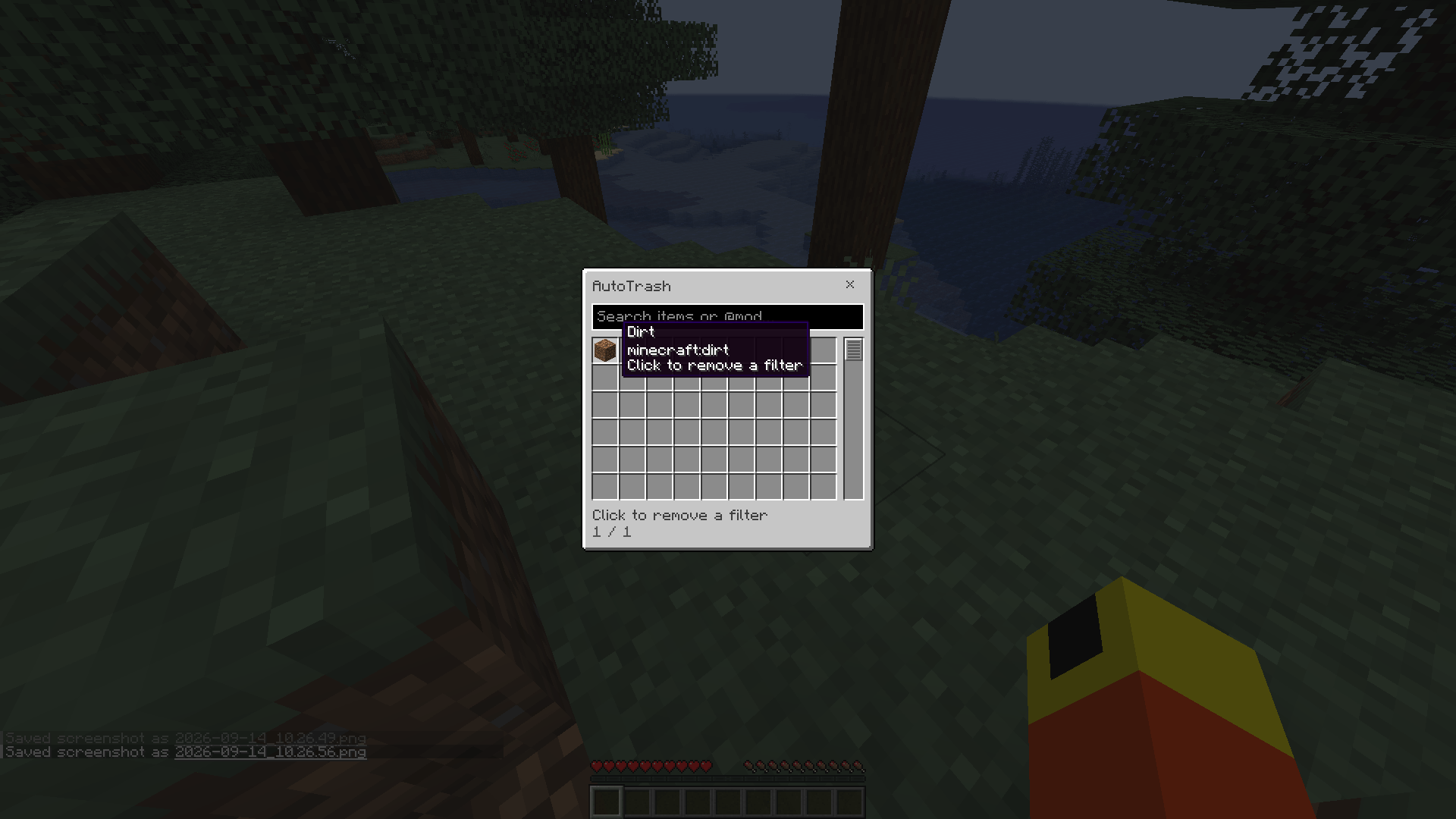
- Manage your list: right-click the slot. An empty slot also opens the list with a left-click.
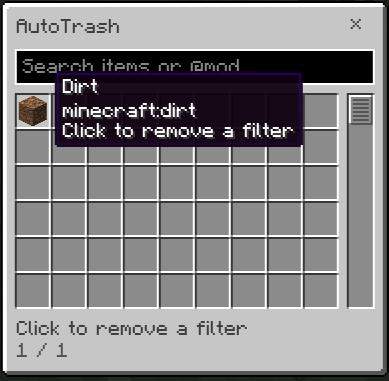
- Find an item: search by item name, registry ID such as
minecraft:dirt, or mod ID such as@roots. Click a result to stop deleting that type. - Show or hide the slot: press T while a container is open. The binding can be changed in Controls
If installed alongside Trash Slot they share the space, AutoTrash Slot moves to the left to make space for the OG Trash Slot.
Filters match the item type, regardless of custom names, enchantments or other components. Matching items are removed from the player’s inventory, including the hotbar, armor slots and offhand, by the following server tick. Existing matching inventory items are also removed when a filter is added.
Only the last item deposited manually can be recovered. Automatic deletions are permanent and do not overwrite that saved item. Depositing another item replaces the previous recoverable one.
Inspired by Terraria’s AutoTrash
常见问题
AutoTrash Slot 支持哪些 Minecraft 版本?
AutoTrash Slot 支持 Minecraft Java 版 1.21.1–26.2,共 5 个版本,可用的加载器:NeoForge。下载时注意选择和你游戏版本一致的文件。
AutoTrash Slot 怎么安装?
先用 PCL2 或 HMCL 启动器安装对应版本的 NeoForge,再把下载的 .jar 文件放进游戏目录的 mods 文件夹,重新启动游戏即可。开启了版本隔离的,mods 文件夹在 versions/版本名 下面。
评论
登录后评论和评分