
AutoKeystrokes
Fully customizable lunar keystrokes overlay with built-in visual displays for Fast Place and No Jump Delay
截图
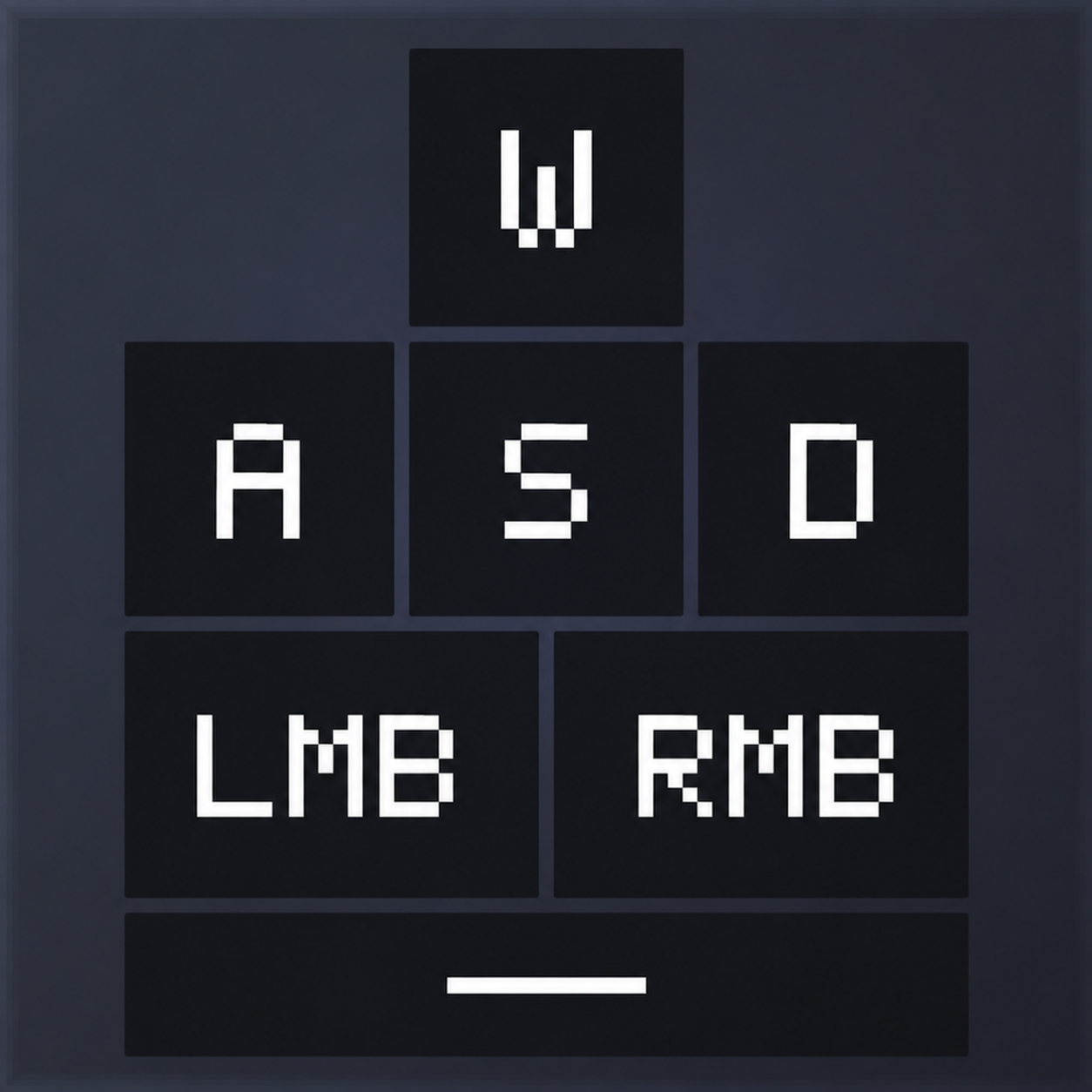
介绍
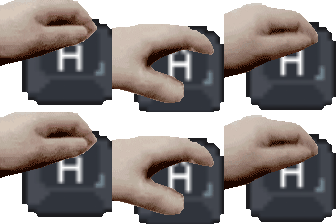

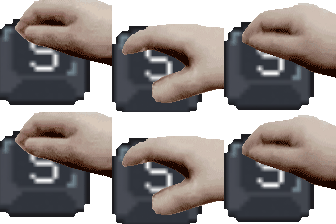
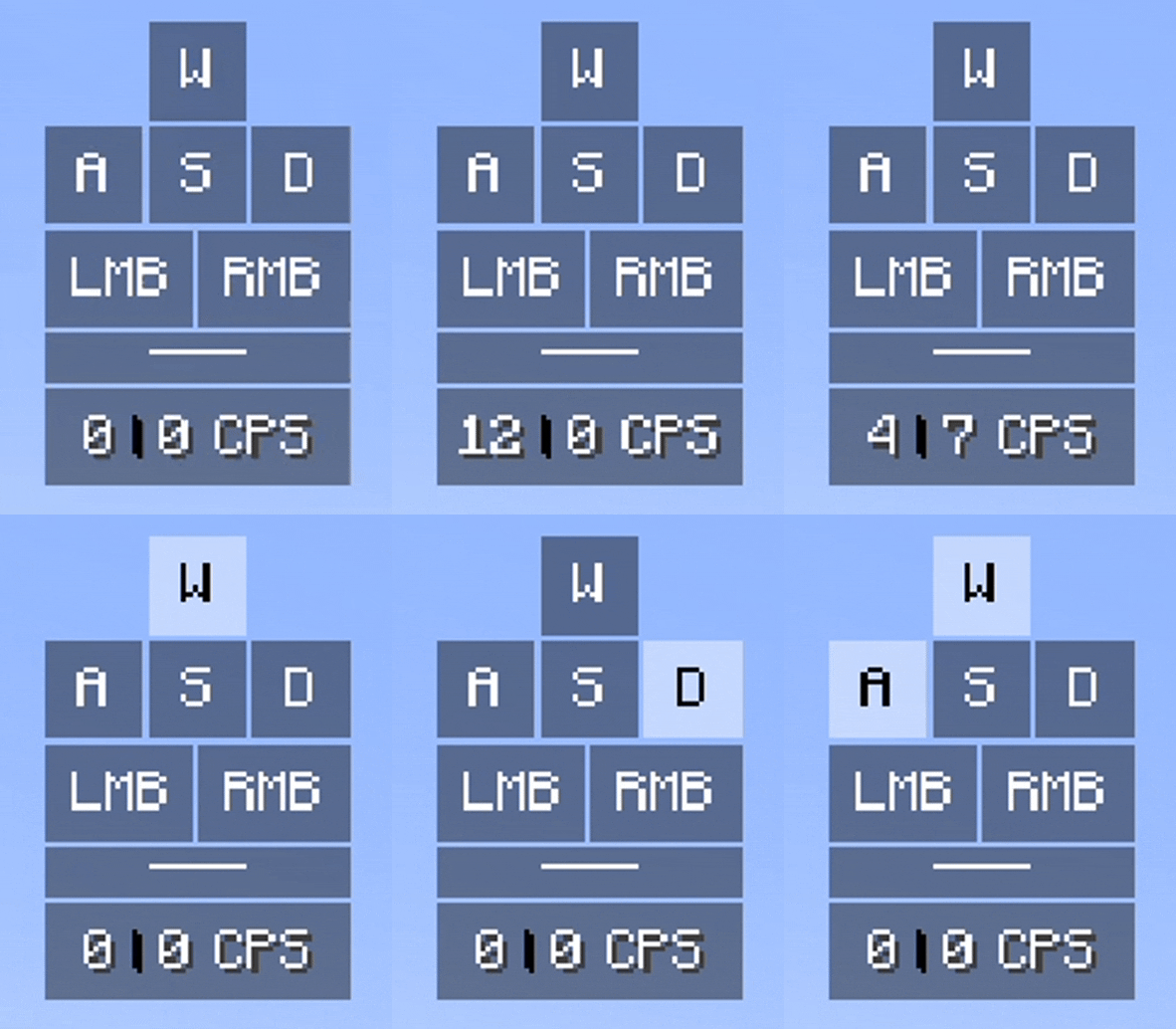
 A copied Lunar Keystrokes HUD overlay that displays key presses:


In addition to standard keystrokes… 
This mod contains two main features: FastPlace and NoJumpDelay, with real-time visual display on the screen overlay. These addons are toggleable with keybinds. The default keybinds are as follows:

FastPlace 
Normally, Minecraft has a delay of 4 ticks (0.2 seconds) when you hold right click to place blocks. FastPlace removes this delay. This lets you place blocks as fast as possible every tick you hold down with the mouse button.
- Overlay & CPS Sync: The CPS module on the screen will count the blocks you place per one second. The right-click key on the overlay will also flicker quickly to show how fast you are placing blocks to mimic high CPS. You can forge the CPS counter rate with FastPlace in settings.

- Left-Click Autoclicker: Moreover, you can also turn on an autoclicker for left clicks. The left-click key on the overlay will flicker to match your click speed, similar to right click.

- Prevent Air Clicks: The mod contains a configuration that stops you from accidentally placing blocks or clicking when you are looking at the sky (missing a block placement). This will not register the right click input regardless of FastPlace activation.

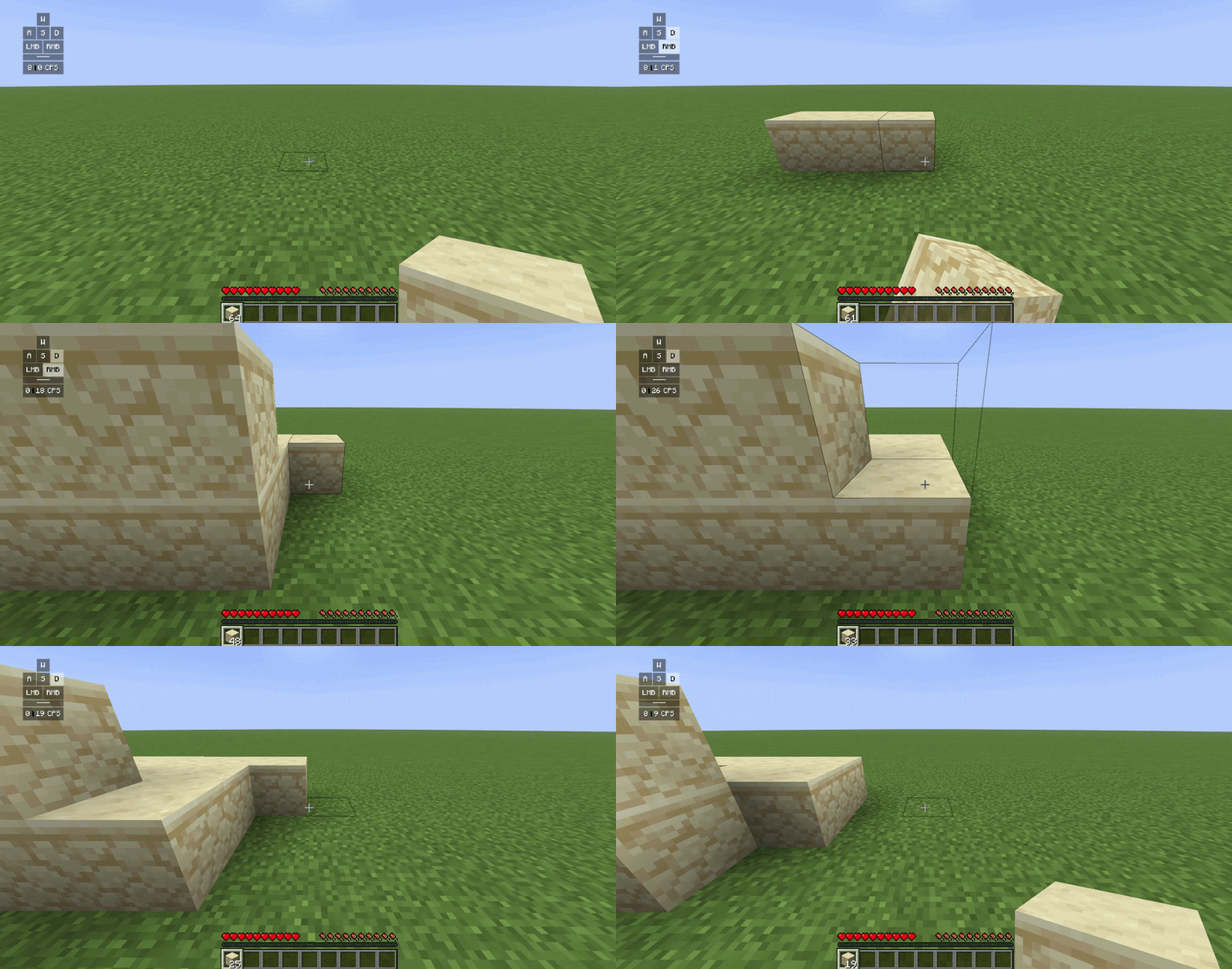
NOTE: The rapid block placement were accomplished simply by holding right click with FastPlace.
FastJump (NoJumpDelay) 
Normally, when you jump and then land on the ground, Minecraft makes you wait 10 ticks (0.5 seconds) before you can jump again. NoJumpDelay removes this wait time. You can hold down the spacebar to jump instantly and continuously.
- Ground Detection for Overlay Sync: The spacebar key on your screen overlay tracks when you touch the ground. When you land, the spacebar key on the screen quickly unpresses and presses again. This shows the exact timing of your jumps to mimic legitimacy.
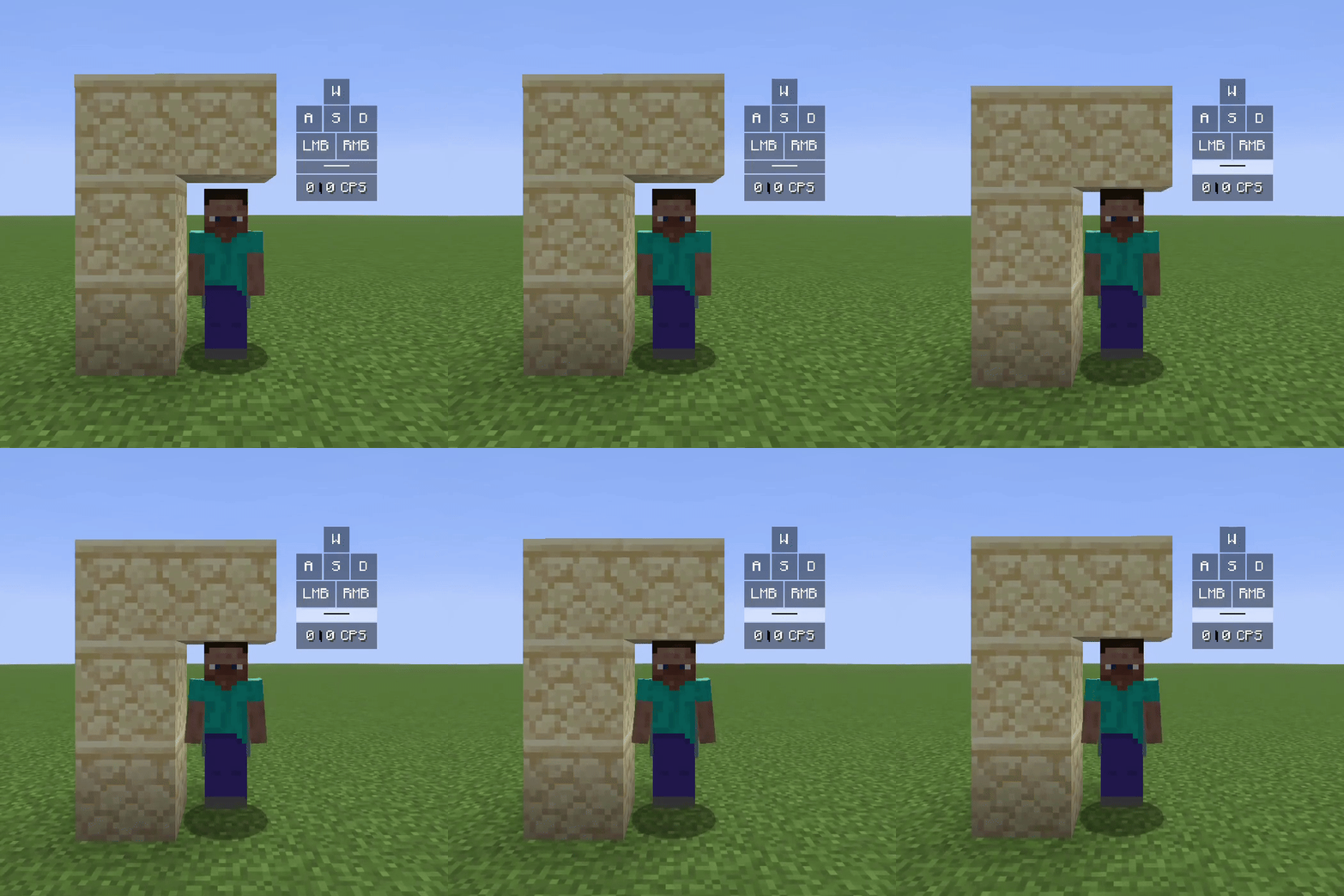
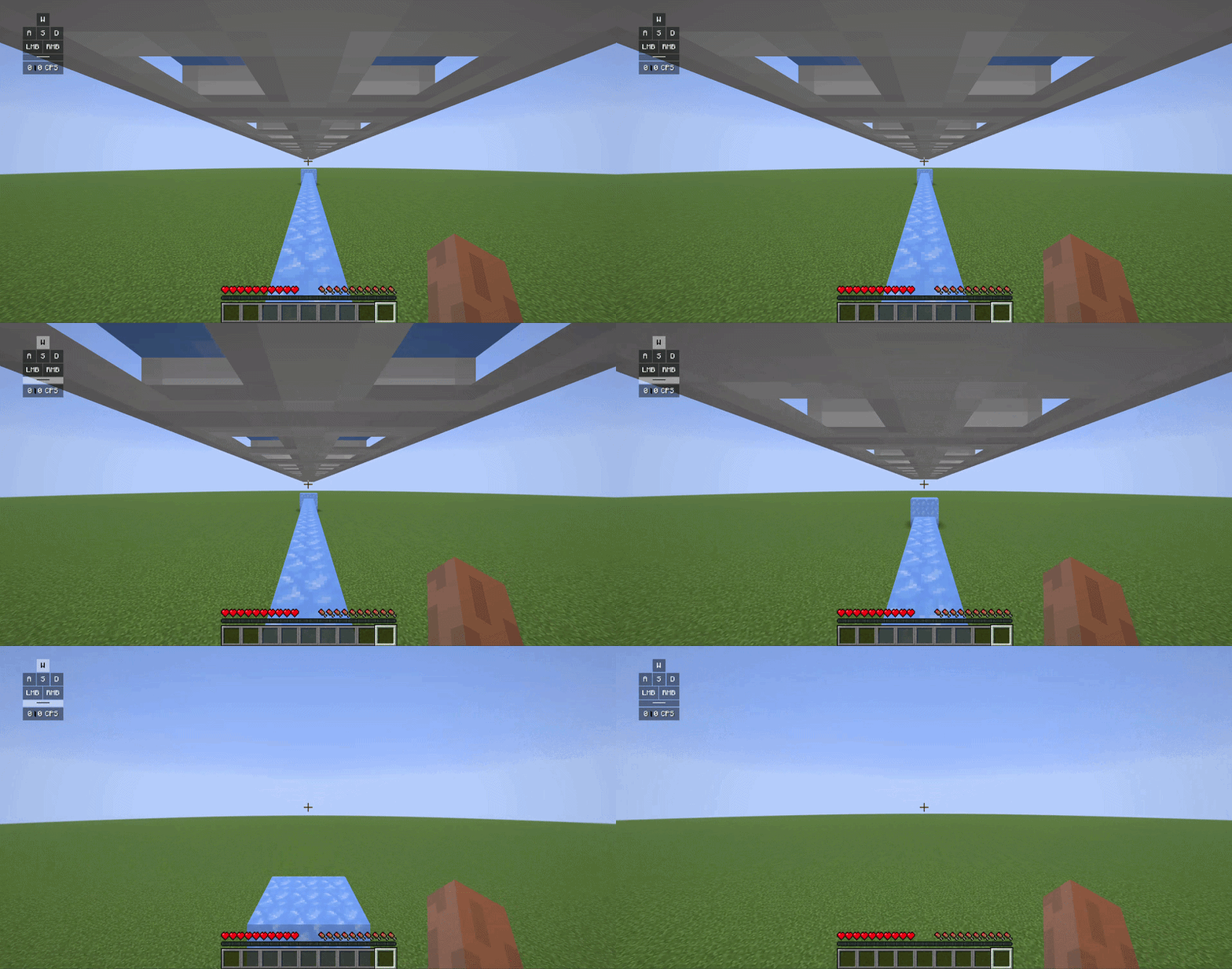
NOTE: Both of the clips above were accomplished simply by holding down the spacebar with NoJumpDelay.
常见问题
AutoKeystrokes 支持哪些 Minecraft 版本?
AutoKeystrokes 支持 Minecraft Java 版 1.20–26.1.2,共 22 个版本,可用的加载器:Fabric。下载时注意选择和你游戏版本一致的文件。
AutoKeystrokes 怎么安装?
先用 PCL2 或 HMCL 启动器安装对应版本的 Fabric,再把下载的 .jar 文件放进游戏目录的 mods 文件夹,重新启动游戏即可。开启了版本隔离的,mods 文件夹在 versions/版本名 下面。运行环境:仅客户端。

评论
登录后评论和评分