Auto-Hide Hotbar
作者:Ticataco
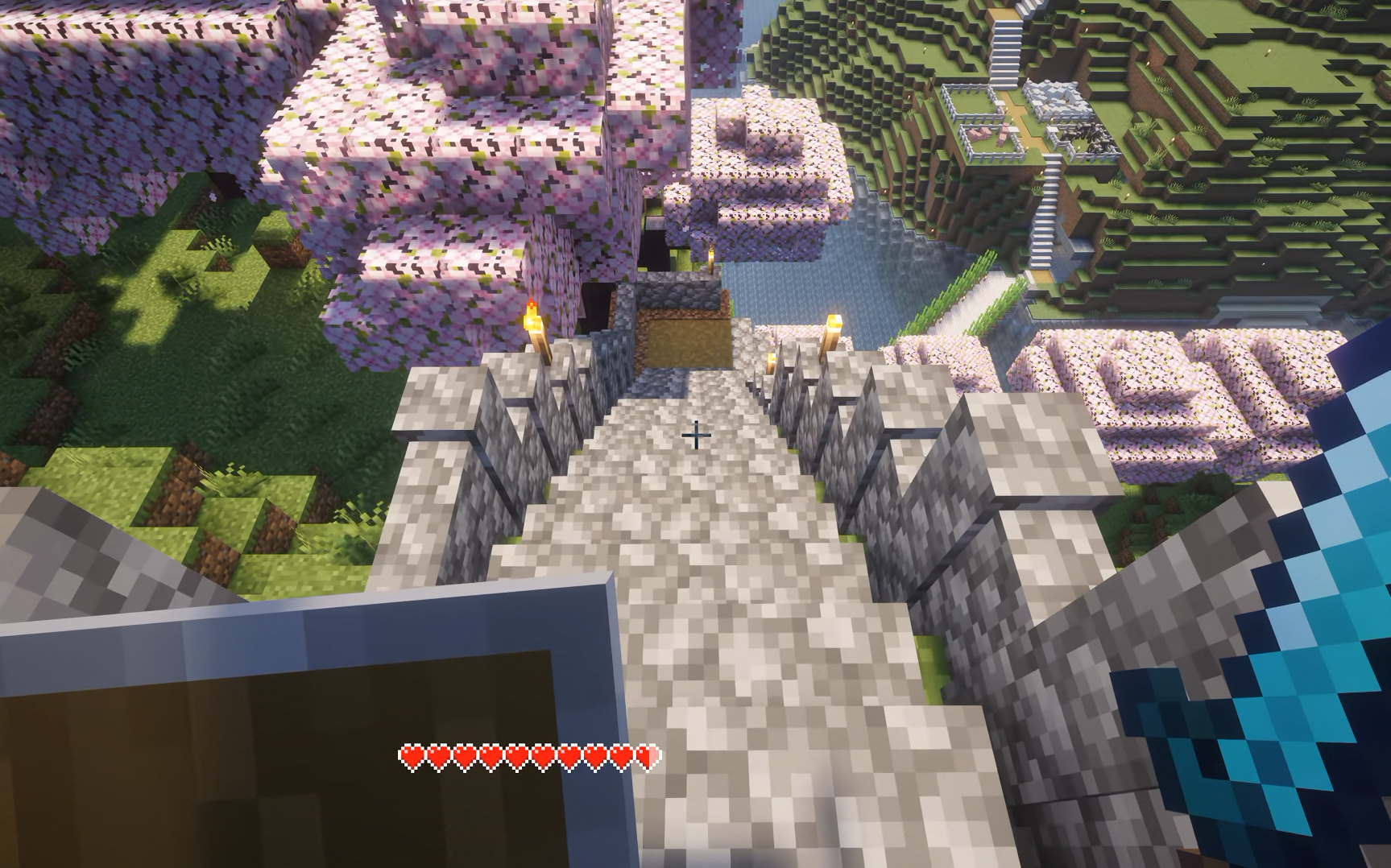
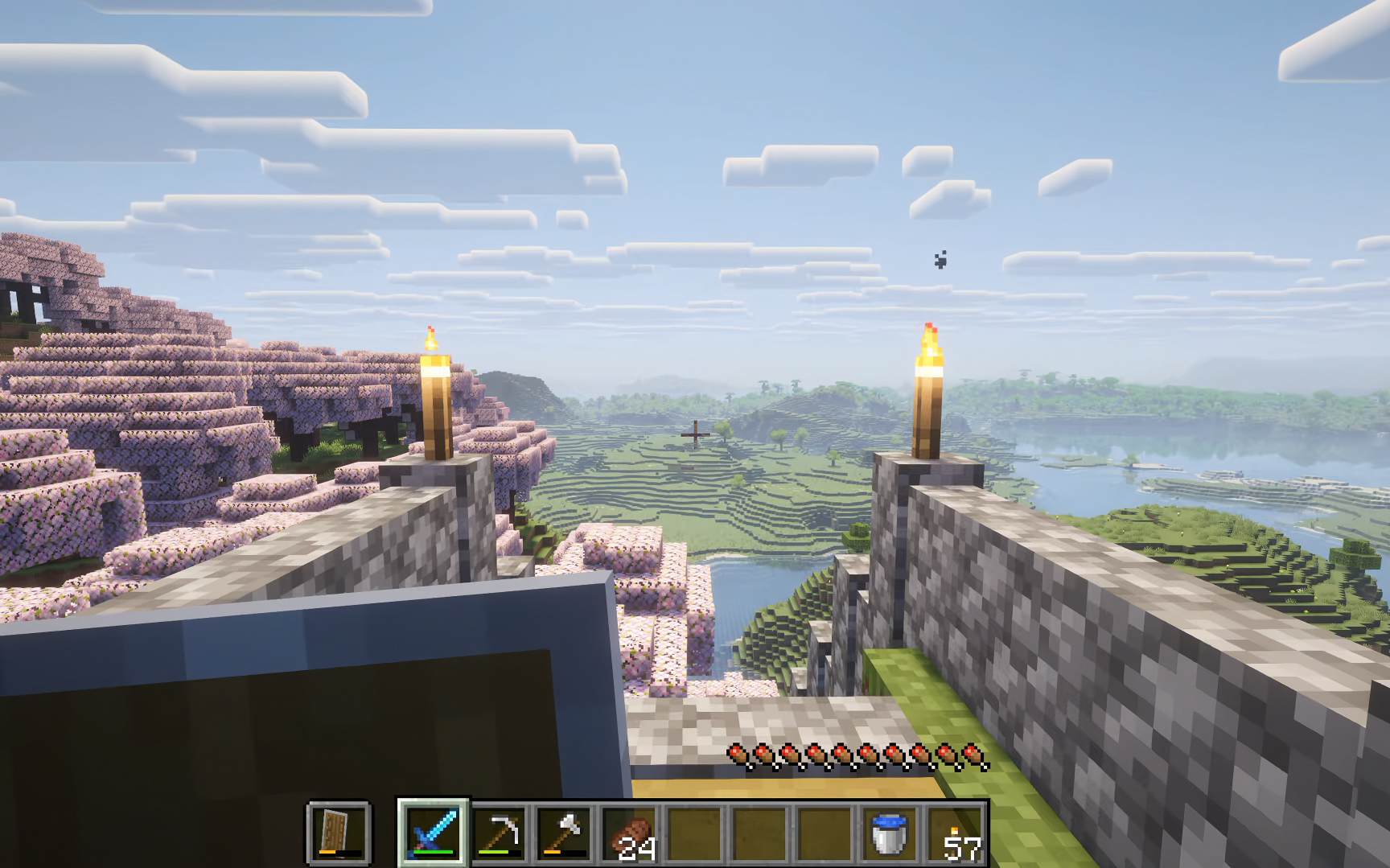
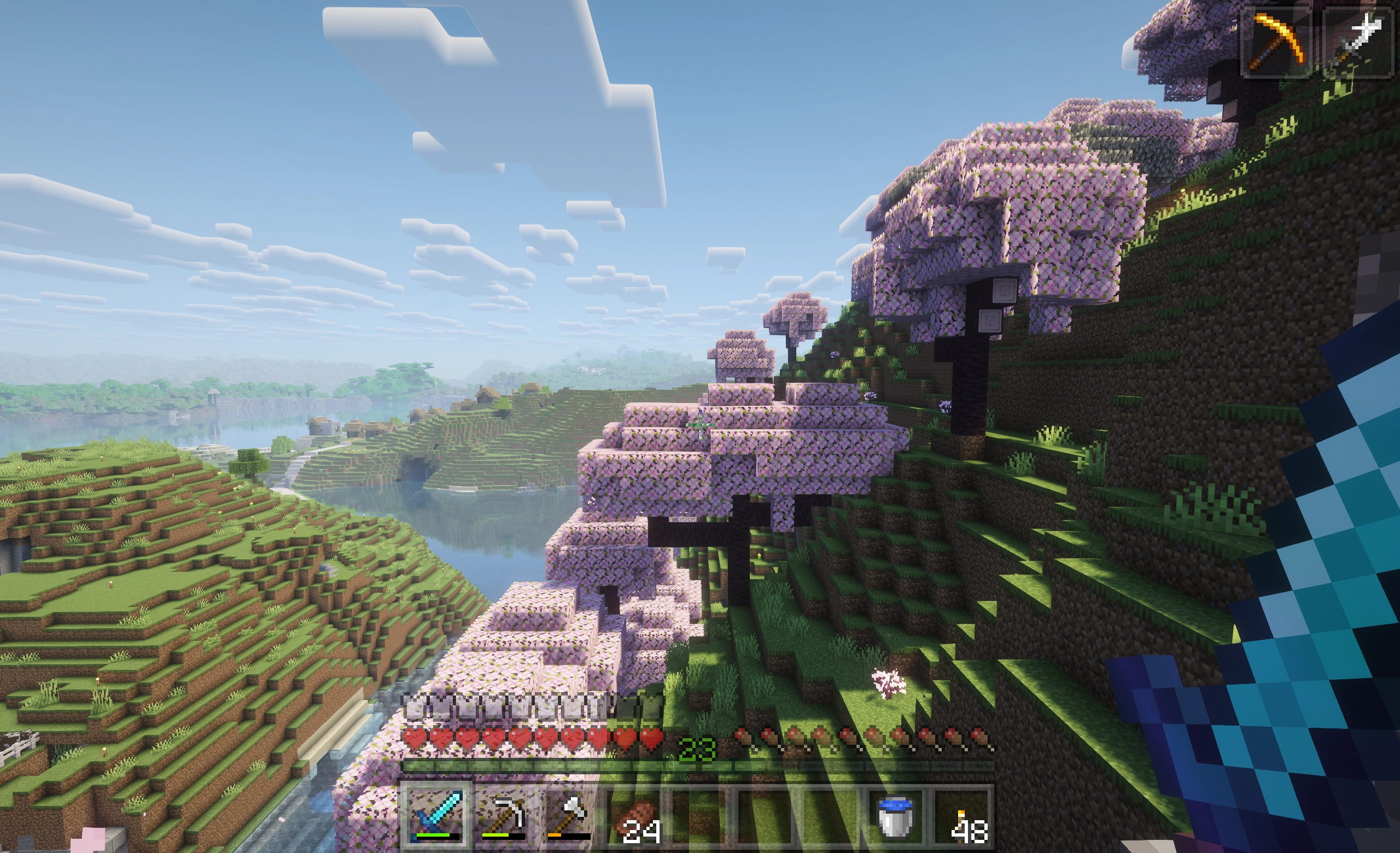
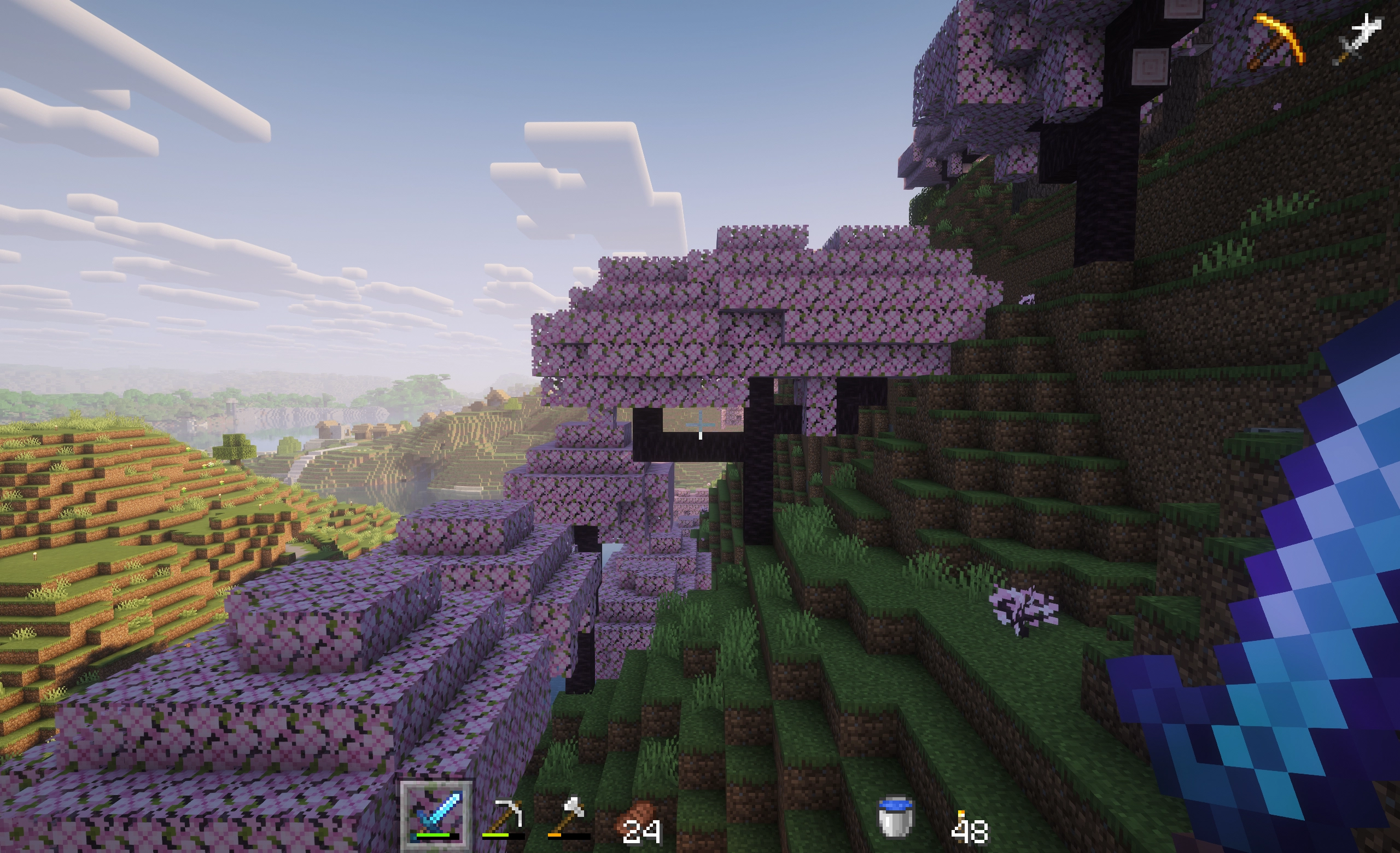
Automatically dims or hides Minecraft's HUD when not in use to protect OLED displays from burn-in and provide a more minimal experience.
截图
介绍
中文介绍正在准备中,下面暂时显示原文。
Auto-Hide Hotbar
Automatically dims or hides Minecraft’s HUD when not in use to protect OLED displays from burn-in and provide a more minimal experience.
_Note: This project is a fork of Alphayt’s mod OLED Saver with extra features, support for NeoForge, and support for Minecraft 26.1+._
Features
- Supports both Fabric and NeoForge
- HUD elements are put in an inactive state when they haven’t changed in a configurable amount of time
- Inactive elements are automatically hidden, or optionally, can be dimmed to a configurable opacity instead
- Supports hiding/dimming the hotbar, health bar, hunger bar, armor bar, XP bar, and effect indicators
- Mount jump/dash bar only shows when powering up
- Hide held item tooltips (Off by default)
- Hotbar stats (health, hunger, etc.) always show while in the inventory
- Highly configurable
- Configure if UI elements should stay visible, decrease in opacity, or hide completely when inactive
- Configure if held item tooltips should be hidden
- Configure if stats should show using a custom text overlay while in the inventory
- Configure timings for how long UI elements are considered active
- Configure the percentage of health or hunger that should activate their respective HUD elements
- Configure if health or hunger should only show when below the specified percentage, and not when it changes
- GUI configuration via MidnightLib (bundled with mod)
Fabric Dependencies
NeoForge Dependencies
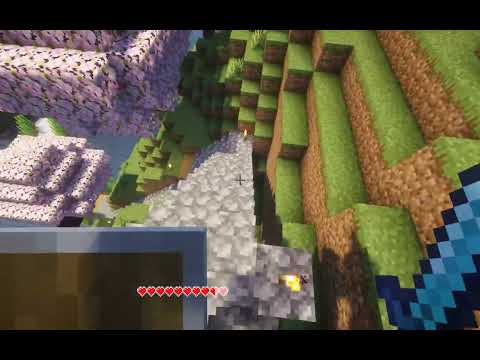
YouTube demo of the mod:
常见问题
Auto-Hide Hotbar 支持哪些 Minecraft 版本?
Auto-Hide Hotbar 支持 Minecraft Java 版 26.1–26.3,共 5 个版本,可用的加载器:Fabric / NeoForge。下载时注意选择和你游戏版本一致的文件。
Auto-Hide Hotbar 怎么安装?
先用 PCL2 或 HMCL 启动器安装对应版本的 Fabric / NeoForge,再把下载的 .jar 文件放进游戏目录的 mods 文件夹,重新启动游戏即可。开启了版本隔离的,mods 文件夹在 versions/版本名 下面。运行环境:仅客户端。

评论
登录后评论和评分