
AutoElytraa
Elytra autopilot that flies you to marked waypoints or coordinates automatically, with a live HUD and rocket-efficient cruising.
截图
介绍
AutoElytra
AutoElytra is a client-side Fabric mod that adds an intelligent elytra autopilot to Minecraft. Mark a home base or give it coordinates, and WingMan handles the entire flight — launching rockets, climbing to cruising altitude, navigating around obstacles, and gliding you in for a smooth arrival.
Features
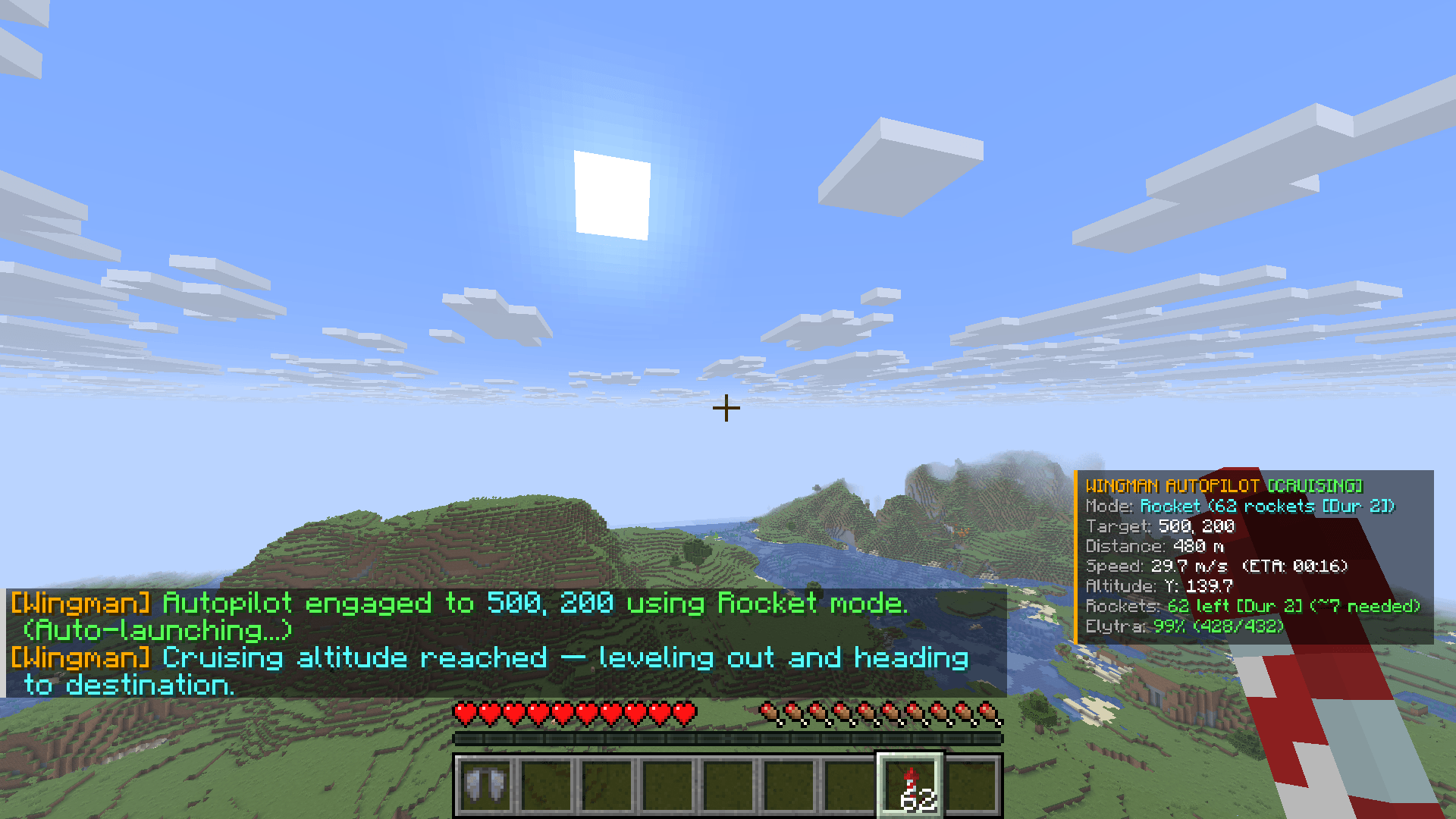
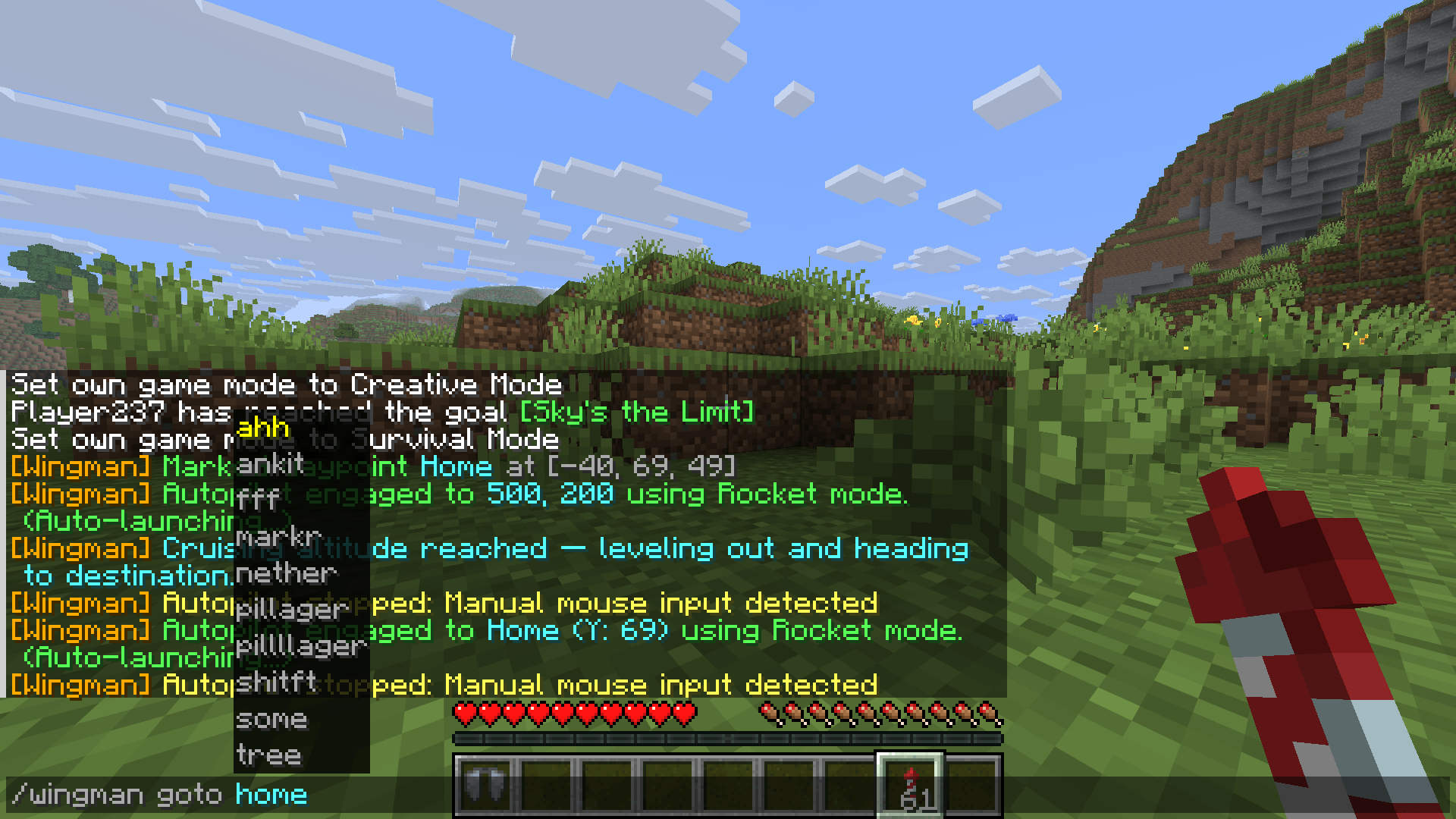
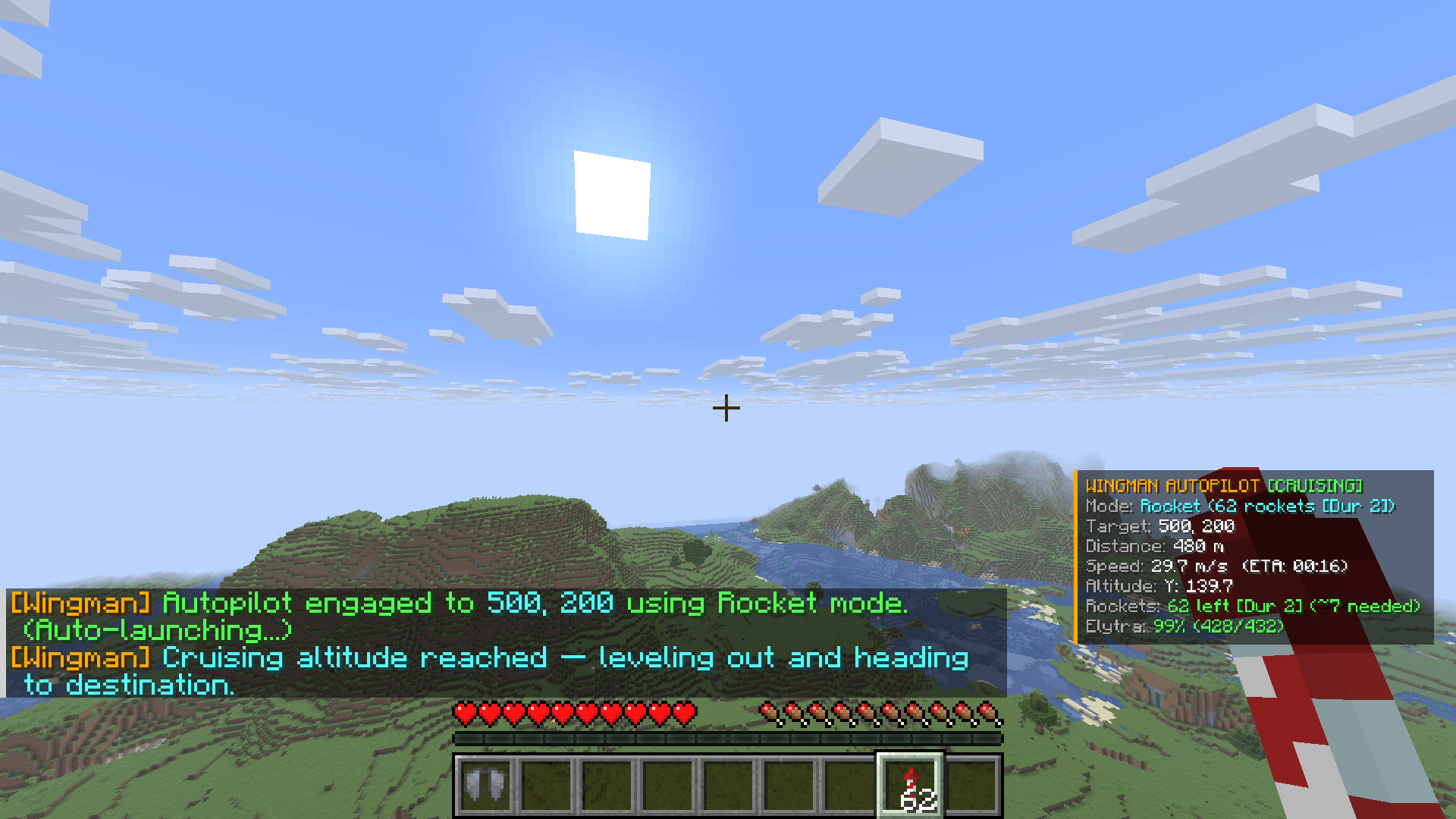
- Autopilot Navigation — Fly to a saved waypoint or raw coordinates with a single command. WingMan auto-equips your elytra, launches rockets, climbs to cruise altitude, and levels out automatically.
- Rocket-Efficient Flight — Rockets are only fired based on your current speed, not a fixed timer, so you stop wasting inventory space coasting on fumes.
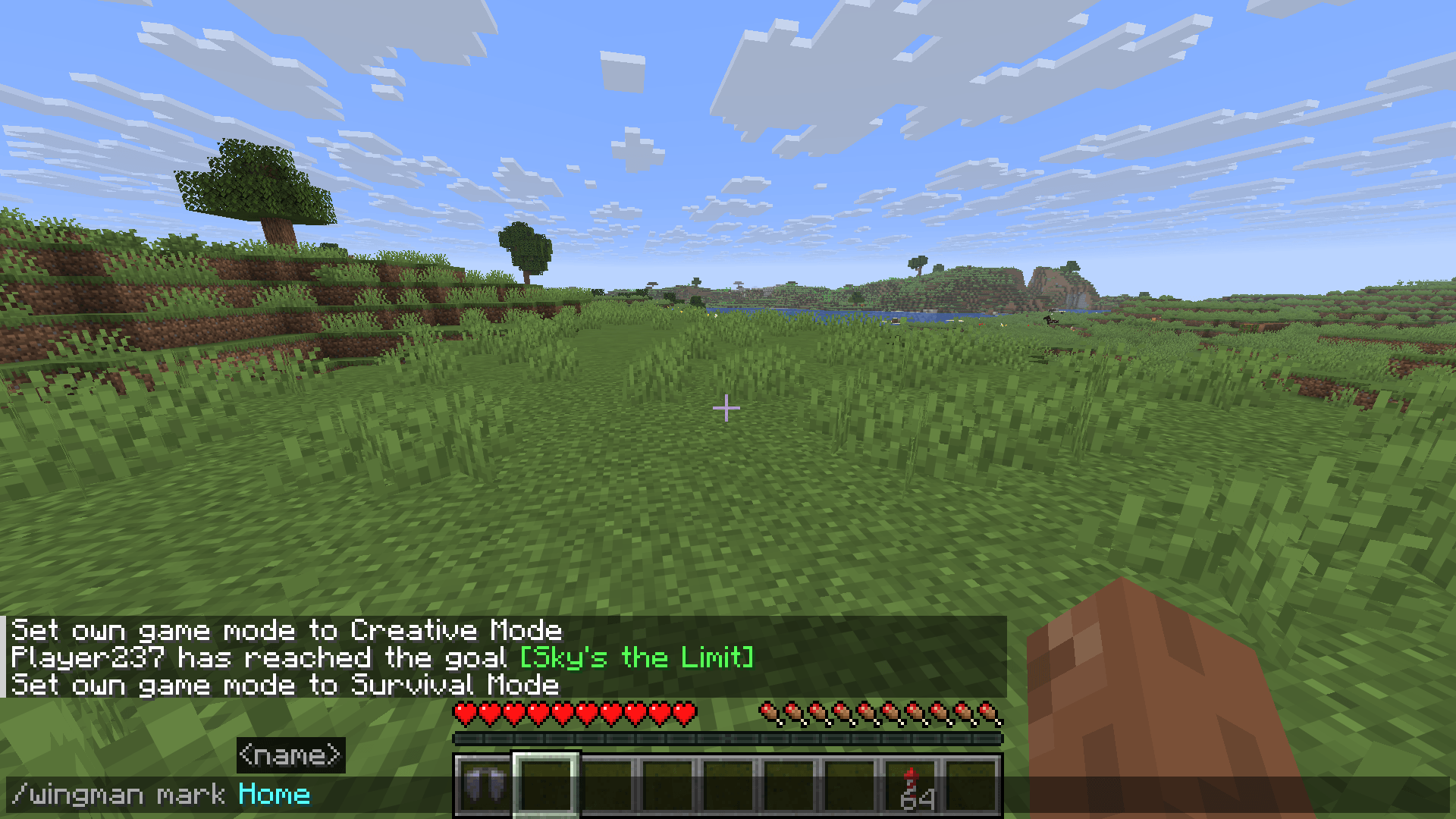
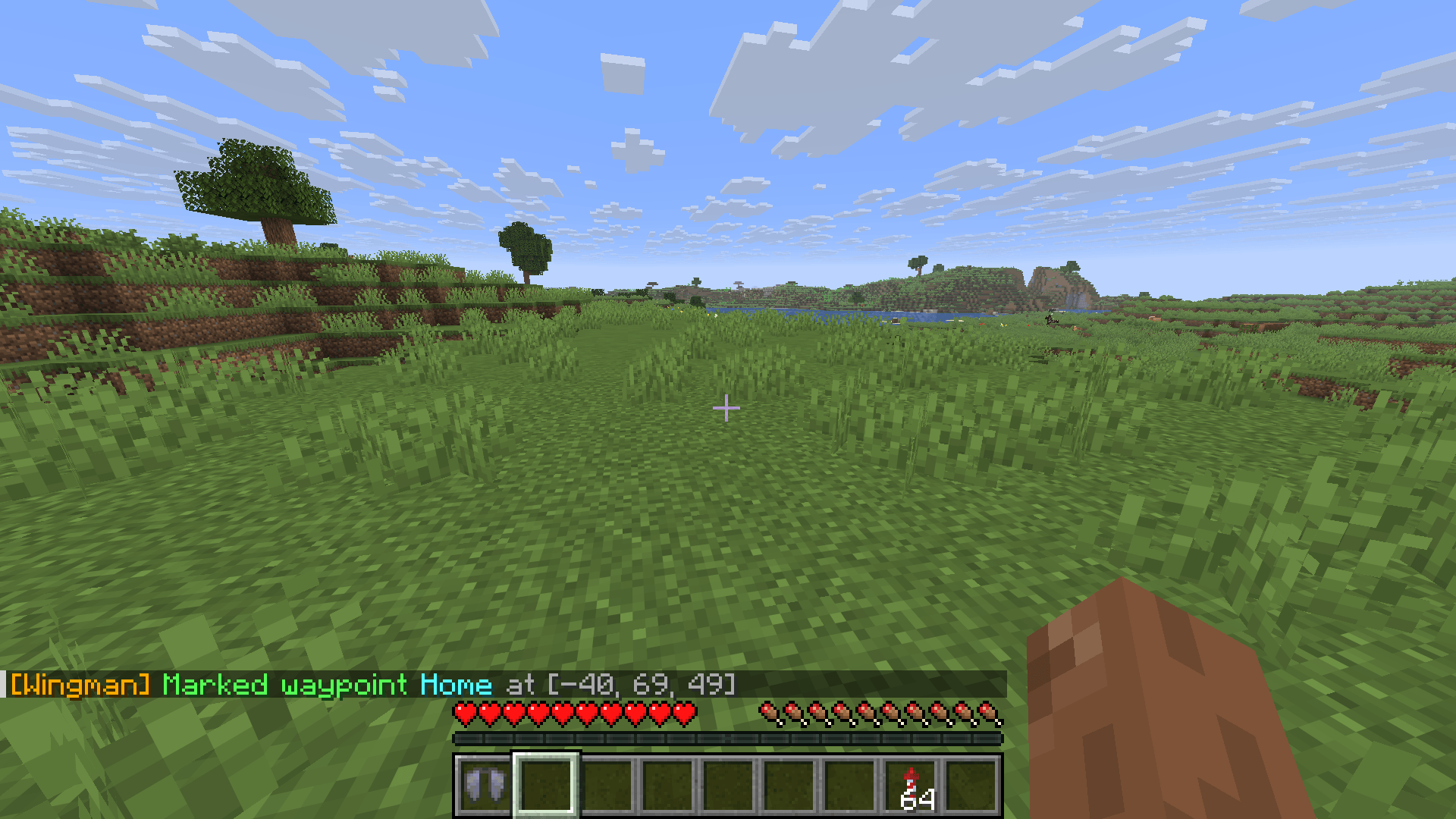
- Waypoint System — Save named locations (like
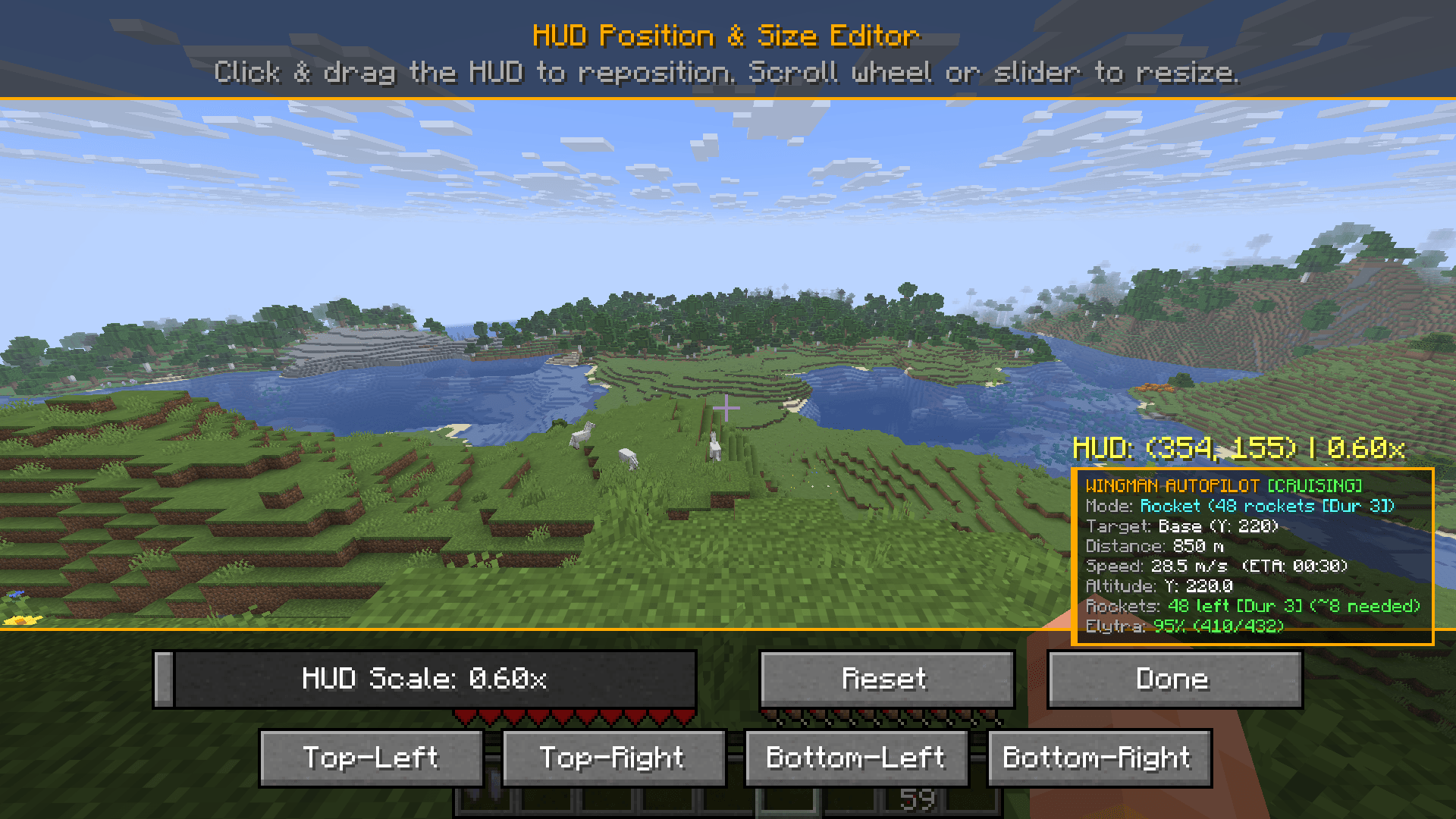
Home) and fly back to them anytime with a simple command. - Live HUD Overlay — Shows flight mode, target, distance remaining, ETA, current speed, altitude, rockets left, and elytra durability at a glance.
- Fully Customizable HUD — Drag-and-resize editor lets you reposition and rescale the overlay exactly how you want it, with snap-to-corner presets.
- Obstacle Avoidance — Configurable look-ahead distance keeps you from flying straight into terrain.
- Manual Override Safety — Autopilot instantly disengages the moment you touch your mouse, so you’re always in control.
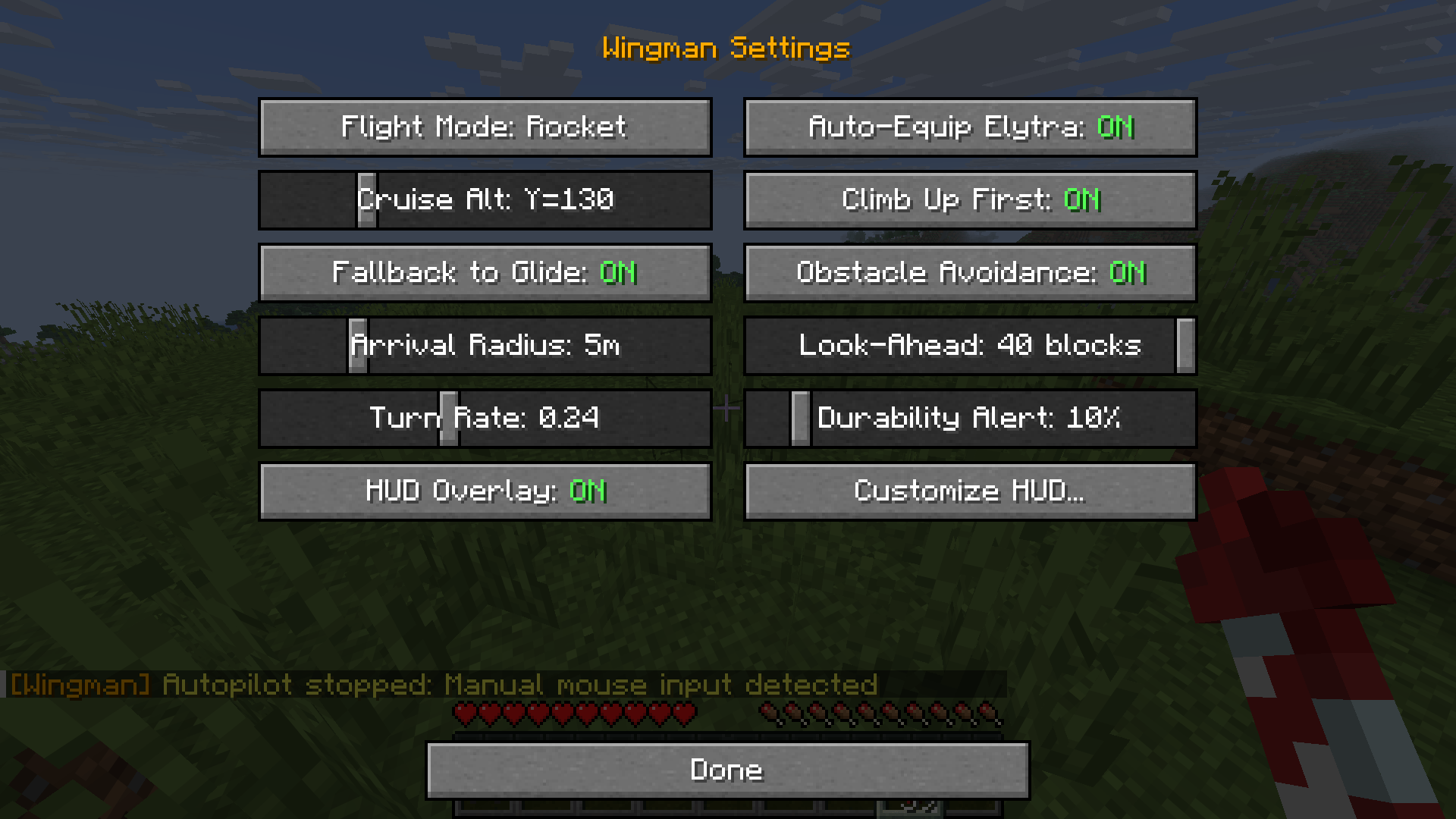
- Deep Customization — Tune cruise altitude, turn rate, arrival radius, durability alert threshold, climb behavior, and more from an in-game settings menu.
How to Use
- Equip an elytra and rockets in your inventory.
- Mark a location:
/wingman mark <name> - Fly to it anytime:
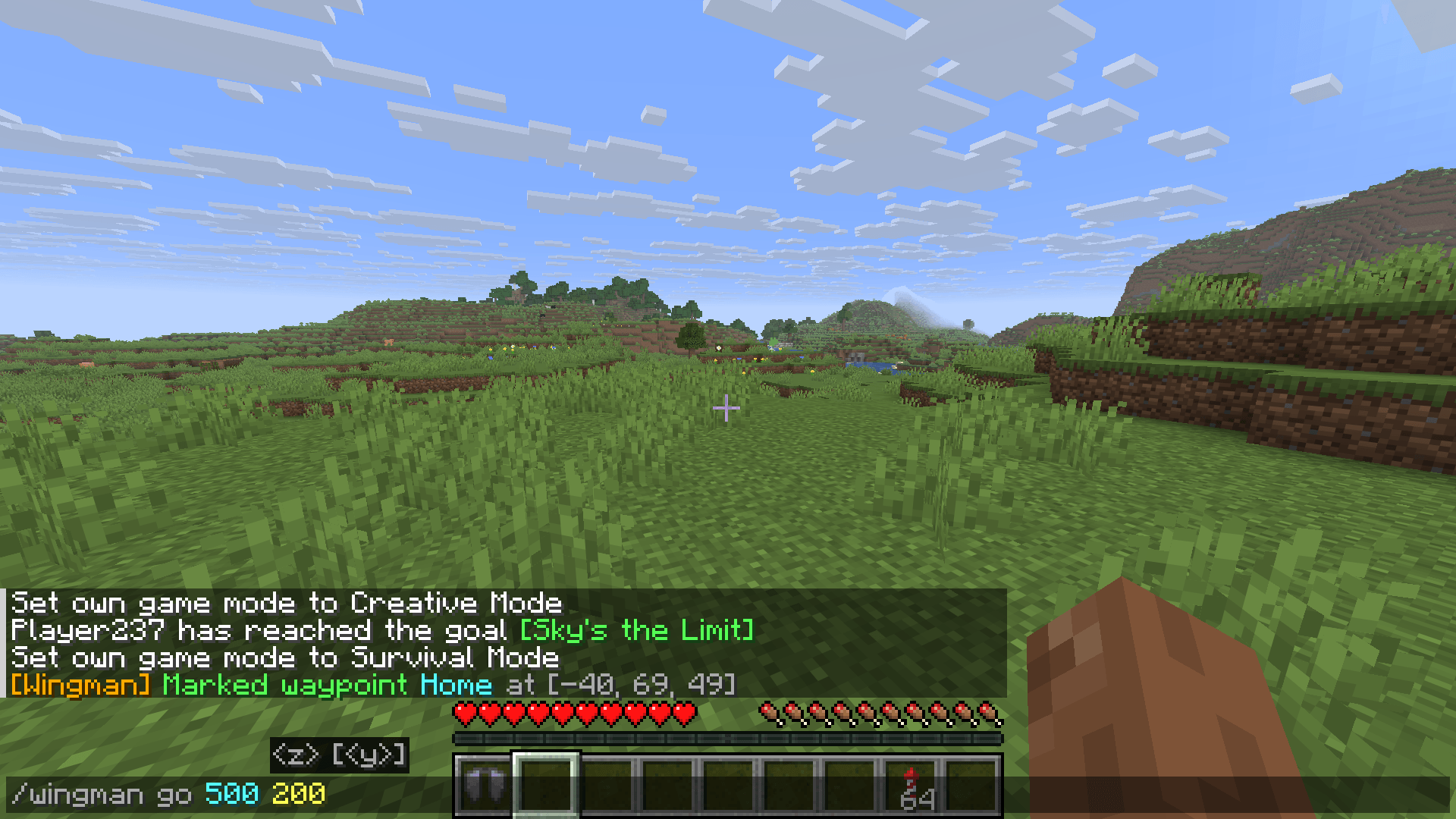
/wingman goto <name> - Or fly straight to coordinates:
/wingman go <x> <z> - Open
/wingman settings(or the in-game menu) to fine-tune flight behavior and the HUD.
Commands
| Command | Description |
|---|---|
/wingman mark <name> |
Save your current position as a named waypoint |
/wingman goto <name> |
Autopilot to a saved waypoint |
/wingman go <x> <z> |
Autopilot directly to coordinates |
/wingman settings |
Open the settings menu (flight mode, HUD, alerts, etc.) |
Compatibility
| Platform | Fabric Loader |
| Side | Client-side only |
| Java | Java 21+ |
| Dependencies | Fabric API |
Client-side only — works on any server without installation.
常见问题
AutoElytraa 支持哪些 Minecraft 版本?
AutoElytraa 支持 Minecraft Java 版 1.21.1–26.2,共 15 个版本,可用的加载器:Fabric。下载时注意选择和你游戏版本一致的文件。
AutoElytraa 怎么安装?
先用 PCL2 或 HMCL 启动器安装对应版本的 Fabric,再把下载的 .jar 文件放进游戏目录的 mods 文件夹,重新启动游戏即可。开启了版本隔离的,mods 文件夹在 versions/版本名 下面。
spce_man 的其他作品
查看全部 →
AFK Fishing
检测到鱼上钩时,自动收线并重新抛竿,挂机钓鱼的好帮手。

AdvanceDrop
完成进度、赢取宝箱、开出战利品。共有九个等级,从泥土到下界合金——挑战越艰难,奖励越丰厚。

AutoEater
AutoEater是一个客户端Fabric模组,当你的饥饿条低于你设定的阈值时自动为你进食——再也不用在挖矿或建造时饿死了。

PortalPeek
在你的 HUD 上自动显示下界/主世界坐标转换。再也不用做传送门数学了。
评论
登录后评论和评分