
截图
介绍
📥 AutoDrop Manager [Fabric 1.21.1]
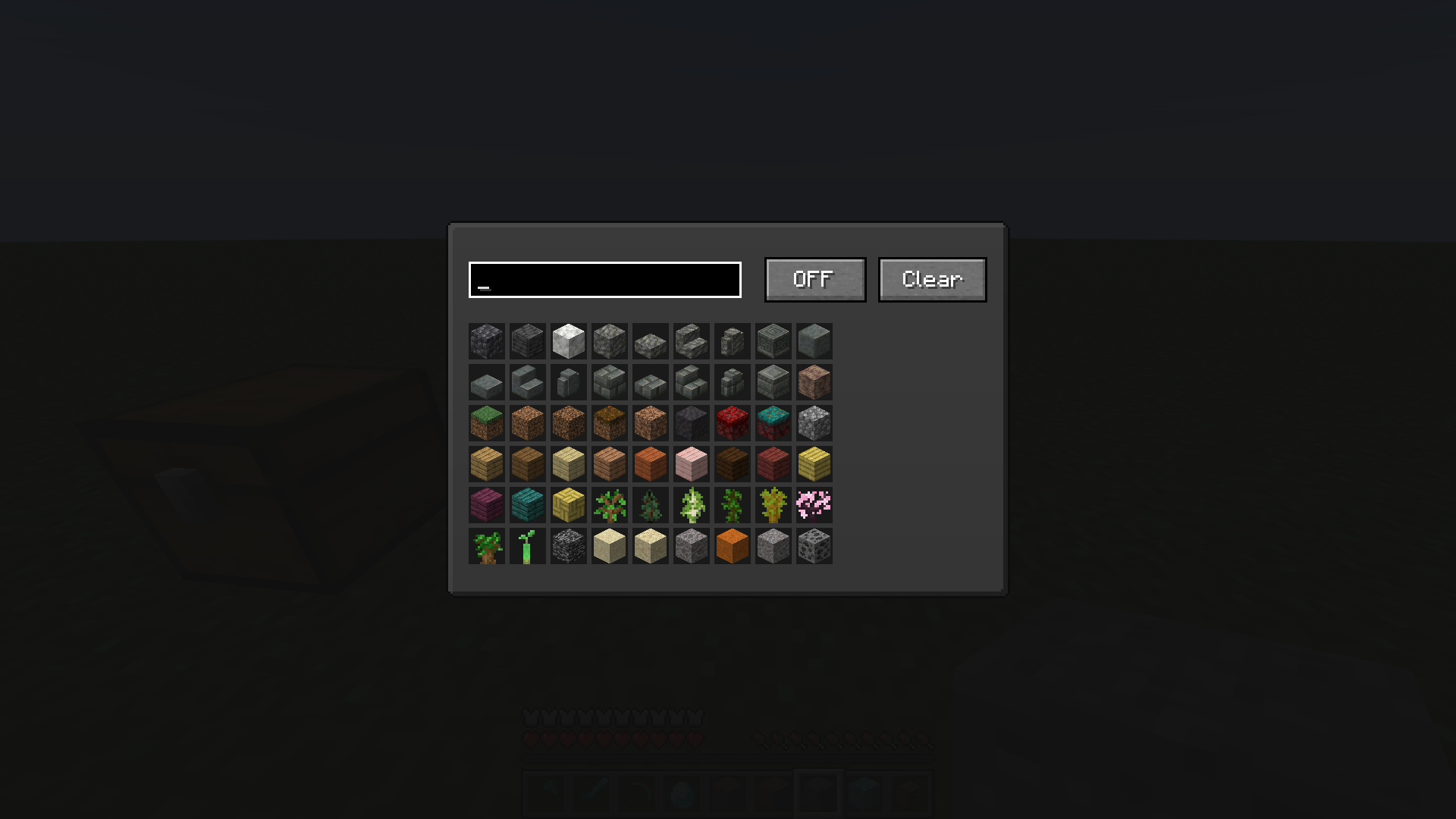
AutoDrop Manager is a lightweight, client-side mod designed to automatically keep your inventory clean from unwanted trash. Tired of cobbles, dirt, gravel, or diorite clogging up your slots while strip-mining or excavating? This mod does all the tedious inventory cleaning for you instantly!
📺 Video Showcase & Tutorial
Watch the mod in action and learn how to set it up in less than a minute!
✨ Features
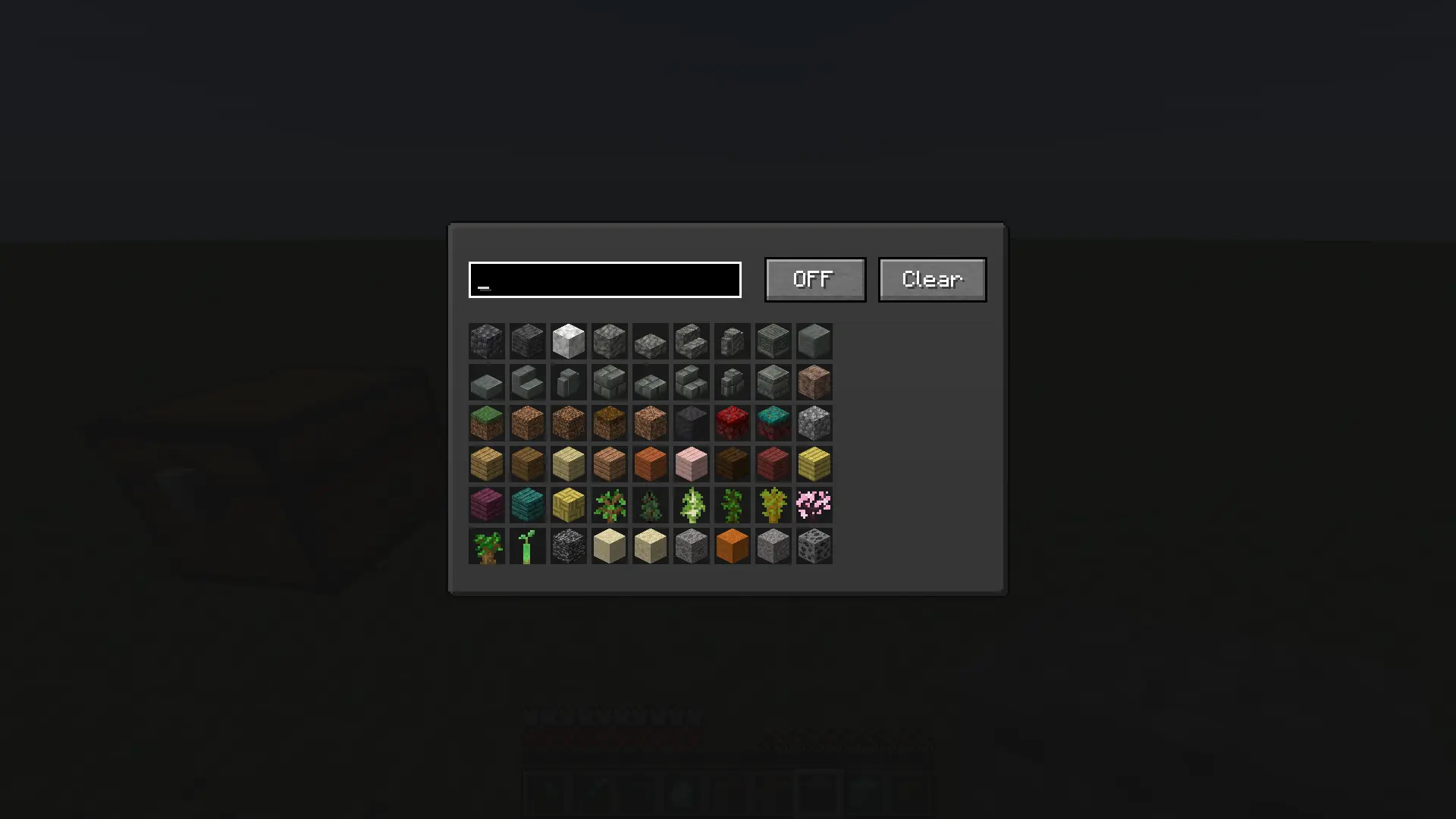
- Smart Item Filter: Easily select any block or item from the entire game using a clean grid layout.
- Instant Auto-Dropping: As soon as a blacklisted item enters your inventory, the mod drops it on the ground immediately.
- Responsive Search Bar: Quickly search for blocks and items by their localized names or technical IDs.
- Effortless Management: Features a global ON/OFF toggle switch and a Clear button to wipe your blacklist in one click.
- Full Keybind Support: Change the menu opening key to any button you prefer inside the standard Minecraft Controls menu.
🛠 How to Use
- Go to Minecraft Options -> Controls -> Key Binds and assign a comfortable key for “Open Mod Menu” (Default is
O). - Press the assigned key in-game to open the custom interface.
- Use the search text box to find the items you want to get rid of.
- Click on an item in the grid — a red highlight will appear. This means the item is now blacklisted.
- Make sure the toggle button at the top right is set to ON.
- That’s it! The blacklisted trash will no longer stay in your inventory.
常见问题
AutoDrop Manager 支持哪些 Minecraft 版本?
AutoDrop Manager 支持 Minecraft Java 版 1.21.1–1.21.4,共 4 个版本,可用的加载器:Fabric。下载时注意选择和你游戏版本一致的文件。
AutoDrop Manager 怎么安装?
先用 PCL2 或 HMCL 启动器安装对应版本的 Fabric,再把下载的 .jar 文件放进游戏目录的 mods 文件夹,重新启动游戏即可。开启了版本隔离的,mods 文件夹在 versions/版本名 下面。运行环境:仅客户端。
Mr_Lan123 的其他作品
查看全部 →
Auto Totem
Automatically moves a Totem of Undying from your inventory to your offhand. Toggled on/off via a hotkey (default: O, For 26.2+ = J). Settings menu (key B or via Mod Menu): statistics HUD and totem usage notification HUD. PvP helper. QoL. Fabric
Fullbright (Night Vision)
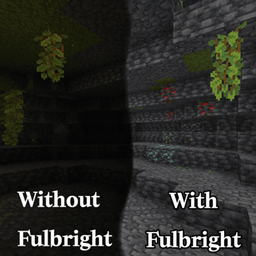
Fullbright. See in the dark on any server, no permissions or potions needed. Press G to toggle a real client-side night vision - not the vanilla effect. Night Vision Gamma

[KSE] Keyboard Sound Effects
This mod adds sound effects to key presses and mouse clicks, featuring pleasant built-in sounds. You can also load your own sound files directly from the in-game settings menu.

Dynamic RPG HUD
Hides your hotbar and status bars with a smooth slide animation while you are idle at full health or on the move, and brings them back the moment something changes. HUD QoL. Beauty. Stylization. Fabric RPG Dynamic
评论
登录后评论和评分