AutoBreeder
SummaryA fully automated, redstone-free animal breeding system using nearby stations and chest storage.
截图
介绍
AutoBreeder
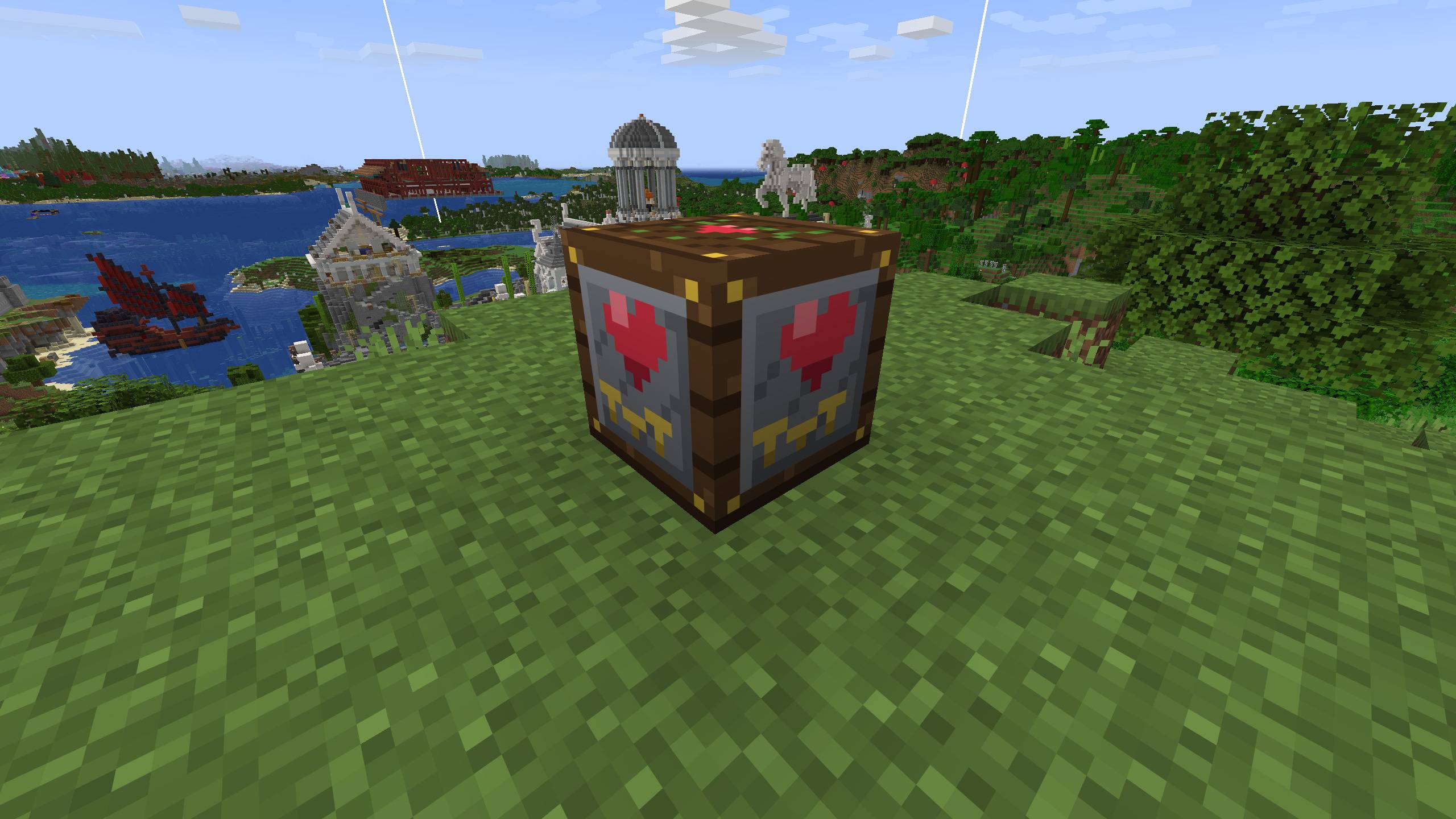
AutoBreeder is a lightweight, performance-friendly NeoForge mod that automates livestock breeding in Minecraft without complex Redstone contraptions or lag-heavy entity setups.
Key Features
-
Redstone-Free Automation: Place down the AutoBreeder station, line it up with food, and let it handle the breeding loop seamlessly.
-
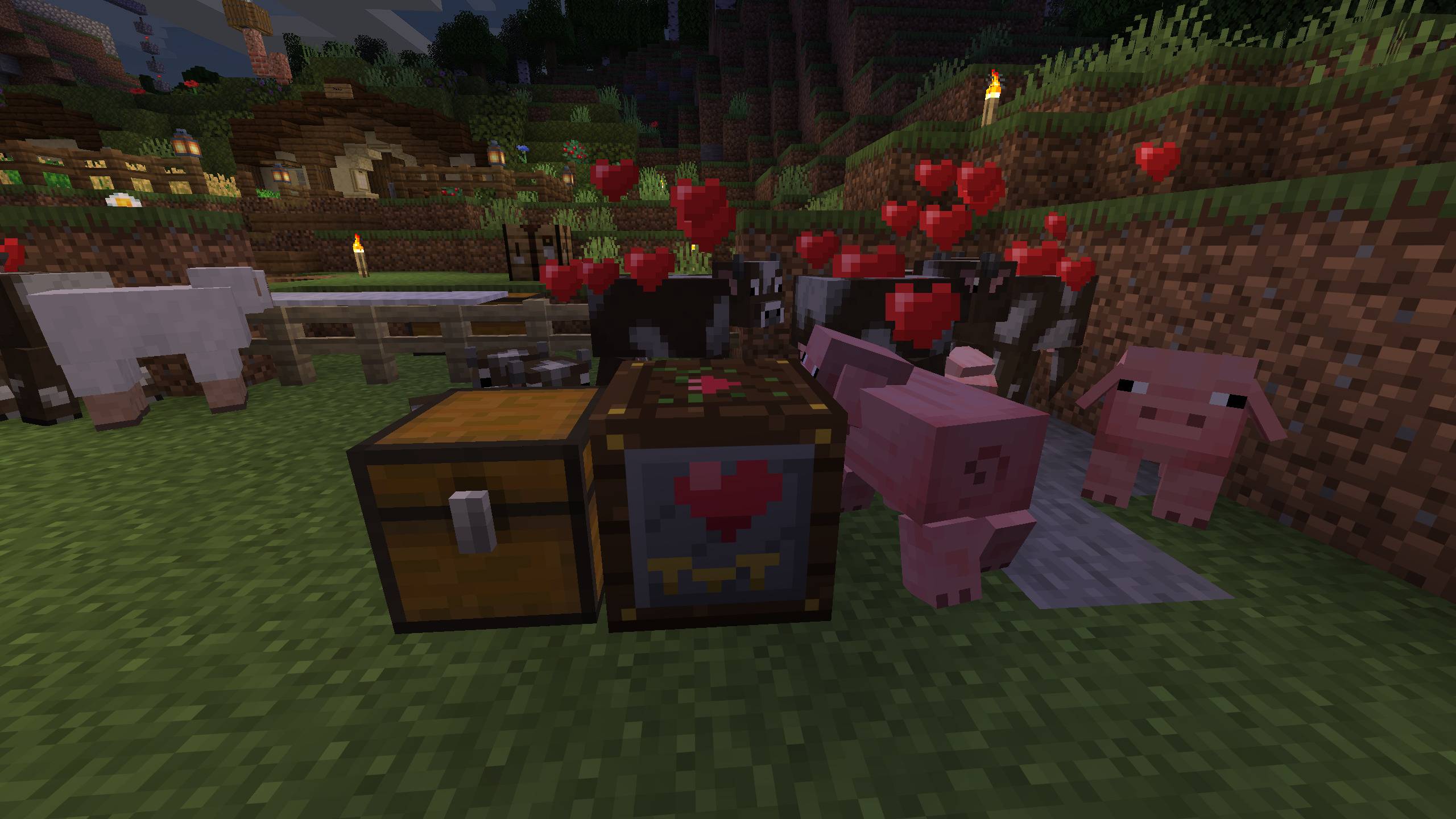
Smart Entity Scanning: Automatically detects ready-to-breed adult animals within range and triggers love mode.
-
Chest Integration: Pulls required breeding items (wheat, seeds, carrots, etc.) directly from adjacent inventory blocks like chests.
-
Server Friendly: Designed with optimized tick checks to ensure smooth performance on singleplayer worlds and multiplayer servers alike.
Recipe & How It Works
Crafting Recipe:
-
1x Lodestone + 1x Composter
How to Use:
-
Craft the AutoBreeder block using a Lodestone and a Composter.
-
Place the AutoBreeder block near your animal pens.
-
Place a chest directly adjacent to the AutoBreeder station and stock it with the appropriate animal food.
-
The station will periodically scan surrounding animals, consume food from the chest, and automatically trigger breeding.
https://github.com/WOSITER/AutoBreeder
https://github.com/WOSITER/AutoBreeder/issues
常见问题
AutoBreeder 支持哪些 Minecraft 版本?
AutoBreeder 支持 Minecraft Java 版 26.3,可用的加载器:NeoForge。下载时注意选择和你游戏版本一致的文件。
AutoBreeder 怎么安装?
先用 PCL2 或 HMCL 启动器安装对应版本的 NeoForge,再把下载的 .jar 文件放进游戏目录的 mods 文件夹,重新启动游戏即可。开启了版本隔离的,mods 文件夹在 versions/版本名 下面。
评论
登录后评论和评分