Auto Trader
Auto Trader automates villager trading. Capture a villager in a bucket, select a trade, and use redstone and hoppers to trade with real offers, stock limits, and restocking. Compatible with No Trade Cooldown by adamjaroui23.
截图
介绍
Auto Trader
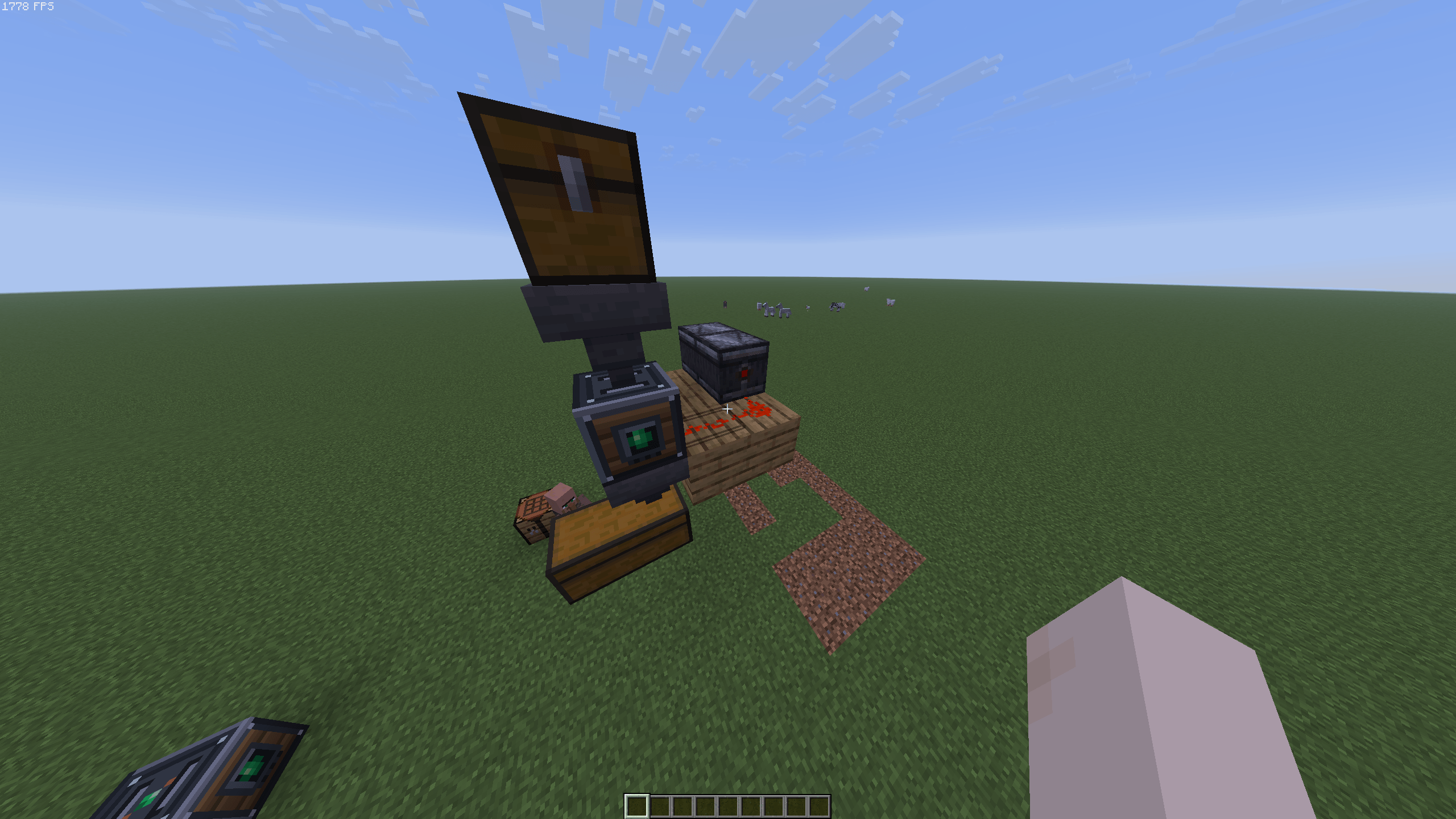
Auto Trader adds a redstone-powered workstation for automating villager trades. Store a villager in the machine, choose one of their offers, and let your builds handle the trading.
Getting started
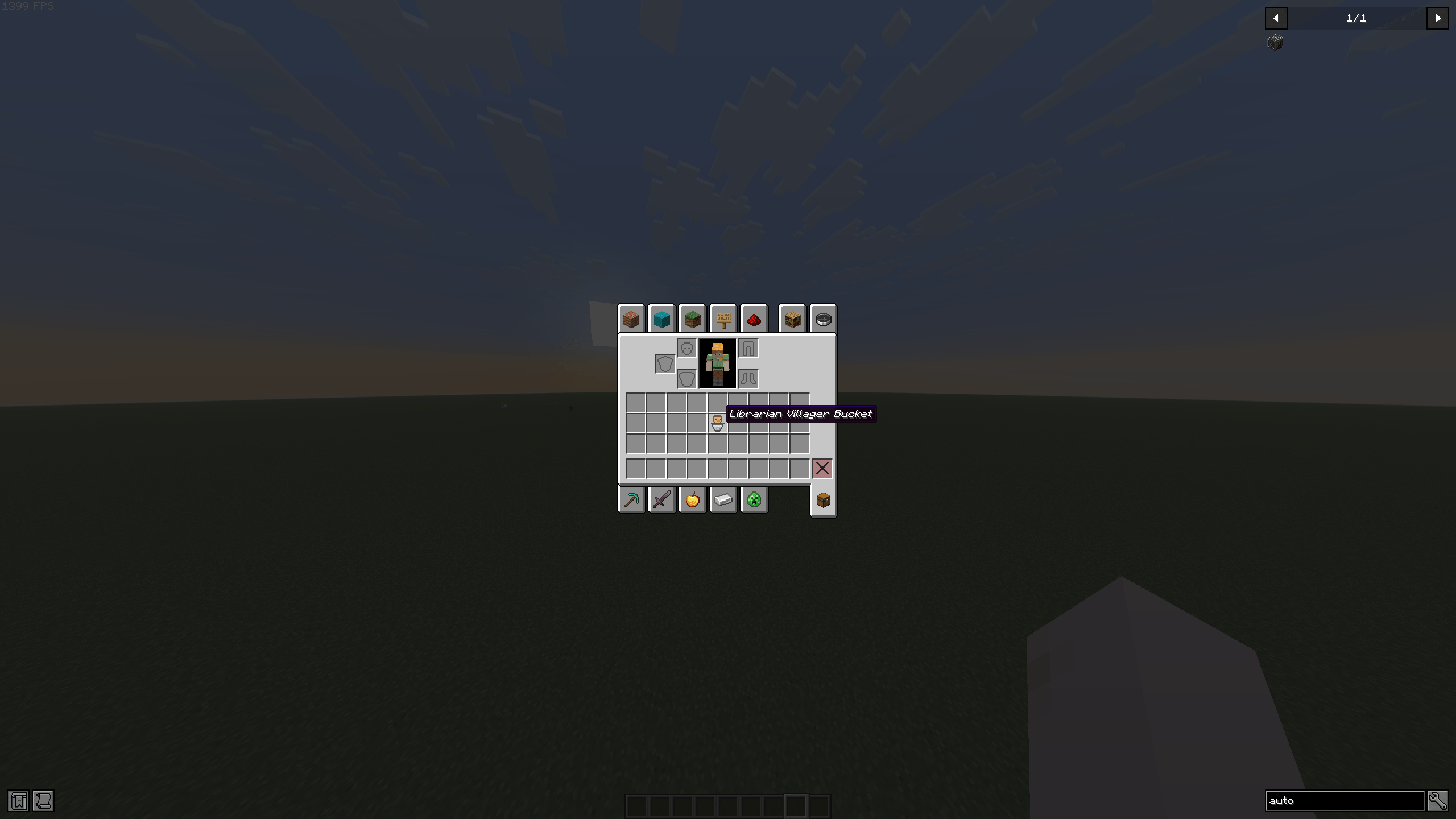
- Use an empty vanilla bucket on a villager to capture them. Their profession and trade data are preserved, and the bucket shows which profession it contains.
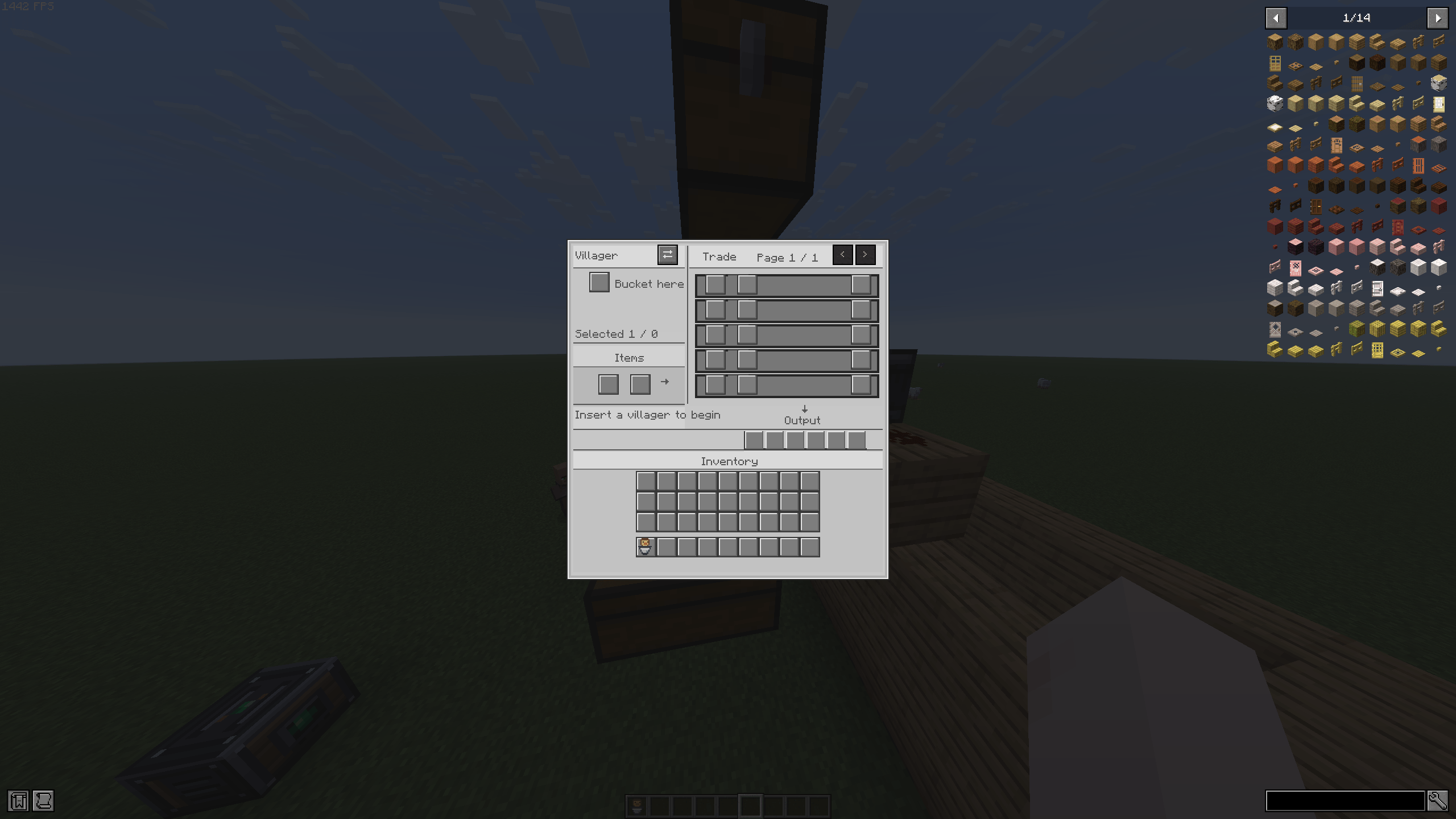
- Place an Auto Trader and insert the villager bucket into its villager slot.
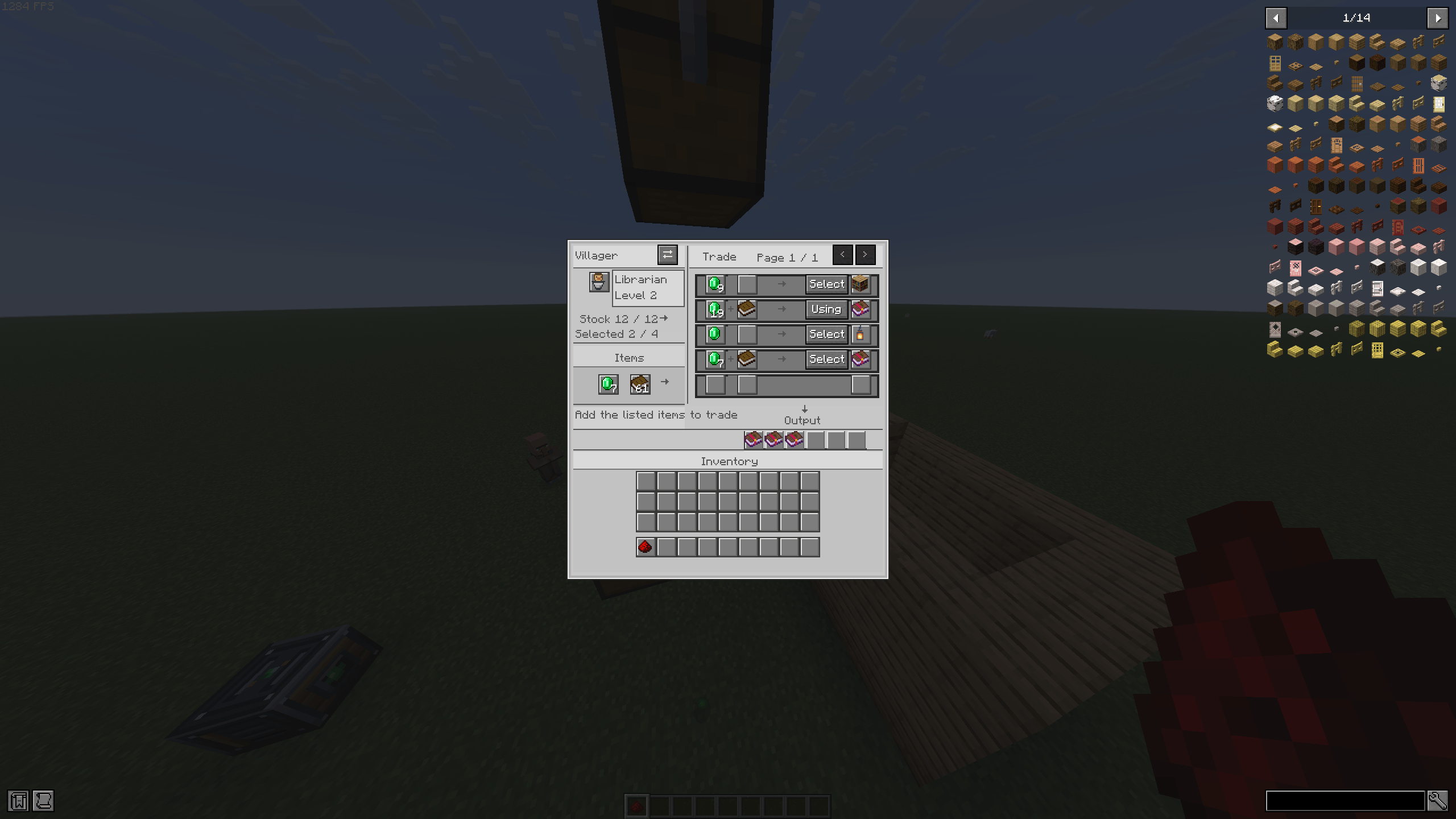
- Select an offer from the trade list.
- Add the required items to the input slots.
- Send a redstone pulse to perform a trade.
The machine uses the villager’s actual offers and outputs the real trade result. It respects trade costs, stock limits, and vanilla restocking. Each new redstone activation performs at most one trade, so send another pulse to trade again.
Automation
Hoppers can feed items into the input inventory and extract purchased items from the output inventory. The machine uses sided inventory access to keep inputs and outputs in their intended slots.
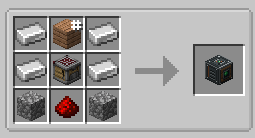
Recipe
Iron Ingot Any Plank Iron Ingot
Iron Ingot Crafter Iron Ingot
Cobblestone Redstone Cobblestone
Image of recipe in Gallery
The plank slot accepts any plank type.
Requirements: Fabric, Minecraft 26.3
Compatibility: Can be used alongside No Trade Cooldown by adamjaroui23.
常见问题
Auto Trader 支持哪些 Minecraft 版本?
Auto Trader 支持 Minecraft Java 版 26.3,可用的加载器:Fabric。下载时注意选择和你游戏版本一致的文件。
Auto Trader 怎么安装?
先用 PCL2 或 HMCL 启动器安装对应版本的 Fabric,再把下载的 .jar 文件放进游戏目录的 mods 文件夹,重新启动游戏即可。开启了版本隔离的,mods 文件夹在 versions/版本名 下面。

评论
登录后评论和评分