Auto Seam Blend
Automatic connected textures for Minecraft, editable and exportable in-game.
截图
介绍
AutoSeamBlend
Automatic connected textures for Minecraft blocks — no block lists, no
manual textures. Preview, paint, and export them right inside the game.
What is it?
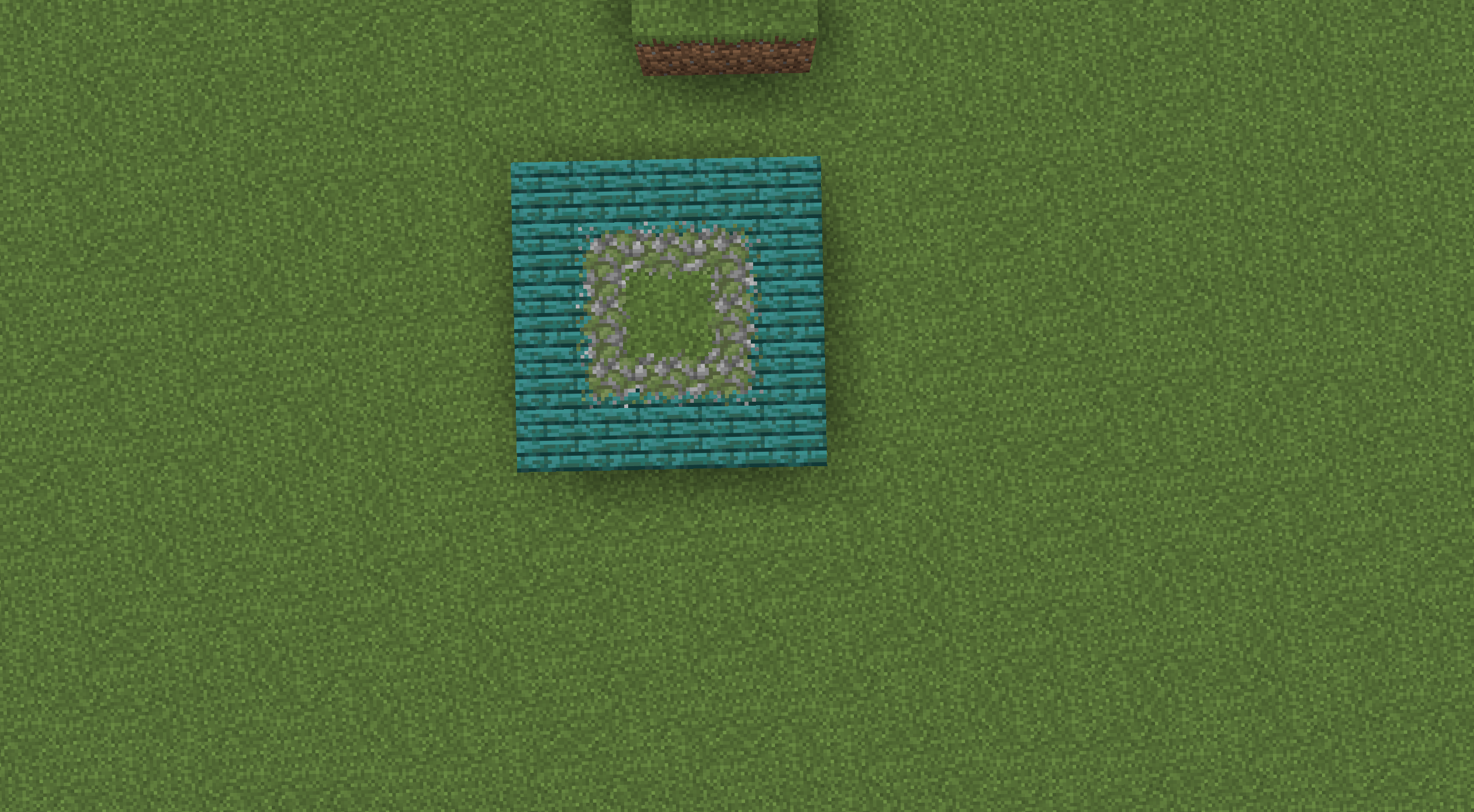
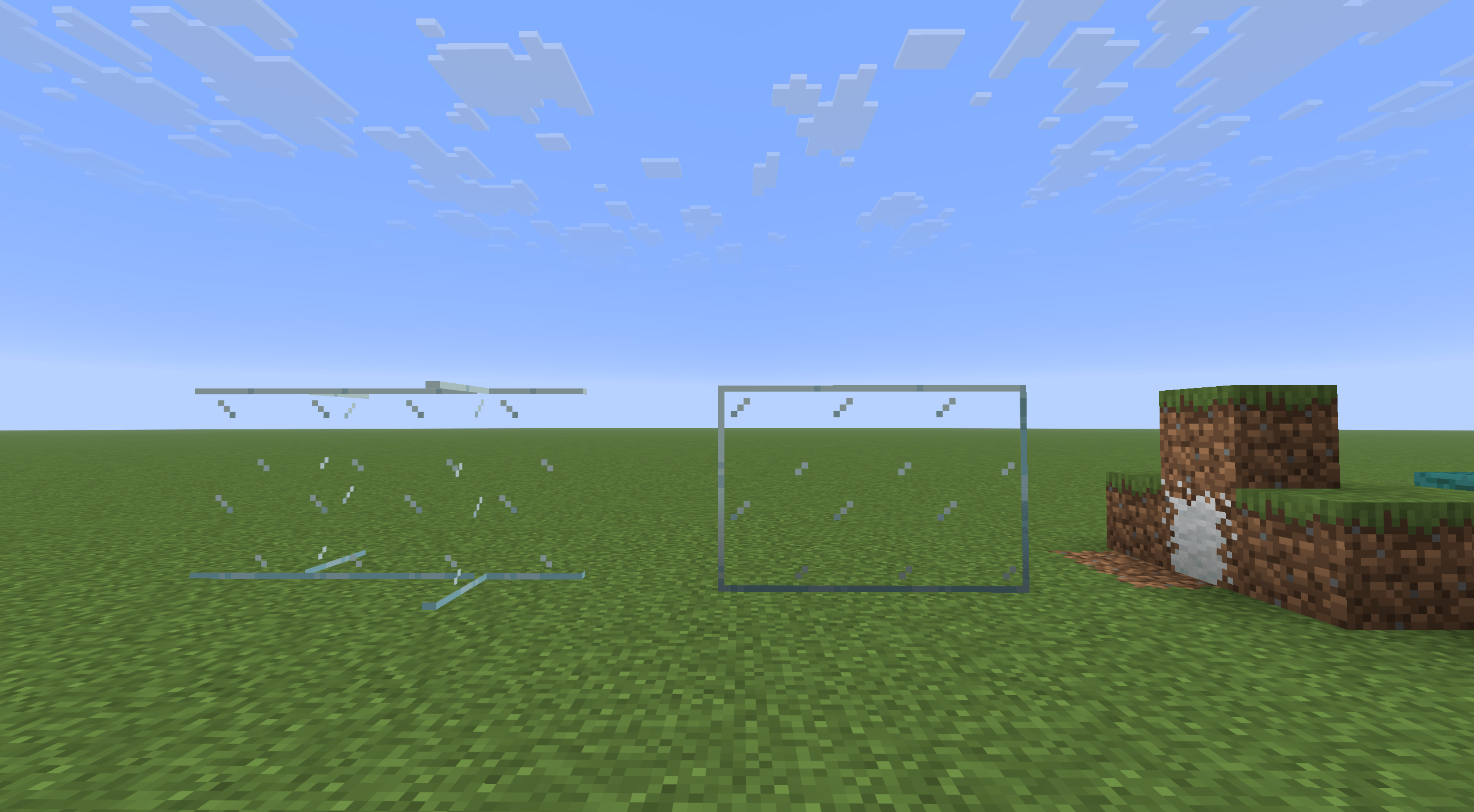
Place the same block next to itself in Minecraft and you often see a visible
seam between the two surfaces — glass panes are the classic example.
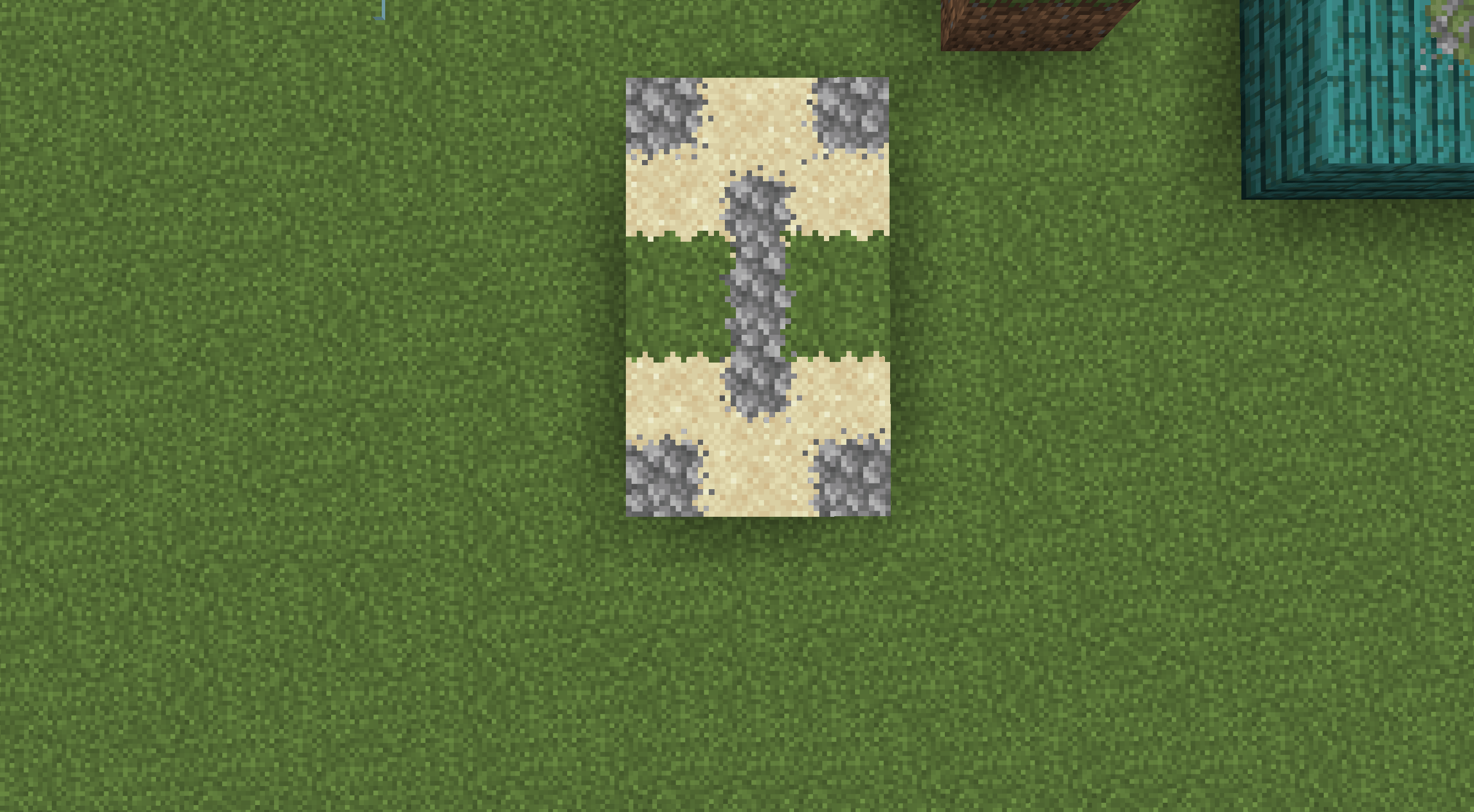
Connected textures make neighbouring surfaces flow into each other, so a
whole wall looks like one continuous block instead of many separate tiles.
AutoSeamBlend does this for you automatically:
- it finds suitable blocks on its own (no lists to fill in);
- it picks the right connection style for each block;
- it generates the missing texture states.
It is an add-on for the well-known connected-texture engines. Install any one
of them and AutoSeamBlend is ready to go.
Features
- Automatic discovery — AutoSeamBlend looks at how each block is actually
modelled and rendered, then chooses good candidates by itself. - In-game GUI — type
/autoseamblendto open an editor: see which blocks
already use connected textures and add your own. - Real 3D preview — see the connected result live, add neighbouring
blocks, rotate and zoom. What you see is what the game renders. - Pixel painting — adjust the texture of all six faces of a block with an
in-game pixel editor (brush, eraser, eyedropper, fill, undo/redo). - Native property editing — change connection properties in the format
your engine understands, without breaking existing resource packs. - One-click export — export a ready-to-use “baked” resource pack that
loads even without AutoSeamBlend installed (you still need the
connected-texture engine). - Respects your packs — existing textures and author-made content are
never overwritten; AutoSeamBlend only completes what is missing.
Quick start
-
Install AutoSeamBlend for your Minecraft version and loader.
-
Install Fzzy Config (required) and any one of these engines:
The available engines depend on the version and loader (for example, some
Fabric targets have no CTM adapter). On some loaders, Fabric API and
Fabric Language Kotlin are also required. The UI library (UILib) is
bundled with the mod — nothing else to install. -
Launch the game. Type
/autoseamblendto open the GUI, or
/autoseamblend exportto export a baked resource pack.
Configuration & priority
AutoSeamBlend has three configuration entry points. Their priority, from
highest to lowest:
- Third-party resource packs — connection rules written in your engine’s
native format by any resource pack (for example OptiFine-style/MCPatcher
packs for Continuity, as well as CTM, Fusion and Athena rules). This is the
highest-priority source; AutoSeamBlend never overwrites content written by
pack authors. - Built-in resource pack — created when you add blocks in the in-game GUI
(/autoseamblend) and save. It lives in
resourcepacks/AutoSeamBlend Managed/and only fills in what third-party
packs do not cover. - Config file —
config/autoseamblend/autoseamblend.json5
(Fzzy Config). Best for adding or excluding blocks by hand; it has the
lowest priority and only applies when nothing above it matches.
Priority rule: third-party resource pack > built-in resource pack > config
file. When a higher-priority source matches, lower-priority sources never
override it. When nothing higher matches, the lower-priority source applies in
full and only completes the missing texture states.
Common config fields:
automaticDiscovery— automatic discovery toggle,trueby default;targets— add target blocks per method bucket, for example add
"minecraft:stone"undertargets.auto.non-compatibility, or use
"#minecraft:stone"to make the whole tag a connection group;excludedTargets— explicitly exclude blocks you do not want processed.
After editing the config file, reload the game’s resources to apply the
changes (for example press F3+T or restart the game).
Requirements
- Client-side only — works in singleplayer and on any server; the server does
not need the mod. - Required: Fzzy Config.
- At least one supported connected-texture engine from the list above.
- If several engines are installed, AutoSeamBlend picks the right one
automatically.
FAQ
Nothing changed in-game?
Make sure at least one engine is installed and active. Without an engine,
AutoSeamBlend only shows a diagnostics screen.
Do I need to install it on my server?
No — AutoSeamBlend is purely client-side.
Will it modify my worlds or resource packs?
No. It only writes to its own “AutoSeamBlend Managed” resource pack when you
save, and exports go to a separate folder you choose.
Why isn’t a particular block connected?
Automatic discovery is based on the block’s real model and texture behaviour.
Blocks with special dynamic rendering may not be picked up automatically —
you can still add them manually in the GUI or in the config file and edit them
there.
Which engine should I choose?
Any one from the list works. They use different formats internally, but the
editing and export workflow is the same.
Can I share my result with others?
Yes — the exported baked pack is a normal resource pack. Anyone with the same
engine can use it, even without AutoSeamBlend.
Is it compatible with other mods?
Of course — that’s exactly what it was made for!
ModernFix compatibility: AutoSeamBlend is incompatible with ModernFix’s mixin.perf.dynamic_resources optimization. When this option is enabled, block models may not be fully baked during AutoSeamBlend’s initial surface scan, causing all generated blending surfaces to be silently rejected. Set mixin.perf.dynamic_resources=false to restore blending.
License and credits
- Author: kltyton
- License: LGPL-3.0-or-later
- AutoSeamBlend builds on the public APIs of Continuity/NeoContinuity, CTM,
Fusion, Athena, Fzzy Config and UILib. Thanks to all of those projects.
常见问题
Auto Seam Blend 支持哪些 Minecraft 版本?
Auto Seam Blend 支持 Minecraft Java 版 1.20.1–26.1.2,共 3 个版本,可用的加载器:Fabric / Forge / NeoForge。下载时注意选择和你游戏版本一致的文件。
Auto Seam Blend 怎么安装?
先用 PCL2 或 HMCL 启动器安装对应版本的 Fabric / Forge / NeoForge,再把下载的 .jar 文件放进游戏目录的 mods 文件夹,重新启动游戏即可。开启了版本隔离的,mods 文件夹在 versions/版本名 下面。
kltyton 的其他作品
查看全部 →
Polymorphic Tom’s Simple Storag
为 Tom's Simple Storag 提供 Polymorph 支持。

LightSpeedRe – Launch optimizations
大幅缩短整合包加载时间,让你少等一会儿(目前可提速 48%–71%)。

LightSpeedRe
大幅加快整合包加载速度,减少等待时间(目前可提升 48% - 71%)。

Only One Item
一个 Fabric 模组,在数据加载阶段替换整合包中的重复物品,确保配方、战利品表一致,并加快世界加载速度。
评论
登录后评论和评分