
截图
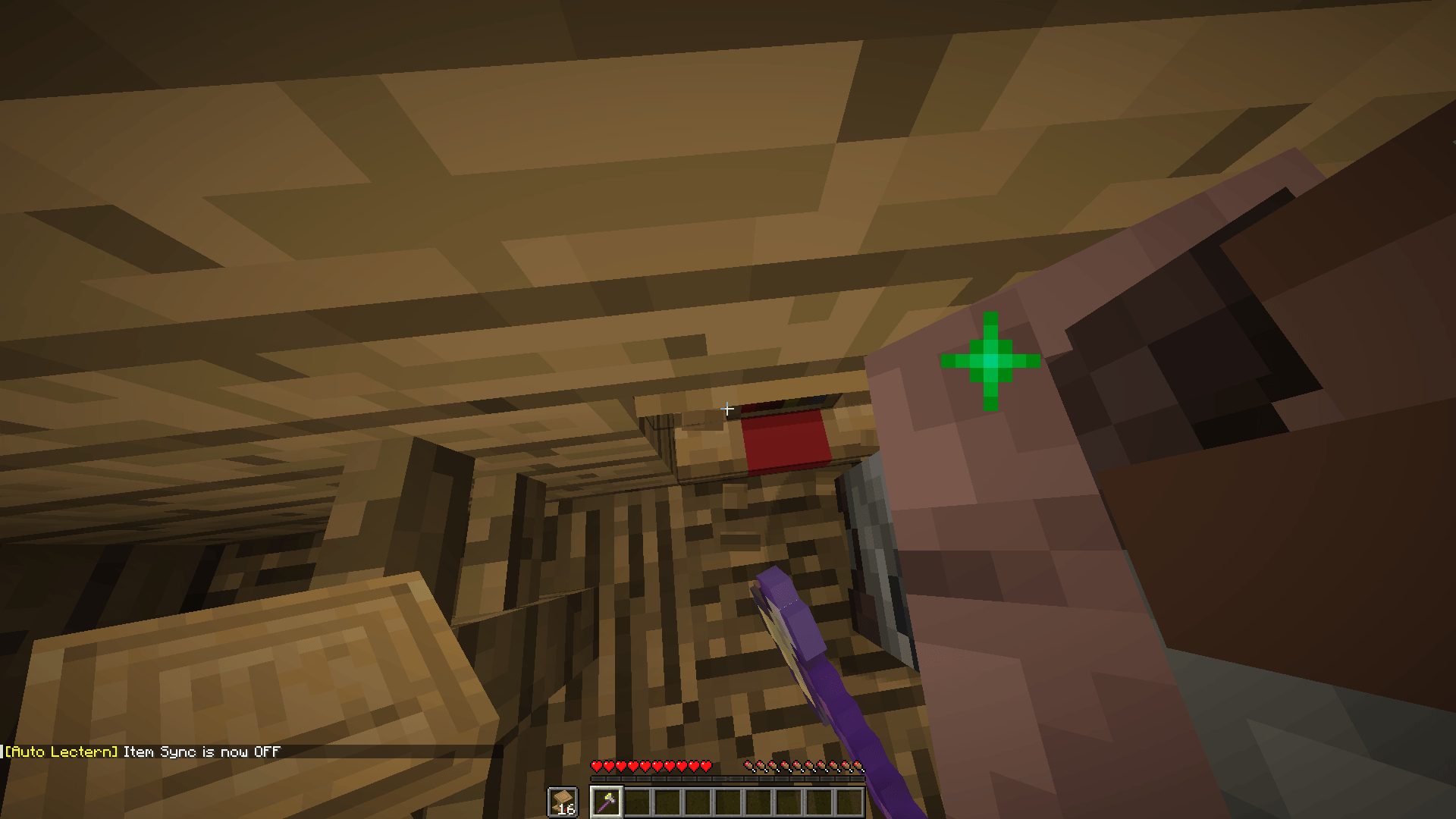
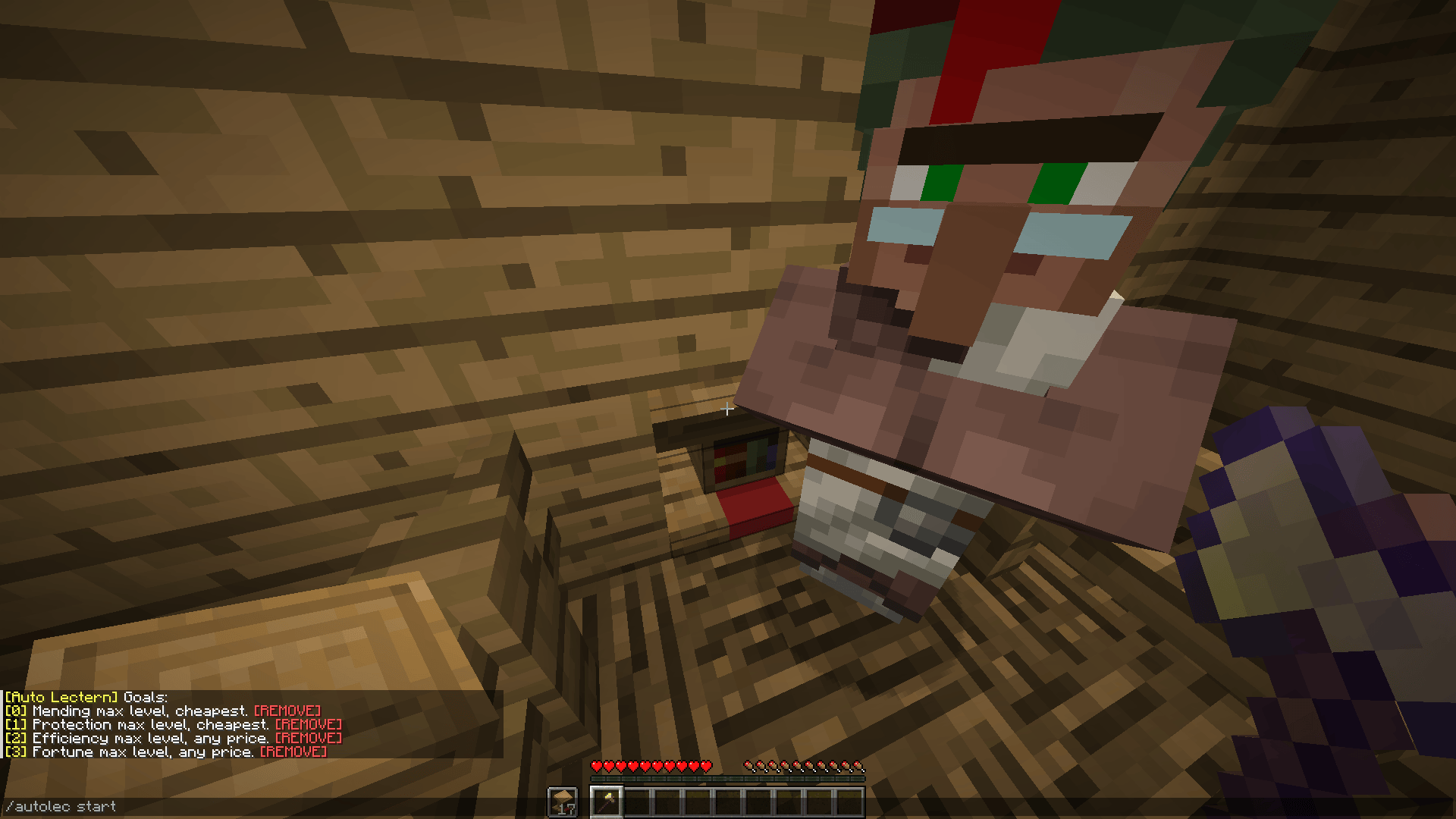

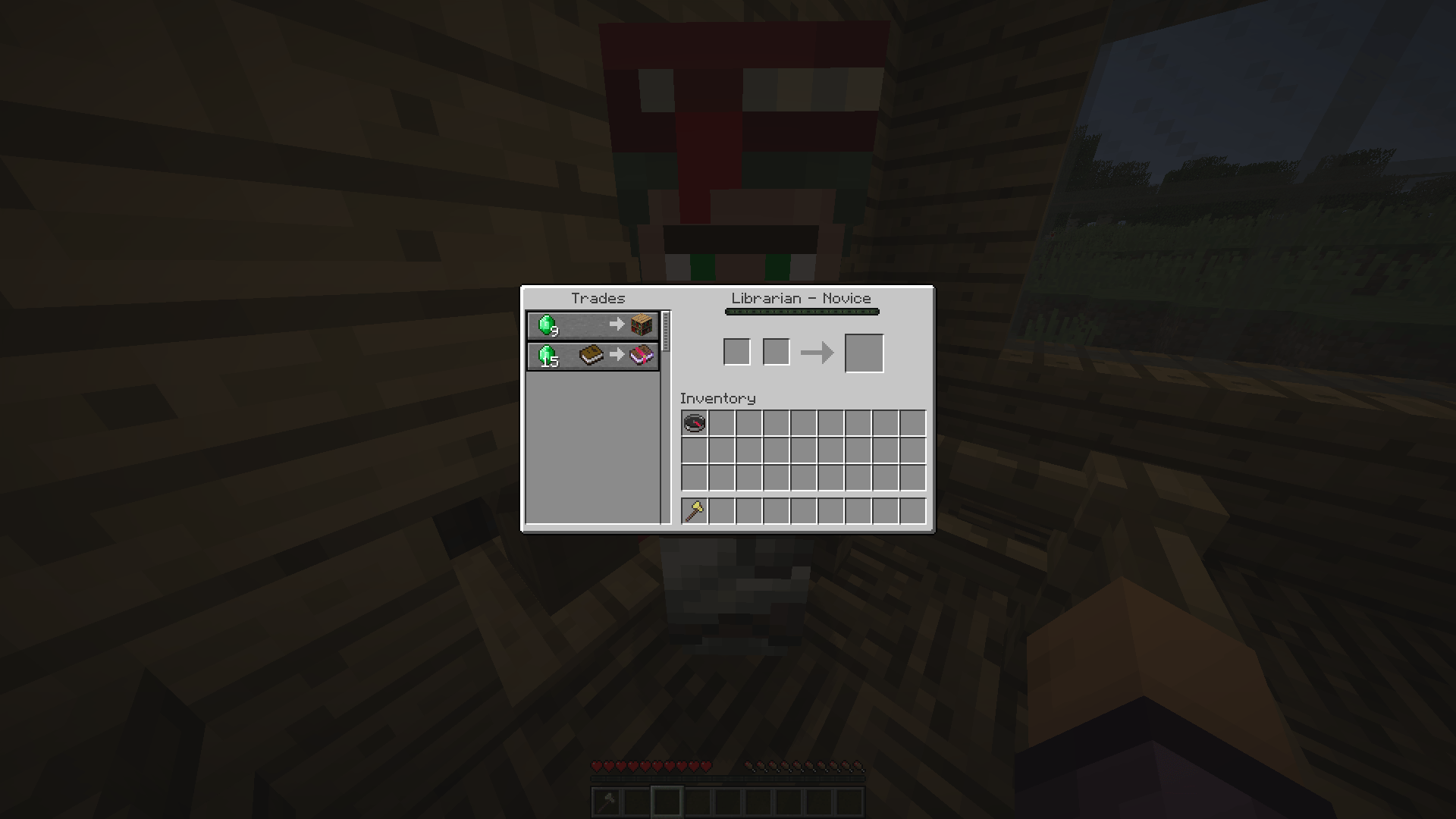
介绍
Auto Lectern (Fabric):
This mod basically breaks and places lecterns to cycle trades for you.
Usage:
Add a goal:
/autolec add [enchant]? [(minLevel, maxLevel)/min/max/any] [(minPrice, maxPrice)/min/max/any]
Look at a lectern
/autolec start
Stop:
/autolec stop
If there isn’t any goal Auto Lectern will cycle forever.
If you wish to make Auto Lectern wait for the lectern item to be picked up first,
do
/autolec sync item
Quick Start
Add a goal
You may add a goal using the command /autolec add which has the following syntax:
/autolec add [enchant]? (([min_level] [max_level])|min|max|any) (([min_price] [max_price])|min|max|any)
Here’s an example of adding mending at lowest price:
/autolec add minecraft:mending max min
Here’s an example of adding mending at any price:
/autolec add minecraft:mending max any
Here’s an example to add Sharpness V at any price:
/autolec add minecraft:sharpness 5 5 any
Here’s an example to add Unbreaking of any level at the price of between 10-32 emeralds:
/autolec add minecraft:unbreaking any 10 32
Here’s an example to add ALL enchantments at max level and minimum price.
/autolec add max min
List goals
You may want to know which goals you have already added.
You may do this using the /autolec list command.
Prepare a suitable cycling area
Here’s an example of a suitable cycling area:
Prepare lecterns and axe(s)
For faster cycling speed, prepare many lecterns and put them in your offhand while putting the axe in your main hand.
Settings for consideration
- Auto trade
/autolec autoTrade (CHEAPEST|ENCHANT|OFF) - You may want to use auto trade to automatically trade the enchant or lock the enchant. To do this, you need to first put paper and or books and emeralds in your inventory as the mod with automatically trade those based on the settings:
- CHEAPEST – this will trade paper first, if there’s no such trade or you don’t have enough paper in your inventory, it will try to trade the enchant instead otherwise it will fail and won’t trade.
- ENCHANT – this will attempt to trade the enchant book. If it can’t it will fail and won’t trade.
- OFF – this means it won’t automatically trade for you.
- Break Cooldown
/autolec breakCooldown - By default, Minecraft has a break cooldown. You may disable break cooldown while using AutoLectern by toggling Break cooldown to OFF.
- Logging
/autolec log - By toggling this on, it will display log of trades in chat.
- Pre breaking
/autolec preBreak - By toggling this on, it will make AutoLectern start breaking the lectern while waiting for villager trades, speeding up the cycling speed.
- IMPORTANT if your tool is instant, you should turn pre breaking OFF since it will CAUSE THE LECTERN TO BREAK WHILE WAITING FOR TRADES.
- Preserve tool
/autolec preserveTool - By toggling this on, it will cause AutoLectern to stop if your tool is about to break.
- Item sync
/autolec sync item - By toggling this on, AutoLectern won’t place a lectern until the broken lectern has been picked up, useful for when you don’t have many lecterns.
Start cycling
You may start cycling by LOOKING AT THE LECTERN and run the following command: /autolec start
Removing goals
After you got your enchant, you may remove your goal by:
- Clicking the [REMOVE] button in chat where it says
Goal met: - Clicking the [REMOVE] button in chat when you do
/autolec list - Using
/autolec remove [index]where [index] is obtained from the number on the left in/autolec list
常见问题
Auto Lectern 支持哪些 Minecraft 版本?
Auto Lectern 支持 Minecraft Java 版 1.20.2–26.3,共 19 个版本,可用的加载器:Fabric。下载时注意选择和你游戏版本一致的文件。
Auto Lectern 怎么安装?
先用 PCL2 或 HMCL 启动器安装对应版本的 Fabric,再把下载的 .jar 文件放进游戏目录的 mods 文件夹,重新启动游戏即可。开启了版本隔离的,mods 文件夹在 versions/版本名 下面。运行环境:仅客户端。
评论
登录后评论和评分