
Audio Switcher
Audio Switcher lets you toggle your master audio level with a hotkey, offering quick and customizable sound control for smoother gameplay.
介绍
Audio Switcher
Audio Switcher Mod is a simple yet highly functional Minecraft mod designed to enhance your in-game audio control. This mod allows players to toggle their master audio level quickly and seamlessly using a customizable hotkey. Ideal for moments when you need to adjust sound levels on the fly, whether you’re sneaking around mobs, communicating with friends, or switching between quieter and more immersive gameplay.
Configuration
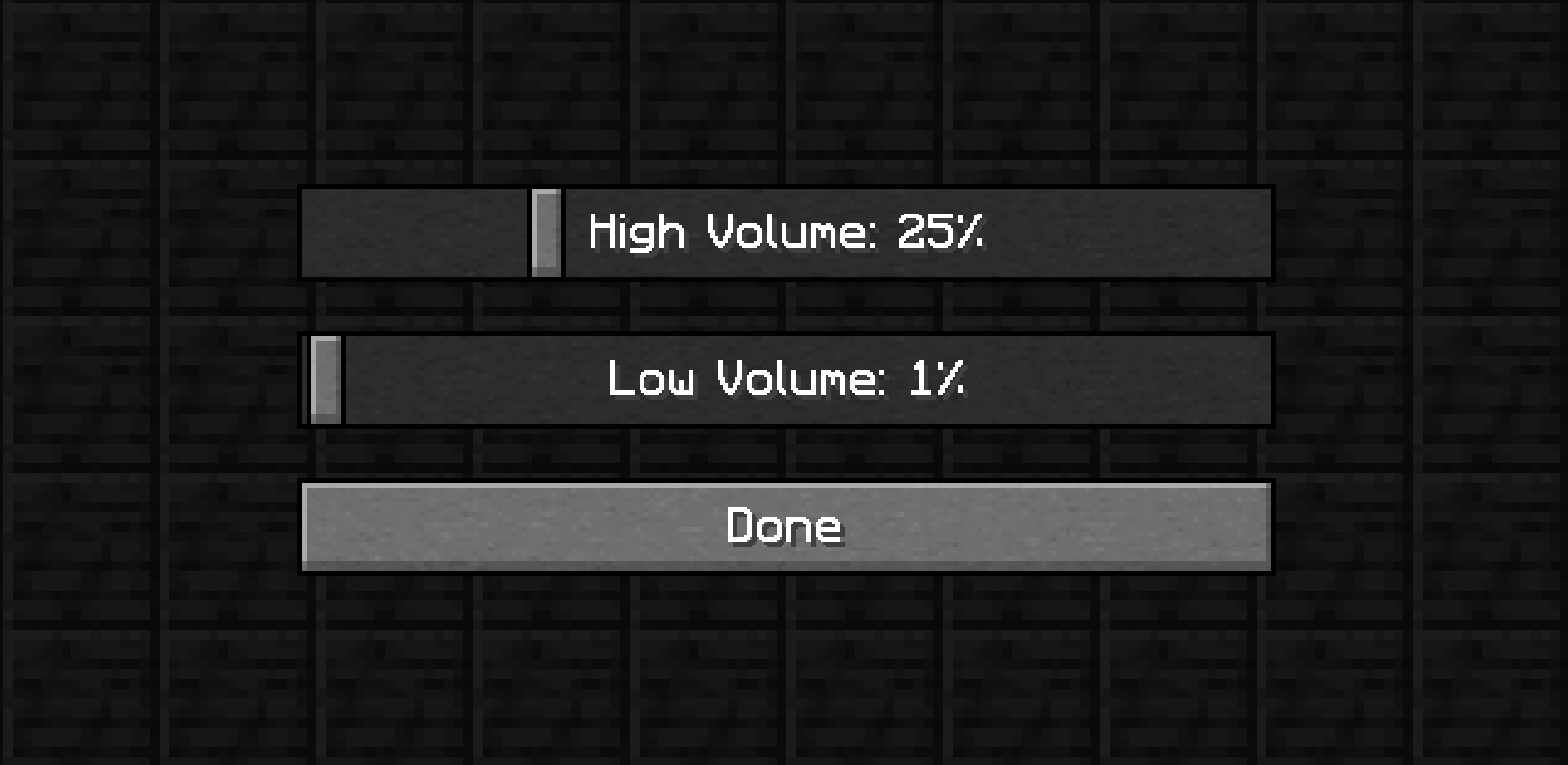
The mod features a configuration menu via ModMenu where you can set your preferred maximum and minimum audio levels, tailoring the sound toggles to your exact needs. Players can easily switch between these preset levels without diving into the settings menu. The mod is compatible with single-player and multiplayer modes and works well alongside other audio-related mods.
常见问题
Audio Switcher 支持哪些 Minecraft 版本?
Audio Switcher 支持 Minecraft Java 版 1.21–1.21.3,共 4 个版本,可用的加载器:Fabric。下载时注意选择和你游戏版本一致的文件。
Audio Switcher 怎么安装?
先用 PCL2 或 HMCL 启动器安装对应版本的 Fabric,再把下载的 .jar 文件放进游戏目录的 mods 文件夹,重新启动游戏即可。开启了版本隔离的,mods 文件夹在 versions/版本名 下面。运行环境:仅服务端。

评论
登录后评论和评分