
Audio Focus
Audio Focus allows you to target specific sounds in-game and lower their volume dynamically with your scroll-wheel
截图
介绍
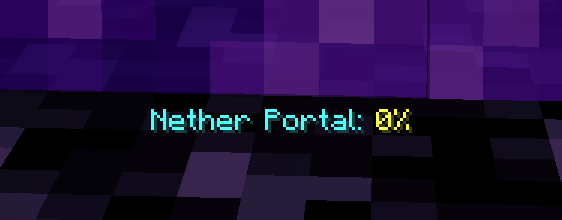
Audio Focus is a simple QoL mod that allows you to target and lower specific sounds of blocks and entities by pressing (by default) LEFT ALT + Scroll Wheel in-game.
You can also use the mod’s config menu to add specific sounds you’d like to lower yourself if those are not readily available in the world, such as cave ambient noises. Sounds that are back to 100% are deleted.
Keep in mind that a lot of blocks have shared sounds, it is currently not possible to split the sounds from block to block as it would require to rework the sound system entirely. This would be a gigantic endeavor and it would also most likely conflict with popular sound mods.
The mod has autocompletion in the config, but please take a look at the Sound Effects wiki page, if needed.
常见问题
Audio Focus 支持哪些 Minecraft 版本?
Audio Focus 支持 Minecraft Java 版 1.21.10,可用的加载器:Fabric。下载时注意选择和你游戏版本一致的文件。
Audio Focus 怎么安装?
先用 PCL2 或 HMCL 启动器安装对应版本的 Fabric,再把下载的 .jar 文件放进游戏目录的 mods 文件夹,重新启动游戏即可。开启了版本隔离的,mods 文件夹在 versions/版本名 下面。运行环境:仅客户端。
评论
登录后评论和评分